table of contents
Expired certificates still break production systems in ways that catch teams off guard. A web app may fail at the edge, an internal API may stop trusting client certificates, and a signed release can stall in the pipeline. In 2026, shorter TLS lifetimes make this harder to manage by hand.
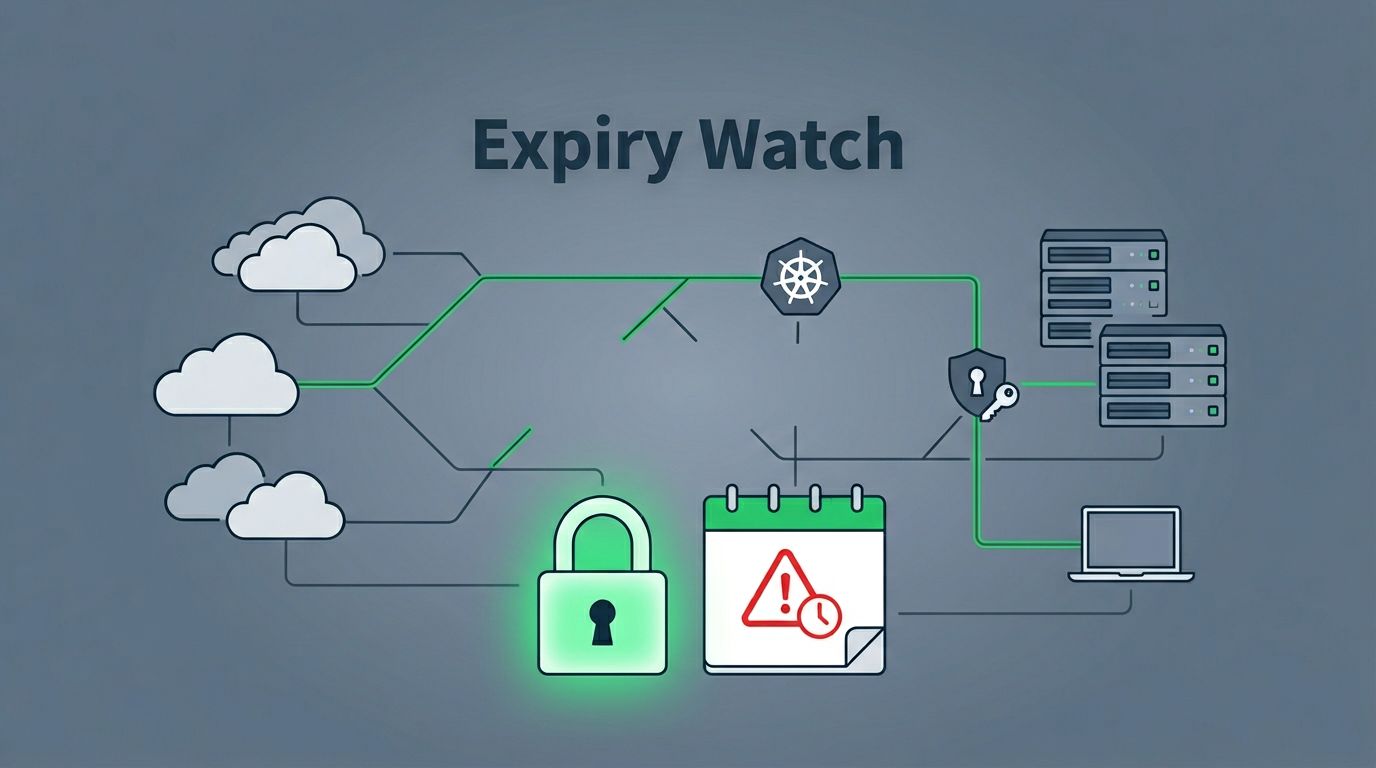
The real problem is usually not one certificate. It’s the gap between what you think exists and what’s actually deployed across cloud, on-prem, device, and identity systems. Good certificate expiration monitoring closes that gap before it turns into an outage, a compliance issue, or a late-night incident.
Start with a complete certificate inventory
You can’t manage expiry risk if you only track public websites. Critical systems often hide certificates in load balancers, mail relays, VPN concentrators, Kubernetes ingress layers, internal APIs, and device trust stores. A discovery pass across hybrid environments is the right starting point, and certificate discovery across hybrid environments is a useful model for how broad that search should be.
A practical inventory should cover more than expiration dates. It should also record owner, system, issuer, SANs, chain status, and renewal method. Without those fields, an alert tells you something is wrong, but not who should fix it.
| Area | How to find it | Common blind spot |
|---|---|---|
| Public web and APIs | TLS handshake scans, certificate transparency logs | CDN edges, shadow subdomains |
| Cloud-managed certs | AWS ACM, Azure Key Vault, GCP Certificate Manager APIs | Old listeners and unused certs |
| Internal PKI | CA databases, AD CS, mTLS services | Client certs, VPN, Wi-Fi auth |
| Device and boot trust | Endpoint tools, OS inventory, firmware records | Secure Boot and appliance certs |
That inventory should feed your CMDB or asset system, not sit in a spreadsheet. When records tie back to real services and owners, expiration risk becomes measurable instead of vague.
Hunt down hidden certificates across every environment
The fastest way to miss a failure is to assume one scan covers everything. Public-facing checks catch exposed endpoints, but they won’t reveal a certificate inside an internal service mesh or a forgotten test cluster.

Use a layered discovery method instead:
- Run command-line spot checks with
openssl s_clientfor external endpoints andcertutilon Windows systems. - Pull cloud inventory through APIs, not screenshots or exports.
- Reconcile certificate data with your CMDB, IAM records, and service maps.
- Scan code repos, CI secrets, and deployment manifests for embedded cert material.
- Review certificate transparency data and public scans for certificates you didn’t know about.
For quick external discovery, a tool like CyberArk’s TLS certificate scan can expose expired, weak, or misconfigured public certificates fast. That kind of scan is useful for baselines, but it should feed a deeper inventory process, not replace it.
A missing certificate is often an inventory problem first, and a renewal problem second.
Also watch systems that don’t look like classic web infrastructure. Code-signing certificates, S/MIME certificates, VPN auth chains, and Windows Secure Boot trust chains all expire on their own schedules. In 2026, that matters more because certificate lifetimes are shrinking, so one missed renewal gives you less recovery time.
Build continuous certificate expiration monitoring that teams trust
Manual checks fail because they depend on memory. Continuous monitoring works because it watches every source, every day, and routes alerts to the right place. A good setup blends certificate monitoring platforms, cloud-native tools, and SIEM or ticketing workflows.
A useful reminder pattern is 30, 15, 7, and 1 day before expiration. That gives procurement, platform, and security teams time to act. The same idea shows up in 2026 SSL certificate monitoring guidance, along with tool comparisons that help you match the platform to your environment.
| Tool category | Best use | Limit |
|---|---|---|
| Certificate monitoring platform | Unified view across many systems | Needs clean ownership data |
| Cloud-native tools | ACM, Key Vault, and GCP-managed certs | Misses on-prem and edge assets |
| Command-line checks | Spot validation and troubleshooting | Not continuous by itself |
| CMDB or inventory integration | Ownership, routing, reporting | Only as good as source data |
| SIEM and alerting workflow | Escalation, audit trail, incident handling | Needs tuning to avoid noise |
The strongest setups send one alert to the service owner, one to the platform queue, and one to the SIEM. They also suppress duplicate notices after the first ticket opens. That keeps people from ignoring the signal because it looks like spam.
If your team needs help mapping ownership, tooling, and escalation paths across a mixed environment, Book a Discovery Call with Bud Consulting.
Remediate fast when a certificate is close to expiring
A good alert is only useful if the response is repeatable. When an expiry alert fires, the team should know exactly what to check and who owns each step.
- Confirm the certificate owner, system, and renewal method.
- Renew or replace the certificate, then install the full chain.
- Push the update to every region, cluster, or endpoint that serves traffic.
- Validate the cert externally and internally after deployment.
- Update the CMDB, ticket, and audit record with the new expiry date.
One example is a load balancer serving the same app in two regions. If automation renews only one side, the second region can still fail after the first cert looks healthy. That’s why validation has to cover the actual traffic path, not only the renewal job.
Common mistakes show up again and again:
- Watching only public websites and missing internal services.
- Using one reminder window instead of staged alerts.
- Tracking certs in spreadsheets that drift out of date.
- Forgetting the chain, SANs, or intermediate cert after renewal.
- Ignoring boot trust and code-signing certificates because they do not look like web risk.
For Windows fleets, boot trust needs separate attention this year. The 2011 Secure Boot certificates are already on the clock, so endpoint teams should track them beside TLS and internal PKI assets.
Conclusion
Certificate expiry risk grows fast when ownership is unclear and checks are manual. The fix is simple in structure, even if the environment is messy: inventory everything, discover hidden certificates, monitor continuously, and route alerts to the people who can act.
That approach protects uptime, keeps trust chains intact, and gives compliance teams evidence they can defend. When certificate lifetimes keep shrinking, visibility is the only safe starting point.