table of contents
You’ve got backups running in the cloud. Jobs complete daily. But what if a ransomware attack wipes them out because of a simple permission slip? Or a restore fails due to untested configs? These scenarios hit hard in 2026, as groups like RansomHub exploit weak setups.
Cloud environments grow fast. AWS, Azure, and GCP sprawl across accounts. Admins add resources without updating policies. Gaps creep in. A solid cloud backup audit spots them before disaster strikes.
This guide walks you through preparation, spotting issues, and fixes. You’ll end with a checklist to run today. Let’s get your backups audit-ready.
Prepare for Your Cloud Backup Audit
Start with the basics. Gather your team: backup admins, cloud architects, and security folks. Schedule a full day. Block calendars now.
List all environments. Note AWS regions, Azure subscriptions, GCP projects. Include workloads like EC2 instances, VMs, databases, and storage buckets. Don’t forget SaaS apps if they feed into backups.
Pull reports from native tools. In AWS Backup, check the audit manager for compliance. Azure Backup offers vault health summaries. GCP Backup and DR shows job histories. Export these to a shared doc.
Document policies upfront. What retention periods apply? Daily for critical data? Weekly for others? Follow the 3-2-1-1-0 rule: three copies, two media types, one offsite, one immutable, zero recovery errors.
Set audit goals. Aim to verify coverage, testability, and security. Assign owners for each area.

Review access logs first. Who touches vaults? Tighten IAM roles. Revoke unused ones. This prevents attackers from deleting snapshots, a common 2026 fail.
Collect evidence. Screenshots of configs. Job logs from the last 90 days. Retention proofs. Without these, audits fall flat.
Prep a test environment. Spin up an isolated VPC or subscription. You’ll need it for restores later.
Now you’re set. Move to spotting gaps.
Common Gaps and How to Spot Them
Gaps hide in plain sight. Unprotected workloads top the list. A new EC2 instance launches without tags. Backup plans skip it.
Check coverage. Query resources against plans. In AWS, use resource assignments. Azure scans vaults for missed VMs. GCP lists protected disks.
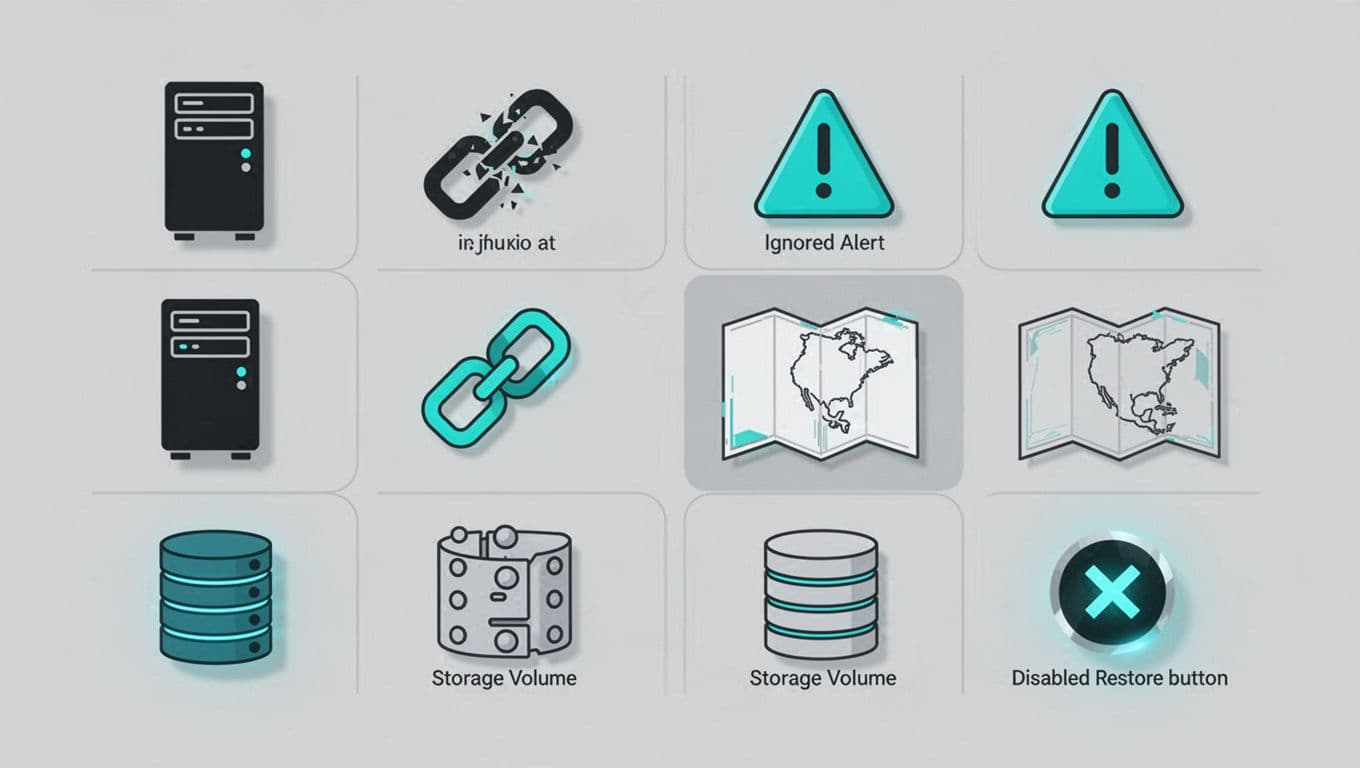
Retention policies drift next. You set 30 days. But a misconfig drops it to seven. Ransomware loves short windows. Compare rules to compliance needs. HIPAA demands years, not weeks.
Failed jobs go unnoticed. Alerts fire, but no one acts. Dig into logs. Look for 412 errors in GCP or IAM denials in AWS. Set Slack or email notifications.
Missing cross-region copies leave single points of failure. Verify replication. AWS Backup vaults should copy to another region. Azure uses geo-redundant storage.
Immutable backups block deletes. Without them, attackers tamper freely. Confirm WORM settings or retention locks.
Excluded items sneak in. Databases like RDS or volumes on EBS often skip scans. Run discovery tools. Native scanners miss shadow resources.
Untested restores? Fatal. 29% of failures trace here. Simulate quarterly.
For deeper prep ideas, see this backup audit preparation checklist.
These gaps caused real pain in 2026. Public buckets exposed data. IAM overperms let ransomware win.
Spot them systematically next.
Run a Step-by-Step Cloud Backup Audit
Begin with inventory. List all assets. Use AWS Resource Explorer or Azure Resource Graph. Cross-check against backup plans.
Question one: Does every critical workload back up? Filter untagged items. Add them to plans.
Next, verify frequency. Critical data needs daily. Others weekly. Check rules in consoles.
Ask: Do jobs succeed? Pull metrics. Success rate under 99%? Investigate. Permissions often block.
Test retention. Attempt a delete on a sample point. Locks hold? Good.
Confirm immutability. AWS uses vault lock. Azure Recovery Services vaults enforce it. GCP sets policies.
Check copies. Cross-region active? Run a list command.
Now restores. Pick a volume. Restore to your test env. Time it. Does RTO match SLAs? Validate data integrity.
Audit access. Least privilege? Review roles. No delete perms on prod vaults.
Log everything. Note findings in a sheet: gap, evidence, owner.
For AWS specifics, AWS Backup Audit Manager helps track this automatically, as outlined here.
Azure pros can monitor vault actions via their security benchmark.
Repeat quarterly. Automation via Lambda or Logic Apps speeds future runs.
Your Cloud Backup Audit Checklist
Use this table during audits. Print it. Check off as you go.
| Check Item | Questions to Ask | Evidence to Collect | Pass/Fail |
|---|---|---|---|
| Full Coverage | All workloads tagged and assigned? No shadow resources? | Resource lists vs. plans; discovery scans | |
| Job Success | 99%+ success rate? Alerts configured? | Last 90-day logs; notification proofs | |
| Retention | Matches policy (e.g., 30/90/365 days)? | Rule screenshots; compliance map | |
| Immutability | Locks prevent deletes? WORM enabled? | Policy exports; test delete attempt | |
| Cross-Region | Copies in secondary region? | Replication status reports | |
| Restores | Recent test succeeded? RTO met? | Test logs; integrity checksums | |
| Access Control | Least privilege IAM? No broad deletes? | Role policies; access logs |

Run it per environment. Tally fails. Prioritize high-impact ones.
This keeps audits fast. About 2 hours per cloud.
Fix Gaps and Strengthen Resilience
Act on findings. Start with coverage holes. Tag resources. Assign to plans.
Failed jobs? Fix IAM. AWS needs BackupServiceRolePolicy. Add it.
Retention short? Update rules. Test compliance.
No immutability? Enable locks. Azure vaults get retention policies.
Add cross-region via console. Set continuous.
For restores, schedule monthly. Document runbooks.
Tighten access. Use conditions in policies. Block deletes.
Automate where possible. AWS EventBridge alerts on fails. Azure Monitor queries.
Retest after fixes. Verify in your isolated env.
Common fixes cut breach risk 32%, per recent scans.
Need help scaling this? Book a Discovery Call with Bud Consulting for expert guidance.
Key Takeaways
Regular cloud backup audits catch gaps before they cost you. Focus on coverage, tests, and locks. Use the checklist weekly.
You’ve got tools and steps now. Run one today. Backups exist to recover data. Make sure yours do.
Strong configs mean quick recovery. Sleep better knowing gaps are gone.