table of contents
Cloud environments grow fast. As teams expand and projects shift, user accounts and service identities often remain active long after their original purpose expires. These forgotten entries represent a significant vulnerability. A single dormant account can provide an entry point for an attacker to bypass current security measures.
Running a consistent cloud identity audit is necessary to maintain a hardened posture. If you don’t know who or what has access to your infrastructure, you can’t protect it. This process identifies stale access, cleans up legacy permissions, and forces better governance across your entire organization.
Understanding the Risk of Dormant Accounts
Dormant accounts are more than just clutter. They are high-value targets for attackers who favor stealth. Because these accounts are rarely monitored, malicious activity performed through them often goes unnoticed for months. Attackers use these “zombie” credentials to move laterally through your environment, escalate privileges, and exfiltrate sensitive data without tripping traditional behavioral alarms.

The challenge lies in the variety of identities. You are not just dealing with employee accounts. You must also account for contractor profiles, break-glass admin accounts, shared administrative credentials, and workload identities like service principals. Each category carries a different risk profile and requires a specific approach during your review.
Consider these common categories when evaluating your environment:
- Employee accounts: These usually follow a lifecycle but often persist after offboarding if the synchronization between HR systems and cloud providers fails.
- Contractor profiles: These are notoriously high-risk because they often lack an automated expiration date and are frequently orphaned when project scopes change.
- Service principals: These are often hard-coded into legacy applications, making them difficult to rotate or remove without breaking production workflows.
- Break-glass accounts: These represent critical access that must remain highly restricted; however, they often lack proper multi-factor authentication or auditing if not managed correctly.
If you are unsure where to begin, you might want to Book a Discovery Call with Bud Consulting to discuss your current identity governance challenges and improve your posture.
Executing the Identity Audit Process
A successful audit requires clear criteria. You cannot simply look for accounts that haven’t been used in a week. Your policy must reflect the actual usage patterns of your staff and systems. For example, a financial report account might only be used during month-end closing, whereas a standard developer account should show daily activity.
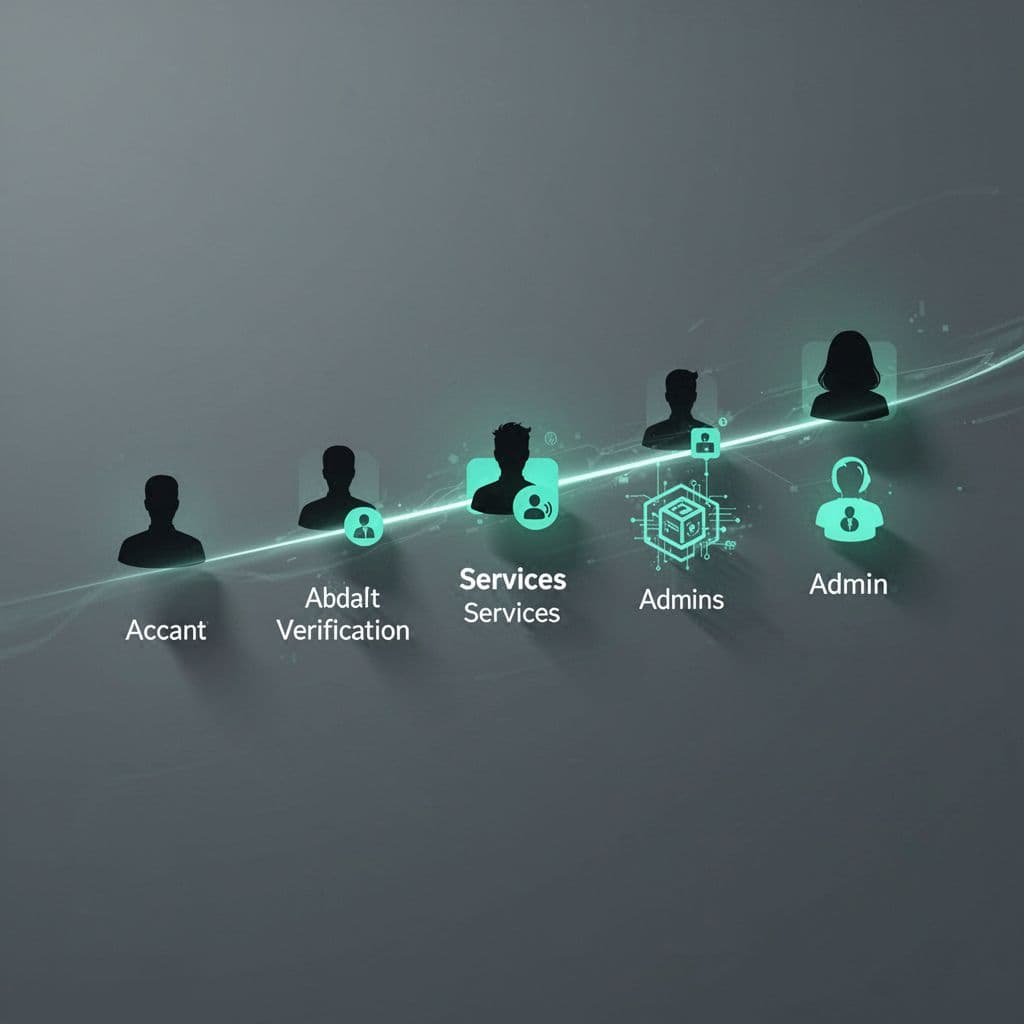
Begin by establishing your thresholds for dormancy. Many organizations define 60 to 90 days as the default window for user accounts, but this should be flexible based on the role. Once you have defined your baseline, focus on these technical indicators during your review:
| Audit Criteria | Purpose of Review |
|---|---|
| Last sign-in timestamp | Detects long-term inactivity for standard users. |
| Credential last used | Flags unused service keys or tokens. |
| MFA status | Identifies accounts missing modern protection layers. |
| Privileged role assignment | Highlights over-permissioned dormant accounts. |
| Group membership | Finds legacy access inherited through outdated teams. |
When you identify candidates for removal, verify their status before taking action. Cross-reference these accounts with your HR records or project management tools. For automated services, reach out to the engineering owners to confirm whether the service is still active. Documentation is essential here; ensure you log why an account was removed or retained for your future compliance audits, as shown in guidance like the CIS Controls Assessment Specification.
Handling Service Principals and Workload Identities
Service principals and API keys are often the most difficult components of a cloud identity audit. Unlike human users, these identities do not have a supervisor you can email to ask if they are still needed. If you delete a service account that is actually supporting a hidden production process, you can trigger an outage that is difficult to troubleshoot.
Start your review of service accounts by analyzing usage logs. Most cloud providers track exactly when an API key was last used to make a request. If you find a key that has been idle for several months, disable it temporarily instead of deleting it. This “soft-delete” approach provides a safety net. If an application breaks, you can quickly re-enable the key and investigate which system relied on it.
Standardize your approach to managing these identities. Encourage developers to use short-lived credentials or managed identities that rotate automatically. When you find long-lived, static secrets, treat them as high-risk assets. Implement strict expiration dates and require a justification for any account that needs persistent, long-term access. Refer to Microsoft’s documentation on managing inactive accounts to see how granular you can get with your monitoring.
Automating Your Governance Strategy
Manual audits are rarely enough for modern, scalable cloud environments. If your team relies on spreadsheets to track user permissions, you are already behind. Automation is the only way to keep pace with the constant churn of users and services.
Start by centralizing your identity data. Pull logs from your cloud service providers, your identity provider, and your SaaS applications into a single analytics platform. This visibility allows you to run reports that compare expected access against actual usage. By setting up automated alerts for accounts that reach your dormancy threshold, you shift your effort from reactive cleanup to proactive management.
Look for tools that offer “access reviews” as part of their feature set. These systems can automatically generate reports for department managers, asking them to verify whether their team members still require specific permissions. This distributes the workload, improves accuracy, and ensures that the people closest to the work are making the access decisions. For further reading on identity visibility, review the patterns and practices for identity governance provided by cloud architects.
Finalizing Your Remediation Steps
Once you have identified dormant accounts, you must have a clear path to remediation. Don’t leave accounts in an ambiguous state. If an account is truly dormant, your workflow should move immediately to disable it. After a cooling-off period, you can safely delete it.
Keep your remediation strategy transparent. If you discover a pattern of dormant accounts, investigate why they weren’t cleaned up during offboarding or project conclusion. Often, the issue is not the tool but a broken internal process. Strengthening these processes is the most effective way to prevent the build-up of unused identities in the future.
Your goal is to reach a state where identity governance is invisible and automatic. Every account should have an owner, a purpose, and an expiration date by default. By enforcing these constraints, you significantly reduce your attack surface and simplify your compliance requirements. A clean identity environment is the foundation of a robust security strategy. Stay vigilant, automate your checks, and keep your permissions as lean as possible.