table of contents
A missing log often looks harmless until an incident starts. Then every blind spot becomes a delay, and every delay makes the timeline harder to rebuild.
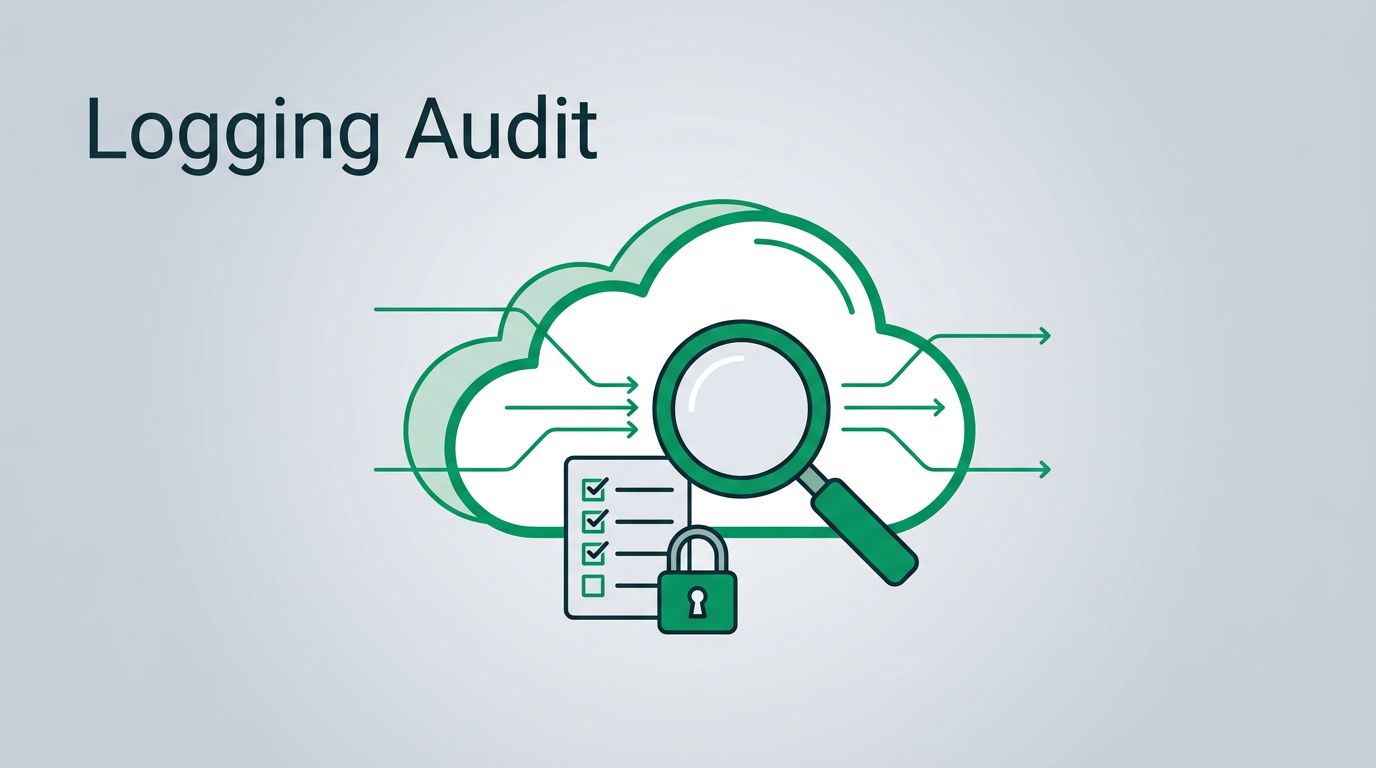
A cloud logging audit before an incident gives you a clear view of what is collected, where it lands, who can touch it, and what still goes unseen. The goal is simple, if a change affects access, hides evidence, or spreads across accounts, you should be able to trace it.
Start with the log sources, then test the path, then close the gaps that matter most.
Table of Contents
- What a cloud logging audit should cover
- Build a complete log source inventory
- Find coverage gaps before attackers do
- Check retention, access, and log routing
- Validate alerting with safe tests
- Cloud logging audit examples for AWS, Azure, and Google Cloud
- Conclusion
- FAQs
What a cloud logging audit should cover
Start with the events that answer the hardest questions during an incident. Who signed in? Which role changed? What network path opened? Which service account got new rights?
That means identity logs, admin and configuration changes, network flow logs, and logs from security tools. It also means storage access, policy changes, and anything that could erase or hide evidence.
Google’s Cloud Audit Logs overview is a useful reference for the main audit log categories in Google Cloud. For a broader cross-cloud checklist, 25 Cloud Security Best Practices for AWS, Azure, and GCP gives a solid view of the controls teams usually miss.
A good rule helps here: if an event can change access or hide activity, it belongs in scope. If a log would help you rebuild the timeline after a breach, it should already be part of the audit.
Build a complete log source inventory
A cloud logging audit gets messy when nobody knows what exists. Before you hunt for gaps, build a source inventory that covers every account, subscription, and project.
Use the same fields across all clouds so the list stays readable. That makes comparison easier, especially in mixed environments. Teams that run AWS, Azure, and GCP together often need one evidence model, not three separate ones. The cross-cloud approach in Cloud SOX 2.0 for AWS, Azure, and GCP is a useful reminder of how quickly evidence gets fragmented.
Your inventory should include:
- The cloud account, subscription, or project.
- The log source name and service owner.
- The log type, such as audit, access, flow, or application.
- The destination, such as a SIEM, object storage, or log analytics workspace.
- The retention period.
- The person or team that approves changes.
Once that list exists, you can see where coverage is strong and where it relies on memory. Memory is not a control.
Find coverage gaps before attackers do
Coverage gaps usually show up in the same places. Identity logs exist, but admin actions do not. Network logs arrive, but only in one region. Security alerts fire, but the rule depends on a source that nobody validated.
Look for missing coverage in the paths that matter most:
- New account or tenant creation.
- Role changes and privilege grants.
- Disabling or changing logging itself.
- Key network changes, such as security groups, firewalls, route tables, or firewall policy.
- Access to sensitive data stores.
- Security control changes, such as alert suppression or agent removal.
If a change can help someone hide, disable, or redirect access, it needs a log path and a second copy.
That second copy matters. Source logs are useful, but a single location is a weak point. If an attacker gets broad admin rights, the source account is the first place they will try to clean up.
This is also the point where teams notice false confidence. The dashboard says logging is “on,” but the right events never reach the central store. The audit should prove coverage, not assume it.
Check retention, access, and log routing
Retention decides whether you can investigate next week or next month. Access decides whether the logs stay useful after a compromise. Routing decides whether the right people can search them fast.
Start by checking how long each log type is kept. Match the retention period to your investigation needs and compliance requirements. Short retention works against you when an incident is slow, noisy, or only discovered later.
Then check who can read, delete, or change the logs. Use least privilege. Give broad read access only to the people who need it for operations or response. Store long-term copies in a place that is harder to alter, and separate the archive from day-to-day admin access where you can.
Routing matters too. A log that stays only in the source platform is slower to search across teams. Real-time forwarding to a central store helps alerting. A second archive helps later review.
A practical test is simple. Trace one event from source to destination. If you cannot follow the path in a few minutes, the route needs work.
Validate alerting with safe tests
Alerting is only useful when the log source, the rule, and the responder all line up. A cloud logging audit should test that chain end to end.
Use safe test events first. Make a harmless admin change, a test sign-in, or a controlled policy update. Then verify four things: the event was logged, the log reached the right destination, the alert fired, and the right person could open the record.
A short test sequence keeps this honest:
- Trigger a low-risk event in a test or sandbox environment.
- Confirm the source log is created.
- Confirm the log appears in the central system.
- Confirm the alert rule fires only when it should.
- Confirm the analyst can pivot from alert to timeline.
This is where many alerts fail. The rule may work, but it depends on a log source that was never included in the inventory. Or the log arrives late, so the alert is too slow to matter.
If the same gaps keep showing up, a deeper review may help. You can Book a Discovery Call with Bud Consulting to map coverage, alert dependencies, and response gaps across your cloud stack.
Cloud logging audit examples for AWS, Azure, and Google Cloud
The three major clouds use different names, but the audit questions stay the same. Are the right logs turned on? Do they reach a safe place? Can you search them fast enough during an incident?
| Platform | Logs to confirm | Common blind spot | Fast validation |
|---|---|---|---|
| AWS | CloudTrail, IAM changes, VPC Flow Logs, CloudWatch Logs | Trails limited to one account or one region | Make a harmless role change and confirm it lands centrally |
| Azure | Activity Log, Entra ID sign-in and audit logs, resource logs, NSG flow logs | Tenant-level identity events missing from the SIEM | Run a test admin action and check routing end to end |
| Google Cloud | Cloud Audit Logs, VPC Flow Logs, admin activity, needed data access logs | Data access logs turned off or ignored | Trigger a safe admin event and confirm storage plus alerting |
The table gives you the first pass. The real value comes from checking whether each platform sends logs into the same response path. If one cloud feeds a different workflow, incident handling gets slower.
AWS teams often miss organization-wide coverage. Azure teams often miss identity detail outside the main activity feed. Google Cloud teams often miss data access logs because they are noisy unless they are tied to a specific use case. Each problem leaves the same result, a thinner timeline.
Conclusion
A good logging setup feels boring until the day you need it. Then it becomes the difference between a clear timeline and a guess.
The strongest cloud logging audit is simple. It confirms the right sources, checks the path to central storage, verifies retention, and tests alerting before an incident forces the issue. That is how you make logs easy to find, hard to change, and useful when the pressure is high.
If the audit leaves one question unanswered, treat that gap like a finding, not a footnote. Missing evidence is still a risk.
FAQs
How often should a cloud logging audit happen?
Run it at least every quarter, and run it again after major changes to identity, networking, logging, or alerting. A cloud environment changes fast, so the audit should keep pace with that change.
Which log sources matter most before an incident?
Identity logs, admin activity, network flow logs, and logs from security controls matter most. Those are the sources that usually explain who changed what, when they changed it, and whether they tried to hide it.
What is the most common logging gap?
Identity coverage is the most common gap, followed by retention that is too short. Many teams also miss logs for logging changes themselves, which creates a blind spot right when they need evidence.
How do you test whether alerting depends on the right logs?
Trigger a safe event that should fire one alert, then trace the whole path. If the event does not appear in the central store, or the alert never fires, the dependency is broken and needs correction.
Do you need one central place for logs?
Yes. A central place makes search, retention, and incident response much easier. It also gives you a safer copy if the source account or tenant is compromised.