
table of contents
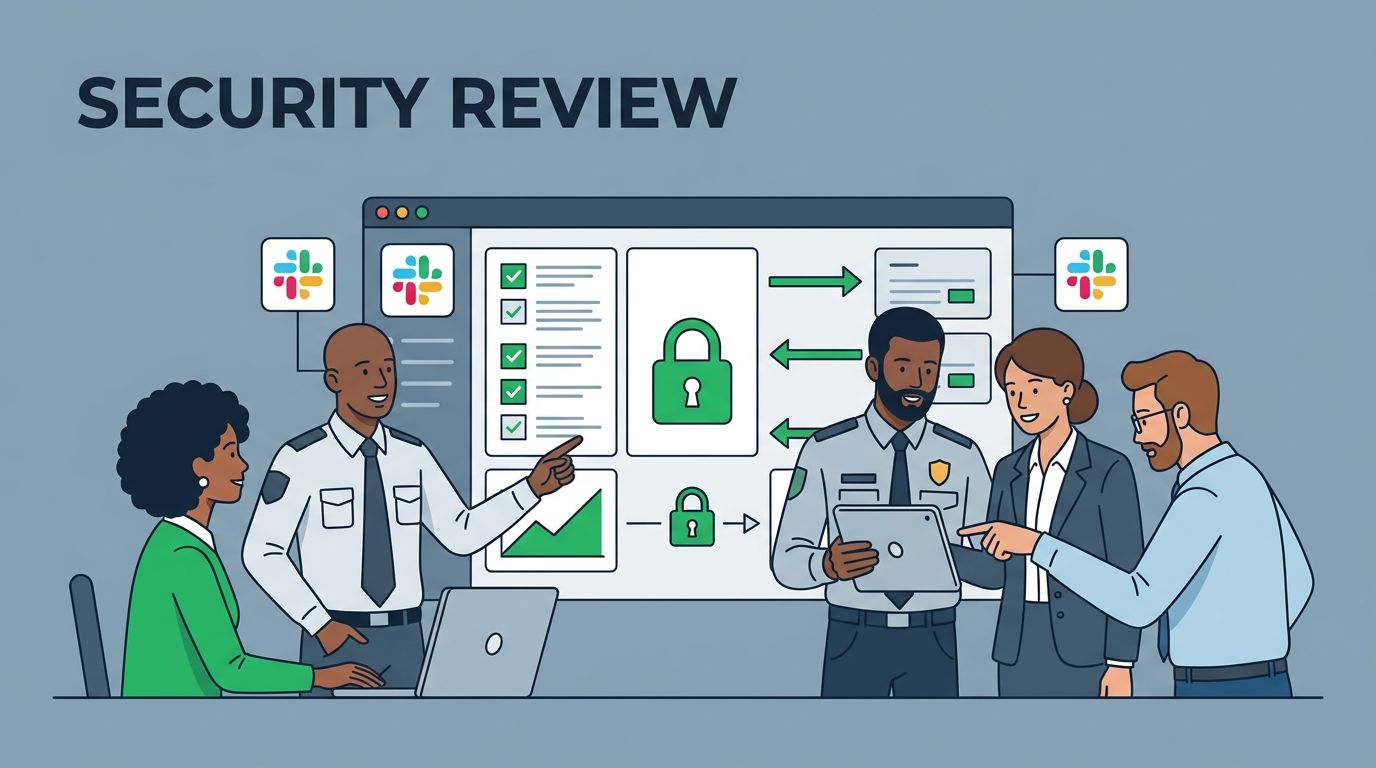
New collaboration tools can speed up work, and they can spread risk just as fast. A collaboration tool security review should treat Slack like a business system, not a chat app. It touches identity, files, guests, apps, retention, and now AI features in one place.
If you skip the review, the tool may fit the team and still fail your policy. A clean process helps you launch faster, with fewer surprises later.
Assemble the right reviewers
A useful review needs more than IT and procurement. Bring in security, privacy, legal, compliance, and the business owner. For Slack or Microsoft Teams, the person who manages identity and app approvals should join early.
That mix matters because each reviewer sees a different risk. Security looks at access and logging. Compliance looks at records and retention. The business owner knows how people will use the tool day to day.

A shared worksheet such as a secure collaboration checklist template helps keep the review moving.
Build a checklist around how people will use the tool
Start with the real use case. Slack can be safe in one company and risky in another, depending on guests, file sharing, app installs, and data retention. In 2026, Slack’s DLP, secret scanning, and AI guardrails deserve attention too, because they can reduce mistakes only if you configure them well.
Use this checklist as your first pass:
- Classify the data that will flow through the tool, including PII, source code, contracts, and PHI.
- Review identity controls, such as SSO, MFA, SCIM, and role-based admin access.
- Check how guest accounts, external channels, and shared workspaces are controlled.
- Inspect app install rules, OAuth scopes, and token revocation paths.
- Confirm retention, export, DLP, and secret-scanning settings.
- Test audit logs, admin alerts, and SIEM export before go-live.
| Area | Must-have controls | Nice-to-have features |
|---|---|---|
| Identity | SSO, MFA, SCIM, role-based admin, guest limits | Conditional access, just-in-time access |
| Data | Encryption, retention rules, DLP, secret scanning, export limits | Auto-classification, custom DLP rules |
| Apps | App approval, OAuth scope review, token revocation | App risk scoring, sandbox testing |
| Monitoring | Audit logs, admin alerts, SIEM export | UEBA, custom dashboards |
| Compliance | DPA, subprocessor list, residency options | FedRAMP, HIPAA, FINRA packages where relevant |
If the tool can expose secrets, invite guests, or connect to other SaaS apps, treat it like an identity and data-sharing system.
Ask vendors questions that expose weak spots
Slack’s own security best practices and authentication guidance are a good baseline. Still, your review should test the settings you plan to use, not the demo settings.
Ask direct questions that force clear answers:
- How do you control guest access and external channel sharing?
- Which apps can users install without admin approval?
- Can we block file downloads, message exports, or public sharing?
- How do your AI features handle customer data, and can admins disable them?
- What logs can we send to our SIEM, and how long do you keep them?
- Which parts of your compliance package are included by default, and which cost extra?
For enterprise buyers, the answer should include admin roles, audit depth, and lifecycle controls. For smaller teams, the core identity and data controls still matter, even if advanced features do not.
Watch for red flags before approval
The biggest risks often hide in defaults. Recent 2026 phishing campaigns used fake Slack and Teams workspaces, then pushed users toward bad logins or malware. That means identity and app controls matter as much as message security.
A vendor should slow down the deal if you see any of these:
- Weak or vague answers about default retention and export settings.
- Broad app permissions with little detail on scopes.
- Audit logs that are limited, delayed, or locked behind a higher tier.
- AI features that turn on without clear admin control.
- Data residency claims that shift by region or plan.
- A refusal to share recent security reports or test results.
If the sales team cannot explain the security model in plain language, the product may not be ready for your environment.
Collect proof, not promises
A vendor deck is not evidence. Ask for documents and settings that match your use case. That is especially true when the tool will hold regulated data or support a large employee base.
Request these items during procurement:
- SOC 2 Type II report, or the closest independent assurance report.
- ISO 27001 certificate, if they have one.
- Pen test summary and remediation status.
- DPA, subprocessor list, and breach notification terms.
- Architecture diagram and data flow summary.
- Admin docs for SSO, SCIM, DLP, retention, and audit logs.

If you want outside help comparing controls, Book a Discovery Call with Bud Consulting.
Adjust the review for regulated and enterprise use
Healthcare, financial services, and public sector teams need a tighter review. They may need HIPAA terms, FINRA retention support, FedRAMP authorization, or data residency commitments. They also need clearer rules for legal hold, supervision, and audit access.
Enterprise environments should look closely at SCIM, domain restrictions, delegation, SIEM export, and app approval workflows. Nice-to-have features like custom connectors or AI summaries can wait until the must-have controls are proven. That order saves time and avoids bad trade-offs.
A strong review keeps Slack useful without turning it into a blind spot. When identity, data, integrations, and proof all line up, the rollout feels calm for the right reason.




