table of contents
Remote contractors boost your projects but open doors to breaches. One compromised account can leak sensitive data or halt operations. You need solid controls to verify every login and limit exposure.
In 2026, threats target third parties first. Hackers exploit weak spots like unmonitored sessions or outdated MFA. These checklists draw from current practices to lock down access points. They focus on zero trust, just-in-time privileges, and quick revocation so you stay ahead.
Start with the basics. Follow these steps to build contractor access security that scales.
Adopt Zero Trust for Contractor Access
Zero trust means verify everything, every time. Don’t assume contractors on your network are safe. They work from home offices or cafes, often on personal laptops.
Shift from VPNs to Zero Trust Network Access (ZTNA). This tool grants app-specific entry after checks. For example, confirm device health, location, and user identity before approval.

Key checklist items:
- Screen devices for updates, encryption, and antivirus. Block unmanaged ones.
- Tie access to contract details. Use geo-fencing to deny high-risk countries.
- Review logs weekly. Spot unusual patterns like logins at odd hours.
This approach cuts cloud risks by 81%, per recent reports. Tools like Zscaler or Cloudflare handle it smoothly. Result? Contractors reach only what they need, nothing more.
Secure Onboarding Checklist
Onboarding sets the tone. Rush it, and you invite trouble. Make it structured with clear steps.
Begin with identity proof. Require government ID, background checks, and references. Tools automate this via platforms like Okta.
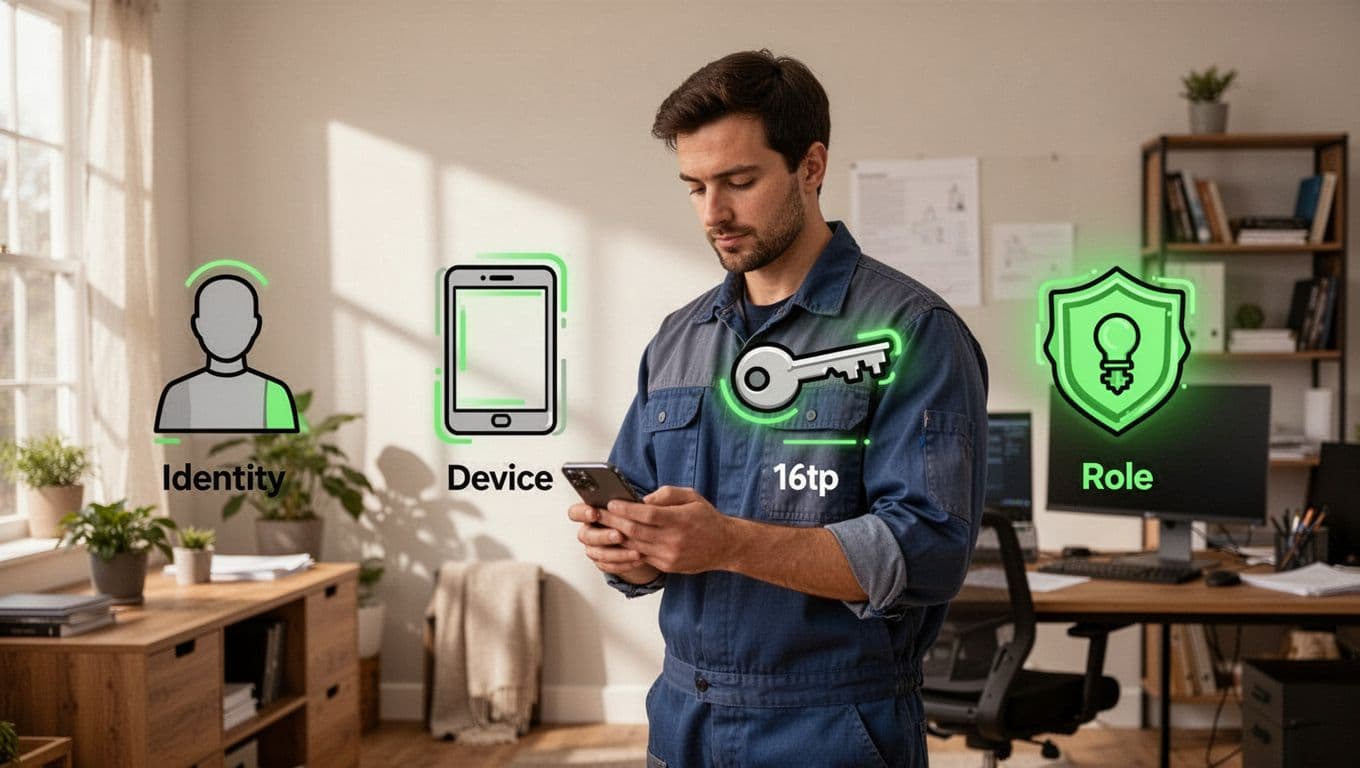
Follow this numbered checklist:
- Assign a sponsor. They own the access request and justify needs.
- Define roles narrowly. A design contractor gets view-only file access, not admin rights.
- Enroll devices in MDM. Push security profiles for endpoint protection.
- Set time-bound access. Link to project end date for auto-expiry.
For details on role-based scopes, check C1’s contractor access management guide. This prevents over-provisioning. Test the full flow before go-live.
Enforce Phishing-Resistant MFA
Standard MFA fails against phishing. SMS codes or app pushes get stolen easily. Switch to phishing-resistant options now.
Use FIDO2 keys, biometrics, or certificates. These bind to hardware or biometrics, so fake sites can’t grab them.
Here’s a quick setup table for contractor MFA:
| MFA Type | Best For Contractors | Enforcement Tip |
|---|---|---|
| FIDO2 Hardware | High-risk projects | Require on enrollment; supply keys if needed. |
| Biometrics | Daily logins | Pair with device trust checks. |
| Certificates | Privileged sessions | Auto-renew tied to contract. |
AI flags risky logins from new spots. This blocks 99% of credential attacks. Enforce it across email, apps, and clouds. Contractors adapt fast with training.
Deploy Just-in-Time and Conditional Access
Permanent access is risky. Grant it just when needed, then revoke.
Just-in-Time (JIT) approves privileges right before tasks. Sessions last hours, not weeks. Pair with conditional policies that check real-time factors.
Common conditions include:
| Condition | Policy Example | Why It Helps |
|---|---|---|
| Location | Allow only approved countries | Stops logins from threat zones. |
| Device State | Must have encryption and patches | Blocks vulnerable endpoints. |
| Time of Day | Restrict to business hours | Limits off-hours abuse. |
| Behavior | Flag bulk downloads | Catches data exfiltration early. |
Microsoft Entra or similar tools set these in minutes. See this guide on conditional access for contractors. Automate reviews at milestones. No confirmation means no access.
Monitor Sessions in Real Time
Grant access, then watch it. Real-time monitoring spots issues before damage.
Log actions like file views or app switches. AI alerts on anomalies, such as rapid data copies.

Checklist for effective monitoring:
- Centralize logs in SIEM tools like Splunk.
- Set baselines per role. Alert deviations.
- Focus on company assets. Respect privacy laws.
- Integrate with endpoint detection for remote wipes.
This meets GDPR and SOC2 needs. Quarterly audits prove compliance.
Master Rapid Offboarding
Contracts end abruptly. Revoke access instantly to shrink your attack surface.
Automate it. Tie accounts to contract dates for auto-disable.
Steps for offboarding:
- Disable IAM accounts with one click.
- Wipe corporate data via MDM.
- Archive logs for audits.
- Notify teams and update sponsors.
Use a central kill switch in Okta for stack-wide revocation. For high-risk systems, pair with continuous reviews as in this antimalware guide. Test monthly. It supports audits and cuts lingering risks.
Conclusion
Tight contractor access security starts with zero trust and ends with swift offboarding. Checklists like these reduce breaches by verifying every step.
Pick one area today, like MFA upgrades, for quick wins. Your systems stay safe as teams grow.
Book a Discovery Call with Bud Consulting to assess your setup.