table of contents
Your customer success rep shares a screen during a QBR. A prospect spots real customer names in the background. That’s not just embarrassing. It risks compliance violations and trust.
CS teams handle demos, onboarding, renewals, and walkthroughs daily. They often grab data from production environments for realism. But this exposes sensitive info like PII or company secrets. One slip can lead to breaches.
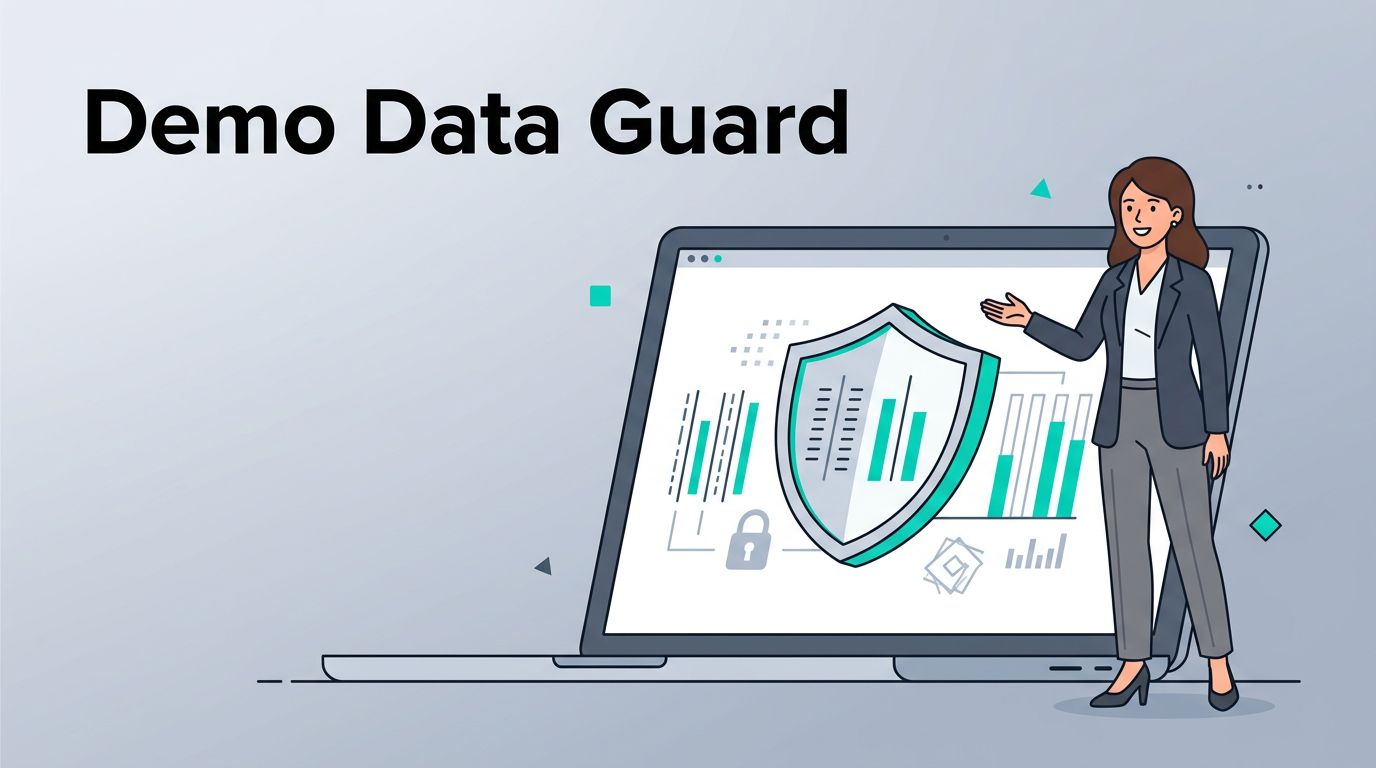
You can fix this. Train your team on demo data protection practices that keep things safe and effective. Start with clear environments and habits.
Why Demo Data Protection Matters for CS Teams
CS reps drive renewals and upsells through live demos. They need realistic data to show value. Yet production data carries real risks.
A single leaked email or transaction history triggers GDPR or SOC 2 alerts. Reps share recordings, screenshots, and decks widely. Execs review them. Prospects forward them.
Consider shared sandboxes. Multiple reps access them. Cross-contamination happens fast. One rep’s forgotten export hits another customer’s eyes.
Data shows leaks cost SaaS firms millions in fines and churn. Protect demo data to build security into your culture. Teams stay compliant. Customers trust you more.
Reps focus better without worry. They demo confidently. This boosts win rates on renewals.
High-level regs like CCPA push isolation. Frame training around prevention. Make it routine, not reactive.
Set Up Safe Demo Environments
Separate production from demos first. Use dedicated sandboxes. Production holds live customer data. Demos get synthetic copies.
Build environments with isolation. Auto-reset after sessions. This clears traces between users.
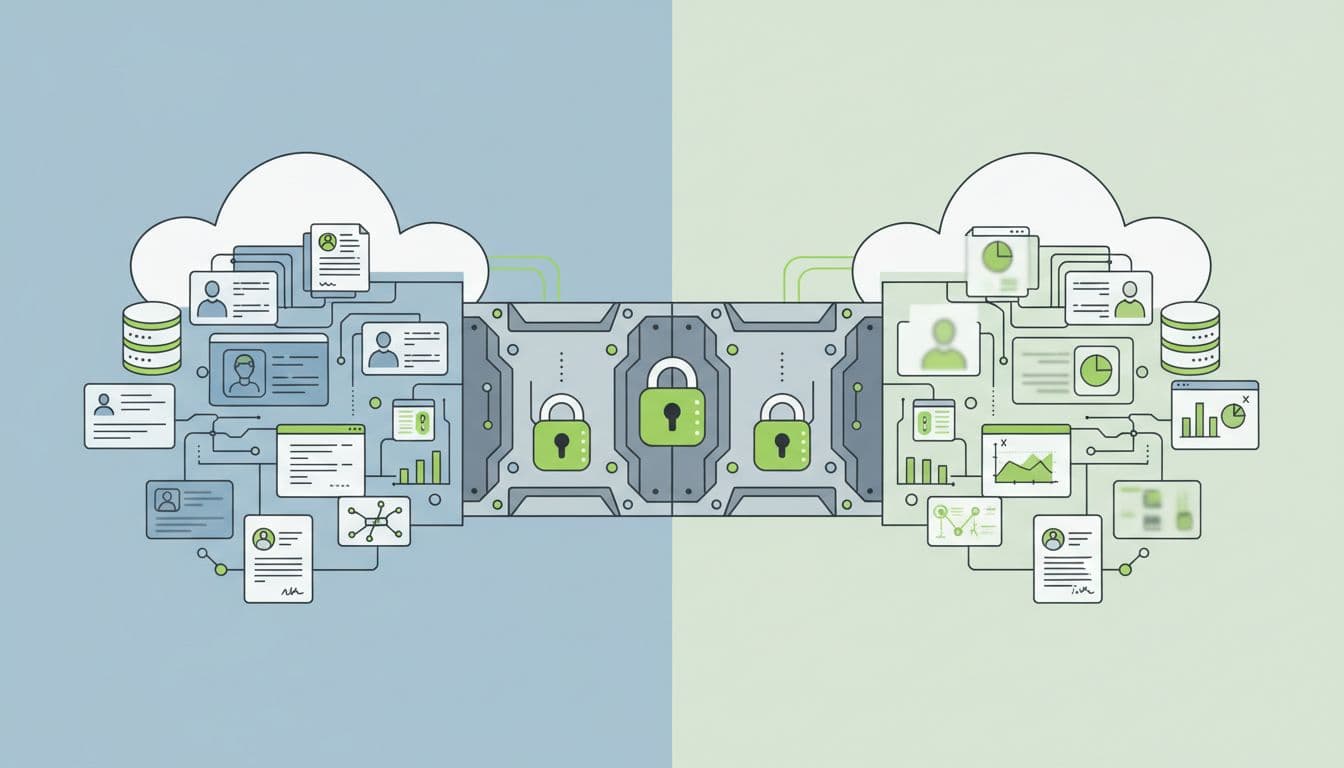
Seed these spaces with fake data. Tools generate profiles, transactions, and metrics that mimic reality. No real names or IDs.
Enforce least-privilege access. Reps get read-only views. Time-box credentials. They expire after demos.
For partners, tier environments. Lite versions for basics. Enterprise ones for complex flows. Always mask PII.
Check sandbox demo best practices for CS teams. They stress data isolation and resets.
Test uptime. Alerts flag issues. Have backups like simulations ready.
This setup prevents leaks in shared spaces. Reps pull from safe spots every time.
Build Effective Training Programs for CS Teams
Start training at onboarding. New reps learn demo risks day one. Use real scenarios. Show a leaked screenshot example.
Make sessions hands-on. Walk through sandbox setup. Practice anonymizing exports.

Schedule quarterly refreshers. Cover new tools or regs. Quiz on spot-the-risk.
Role-play QBRs. Spot hidden data in shared decks. Teach approval workflows. No demo shares without review.
Track completion. Tie to certifications. Top performers get shoutouts.
Use short videos. Five minutes on synthetic data generation. Reps watch before sessions.
For enablement managers, build modules. Onboarding: basics. Renewals: advanced masking.
Recurring drills keep habits sharp. Reps check twice before screenshares.
This builds muscle memory. Leaks drop because everyone knows the rules.
Key Best Practices for Everyday Use
Synthetic data tops the list. Generate it fresh. Fake names like “John Doe” work, but vary them. Tools create full histories.
Anonymize when needed. Blur screenshots. Redact exports. Never copy production directly.
Lock down actions. Disable live emails or webhooks in demos. Use preview modes.
For recordings, purge after use. Encrypt storage. Role-based views only.
Audit everything. Log accesses. Review weekly. Spot patterns like repeated prod pulls.
Approval gates help. Managers sign off on new decks. Block unvetted shares.
In multi-tenant SaaS, isolate tenants hard. Demos stay contained.
Avoid automation pitfalls. SaaS demo mistakes include prod data slips. Test integrations for leaks.
Partner demos need extras. Provide safe environments with ephemeral access.
These steps fit daily workflows. Reps adopt them fast.
Handle Exports, Screenshots, and Decks Securely
Screenshots leak often. Teach full-screen captures then redact. Tools auto-blur sensitive fields.
Exports demand checks. CSV previews show all. Scrub before saving.
Decks get shared wide. Strip metadata. Use templates with placeholders.
Recordings pose risks. Transcribe then delete. Share clips, not full files.
Watermark internals. “Demo Only” stamps remind viewers.
For QBRs, prep data pulls early. Run through compliance checklists.
This covers common vectors. Teams stay clean across tools.
Your Demo Data Protection Checklist
Use this framework. Implement it team-wide.
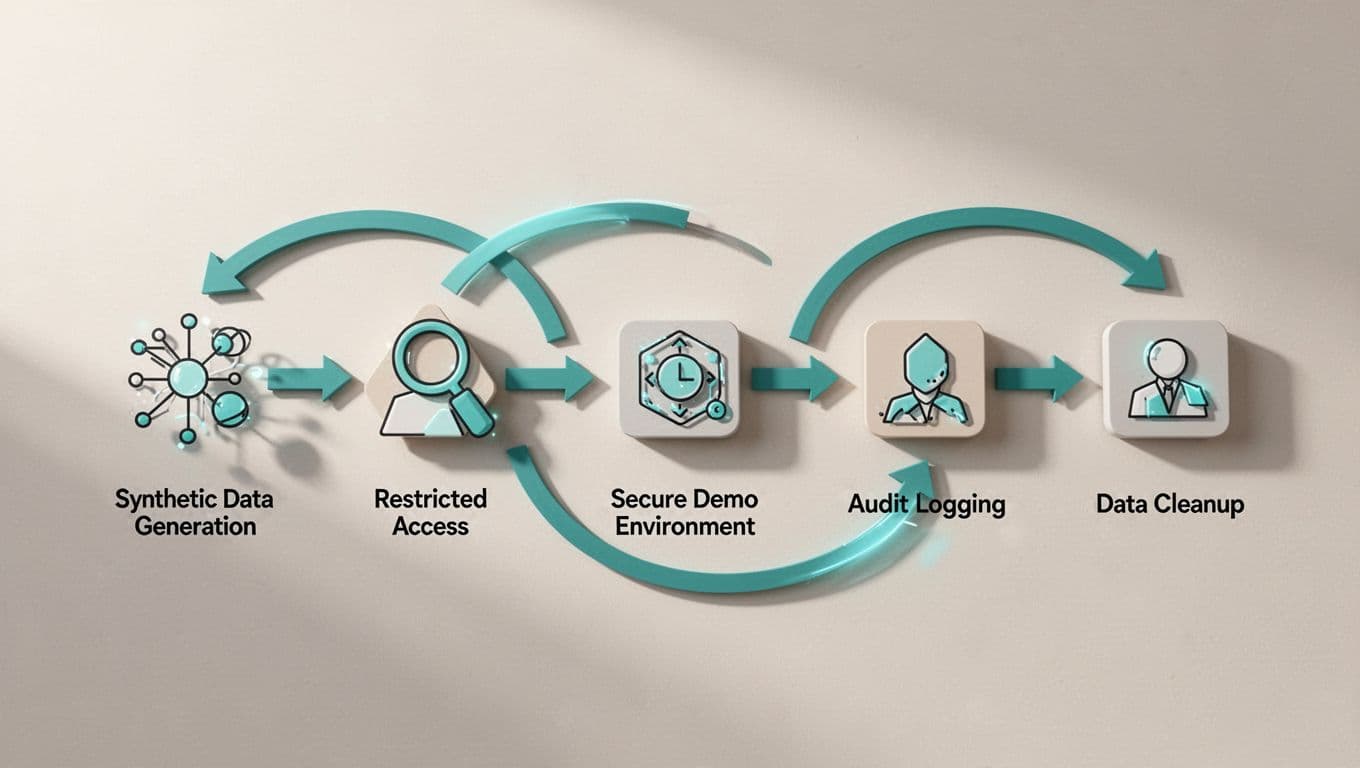
| Step | Action | Check |
|---|---|---|
| 1. Generate Data | Create synthetic profiles and metrics. Avoid prod copies. | [ ] |
| 2. Access Control | Assign least-privilege roles. Time-box logins. | [ ] |
| 3. Run Demo | Use shielded environments. Disable live actions. | [ ] |
| 4. Audit Logs | Review accesses and shares weekly. Flag anomalies. | [ ] |
| 5. Cleanup | Purge sessions, exports, recordings post-use. | [ ] |
Run this before every demo cycle. It takes minutes but saves headaches.
Customize for your stack. Add workflow tools for automation.
Demo content tips back tenant isolation.
Teams hit 100% compliance fast.
Conclusion
Demo data protection keeps CS teams safe and effective. Safe environments, targeted training, and daily checks prevent leaks.
Your reps demo with confidence. Renewals close smoother. Compliance stays solid.
Strong habits now avoid future fires. Start with the checklist today.
Book a Discovery Call with Bud Consulting to strengthen your security culture.