table of contents
Executives carry phones that double as keys to corporate networks, bank accounts, and personal lives. One compromised device can lead to account takeovers or data leaks that cost millions. In 2026, threats like AI-driven phishing and SIM swaps target leaders directly because their access is valuable.
You manage these risks every day. Attackers exploit travel, rogue Wi-Fi, and spyware without mercy. This guide gives you step-by-step playbooks to lock down iOS and Android devices while keeping them usable.
These controls focus on what works: defensible setups, daily checks, and quick response plans. Follow them, and you’ll cut exposure without frustrating your CEO or board.
Why Executive Mobile Security Demands Attention
Phones hold emails, approvals, and 2FA codes. A breach starts small but spreads fast. Salt Typhoon hackers hit US telecoms in early 2026, grabbing comms data that could fuel SIM hijacks on exec lines, per FBI alerts.
Executives face tailored attacks. Scammers pose as bosses in AI voice calls to approve wires. Spyware slips in via zero-click links, stealing mic access or NFC payments. Zscaler reports Android malware jumped 67% year-over-year.
Home networks add risks too. Compromised smart devices pivot to corporate systems. CISA warns highly targeted users to assume all mobile comms are at risk of interception.
You need layered defenses. Start with device posture checks. Then enforce app-based 2FA over SMS. These steps block 80% of common paths, based on Verizon’s latest index.
Travel amps everything up. Rogue chargers in airports relay data. Public Wi-Fi invites man-in-the-middle grabs. Build habits now to handle them.
Spotting Key Threats to Executive Phones
Executives spot threats by watching patterns. Battery drains fast? Data usage spikes? Those signal spyware like Pegasus variants still active in 2026.
AI phishing leads the pack. ISACA says 63% of pros rank it top. Fake texts from “IT support” push malware. Deepfakes mimic voices for urgent approvals.
SIM swaps persist. Crooks call carriers with stolen details, port your number, and snag 2FA. Salt Typhoon’s telecom hits make this easier.

Spyware thrives on unpatched flaws. Jamf found half of firms expose devices to chains like Chrome kernel bugs. Check for overheating or odd permissions weekly.
Rogue Wi-Fi and NFC fraud round it out. Evil twins steal sessions. Relay attacks skim tap-to-pay from across rooms.
For deeper signs of compromise, review CISA’s mobile best practices guidance. It stresses MFA and secure apps for high-risk users.
Act on warnings fast. Dismiss them as noise, and you invite takeovers.
Core Setup Playbook for iOS Devices
Lock iPhones from day one. Go to Settings > Face ID & Passcode. Set a 6-digit PIN minimum; alphanumeric if your exec allows. Enable “Erase Data” after 10 fails.
Turn on full-disk encryption; it’s default but confirm in Privacy & Security. Staged rollout helps: brief the exec, demo it, then enforce.
Next, enable two-factor authentication everywhere. Use iCloud Keychain for app passwords. Ditch SMS; push to authenticator apps like Duo.
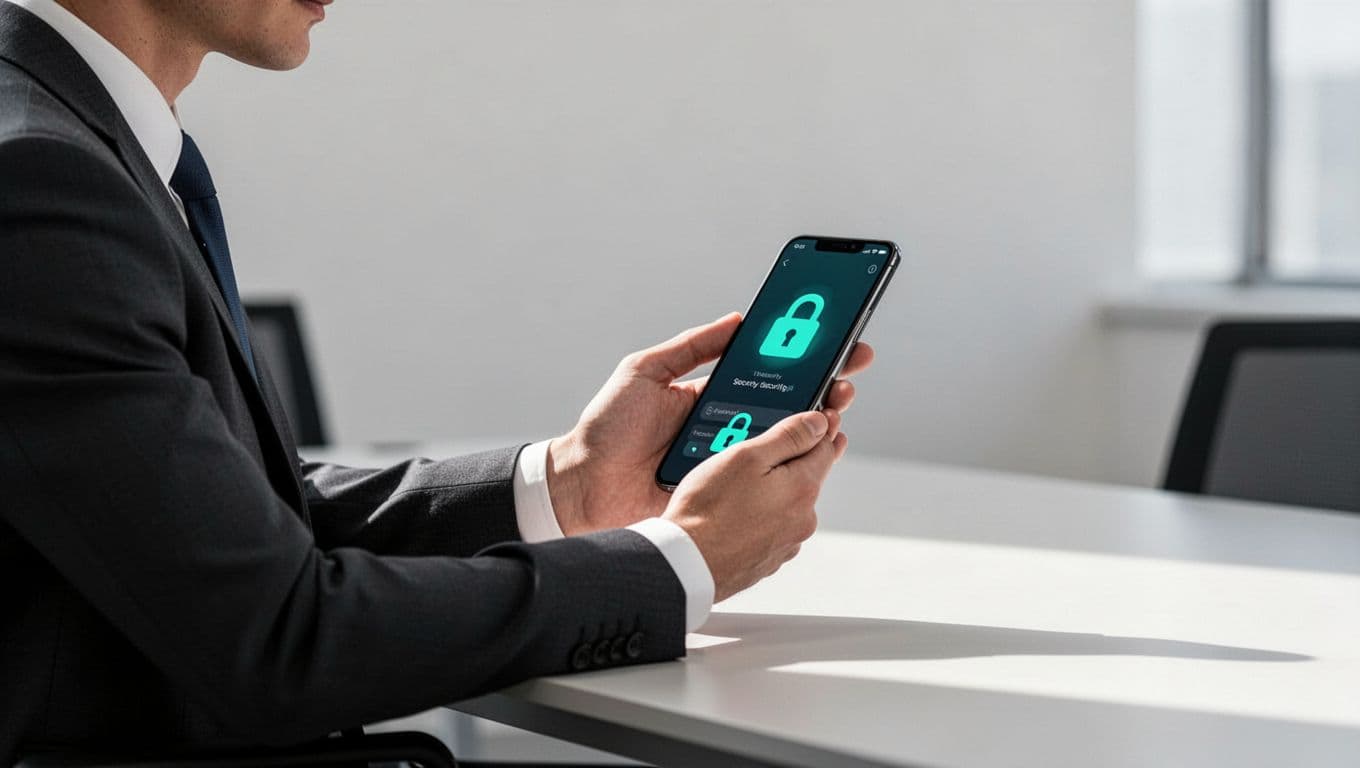
Install a VPN always-on profile. Tools like Jamf Pro push this silently. Block auto-join Wi-Fi; manual only.
Limit apps. Review in Settings > Screen Time > Content & Privacy. Block sideloading, restrict camera/mic access to essentials.
Update weekly. Enable auto-updates but test first. iOS 20 patches fixed zero-days exploited in Q1 2026.
For MDM, use Intune or Jamf. Separate work data with MAM. This keeps personal photos safe while securing email.
Test usability. Execs hate friction, so whitelist key apps. Run posture checks daily via endpoint tools.
These steps take 15 minutes. They block spyware and phishing cold.
Core Setup Playbook for Android Devices
Android needs similar rigor but more tweaks per OEM. Start with Pixel or Samsung Knox-enabled phones for built-in defenses.
Go to Settings > Security > Screen Lock. Set strong PIN or biometric. Enable “Secure lock settings” to auto-lock on suspicious activity.
Activate Google Play Protect. Scan for malware daily. In Settings > Security > Google Play Protect, turn on “Improve harmful app detection.”
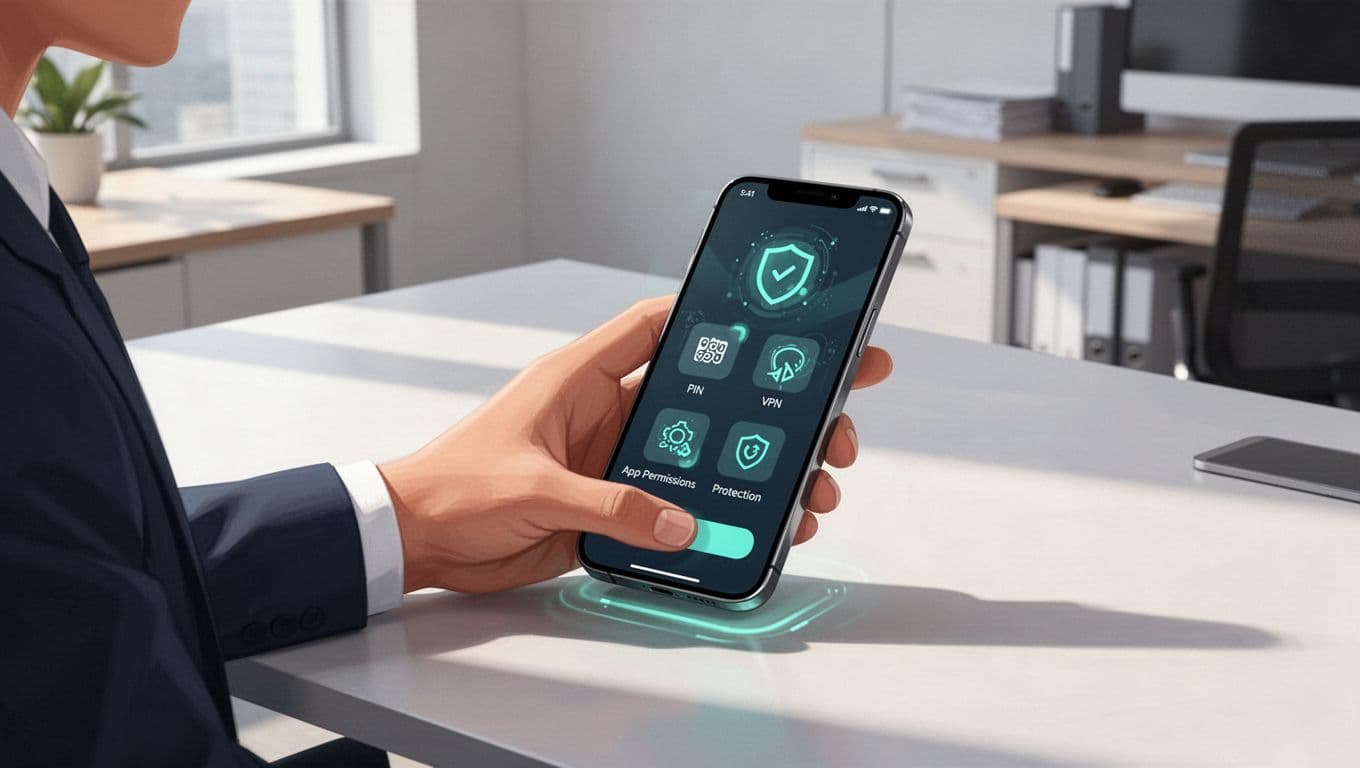
Set up work profile with Knox or Android Enterprise. This isolates apps. Enforce VPN via Always-On VPN in Network & Internet.
Review app permissions. Deny location, mic, camera unless needed. Block installs from unknown sources.
Switch 2FA to app-based. Use Google Authenticator or hardware like YubiKey NFC.
Patch fast. Samsung’s E-FOTA pushes OS updates seamlessly. Avoid custom ROMs; they void defenses.
For fleets, deploy via Intune. Monitor with Knox Manage for anomalies.
Execs get full use. No personal data lockdown. Just safe corporate access.
Building Daily Habits for Mobile Protection
Habits beat tools alone. Charge with your own cables only. Public USB ports harvest data.
Scan weekly. iOS: Analytics & Improvements logs. Android: Play Protect reports.
Review accounts monthly. Check login history on email, banking. Revoke odd sessions.
Disable Bluetooth auto-join. Turn off NFC when not paying. Airplane mode in crowds.
Use privacy screens. Lock devices instantly; never leave unattended.
For home, segment networks. Guest Wi-Fi for IoT. Inventory connected gear.
Phishing drills work. Send fake smish tests quarterly. Track click rates.
These routines catch 90% of issues early. No big overhauls needed.
See executive cyber security trends for home network tips.
Handling Travel and High-Risk Scenarios
Travel spikes risks. Use burner devices for high-threat countries. eSIM swap before trips.
Airplane mode default at gates. No auto Wi-Fi. VPN for all connections.

Carry charge-only cables. Inspect hotels for tampering. Voice approvals? Wait for video confirm.
In taxis or cafes, pocket the phone. Biometrics beat PINs here.
Post-trip, full scan and password rotation. Wipe if suspicious.
For global execs, virtual desktops offload data. No sensitive files on device.
Details on mobile security for executive travel highlight clean-device strategies.
Prep kits: extra batteries, Faraday pouches. Test them quarterly.
Incident Response for Mobile Compromises
Suspect a hit? Isolate fast. Don’t text about it; use secure channels.
Step 1: Airplane mode on. Power off if possible.
Step 2: Notify your team via landline or secondary device.
Step 3: Remote wipe via MDM. Intune or Jamf does this in seconds.
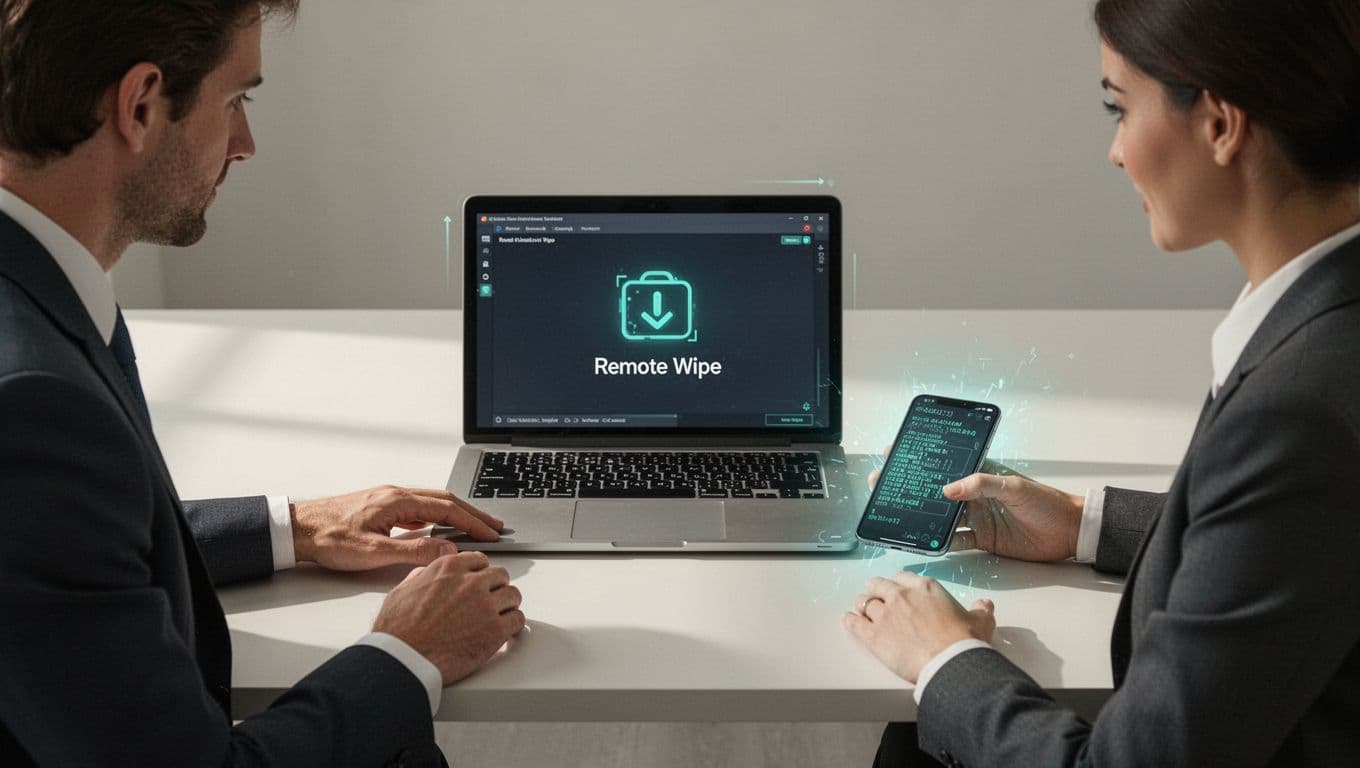
Step 4: Change all passwords from a clean machine. Rotate 2FA.
Step 5: Forensic scan with tools like Cellebrite. Check carrier for SIM swaps.
Replace the device. Provision fresh with backups scrubbed.
Run tabletop drills twice yearly. Time your response under 30 minutes.
For warning signs like sudden outages, see this guide to mobile compromise indicators.
Document for compliance. Turn incidents into training wins.
Conclusion
Strong executive mobile security rests on setup playbooks, daily habits, and response plans. You’ve got steps for iOS, Android, travel, and breaches that balance protection with ease.
Implement them now. Threats like SIM swaps and AI phishing won’t wait.
Your team stays ahead. For tailored advice on closing gaps, Book a Discovery Call with Bud Consulting.