table of contents
Exposed credentials move fast on public code. If you’re tracking exposed api keys github alerts, the goal is simple, find the leak fast, confirm it safely, then fix it before anyone reuses it.
That work only makes sense for repos you own or are authorized to inspect. GitHub has stronger secret scanning and push protection in 2026, but good habits still matter more than any single tool.
What exposed keys usually look like
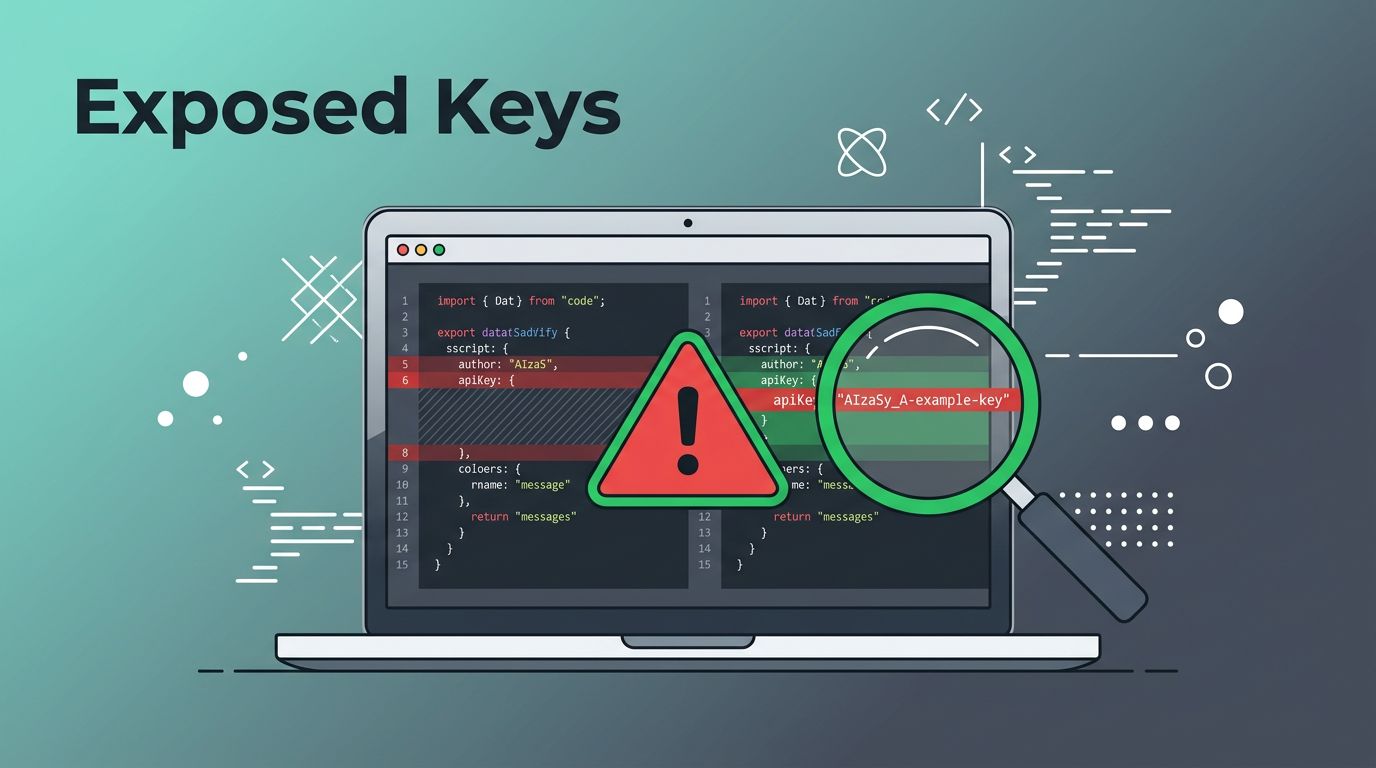
Most leaks hide in plain sight. They show up in config files, README examples, .env files, CI logs, test data, or copied JSON snippets.
Common examples include values that start with sk-REDACTED, AKIA..., or ghp_REDACTED. You may also see names like OPENAI_API_KEY, AWS_SECRET_ACCESS_KEY, or GITHUB_TOKEN beside a long random string.
Context matters just as much as the value. A token inside a sample config is risky, even if it looks “temporary.” A key in a commit diff is even worse, because the history can keep it alive after the file disappears.
A safe review starts with the surrounding code. If the line belongs to docs, fixtures, or a demo app, treat it as sensitive until someone confirms it’s fake.
A redacted example in documentation is fine. A live key in a public commit is a cleanup job.
GitHub’s built-in secret protections
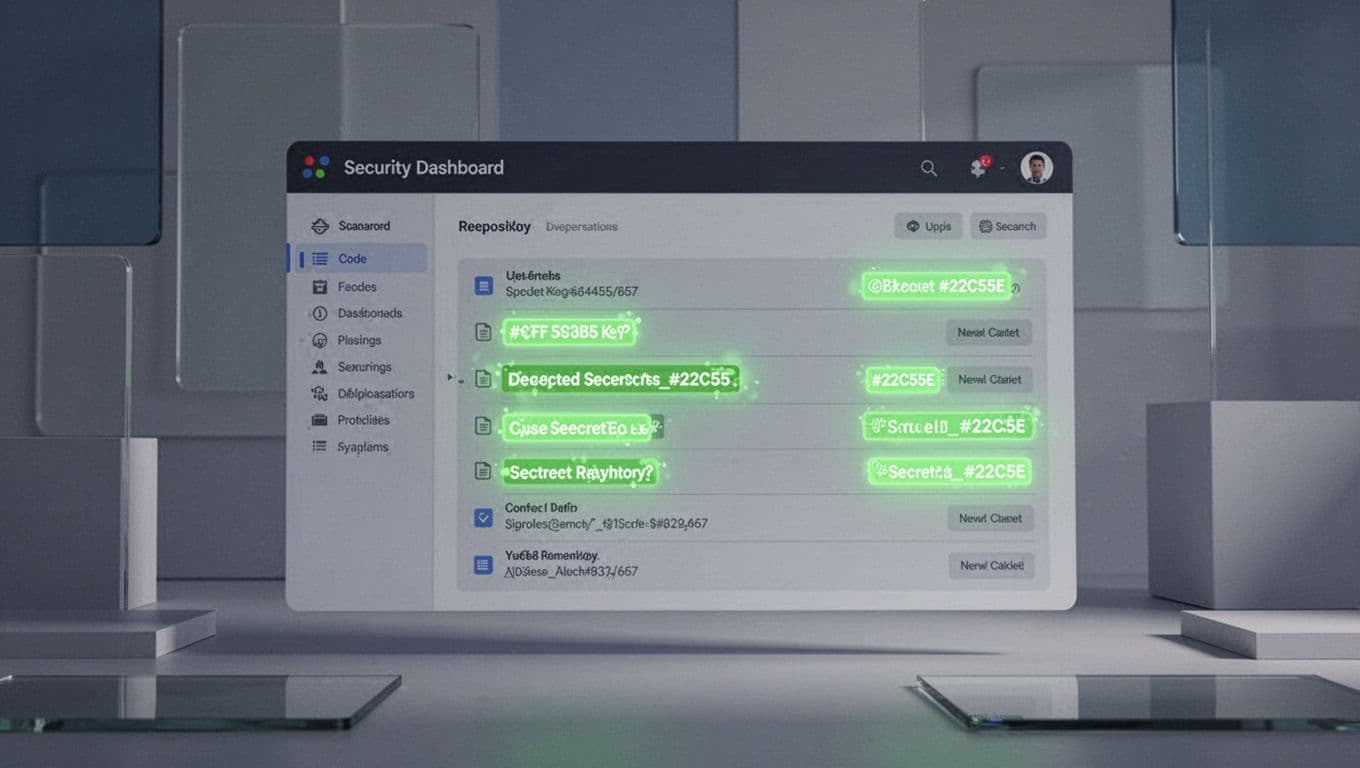
GitHub now does more of the first pass for you. In April 2026, it expanded secret-scanning patterns and improved alert workflows, including better push protection and richer APIs. See GitHub’s April 2026 secret-scanning updates for the latest changes.

Push protection blocks bad commits before they land. That matters because it stops a leak at the edge, not after release day. Secret scanning then helps you find older secrets in history, issues, pull requests, and gists.
For teams that track exposed api keys github alerts across many repos, GitHub’s native view is the fastest starting point. The secret-scanning alert API changes also help security teams route work to the right owner without manual chasing.
How to confirm a real leak without poking the service
Confirmation should stay inside your own tools and data. Start with the prefix, length, and variable name. Then check the file path, commit message, and nearby code.
A real leak often shows up in one of these places:
- environment files committed by mistake
- sample configs copied into a public repo
- CI logs that print secrets during a build
- docs that include live tokens instead of placeholders
Do not paste the value into the vendor API or a third-party checker. That can create more logs and more exposure. Instead, use the owning provider’s admin console, repo metadata, or an internal security contact who can confirm the token type.
If the scanner flags a value, ask a simple question, does it match a known format and a real code path? That catches many false alarms without touching the service itself. For deeper scans on code you control, the TruffleHog project repository is a useful reference because it checks patterns and history with validation in mind.
The best tools for public GitHub scanning
Different tools catch different mistakes. The best setup usually mixes one native control with one or two scanners you can run in CI.
| Tool | Best use | Strength | Watch out for |
|---|---|---|---|
| GitHub Secret Scanning | Native GitHub repos | Easy alerts, push protection, repo context | Best when enabled early |
| TruffleHog | History and validation | Strong detection across git history | Can need tuning in noisy repos |
| Gitleaks | CI and pre-commit checks | Fast, simple, popular in pipelines | Pattern-only scans can miss odd cases |
| GitGuardian | Team monitoring | Broad coverage and alert handling | Often fits larger teams better |
GitHub Secret Scanning is the best default for repos hosted on GitHub. TruffleHog is a strong second layer for older history and deeper checks. Gitleaks works well when you want fast guardrails in CI, while GitGuardian fits teams that want broader monitoring across many repos and chat tools.
A remediation workflow that closes the hole
Once you find a leak, speed matters more than elegance. Start with the credential itself, because deleting code is never enough.
- Revoke or rotate the key first. Replace the exposed credential in the provider console, then disable the old one.
- Remove the secret from the app. Move it to a proper secret store or environment variable.
- Clean the Git history. Use a history-rewrite tool on repositories you control, because the secret may still sit in past commits. Microsoft has a clear walkthrough in safe secret removal from Git history.
- Force-push the cleaned history, then tell collaborators to re-clone. Old clones can keep the leak alive.
- Re-scan the repo and watch for follow-on alerts. One exposed key often means another one is nearby.
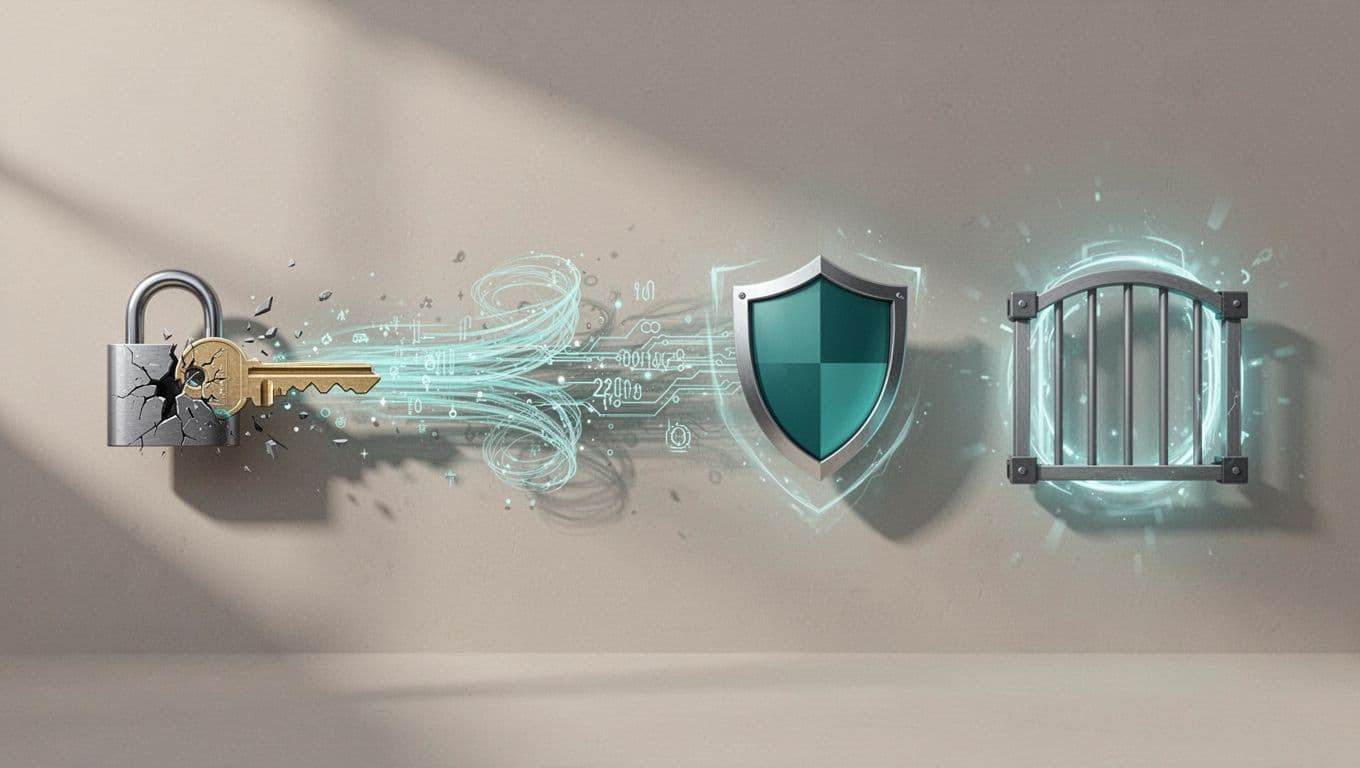
If the repo is public and owned by your team, add push protection, secret scanning, pre-commit hooks, and a short review rule for config changes. If you need help building a response playbook or hardening the process around it, Book a Discovery Call with Bud Consulting.
A short checklist for the next review
Keep this list close when you audit a repo for secrets:
- Scan the full history, not only the latest branch.
- Treat
.env, CI logs, and sample files as high-risk paths. - Confirm the token format against provider docs.
- Revoke before you clean up code.
- Re-scan after the fix and after the force-push.
A leak that looks small can still open a wide door. The fix is repeatable when your team follows the same order every time.
GitHub’s 2026 protections make the first alert faster, but they don’t replace a clean response process. Find the secret, cut off access, then remove the trail from your own history. That keeps an accident from turning into a long-lived incident.