table of contents
External admin access causes most SaaS breaches. In 2026, 85% of users hold more permissions than needed, including outsiders like vendors who keep old rights. These accounts let attackers move fast if they get in.
You manage tools like Okta, Google Workspace, or Microsoft Entra daily. But hidden external admins slip through, from contractors to MSP logins. They boost risks without alerts. This guide shows you how to find them, check needs, and clean up access.
Start by mapping every elevated right in your stack.
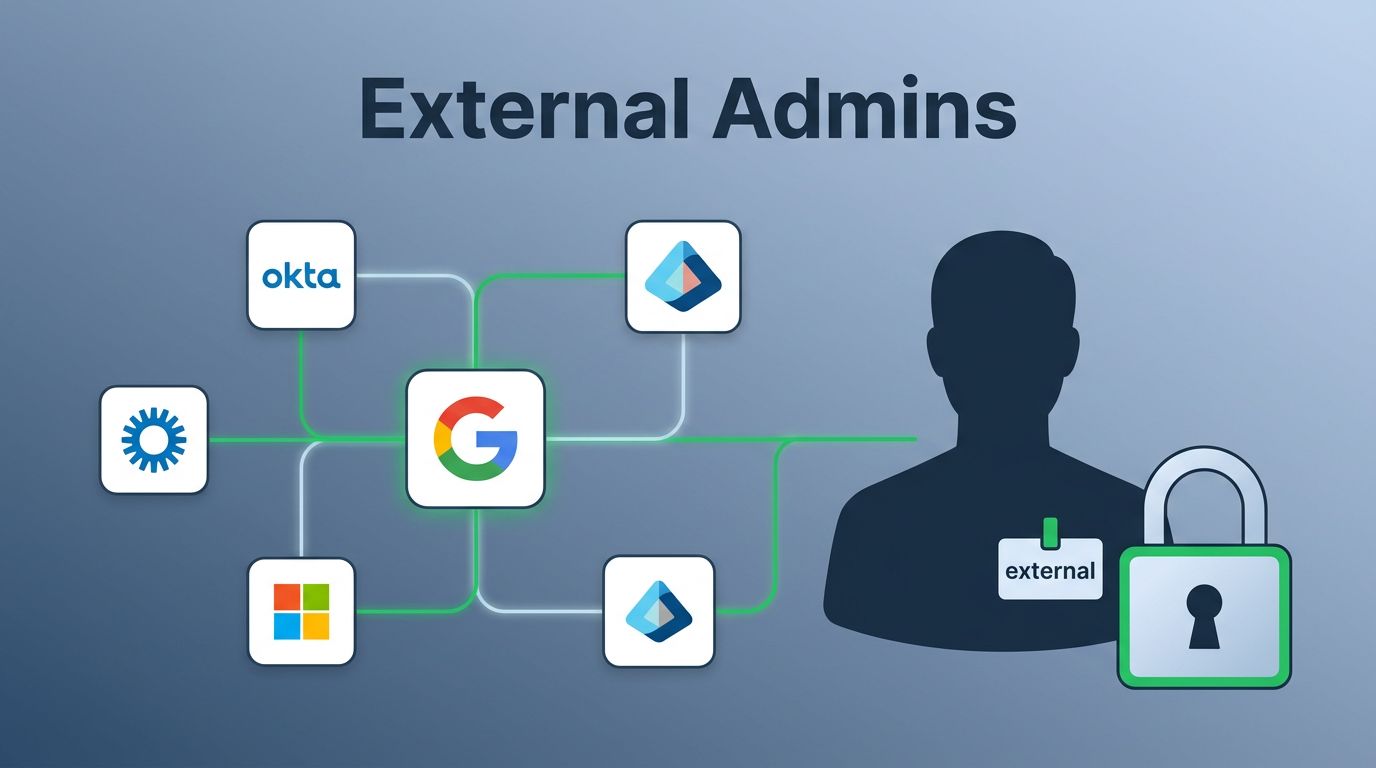
Know Your External Admin Types
External admins differ from your internal team. Internal admins come from your domain, like @yourcompany.com. They handle daily tasks with controlled roles.
External collaborators get elevated rights for projects. Think a designer at @freelancer.com with Notion owner access. MSP or vendor accounts use service logins for support. Break-glass accounts stay dormant for emergencies; you activate them only during crises.
Each type needs tracking. Vendors often forget to revoke access after gigs end. MSPs hold broad rights across tenants. For example, a cloud consultant might edit security settings in your Entra ID.
Compliance like SOC 2 requires you prove least privilege. Governance means owners sign off on every external grant. First, list these in a spreadsheet: tool name, external email, role, grant date.
This baseline helps spot outliers. Next, dig into logs.
Discover Hidden External Admins
Audit logs reveal forgotten admins. Check Microsoft Entra audit logs for role changes. Filter by “Add member to role” or domain mismatches.
Google Workspace offers admin data action logs. Search for non-domain users in privileged groups. Okta logs sign-ins and permission grants too.
Pull data via APIs or SCIM from identity providers. Tools sync live entitlements, so you avoid stale CSVs. For instance, query Slack for workspace owners with @vendor.com emails.
Use browser extensions or SaaS platforms to scan shadow IT. They catch apps outside SSO.
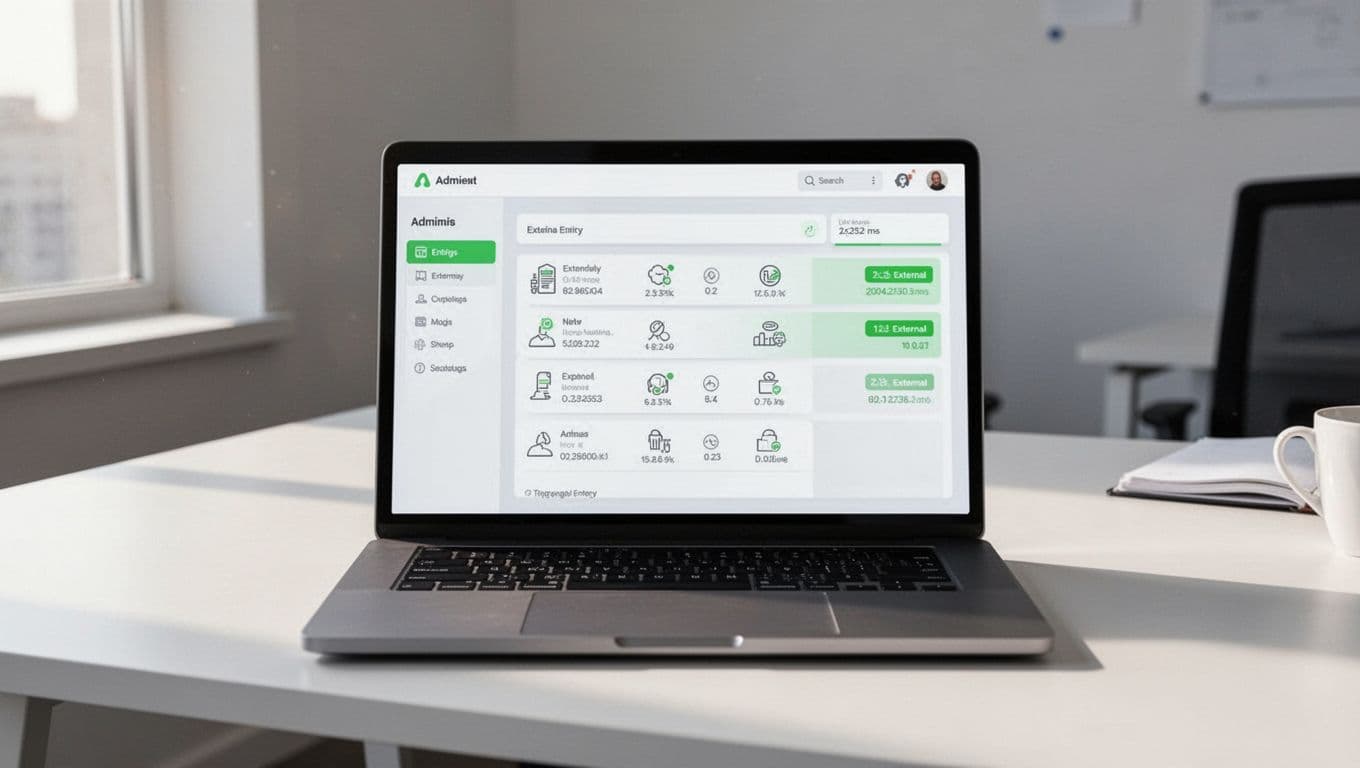
A dashboard like this highlights external domains. Set alerts for new grants. In 2026, AI tools flag risky patterns, like repeated logins from unknown IPs.
Run quarterly scans. Export lists, sort by last login. Anything over 90 days gets a flag.
Audit and Validate Access Needs
Found a list? Validate each one. Ask: Does this external user still need admin rights?
Talk to requestors. For a vendor in Figma, confirm project status. Check if viewer role works instead.
Document business need. Use a simple table:
| User Email | Tool | Role | Owner | Need Confirmed? | Review Date |
|---|---|---|---|---|---|
| vendor@xyz.com | Google Workspace | Admin | IT Lead | Yes, ends Q3 | 2026-07-01 |
| contractor@abc.com | Slack | Owner | Marketing | No, downgrade | 2026-05-15 |
This tracks accountability. Owners review every six months.
Involve security. Test if rights cover just-in-time (JIT) access. PAM solutions grant temporary elevation.
Recent trends show JIT cuts standing privileges. Tools like those in Netwrix PAM reviews create ephemeral creds.

Teams review like this to align on risks. Flag over-privileged externals, as in FrontierZero’s guide.
After audit, update permissions.
Document Ownership and Review Permissions
Ownership prevents orphans. Assign one internal owner per external admin. They approve grants and revocations.
Use IdPs for automation. SCIM provisions roles based on HR data. External users link via federated SSO, not local accounts.
Set quarterly reviews. Email owners lists from your central hub. They attest or revoke.
Alert on changes. IdPs notify when privileges escalate. For example, Entra flags global admin adds.
Governance ties to compliance. NIST or ISO needs proof of reviews. Keep tickets as audit trails.
Break-glass needs extra care. Store in vaults; log every use.
This workflow scales. Automate reminders via tools like Torii’s access reviews.
Remove Stale Access and Automate Processes
Revoke unused rights fast. Bulk remove via APIs. Confirm no disruptions first.
Automate with PAM. It enforces zero standing privileges. Users request JIT; approvers grant short sessions.
For vendors, use dedicated accounts. Revoke post-project via workflows.
Flows like this handle checks and alerts. Integrate with BetterCloud SaaS practices.
Watch non-humans too. AI bots and service accounts count as external. Map OAuth scopes.
In 2026, 65% more SaaS attacks hit via apps. Centralize monitoring.
If gaps persist, Book a Discovery Call with Bud Consulting for IAM experts.
Conclusion
Track external admin access to shrink your attack surface. Find them in logs, validate needs, document owners, review often, and automate revocations.
You now have workflows for discovery to cleanup. Start with one tool today; scale across your stack. Risks drop when no stale rights linger.
This keeps compliance solid and teams safe.