
table of contents
A single public repo can expose more than code. It can reveal tokens, internal hostnames, customer names, and the shape of your systems.
That is why a GitHub exposure audit has to go beyond a quick repo count. You need to review ownership, visibility, history, and the people behind each account.
Start with ownership, not just public repo counts
Begin by separating organization-owned assets from employee-controlled public accounts. That split matters because the fix is different in each case.
For organization-owned repos, list every public repository, every public fork, and every repo that has ever been public. Then check who can change visibility, create repos, or manage secrets. GitHub’s organization security and analysis settings are the right place to set those defaults.
For employee-controlled accounts, look for staff profiles that mention your company name, products, domains, or internal tools. Also look for shadow repositories created outside approved orgs. These often hide under old team names, contractor accounts, or personal namespaces.
A useful starting list looks like this:
- Company orgs and teams in GitHub.
- Public repos under personal accounts tied to staff.
- Forks created from internal projects.
- Archived or mirrored repos that still show old data.
- Repos with company naming patterns, product codenames, or customer references.
That inventory gives the audit a real boundary. Without it, you will miss the places where public exposure starts.
Spot the exposures that matter most
Once you have the inventory, search for the things that turn a public repo into a real incident. GitHub code search helps, but so do regular reviews of commit history, issues, wiki pages, and release assets.
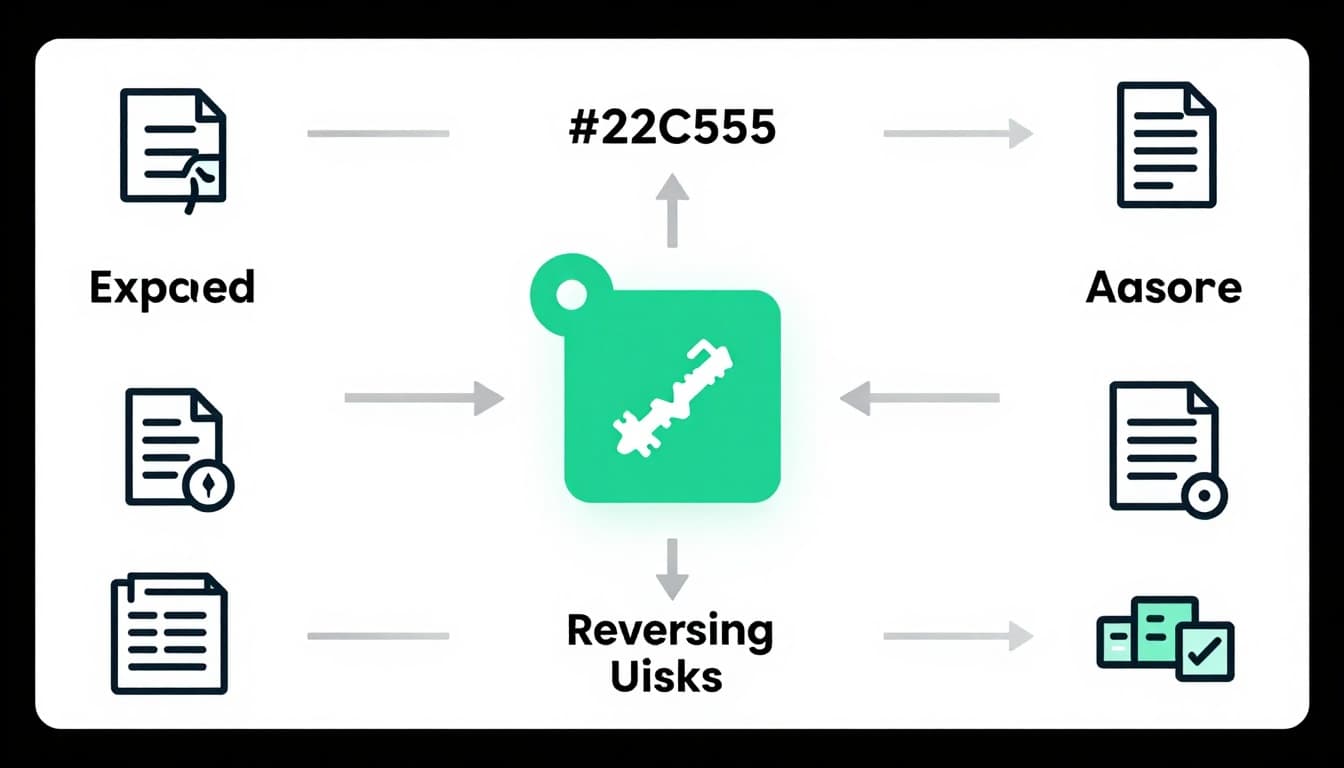
A public repo is often the front door, but commit history, forks, and docs are the rooms behind it.
Look for these common issues:
- Exposed secrets such as API keys, SSH keys, cloud tokens, and service account credentials.
- Internal URLs that point to staging sites, private dashboards, or hidden admin paths.
- Credentials in commit history, even if the latest branch looks clean.
- Sensitive documentation like runbooks, architecture notes, or incident reports.
- Accidental public forks that copied internal code into a public namespace.
- Naming conventions that reveal projects, clients, regions, or internal systems.
- Contributor associations that show whether a commit came from a staff member, contractor, or outside account.
Also check issues and pull requests. People paste logs there. They also paste screenshots, stack traces, and config snippets.
GitHub’s best practices for repositories page is a good reminder that README files, contribution rules, and clear repo ownership matter. So does a basic habit, never treat documentation as harmless.
Rank findings by impact, then fix the right thing first
Not every public repo needs the same response. A toy project with a sample email address is not equal to a repo with live cloud keys.
Use a simple triage model:
- Critical means active secrets, customer data, production URLs, or anything that grants access.
- High means sensitive internal code, reusable infrastructure, or historic secrets in commit history.
- Medium means public code that exposes naming, structure, or internal process details.
- Low means harmless open-source work that only needs policy review.
When the issue is critical, revoke or rotate the secret first. Then remove the exposure, clean the history if needed, and confirm the fix in every fork. If a repo was made public by mistake, lock it down fast and check whether search engines cached anything.
If the finding crosses teams, route it through a tracked remediation workflow. Assign an owner, a deadline, and a validation step. That avoids the common problem where security closes the alert, but engineering never removes the root cause.
If the audit shows broader process gaps, Book a Discovery Call with Bud Consulting to turn the findings into a repeatable response plan.
Build policies that keep exposure from coming back
A strong audit ends with controls, not just tickets. GitHub already gives you tools for a tighter baseline, and 2026 makes those controls more important.
Turn on enabling secret scanning and push protection for public repos. Then expand those settings across the organization, so new repos do not start unprotected. GitHub also keeps adding more direct visibility controls, so review who can change repo access and who can manage secrets.
Use these policy moves:
- Require public repo approval for sensitive teams.
- Restrict who can create public repos.
- Review forks created from private or internal repos.
- Set naming rules for repos, branches, and environments.
- Check offboarding steps for credential revocation and repo access removal.
- Review personal public accounts tied to employees at least quarterly.
For a broader baseline, the GitHub hardening guide can help you compare your settings against common control gaps.
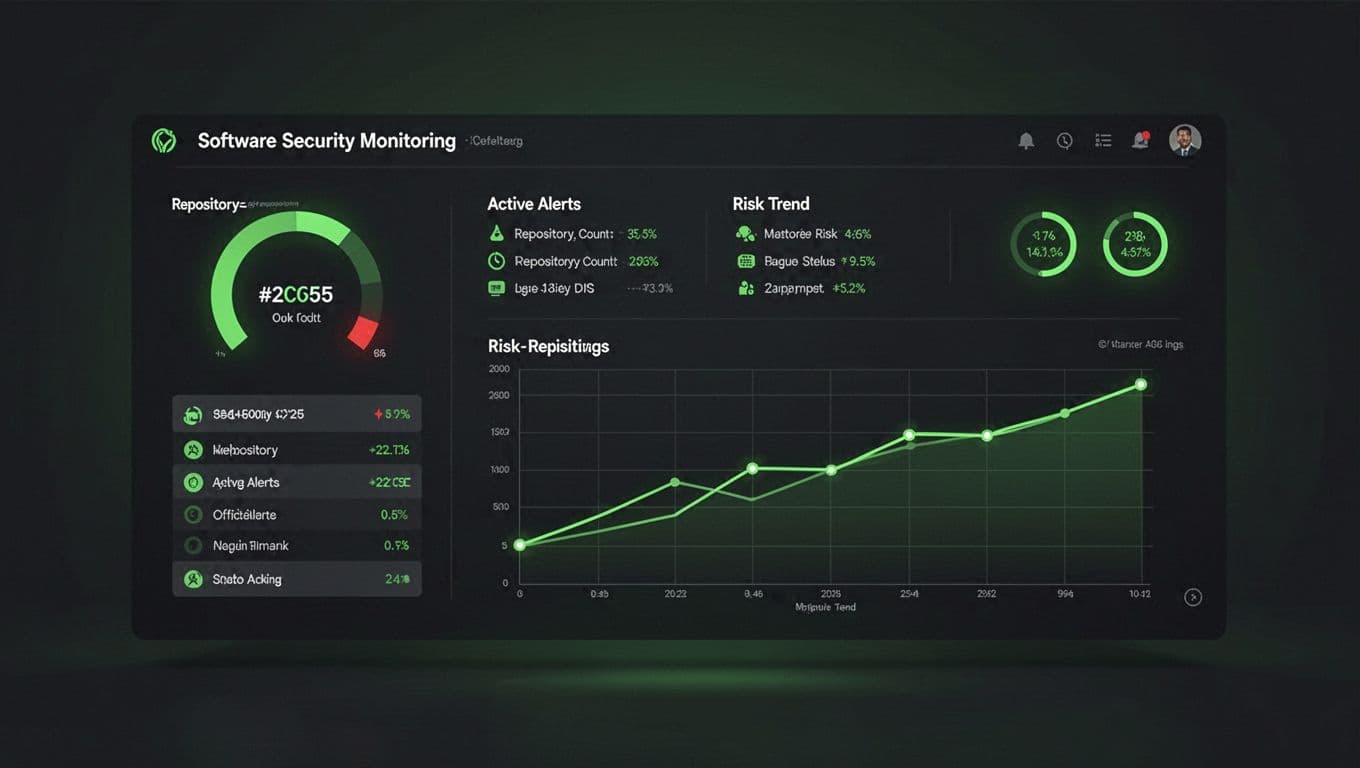
The goal is simple, keep visibility under control and watch for new exposure every week, not once a year.
Public GitHub risk usually hides in plain sight. It starts with a repo, then spreads through history, forks, docs, and personal accounts.
When you review ownership, search for sensitive content, and keep secret scanning on by default, you reduce the chance that one public commit becomes a company-wide problem.




