
table of contents
Remote laptop fleets get messy fast. One missing serial number or skipped return note can turn a simple offboarding into days of chasing people, boxes, and receipts.
A strong hardware asset registry keeps device ownership, security, and recovery in one place. The trick is to build it for remote work, where shipping, acknowledgments, repairs, and audits happen outside the office.
Build the registry around the laptop lifecycle
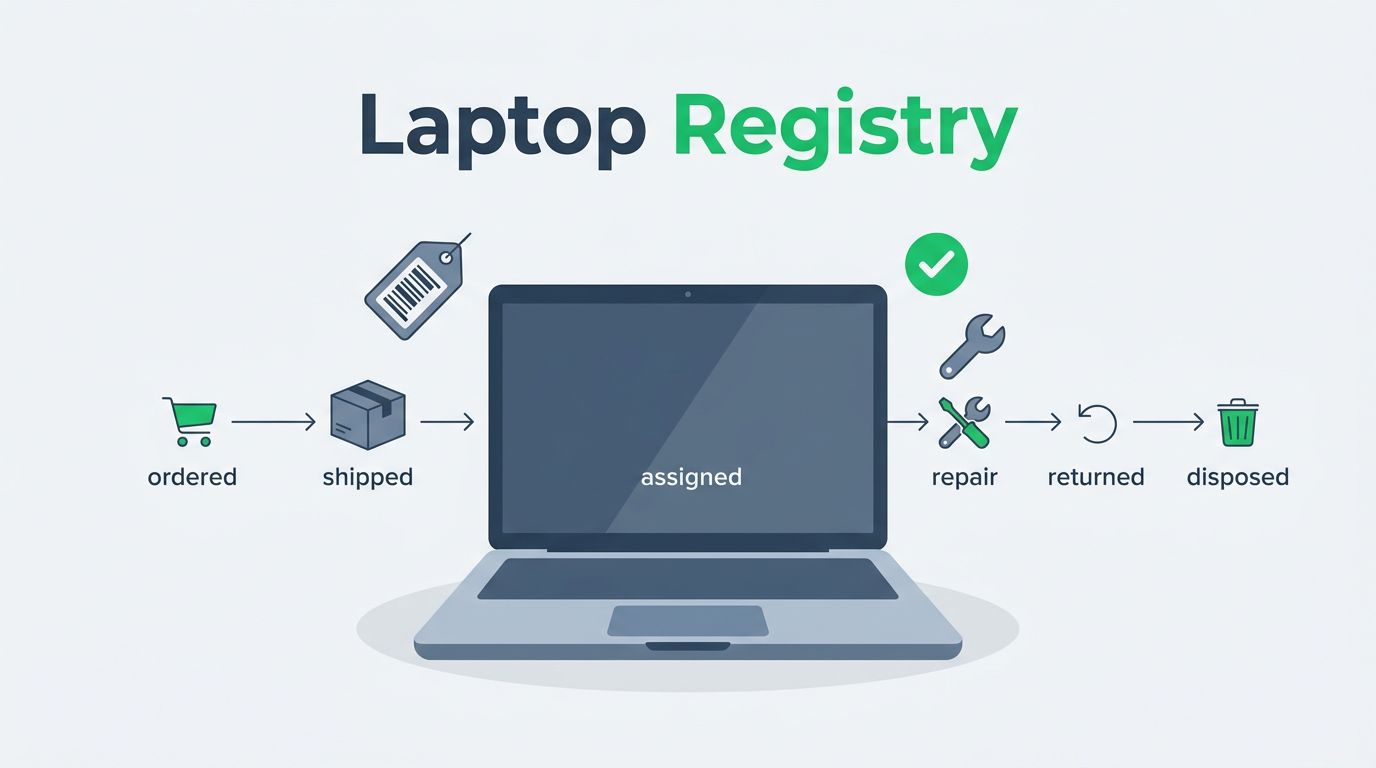
Start with the full path of a laptop, not just the purchase record. A remote device should move through clear states, such as ordered, received, staged, shipped, assigned, in repair, lost, returned, wiped, and disposed.
That lifecycle matters because each stage creates a record. If the record is incomplete, the registry stops being useful. A spreadsheet can work at the start, as long as one team owns it and updates happen the same day. However, once you manage multiple regions, replacements, and compliance checks, a shared sheet becomes too fragile.
Teams often begin with a spreadsheet because it is familiar. Still, that approach only holds up when fields are locked down and edits are controlled. For a deeper look at where spreadsheets break down, see laptop inventory management software for a practical comparison of tracking methods.
A registry only works when the last update is trusted. If people doubt the data, they stop using it.
When your process needs automatic sync with HR, MDM, or service tools, move to a dedicated ITAM or endpoint management system. At that point, the registry should become the source of truth, not a side file.
Use fields that answer ownership and risk questions
A good registry does more than list devices. It answers who has the laptop, where it is, and whether it is safe to use.
Use the fields below as your minimum set.
| Field | Why it matters |
|---|---|
| Asset ID | Gives each laptop a unique internal reference |
| Serial number | Matches the physical device to vendor records |
| Model | Helps with support, warranty, and replacement planning |
| User | Shows who is responsible for the device |
| Department | Helps with chargeback and reporting |
| Location | Tracks the employee or office location |
| Purchase date | Supports lifecycle and refresh planning |
| Warranty status | Speeds repair and replacement decisions |
| Encryption status | Confirms the device is protected |
| MDM enrollment | Shows whether policy and remote actions are active |
| Condition | Notes whether the laptop is new, used, damaged, or retired |
| Return status | Confirms whether the device is with the employee, in transit, or recovered |
That table should stay simple. Add extra fields only when they solve a real problem. For example, you may also need shipping carrier, tracking number, wipe date, or disposal certificate.
A separate note field helps too. Use it for unusual cases, such as a loaner laptop or a device that shipped before the employee’s start date. If you need a model for better record cleanup and audit readiness, hardware asset inventory reconciliation is a useful reference.
Handle shipping and employee acknowledgments the same way every time
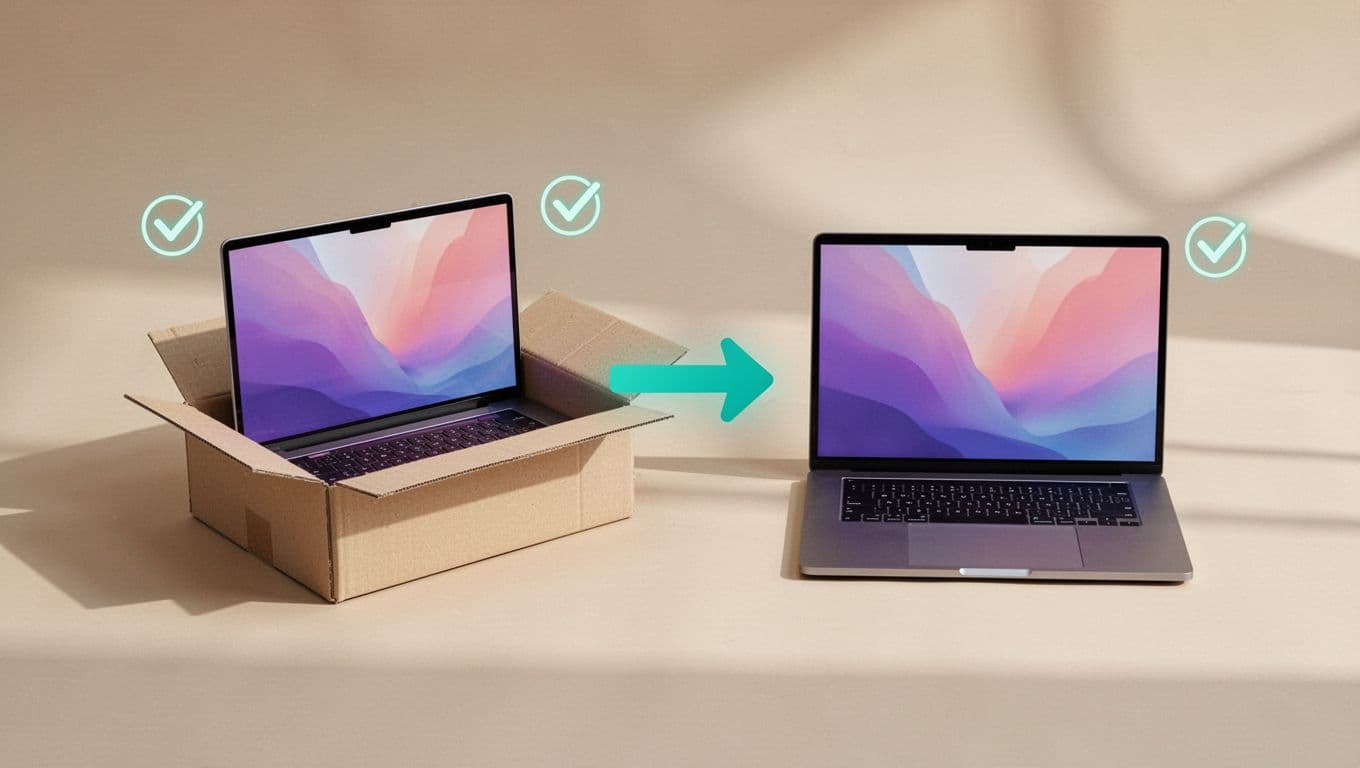
Remote assignment falls apart when shipping and record updates happen in different places. Build one flow and follow it every time.
- Stage the device before it ships, then assign the asset ID and user in the registry.
- Record the shipping details, including carrier, tracking number, and ship date.
- Send the employee a short acknowledgment form or email.
- Update the registry when the device is delivered and confirmed.
Keep the acknowledgment short. Ask the employee to confirm receipt, agree that the device is for company use, and report damage within a set time frame. A timestamped acknowledgment is more useful than a long policy document no one reads.
For security teams, this step also connects the asset record to accountability. If a device is lost later, you already know who had it, when it shipped, and whether it was ever confirmed.
Set access controls before the registry grows
A registry is only as good as its controls. If too many people can edit it, the data drifts fast.
Give edit access only to the teams that need it, usually ITAM, endpoint admins, and a small ops group. Everyone else should get view-only access or limited submission rights. Separate financial fields from operational fields when you can, because procurement, support, and security often need different views.
Also, track changes. Version history, edit logs, and monthly reviews help catch bad data early. If your registry sits in a spreadsheet, lock the important columns and keep one owner for changes. If your team needs device check-ins at scale, tracking remote employee devices shows how periodic updates can keep records current.
Use simple governance rules:
- One source of truth for each laptop record.
- One owner for each status change.
- One required update after shipping, repair, or return.
- One monthly review of missing or stale records.
That level of discipline keeps the registry clean without slowing down daily work. If the process has to support security reviews, remote recovery, and hiring growth at the same time, Book a Discovery Call with Bud Consulting can help shape the workflow around those needs.
Prepare for repairs, losses, audits, and offboarding

Remote assets need clear incident paths. Without them, a repair can look like a loss, and a lost device can sit open for weeks.
For repairs, mark the laptop as in repair, note the issue, and record whether you sent a loaner. Add the vendor, case number, and expected return date. When the device comes back, update condition, warranty status, and return status right away.
For loss or theft, record the date reported, the last known location, and the actions taken. That usually includes remote lock, wipe, password reset, and security review. If your company needs police reports or insurance records, store those references in the same asset file.
Audits should compare what the registry says with what the employee has. A quarterly or semiannual check works for many teams. The goal is simple, find stale records before a quarter-end review or compliance audit does it for you.
Offboarding needs the same discipline. The registry should show the last work date, return label sent, device received, wipe completed, and final disposition. If a laptop never comes back, the record should still show the full chain of events.
Keep the registry alive after launch
The hardest part is not building the registry. It is keeping it accurate when people change roles, laptops move, and tickets pile up.
Make updates part of the normal workflow, not a side task. When the registry stays tied to shipping, support, and offboarding, it becomes a tool your team can trust. That trust is what keeps a remote laptop program under control.




