
table of contents
Your field sales reps carry company laptops everywhere. They hit airports, hotels, and client offices. One unattended bag could let someone tamper with that device. Data breaches cost businesses millions each year. You can cut those risks with simple training on laptop tamper detection.
Sales leaders often overlook physical checks. Reps focus on deals, not device seals. This leaves endpoints exposed to evil maid attacks or hardware swaps. Good news: basic habits spot issues fast. Let’s cover how to train your team right.
Why Laptop Tamper Detection Matters for Field Sales
Field reps travel with sensitive customer data. Laptops hold CRM notes, proposals, and contracts. Attackers target these devices in public spots. They slip in keyloggers or swap drives while you grab coffee.
Endpoint security starts with awareness. Modern tools like Microsoft Defender include tamper protection features. These lock settings against changes. But they miss physical breaches. Reps must check hardware first.
Consider a real case. A sales exec left his bag at a trade show. Thieves opened the laptop case overnight. They installed spyware. The company lost leads and faced fines. Training spots these risks early.
Reps also save time. Quick checks prevent full wipes later. IT teams handle fewer incidents. Everyone wins.
Spotting Physical Signs of Laptop Tampering
Reps see laptops daily. They know their devices best. Train them to inspect before each use. Look for changes since last check.
Start with the bottom panel. Loose or missing screws signal trouble. Scratches around edges mean prying tools. Fresh tool marks on screw heads show recent work.
Check seals next. Many firms use tamper-evident stickers. Broken or peeled ones scream alert. Ports like USB or HDMI often get hit. Dust or bent pins inside point to insertions.
Bags hide damage too. Unzip fully and flip the laptop. Run fingers along seams for gaps.

For example, one rep noticed glitter residue on screws after a flight. It came from anti-tamper seals like those from NovaCustom’s packaging method. He flagged it right away.
Unusual weight or heat? That could mean added hardware. Battery swaps leave mismatched colors. Train reps to compare against photos from IT.
These signs catch 80% of physical attacks. Reps build the habit in minutes per trip.
Your Go-To Laptop Tamper Detection Checklist
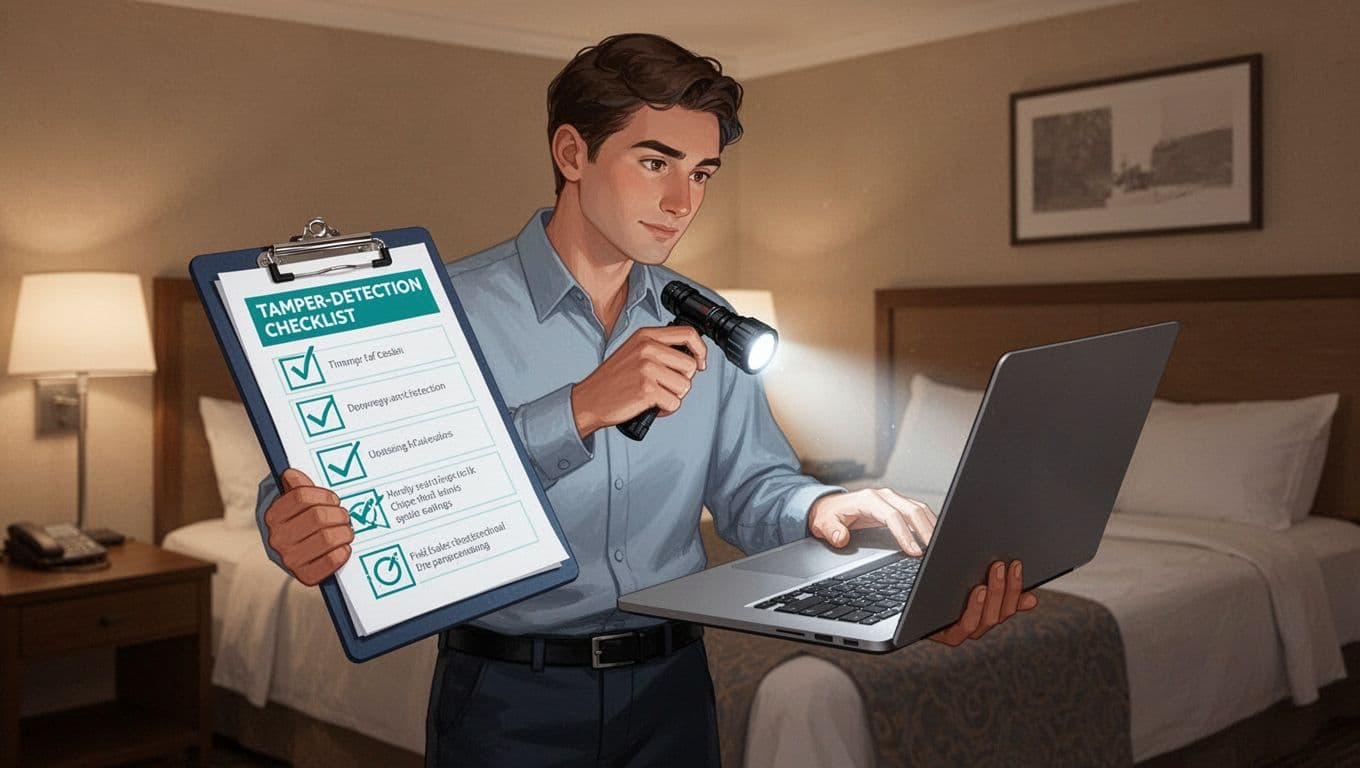
Give reps a one-page checklist. They print it or save it on phones. Review it weekly in team huddles. This builds muscle memory.
Use a flashlight for dark spots. Check in good light too. Note the date and location each time.
Here’s a simple checklist:
- Bottom panel: All screws tight? No scratches or fresh marks?
- Seals and stickers: Intact across case seams and ports?
- Ports and slots: No bent pins, extra dust, or residue?
- Weight and feel: Matches normal? No rattles inside?
- Keyboard and trackpad: Keys loose or sticky? Trackpad off-center?
- Battery compartment: Cover secure? No pry marks?
- Screen hinges: Smooth open? No wobble or gaps?
Mark yes or no. If any no, follow response steps.
One team added photos to their checklist app. Before trips, they snap baselines. Returns show changes fast. This cuts false alarms.
Keep it basic. Overload reps, and they skip it.
Example Training Talking Points for Sales Reps
Roll out training in 30-minute sessions. Use slides with photos of tampered laptops. Make it interactive.
Start with why. “Your laptop holds our deals. One swap costs us clients.” Share the trade show story.
Demo checks live. Pass around a mock tampered device. Let reps practice.
Key talking points:
Sales reps, you travel light. But your laptop packs our secrets. Check it like you check your expense receipts. Daily habit, zero effort.
Attackers love hotels. They wait for room service. Spot loose screws? Don’t boot up. Call IT first.
We enabled HP TamperLock sensors on all devices. It detects case opens even when off. But you spot surface signs first.
Practice now. Flip your laptops. Note three changes on this sample.
Quiz them after. “What’s the first step at an airport?” Right: inspect before powering on.
Follow up monthly. Role-play scenarios. Reps retain 90% more with hands-on.
Common Mistakes to Avoid in Tamper Checks
New habits trip reps up. Spot these pitfalls early.
First, rushing. They glance once a week. Train daily flips, 60 seconds max.
Second, ignoring baselines. Without photos, “normal” varies. IT sends setup pics via email.
Third, solo fixes. Reps boot tampered devices to “test.” This spreads malware. Always report first.
Fourth, poor light. Hotel bathrooms work. Airports too dim.
Fifth, overconfidence. Vets skip checks. Refresh everyone quarterly.
A rep once wiped a clean laptop by mistake. He saw scratches from travel. Training added “double-check with IT” rule.
Avoid these, and checks stick.
Step-by-Step Incident Response for Suspected Tampering
Suspected tamper? Act fast but calm. Don’t panic clients.
Follow these steps:
- Isolate: Power off. Put in a bag away from others. No booting.
- Document: Take photos from all angles. Note time, place, checklist marks.
- Report: Text or call IT/security lead. Use secure app like Signal.
- Secure backups: If safe, copy key files to cloud. But skip if seals broken.
- Get loaner: IT ships a spare. Continue work.
- Follow up: Debrief after. What worked?

In 2026, tools like Microsoft Defender’s tamper protection log attempts. Pair it with rep reports for full picture.
One team cut incidents 70% with this flow. Reps feel empowered, not scared.
Conclusion
Field sales teams spot laptop tampering with daily checks and clear steps. Checklists and talking points make training simple. Avoid pitfalls, follow response plans.
Your reps protect data like pros now. Risks drop fast. Strong habits beat fancy tech alone.
Need help build your program? Book a Discovery Call with Bud Consulting. They tailor security culture for sales crews.