
table of contents
Legacy app SSO can look finished after the first successful login, but that is often where the real risk begins. The user gets in, the dashboard opens, and the app may still run its own sessions, roles, and logout logic behind the scenes.
That gap matters because authentication and authorization are not the same thing. A clean sign-in screen does not mean the app is modern, aligned, or secure. It often means only the front door changed.
SSO Stops at Identity, Legacy Apps Own the Rest
SSO proves that the user authenticated through the identity provider. It does not, by itself, tell the app what that user should be allowed to do. Older systems often blur those lines, which is where trouble starts.
This quick view helps separate the two jobs:
| Control | What it proves | Common legacy gap |
|---|---|---|
| Authentication | The user proved identity at the IdP | The app still trusts a local session or password |
| Authorization | The user can perform a specific task | Old role maps allow too much access |
| Session control | The app ends access when it should | Sessions live too long or ignore logout |
That last row is where many legacy app SSO projects break down. The login works, but the app keeps its own rules for how long access lasts.
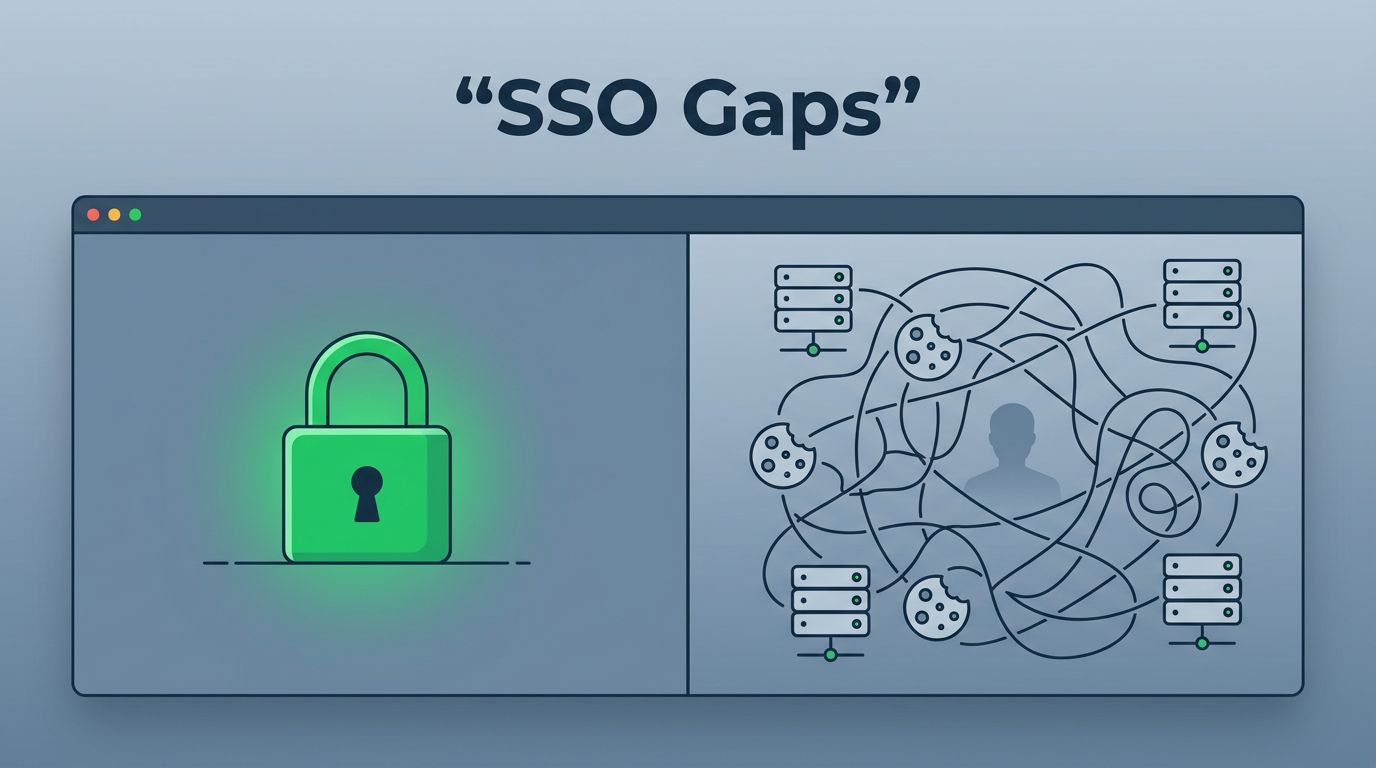
A green login screen is not proof of a secure app. It only proves the first checkpoint worked.
The distinction matters because a user can authenticate once and still keep broad access for hours. That is a session problem, an authorization problem, or both. It is not a sign-in problem anymore.
Why Older Apps Create Hidden Gaps
Legacy apps were often built before modern identity standards became common. Some keep local user stores. Some use custom session cookies. Others rely on header-based auth, reverse proxies, or shared service accounts that were never designed for fine-grained control.
A homegrown finance portal, an old ERP add-on, or a mainframe wrapper can all accept SSO and still behave in odd ways. The front end may trust the IdP, but the back end may still make old assumptions about who can see what.

That is how session sprawl starts. One user logs in once, then ends up with several active sessions across tabs, apps, and devices. If logout does not propagate, those sessions can stay alive far longer than the team expects.
Weak logout is only part of it. Privilege persistence is common too. A user may switch roles in the IdP, but the app keeps the old session state. In practice, that means yesterday’s access can survive today’s policy change.
MFA can also be uneven. One entry point may enforce it, while another path skips it because the app trusts a long-lived cookie or an older flow. A useful risk overview is in SSO security risks and best practices, and a deeper look at app-side gaps appears in security gaps in single sign-on apps.
Controls That Reduce Risk Without a Rewrite
Not every legacy app needs a rebuild. Some need a tighter trust model, better session rules, and clearer ownership between the IdP and the app. A balanced view of that tradeoff is covered in Single Sign-On implementation benefits and risks.
Start with a small set of controls that make the biggest difference:
- Map the full access path for each app, including direct login, admin access, API access, and service accounts.
- Tie app session length to risk, not convenience. Shorter-lived sessions help, especially for sensitive data.
- Test logout across every entry point. If one tab or one device stays live, the control is incomplete.
- Recheck authorization after role changes. A user who loses a role should lose the related access fast.
- Apply MFA at the right step, not only at the IdP. High-risk actions may need step-up checks inside the app flow.
These controls sound simple, but they expose hard decisions. If an app cannot honor centralized logout, you may need a gateway or access broker. If the app stores its own roles, you may need a sync job or a policy layer. If neither option is stable, the app may need to stay on a tighter exception path until it can be replaced.
Build a Phased Migration Path
A realistic legacy app SSO program treats apps as a portfolio, not a single project. Start by sorting systems by risk, user count, and technical shape. Read-heavy internal tools often move first. Customer portals, payment systems, and admin consoles usually need more care.
Then match the control to the app. Standards-based SSO through SAML or OIDC is usually the cleanest path. Older systems may need a wrapper, a proxy, or an access layer that can handle session and logout behavior better than the app can on its own. A practical migration model is outlined in SSO migration for legacy single-sign-on.

The tradeoff is clear. Wrappers can reduce risk faster, but they may preserve old app logic longer than you want. Full refactors remove more technical debt, but they cost more time and test effort. Most teams need both, applied to different apps for different reasons.
If your team needs help sorting which systems should be wrapped, reworked, or retired, Book a Discovery Call with Bud Consulting.
Legacy app SSO works best when login is treated as the start of control, not the end of it. Authentication, authorization, sessions, logout, and MFA all need to move together.
That is the real test. If the app still keeps old access alive after sign-in, the integration is incomplete, even if the login page looks modern.




