
table of contents
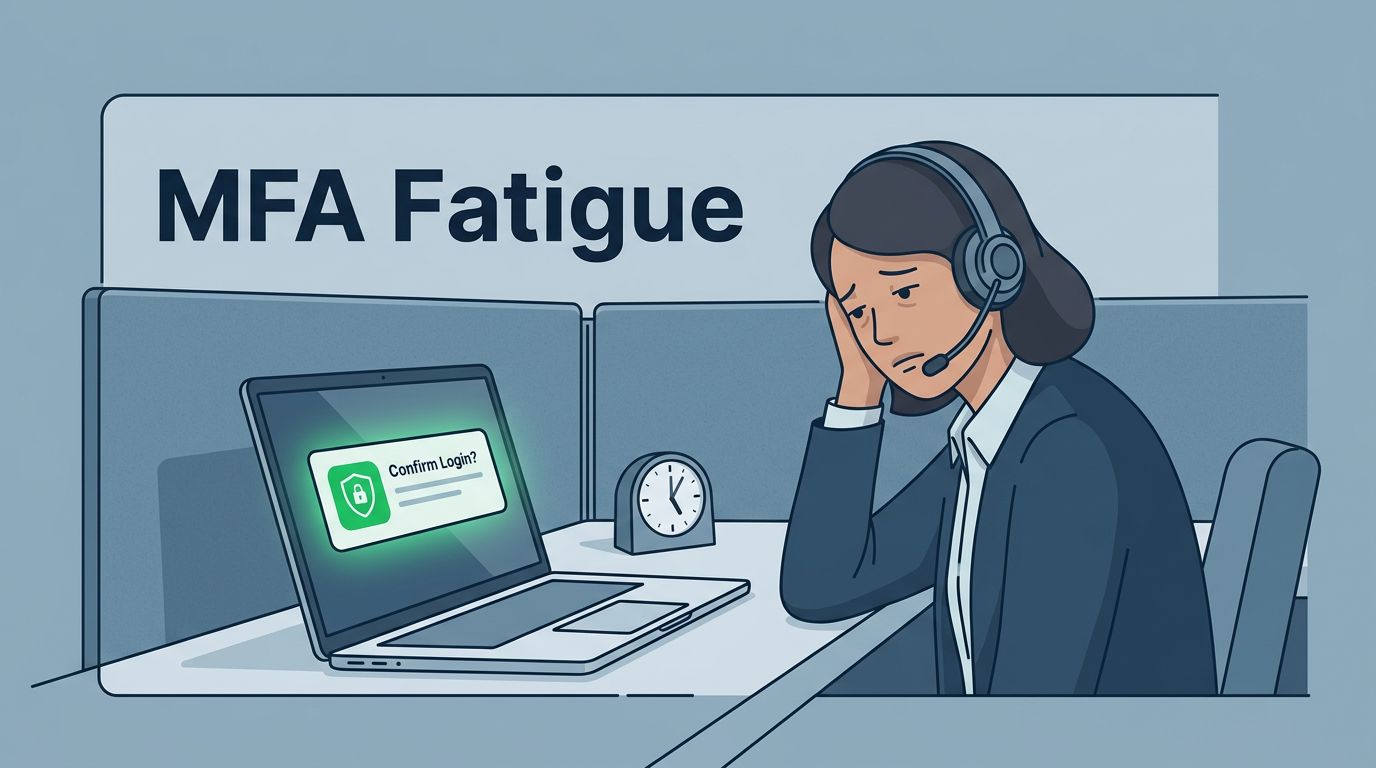
An attacker doesn’t need to break MFA if they can wear people down. That is the core trick behind MFA fatigue attacks.
Support teams feel that pressure first. They handle urgent tickets, work across shifts, and often help users who are already stressed. The answer is not more caution slogans. It is tighter workflows, stronger MFA methods, and clear rules for every reset and escalation.
What MFA fatigue attacks look like in a help desk queue
MFA fatigue attacks start with a stolen password, then flood the target with repeated push prompts. The goal is simple, get someone to tap “Approve” out of habit, distraction, or relief.
In support environments, the attacker may not stop there. They may call the help desk and claim to be an executive locked out before a meeting. They may open a ticket that sounds urgent and then ask for an MFA reset. They may also wait until shift change, when staff are busy and handoffs are messy.

The pattern works because it attacks attention, not technology. Microsoft’s guidance on defending users from MFA fatigue attacks makes the same point, push-only approval flows give attackers too much room.
Build support workflows that make approval abuse harder
As of 2026, phishing-resistant MFA should be the default for admins and anyone who can reset access. FIDO2 security keys, passkeys, and Windows Hello reduce the chance that a flood of prompts will work. If you still use push-based MFA for some users, turn on number matching or code entry so a blind tap is useless.
That change matters because support teams see the edge cases first. A user on a call may say they are locked out, tired, or traveling. A rushed agent may want to solve the issue fast. Number matching slows that moment just enough to stop a bad approval.
If a prompt can be approved without context, an attacker can abuse it.
Limit how many push notifications one account can trigger in a short period. Also flag repeated denials, unusual locations, and fresh device enrollments. Ping Identity’s detection tips for MFA prompt bombing are useful here, because they point to the same signs your queue should surface.
Put guardrails around resets, overrides, and escalations
Support teams are often targeted through the process around MFA, not the prompt itself. Attackers use urgency, confidence, and fake authority. A caller may say, “I’m with finance, and payroll is blocked.” Another might claim, “The CEO needs access right now.” The pitch is always the same, break the normal process.
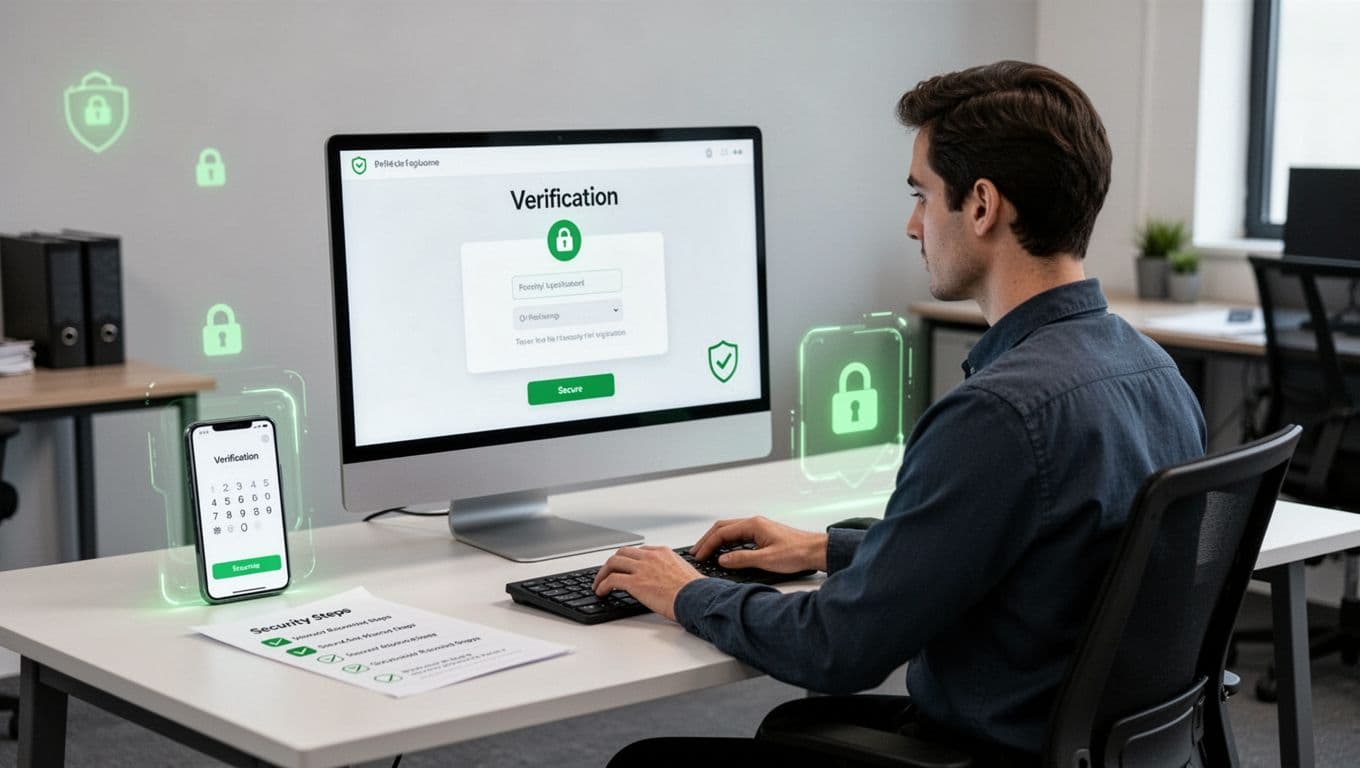
A strong identity verification script removes guesswork. Ask for details the attacker should not have, such as a ticket opened from the official portal, a known callback number, or a manager-approved code for high-risk changes. If the caller is in a hurry, slow the pace down, not up.
Least privilege matters just as much. Help desk staff should not have standing power to bypass MFA, enroll a new device, or approve a reset for a privileged account without review. Give those rights only when needed, log every use, and review them often. That keeps one rushed decision from turning into a full account takeover.
If your team needs help tightening those workflows, Book a Discovery Call with Bud Consulting is a practical next step for reviewing support-side access controls and escalation paths.
A concise prevention checklist for support teams
Use this as a quick operating list, then turn each item into a standard.
- Move admins and support staff with reset rights to phishing-resistant MFA.
- Turn on number matching for any push-based system that remains.
- Cap repeated push prompts and alert on unusual approval patterns.
- Use a written identity verification script for resets and overrides.
- Require a known callback or secondary approver for privileged changes.
- Remove standing admin rights from frontline support where possible.
- Review sign-in logs, reset requests, and device enrollments daily.
A short drill helps too. Train agents with real examples, such as a caller asking for an MFA reset after receiving a prompt flood, or a user who says they “just kept tapping deny until it went away.” The goal is simple, make the safe choice the easy one.
If you suspect an attack is underway
Treat prompt flooding as an active incident, not a user annoyance. The response needs to be fast and consistent.
- Pause MFA resets and new device enrollments for the account.
- Revoke active sessions, tokens, and any recent approvals.
- Check the sign-in log for location, device, and timing clues.
- Verify the user through a separate channel before re-enabling access.
- Re-enroll phishing-resistant MFA after the account is clean.
- Look for related tickets, email threads, or phone calls tied to the same request.
Also compare the case with other alerts from the same time window. If one account is under attack, the rest of the queue may be next. That is why logging and monitoring matter so much, they show patterns that a single ticket can hide.
MFA fatigue attacks work when teams are rushed, tired, or unsure about the next step. Support teams can cut that risk sharply with better MFA choices, tighter verification, and fewer standing privileges.
When the help desk stops treating every urgent request as an exception, attackers lose their easiest path in.




