
table of contents
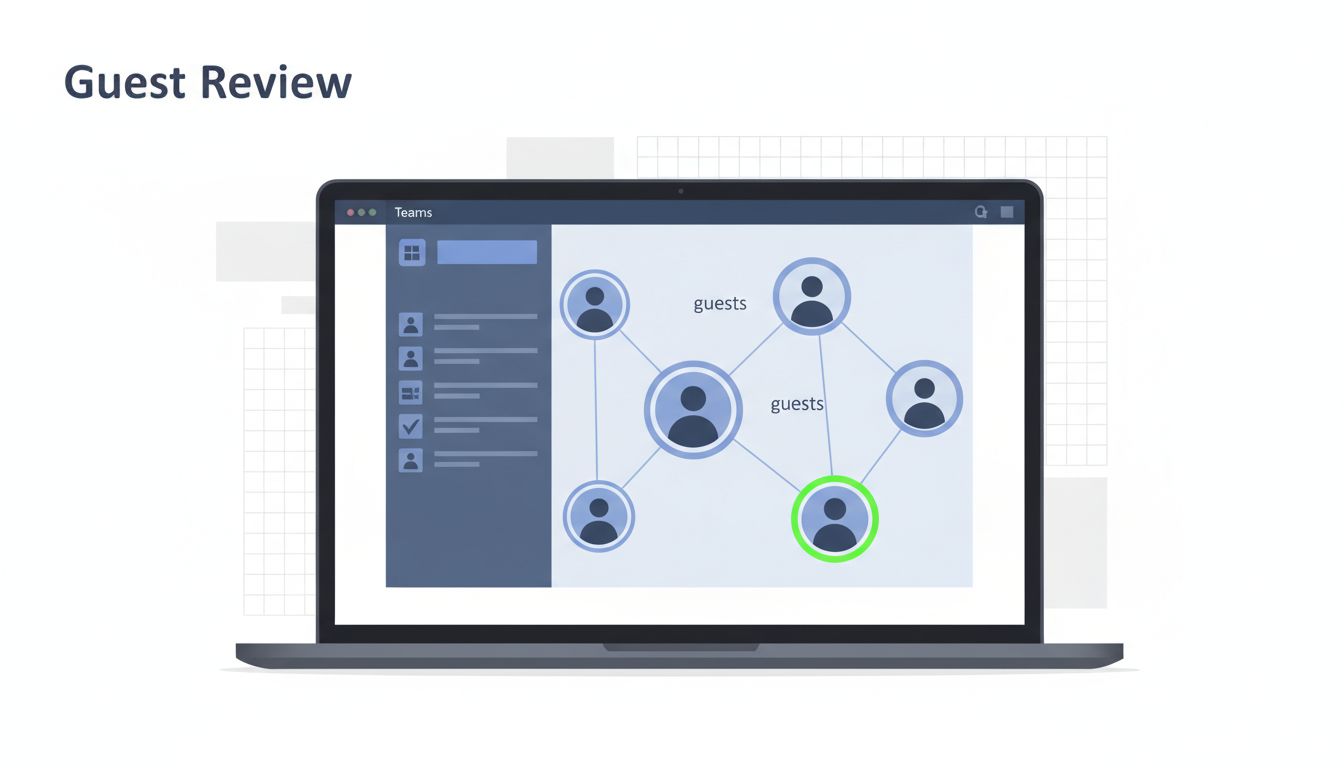
Microsoft Teams guest access can grow quietly. One project team invites a vendor, another adds a contractor, and soon nobody knows who still needs access.
As of April 2026, the core rules haven’t changed much, which is why the review process matters more than the setting itself. A clean audit looks at the tenant switch, active guests, team-level patterns, and the policies behind them.
Start with the tenant-wide switch and invite rules
Before you review users, confirm how guest access works in the tenant. Microsoft’s Guest access in Microsoft Teams doc explains the main controls, including whether guest access is on, who can invite guests, and which guest actions are allowed.
In Teams admin center, check Users > Guest access first. Then record four basics:
- whether guest access is on at the tenant level
- who can invite guests
- whether guests can chat, call, and meet
- whether external access is a better fit for some use cases
This first pass matters because a lot of sprawl starts with loose invite rights. If every team owner can add guests without a clear sponsor, the list grows fast.
A guest audit works best when you review the whole path, not just the guest list.
Cross-link this review from your Teams governance policy page so owners know where the rules live.
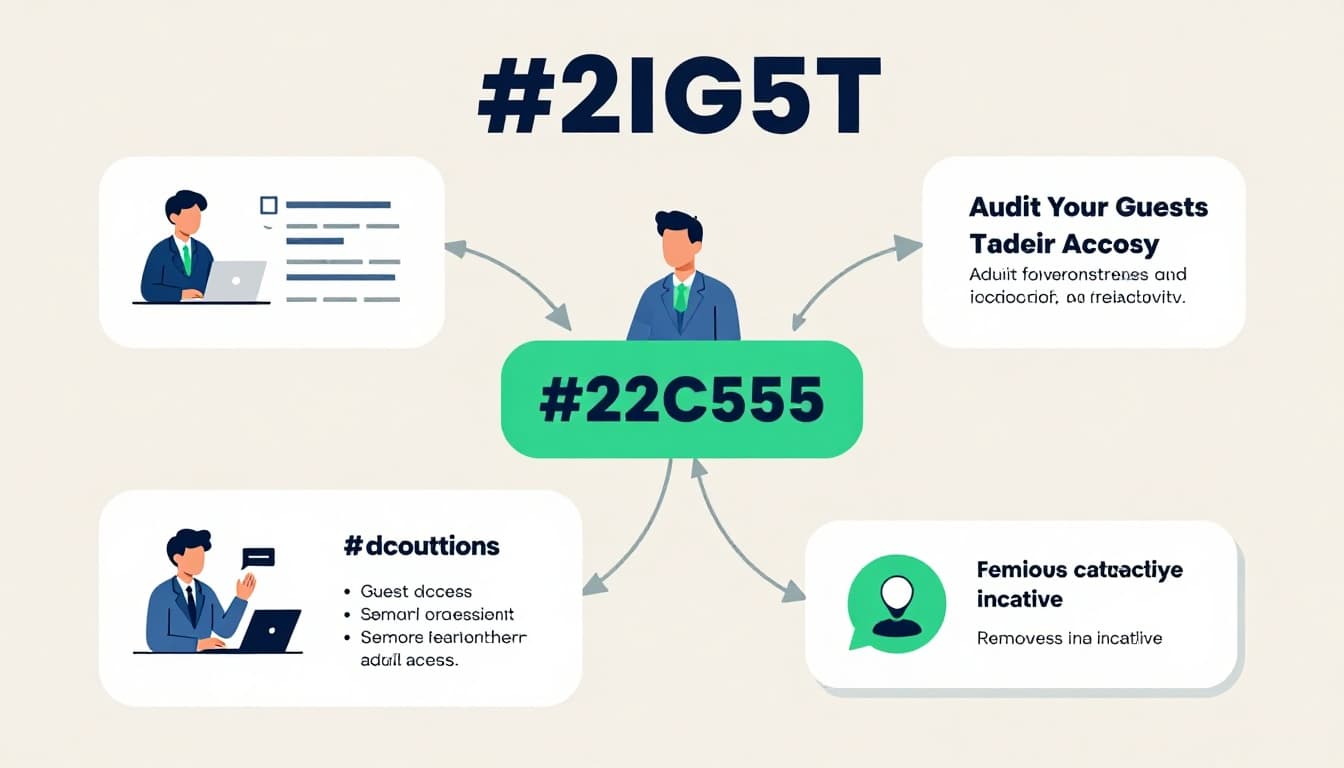
Audit guests and their activity before you touch permissions
Start with the people, not the settings. In Microsoft Entra ID, formerly Azure AD, pull a full guest list and sort by last sign-in, creation date, and team membership.
Microsoft’s monitor and clean up stale guest accounts guidance is useful here, because inactive guests are often the easiest cleanup win. Also, manage guest access with access reviews shows how to put recertification on a schedule instead of chasing one-off cleanup later.
Look for guests who fit these patterns:
- no sign-in for 90 to 180 days
- tied to projects that ended
- attached to a team with no active owner
- present in several teams but used in none
- still enabled after a vendor contract expired
Then check how each guest was added. A guest with a clear business sponsor is easier to defend than one added by accident during a busy project week.
Check team-level sharing patterns before they spread
Next, look at the teams themselves. One messy team can expose a bigger pattern across departments.
Review every team with guests and ask:
- Does the team still need outside access?
- Are there private or shared channels that widen exposure?
- Is the team tied to a short-term project that never closed?
- Do owners know which guests are still active?
It also helps to look at team creation history. A spike in guest-heavy teams often points to a process gap, not a one-time mistake.
Guests must join at least one team before they can use guest features, so each team becomes a control point. If a team no longer needs outside help, remove the guests and, if needed, switch the collaboration method to external access for lighter contact.
Review Entra ID, SharePoint, and Teams together
Guest access is a chain. If one link is loose, the rest can follow.
| Layer | What to check | Why it matters |
|---|---|---|
| Microsoft Entra ID | Guest lifecycle, sign-in activity, access reviews, expiration | Controls identity and cleanup |
| SharePoint | Site sharing, file access, guest file permissions | Files can stay open after Teams changes |
| Teams policies | Guest messaging, meeting, calling, and invite settings | Shapes what guests can do inside Teams |
Teams settings alone do not tell the full story. SharePoint can still expose files, while Entra ID can still hold stale accounts. That is why policy reviews need to move together.
For access reviews, Microsoft’s access reviews for guests in Teams and Microsoft 365 Groups resource is a good reference point. Use it to set a cadence for high-risk teams, then tie the review to owners who actually know the work.
Set guardrails so guest access stays small
Once you clean up the current state, build guardrails that stop the next wave of sprawl. This is where policy becomes habit.
A simple governance model usually includes:
- an internal sponsor for every guest
- a set expiration date for project guests
- quarterly reviews for active guest-heavy teams
- sensitivity labels that block guests on sensitive teams
- domain allow or block lists where needed
- a clear path for chat-only cases, which may fit external access better
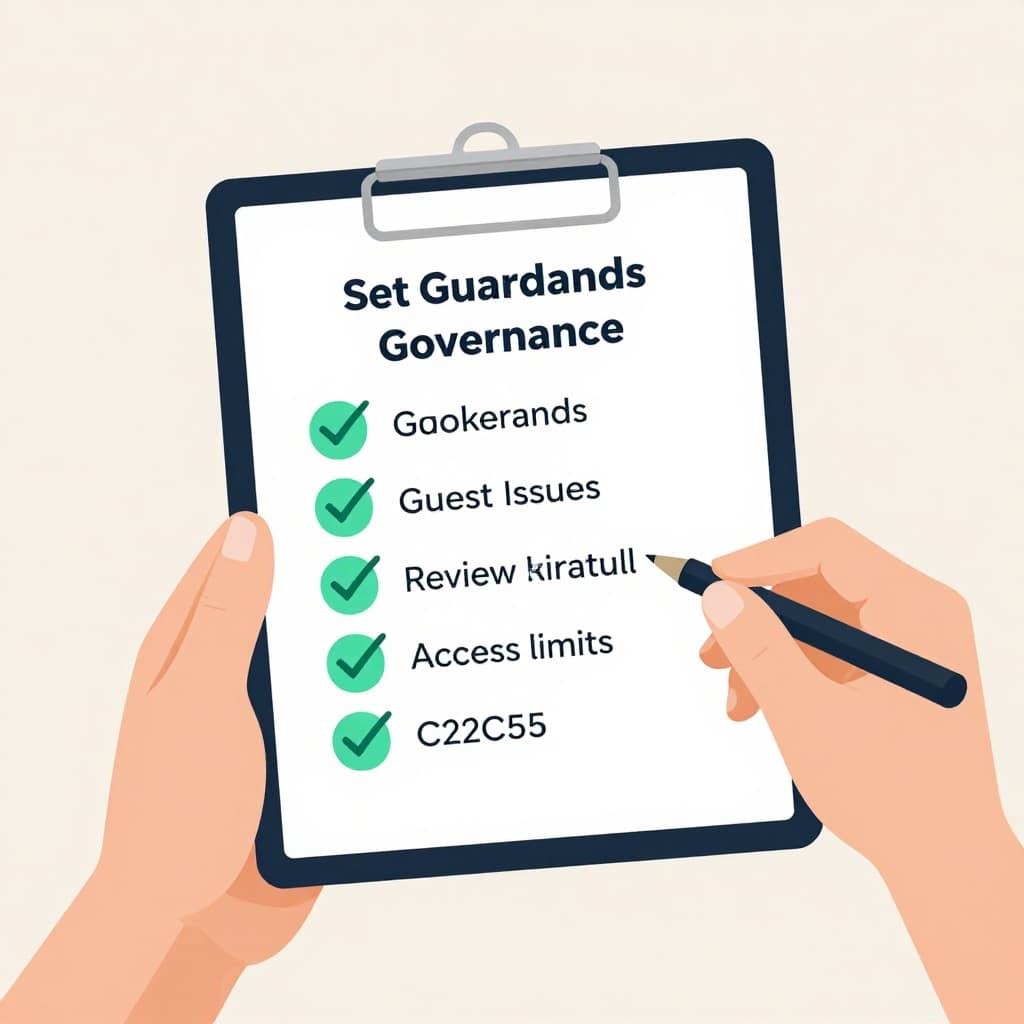
The best guardrails are boring. They make the right choice the easy choice, and they keep owners from rebuilding the same mess every quarter.
If you want this process to stick, write it down in one place, assign owners, and tie it to your change control or identity review cycle. That turns guest access from a one-off cleanup into a repeatable control.
Keep the review on a schedule
Guest sprawl grows when nobody owns the next review date. Put the audit on a calendar, keep it tied to business owners, and treat every exception as temporary.
A strong Microsoft Teams guest access review starts with the tenant setting, then checks active guests, team usage, and the policies behind both. When those parts stay aligned, you can support outside collaboration without losing track of who still belongs.
If your audit shows gaps across identity, Teams, or SharePoint, Book a Discovery Call with Bud Consulting.




