table of contents
Auditors love finding low-hanging fruit. Orphaned privileged accounts top that list. These forgotten admin credentials from ex-employees or defunct projects sit dormant, ripe for attackers.
You know the stakes. One overlooked account can lead to data breaches or failed compliance checks. Recent reports show 70% of firms miss these risks, fueling incidents like the Colonial Pipeline hack via an old VPN login.
This guide gives you actionable steps to detect and fix them first. Start with solid detection techniques.
Why Orphaned Privileged Accounts Threaten Your Security
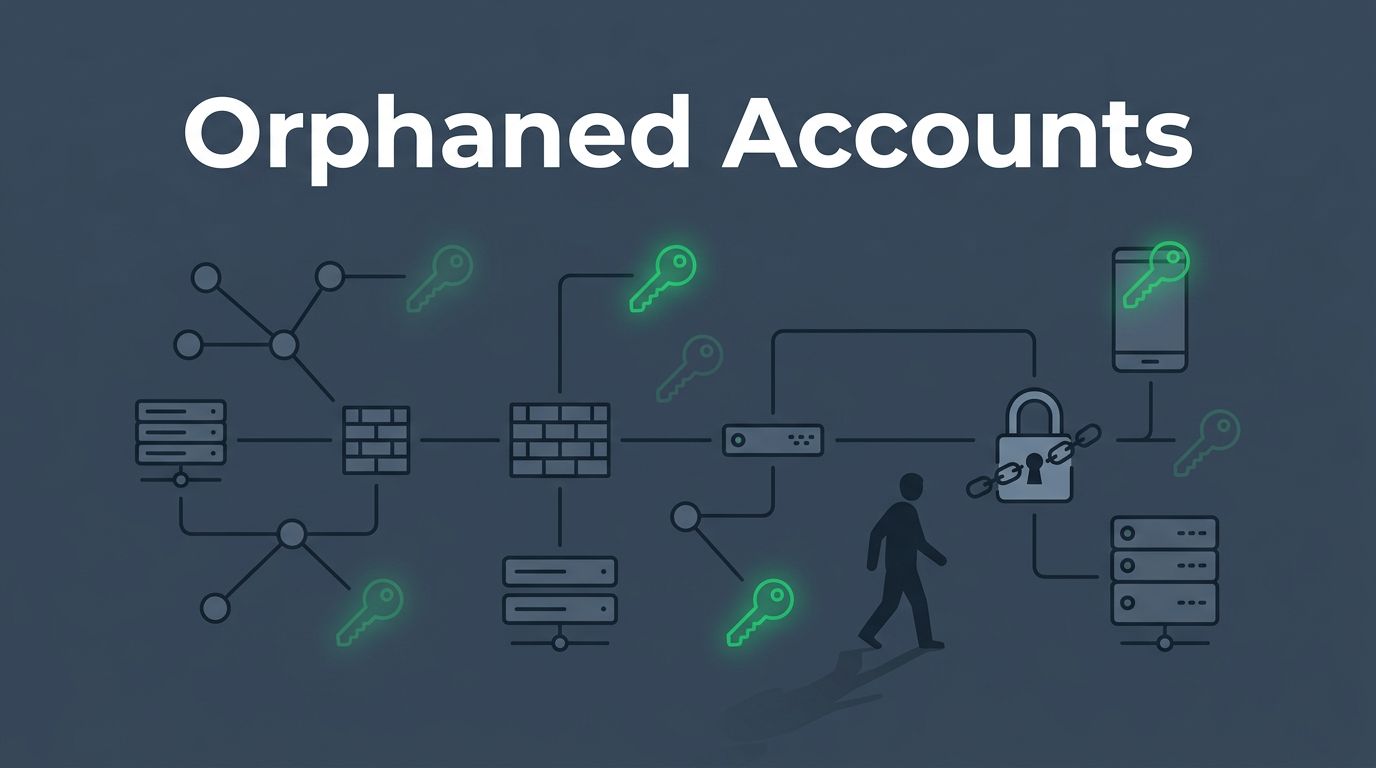
These accounts hold elevated rights but lack owners. Attackers grab them for lateral movement or data theft. In 2026, non-human identities like API keys explode in cloud setups, often left behind after project changes.
Consider a merger scenario. Thousands of stale service accounts linger across SaaS apps. Hackers exploit them, as seen in recent breaches where overprivileged services exposed AWS secrets, turning small compromises massive. Privileged identity abuse now drives most incidents.
Compliance adds pressure. Frameworks like NIST demand continuous monitoring, while ISO 27001 requires regular access reviews. SOX and PCI DSS auditors flag dormant accounts as control failures, hitting you with fines.
Dormancy hides them. No logins for 90 days? That’s a red flag. Yet manual checks miss 55% post-employee exits. Costs pile up too: wasted licenses and higher insurance.
Automation changes this. Tools sync HR data to flag mismatches fast. You stay ahead, not reactive.
Practical Detection Techniques Across Your Systems
Hunt systematically. Begin with HR-to-identity reconciliation. Match employee records against IAM directories. Unmatched privileged users signal orphans.
Next, review joiner/mover/leaver processes. Track changes in Active Directory, PAM vaults, cloud IAM, and SaaS. Cross-check for dormant logins over 90 days.
Build a privilege inventory. List all admin roles, service accounts, and shared credentials. Tools like those from SecurEnds automate this across silos.
Validate ownership. Ping app owners quarterly. No response? Escalate for deactivation.
Run dormant account analysis. Query logs for inactivity. Flag high-risk ones first, like those with domain admin rights.
For PAM gaps, use unmanaged privileged account detection, as outlined by CyberArk. It alerts on vault-bypassing logins.

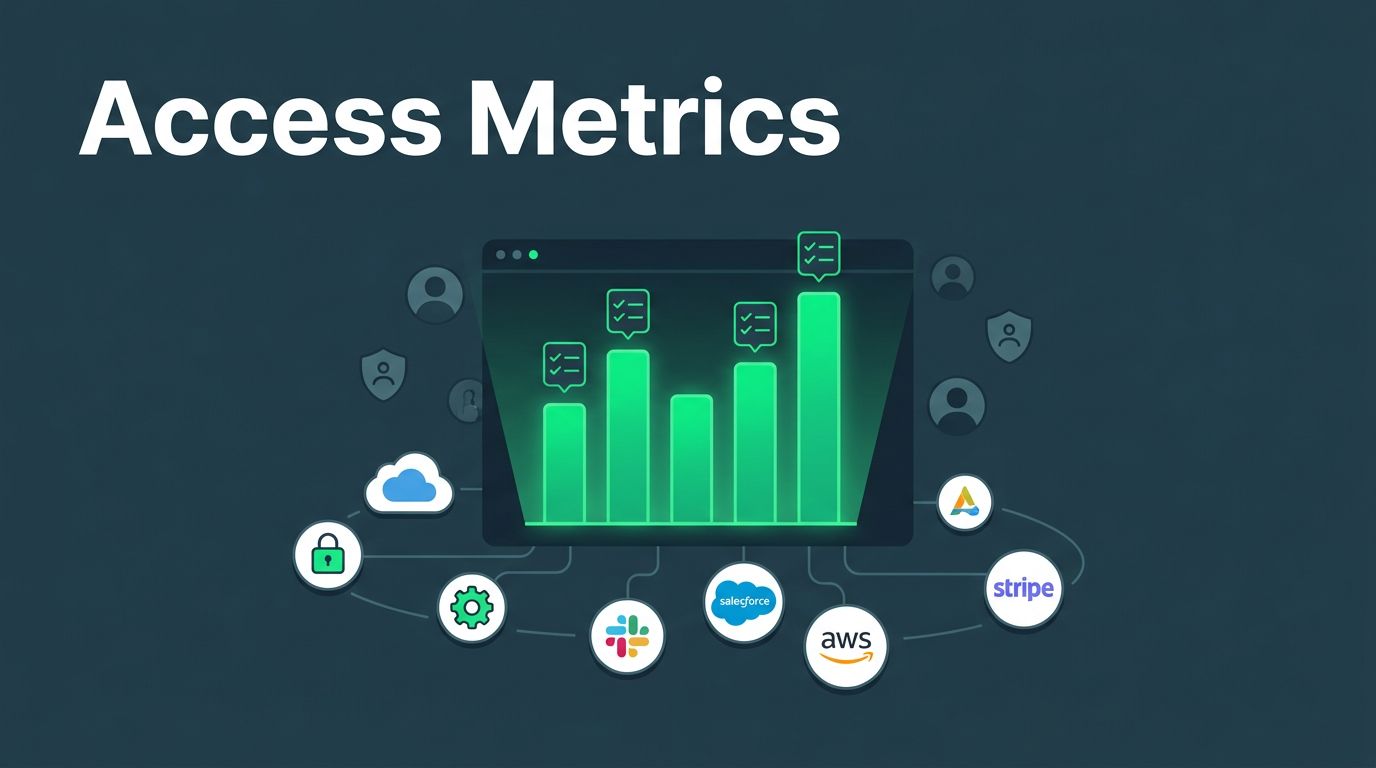
This dashboard view spots them visually. Integrate with SIEM for alerts on anomalies, like logins from odd locations. Google Cloud’s guide stresses baselining service account behavior for quick flags.
Test across environments. AD group audits reveal unmanaged paths; cloud scans catch forgotten IAM roles. Do this monthly to enforce least privilege and segregation of duties.
Step-by-Step Remediation Workflow
Fixes follow detection. Act fast to build evidence.
- Inventory and triage. Export all privileged accounts. Sort by risk: inactivity, privilege level, last use.
- Reconcile with sources. Compare against HR, ITSM tickets. Confirm owners.
- Notify and validate. Email stakeholders. Set 48-hour response deadlines. Document all.
- Remediate. Disable orphans. Rotate credentials. Reassign if needed. Log every change with timestamps.
- Recertify entitlements. Review surviving access. Apply least privilege. Use RBAC updates.
- Verify and monitor. Rescan post-fix. Set alerts for recurrence.
- Report for audits. Generate logs showing before/after states.
Automation shines here. Platforms handle workflows, cutting manual effort by 70%.

Follow this flow. It meets ISO 27001 Annex A 8.2 for privileged rights management. Track metrics like revocation time to prove control.
Gather Audit-Ready Evidence Now
Auditors want proof, not promises. Collect timestamped logs from PAM, IAM, and apps. Show reconciliation runs, ownership validations, and remediation outcomes.
Align with standards. NIST SP 800-53 calls for ongoing reviews; SOX needs quarterly certs. HIPAA and PCI DSS echo this for protected data.
Mock audits help. Run them quarterly. Flag role mismatches or orphaned permissions early.
Use just-in-time access where possible. It minimizes standing privileges.
Document everything in a central repo. Include screenshots, exports, and sign-offs. This turns compliance from chore to strength.
Quick Checklist for Immediate Action
Run this weekly. It takes under an hour with tools.
- Sync HR with IAM/PAM directories.
- Query 90+ day dormant privileged accounts.
- Validate ownership for top 20 risks.
- Disable confirmed orphans; log actions.
- Review JML processes for gaps.
- Scan AD, cloud, SaaS for unmanaged admins.
- Update privilege inventory.
- Test alerts on anomalies.

Tick these off. You build habits that pass audits effortlessly.
Key Takeaways to Stay Audit-Ready
Orphaned privileged accounts hide in plain sight. Detect them through reconciliation, inventories, and scans. Remediate with clear workflows and logs.
You now have steps to act. Recent trends show automation slashes risks by 70%. Frameworks back this approach.
Proactive teams win audits. If gaps persist, book a discovery call with Bud Consulting for IAM/PAM expertise.
Start your scan today. Auditors will thank you later.
(Word count: 982)