
table of contents
Password reset requests are one of the easiest ways into a company. A single weak verification step can hand an attacker access, even when MFA is in place.
A strong password reset policy closes that gap. It reduces social engineering risk, cuts account takeover exposure, and keeps the help desk from becoming a soft target.
By 2026, the old habits have little value. NIST guidance now favors resets only when there is a real sign of compromise, and plain-language summaries like this NIST password guide make the shift easy to see.
Build a reset rule that matches modern risk
Do not reset passwords on a timer. Forced 60-day or 90-day changes create noise, weak habits, and more tickets. Instead, reset only when there is a clear trigger, such as suspicious login activity, a reported lost device, confirmed phishing, or unusual changes to a privileged account.
This fits zero trust thinking. Every reset request is a new trust decision, so the policy needs a real gate, not a friendly shortcut.
Write that gate in plain language. Define who can approve a reset, what systems can trigger one, and when security must step in. If the policy leaves room for guesswork, the help desk will improvise under pressure, and attackers will look for that weakness first.
A solid policy also sets boundaries on channels. If users can request resets by phone, portal, or chat, each path needs the same control level. Otherwise, attackers will pick the weakest lane.
Use identity proofing that attackers can’t guess
Knowledge-based questions have lost their value. Mother’s maiden name, past addresses, and old ticket numbers are easy to find or fake. For a modern password reset policy, KBA should be rare, not routine.
A better model uses multiple signals. Match the check to the risk level, then document it so staff do not make up their own rules.
| Control | What it reduces | Example rule |
|---|---|---|
| Known-number callback | Impersonation | Call the number on file, not the caller ID |
| Device or context check | Account takeover | Require a managed device or trusted location |
| Restricted KBA | Social engineering | Do not use secret questions for standard resets |
| Verified requester log | Insider error | Record every approval, timestamp, and reason |
The takeaway is simple. Use proof that is hard to fake and easy to audit.
A clean request flow helps staff follow the rule every time:
- The user opens the request through an approved channel.
- Help desk confirms identity with two independent checks.
- The system compares device, location, and recent login history.
- Security reviews any mismatch or unusual pattern.
- The ticket closes only after the user completes a fresh sign-in.
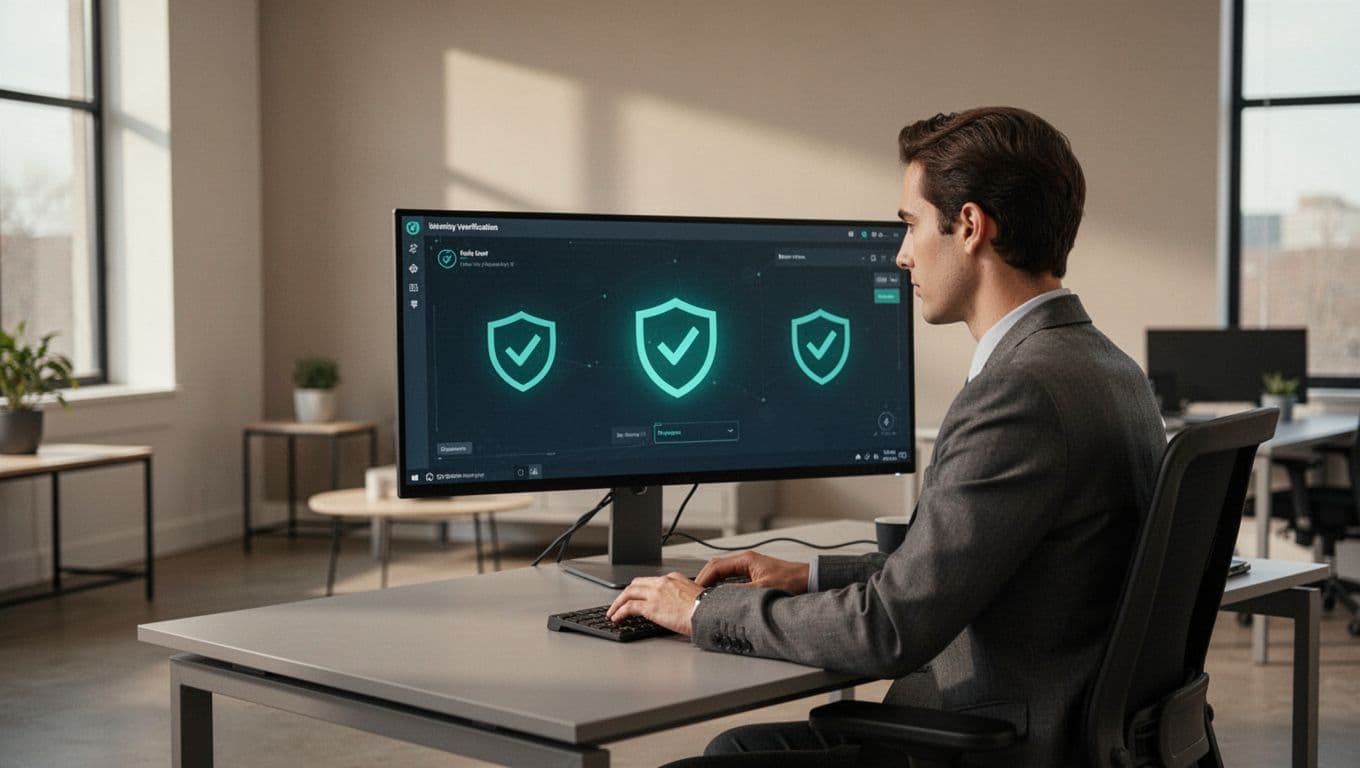
That flow blocks the easy attacks. It also gives staff a script they can repeat under stress.
Give privileged accounts a different path
Admin resets should never follow the same path as standard user resets. Privileged accounts can unlock email, finance, cloud, and directory systems, so one rushed decision can spread fast.
For those accounts, require extra approval. A manager or service owner can confirm the business need, while security or IAM validates the identity proofing step. If the reset request comes from an odd time, an unfamiliar device, or a new location, slow it down and demand another check.
Phishing-resistant MFA should sit in the middle of that process wherever possible. Passkeys and hardware security keys are better than SMS or push-only approval. They make it harder for an attacker to abuse the reset path with a stolen password or a fake request.
Temporary access also needs tight limits. Issue single-use codes, not reusable passwords. Set short expiration windows, force a password change at first sign-in, and revoke the access automatically if the user does not complete the reset. Add rate limiting too. Repeated failures should trigger a lockout, an alert, or both.
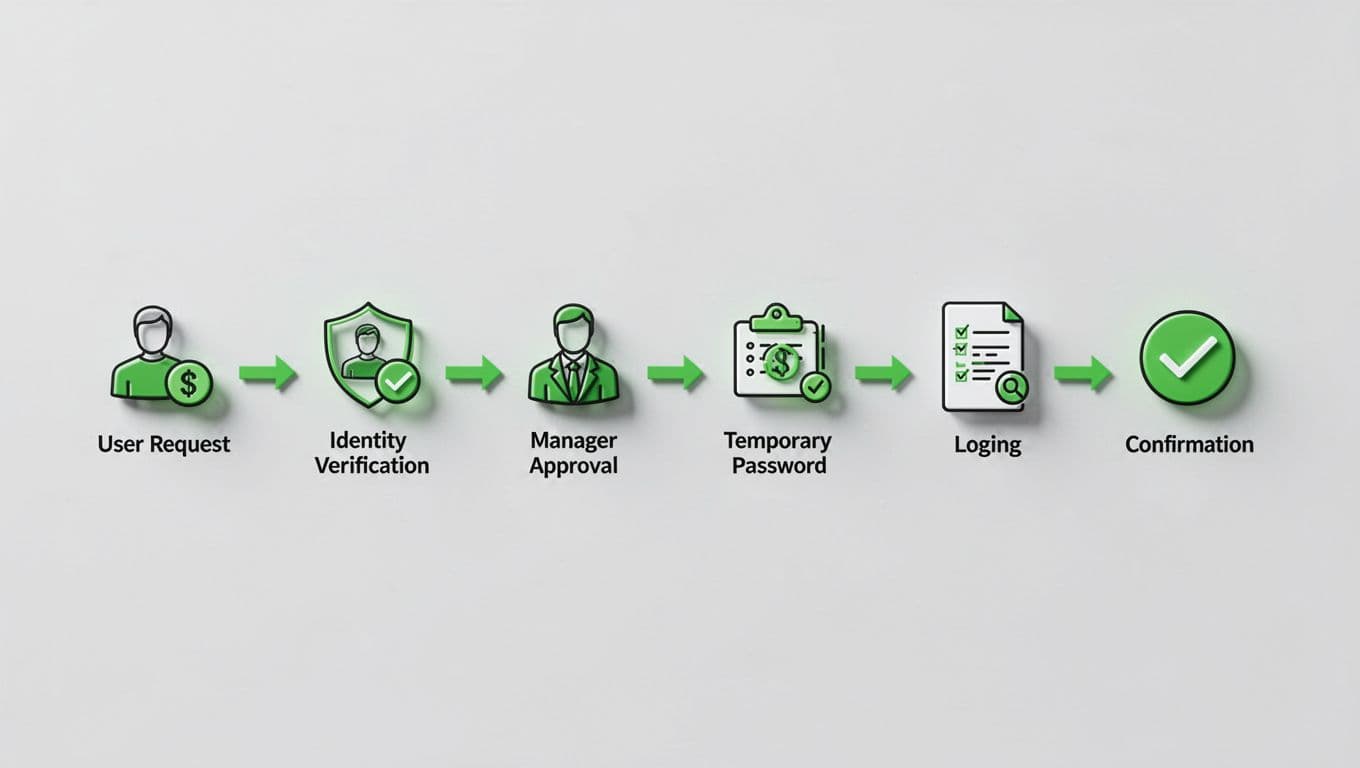
These controls slow attackers without making normal work painful. That balance matters, because privileged users reset passwords for the highest-value systems.
Train the help desk and audit the process
Help desk risk often starts with pressure, not technology. Attackers use urgency, authority, or frustration to push past normal steps. Training should cover common manipulation tactics, escalation triggers, and the exact words staff should use when they need to pause a request.
Run practice sessions often. Test callback rules, device checks, and privileged approval flows with live exercises. Then review the logs. Look for repeated failures, out-of-hours requests, mismatched devices, and approvals that move too fast.
The policy should also define what good looks like. Track reset volume, average verification time, exception rate, and the number of resets that turn into follow-up incidents. If exceptions rise, the control is too loose. If staff keep bypassing it, the process is too hard to use.
If your team needs help aligning IAM, help desk, and security operations around a policy like this, Book a Discovery Call with Bud Consulting.

A good password reset policy treats recovery like a controlled security event. It uses proof, context, approval, and logging to keep the help desk from becoming an attack path.
When the reset process is clear, attackers have fewer openings and staff make fewer mistakes. That is the real win, and it matters even more in 2026.




