table of contents
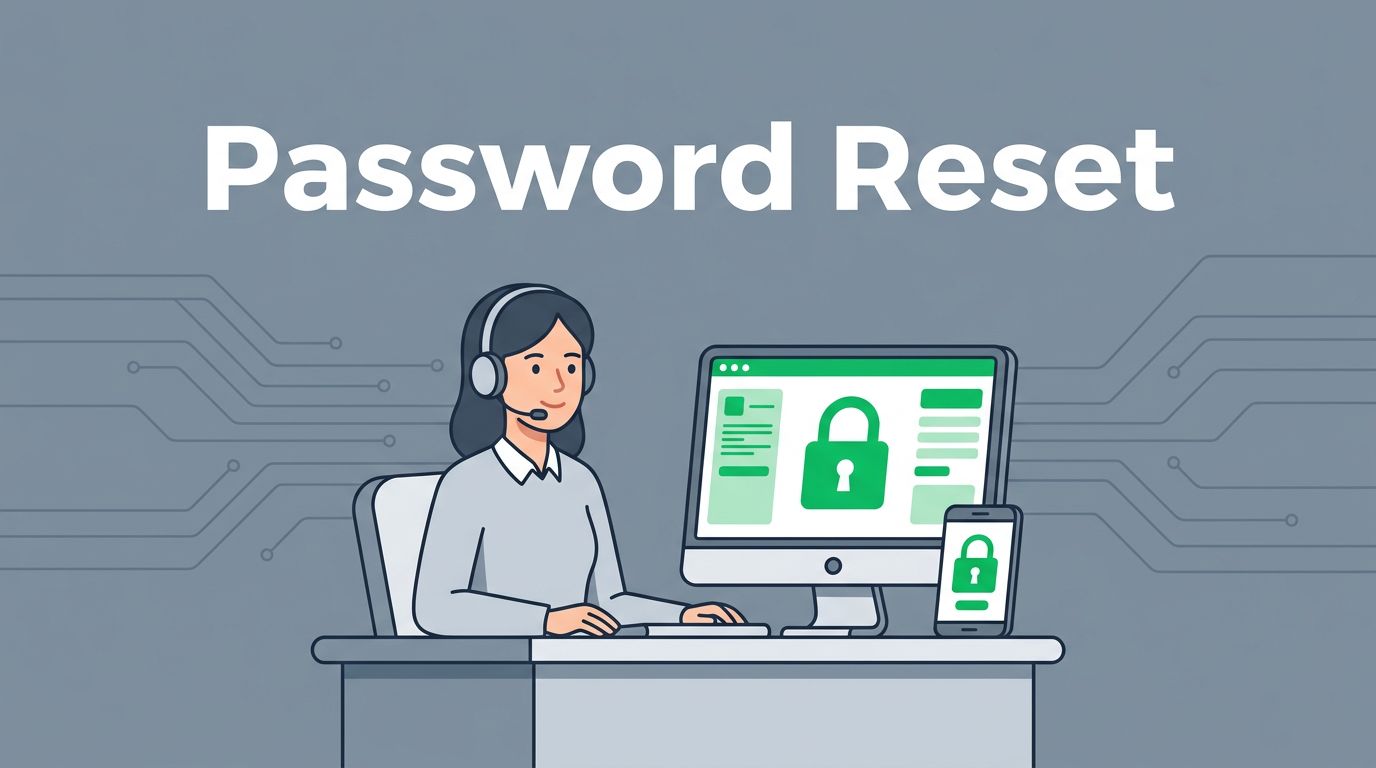
Password reset calls look routine, but they sit on a narrow path to account takeover. One convincing voice, one rushed agent, and one weak verification step can be enough.
That is why password reset security matters so much for help desks, internal IT teams, and MSPs. Attackers use impersonation, social engineering, SIM-swap tricks, and weak knowledge-based questions to slip past human judgment.
The fix is not more friction everywhere. The fix is a clearer process, stronger verification, and tighter control over exceptions.
Why password reset calls attract attackers
Reset requests are attractive because they often happen under pressure. The caller is locked out, the agent wants to help, and the conversation moves fast.
That mix gives attackers room to act. They may pose as an employee, a manager, or even a vendor. Recent coverage on helpdesk impersonation attacks shows how often support teams become the target, because trust is built into the job.
The risk gets worse when the process depends on memory-based checks. Security questions, birth dates, old addresses, and similar data are weak. Attackers can collect that data from public profiles, prior breaches, or simple probing.
If a caller can win with personal trivia, the reset process is too loose.
Reset calls also create a path around MFA. If the help desk resets both the password and the second factor, the attacker gets a clean entry point. A guide on account takeover prevention makes the same point, recovery abuse often starts before anyone sees a suspicious login.
Replace guesswork with a verification flow
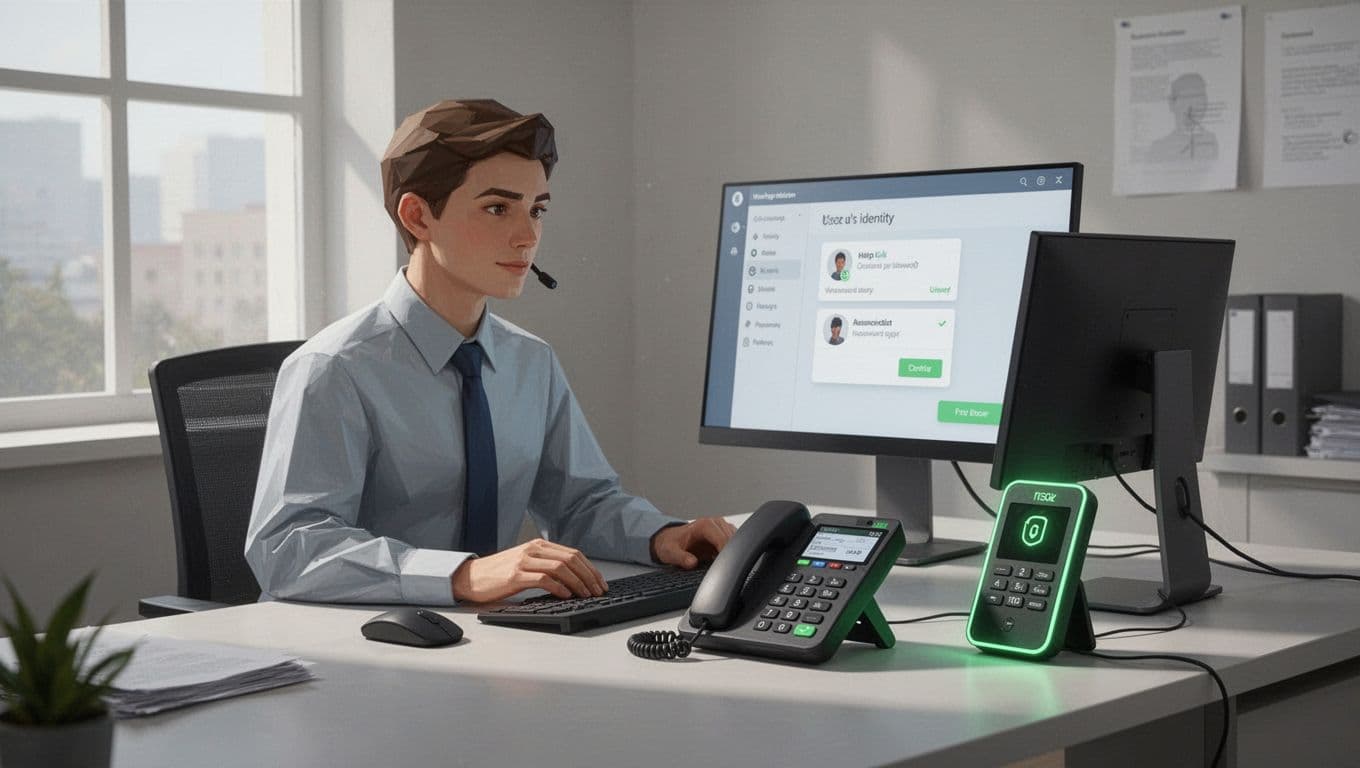
A safer reset process starts with a rule, not a hunch. Agents should follow the same steps every time, especially for privileged accounts and remote users.
First, use an approved callback procedure. Call the user back on a number that comes from a trusted source, such as HR, an identity record, or MDM, not the number given in the ticket. If the number does not match, stop and escalate.
Next, use step-up verification for higher-risk requests. That can include a verified device push, a manager approval path, or a secure callback to a known line. It should not rely on SMS alone, because a SIM-swap can redirect that code to the attacker.
Where possible, move to phishing-resistant MFA for recovery and login, especially passkeys or FIDO2 keys. For teams comparing reset workflows, helpdesk password reset best practices gives a useful model, routine requests should stay simple, while risky ones should get stricter checks.
If your reset flow still depends on knowledge-based authentication, it needs work. Password reset security gets stronger when the process uses verified data, not shared secrets people can guess.
If you want help redesigning that workflow for an internal team or MSP, Book a Discovery Call with Bud Consulting.

Use risk signals before you approve a reset
Good agents do not work from memory alone. They use context.
User and device signals can reveal a lot. A reset request from a new device, a new location, or an unusual time of day deserves extra scrutiny. So does a caller who cannot explain recent account activity or who asks for an MFA reset right after a password reset.
That is where modern identity tools help. Device compliance, IP reputation, login history, and recent authentication events can all support a decision. These signals should not replace the agent, but they can guide the next step.
Least privilege matters here too. Not every agent needs the same access. Keep privileged account resets inside a narrower approval group, and separate routine resets from elevated ones.
MSPs should apply the same logic per client. One shared process for every tenant creates confusion and weak spots. Separate approval paths, separate logs, and separate exception rules make audits easier and reduce mistakes.
A reset request should feel like a controlled gate, not a front desk with the door open.
A help desk checklist teams can use now
A practical framework keeps the process consistent. Use this as a baseline, then tune it for your environment.
- Route simple resets to self-service whenever possible. That removes volume and shrinks exposure.
- Require step-up verification for manual resets, especially for executives, admins, and remote staff.
- Use approved callback procedures tied to trusted records, never caller-supplied contact details.
- Check device and user risk signals before approval, including location, device health, and recent login history.
- Ban weak knowledge-based authentication for sensitive resets and MFA recovery.
- Limit who can approve privileged resets, and add a second reviewer for exceptions.
- Log every exception, then review those tickets each week for patterns.
- Write the exception path down, including who can approve it and when it expires.
That last point matters more than teams expect. If an exception lives only in an agent’s memory, it will drift over time. Documented handling keeps the process repeatable and defensible.
For a deeper look at how modern reset flows reduce risk, password reset best practices also reinforces the same idea, help desks need a clear path for normal requests and a harder path for risky ones.
The strongest control is a consistent process
Password reset calls will never disappear, but the risk around them can shrink fast. The winning move is to treat every reset as an identity event, not a support chore.
When your team uses approved callbacks, step-up verification, phishing-resistant MFA, and documented exceptions, attackers lose easy openings. That is what strong password reset security looks like in practice, calm, repeatable, and hard to fake.