table of contents
Password reset calls are small moments with big risk. One rushed exception can hand an attacker access to email, payroll, or admin tools. A good password reset verification script keeps the call short, protects privacy, and gives agents a clear path when pressure starts.
That matters because social engineers use urgency and familiarity to push for shortcuts. They know a tired agent may skip a step if the caller sounds important. Current guidance in NIST SP 800-63-4 digital identity guidelines keeps the focus on strong identity checks and controlled recovery, not guessable personal facts.
The best help desk script works for routine requests and stressful ones. It should fit employee resets, VIP cases, remote workers, and after-hours calls without turning into a judgment call. Start with a process that removes guesswork.
Why strong password reset verification matters
Attackers do not need to break encryption if they can talk a support agent into an exception. A birthday, home address, or last four of an SSN can be found or guessed. Full passwords and one-time codes are even worse, because they train callers to share secrets that should stay private.
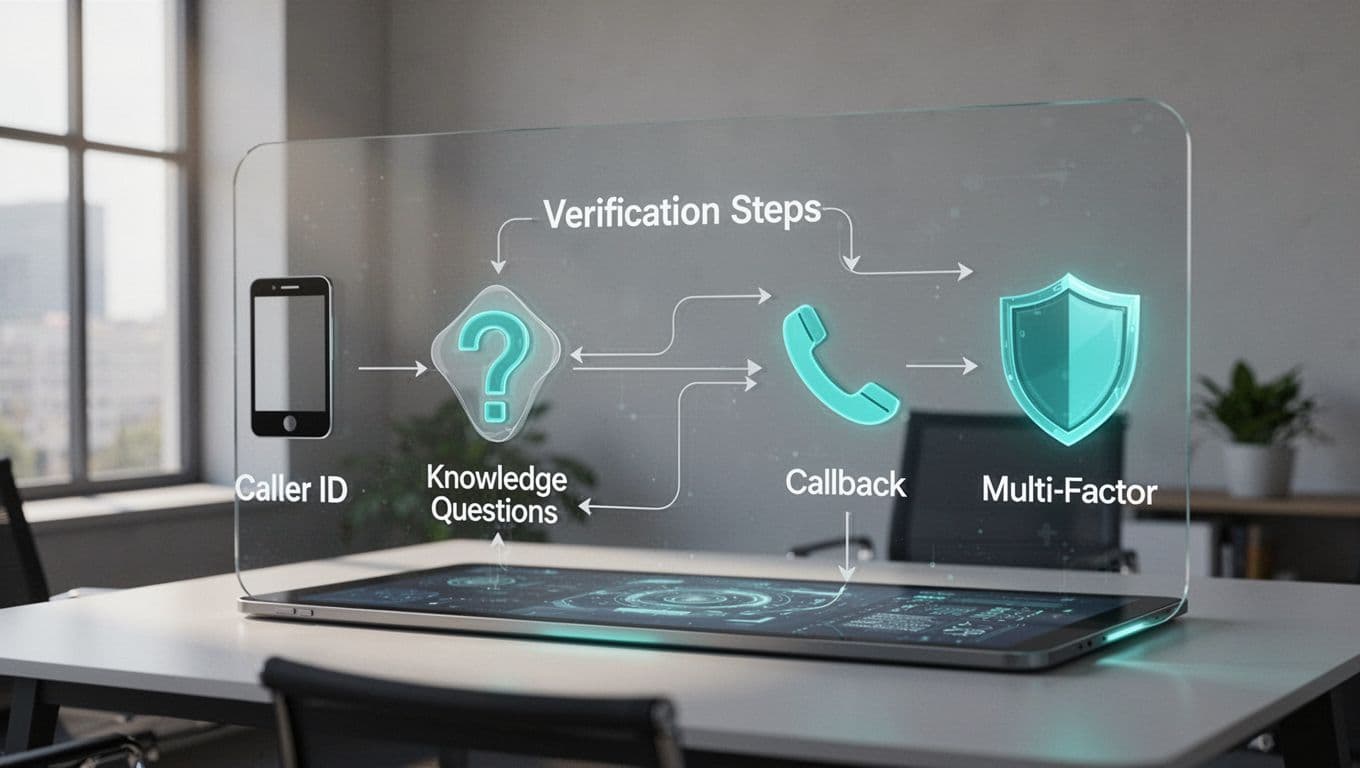
The safer path is to verify the person through a trusted channel already on file. That could be a callback to a known number, a secure recovery portal, or a phishing-resistant MFA prompt. If your environment uses self-service recovery, vendor docs like Microsoft Entra account recovery FAQs and Okta self-service account recovery show how controlled recovery can work at scale.
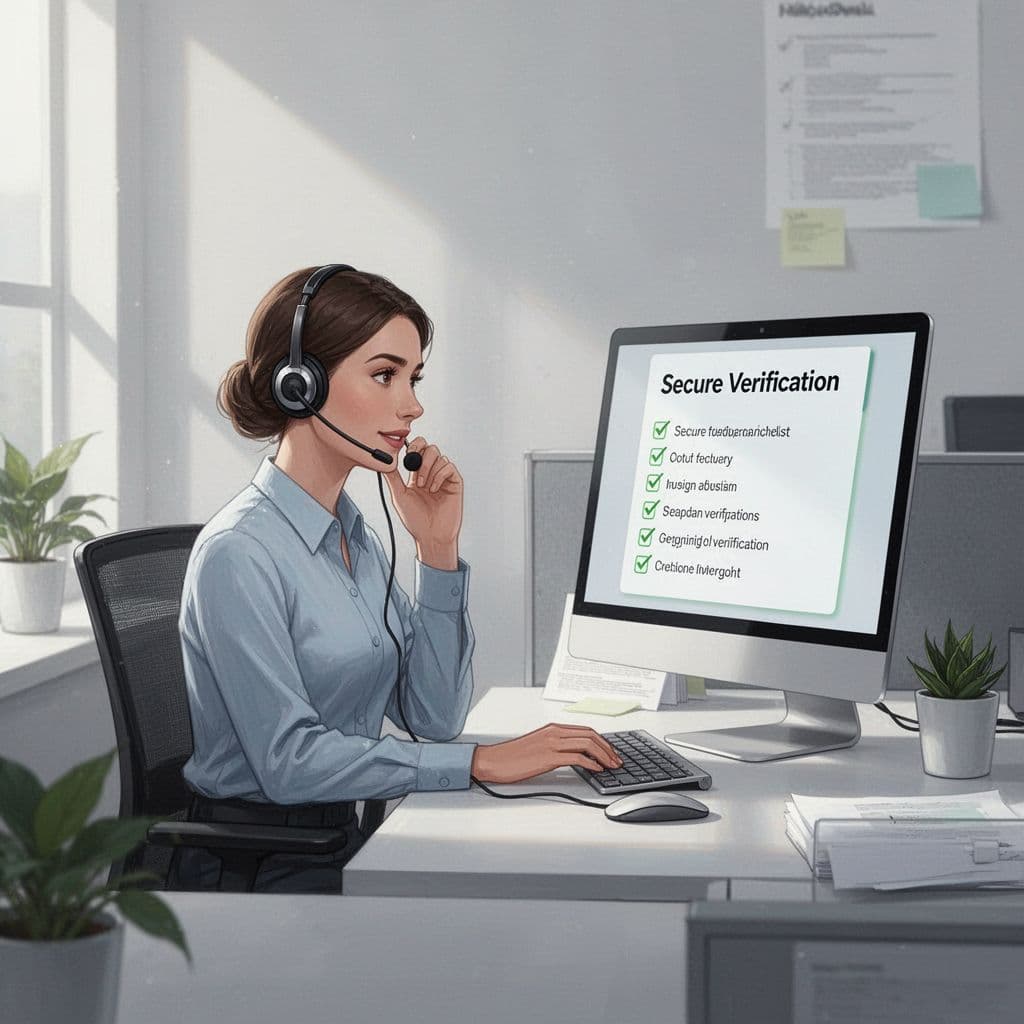
Least privilege matters here too. If the caller asked for a password reset, do not expand the request into MFA changes, mailbox access, or profile edits. Keep the scope tight, and keep the notes clear.
Build a call flow agents can follow
A simple call flow helps agents stay calm under pressure. When the steps are fixed, the conversation gets shorter and safer.
- Confirm the exact request, account, and urgency.
- Verify through a registered method, not guessable facts.
- Reset only the password unless a separate approval exists.
- Screen any new password against breach lists or weak-password rules.
- Log the method, result, time, and any warning signs.
Use language that makes the boundary obvious. This quick table gives agents a clean way to respond.
| Safe agent wording | Why it helps | Avoid saying |
|---|---|---|
| “I can continue after the approved verification step.” | Sets a firm boundary. | “I just need a few personal details.” |
| “Please approve the request in the authenticator app.” | Uses an out-of-band factor. | “Read me the code I sent you.” |
| “I’ll reset the password only.” | Keeps the task narrow. | “I can also update your MFA and recovery email.” |
| “If verification fails, I’ll open a ticket and escalate.” | Stops improvised exceptions. | “I can make an exception this time.” |
If low-risk users can self-serve, route them there first. That cuts queue time and lowers exposure. It also keeps agents from doing work that a controlled portal can handle more safely.
A phone script your team can adapt
A good script sounds calm and direct. It should set the rule early, then repeat it without arguing.
“Thanks for calling. I can help with the reset. First, I need to verify you through the approved process. I won’t ask for your password or one-time codes.”
“Once verification passes, I’ll reset the password and only the password.”
After that, the agent can use short lines that keep the call moving:
- “Please complete the approved verification step now.”
- “I can stay on the line while you use the registered method.”
- “I can’t bypass verification.”
- “If this fails, I’ll follow the escalation path in the ticket.”
The tone matters as much as the wording. Friendly is good. Flexible is not. A caller who pushes for speed is exactly the caller who needs a slower process.
If your process creates a temporary password, send it through the approved system and expire it on first use. Then force the user to set a new password that meets current policy. Modern guidance favors length, reuse checks, and breached-password screening over old complexity rules.
Handling VIPs, remote workers, after-hours calls, and failed checks
Executive and VIP requests need the same script as everyone else. The only difference should be the escalation path, not the standard. Special treatment is exactly what social engineers hope for, so the fastest route must still pass the same checks.
Remote workers need extra care because they often call from unknown locations. Use the registered device, the secure portal, or the callback number already on file. If the user is off-network, do not weaken the process to save time.
After-hours calls are another weak spot. Fatigue makes shortcuts look harmless. If the request touches an admin account, a privileged group, or a recovery factor, route it through on-call approval before any reset happens.

Failed verification should end the call, not start an argument. Record what happened, note any pressure tactics, and escalate if the pattern looks suspicious. Repeated urgency, script changes, and resistance to standard checks are warning signs.
“When the caller resists the process, the process is doing its job.”
The script is the control
Strong password reset verification is not about slowing support down. It is about giving agents a clear path that holds up under pressure. Keep the script short, use registered factors, and reset only what the ticket allows.
If your team wants help reviewing help desk controls, Book a Discovery Call with Bud Consulting is a practical next step. The safest reset call is the one that gets the right user back in and keeps everyone else out.