table of contents
Remote team security breaks down when coverage depends on one office clock. If your engineers, admins, and security staff work across regions, threats can land while half the team sleeps.
The answer is not endless night shifts. It is a coverage model that fits your time zones, your risk, and your staff capacity. That means clear handoffs, strong automation, and response rules people can actually follow.
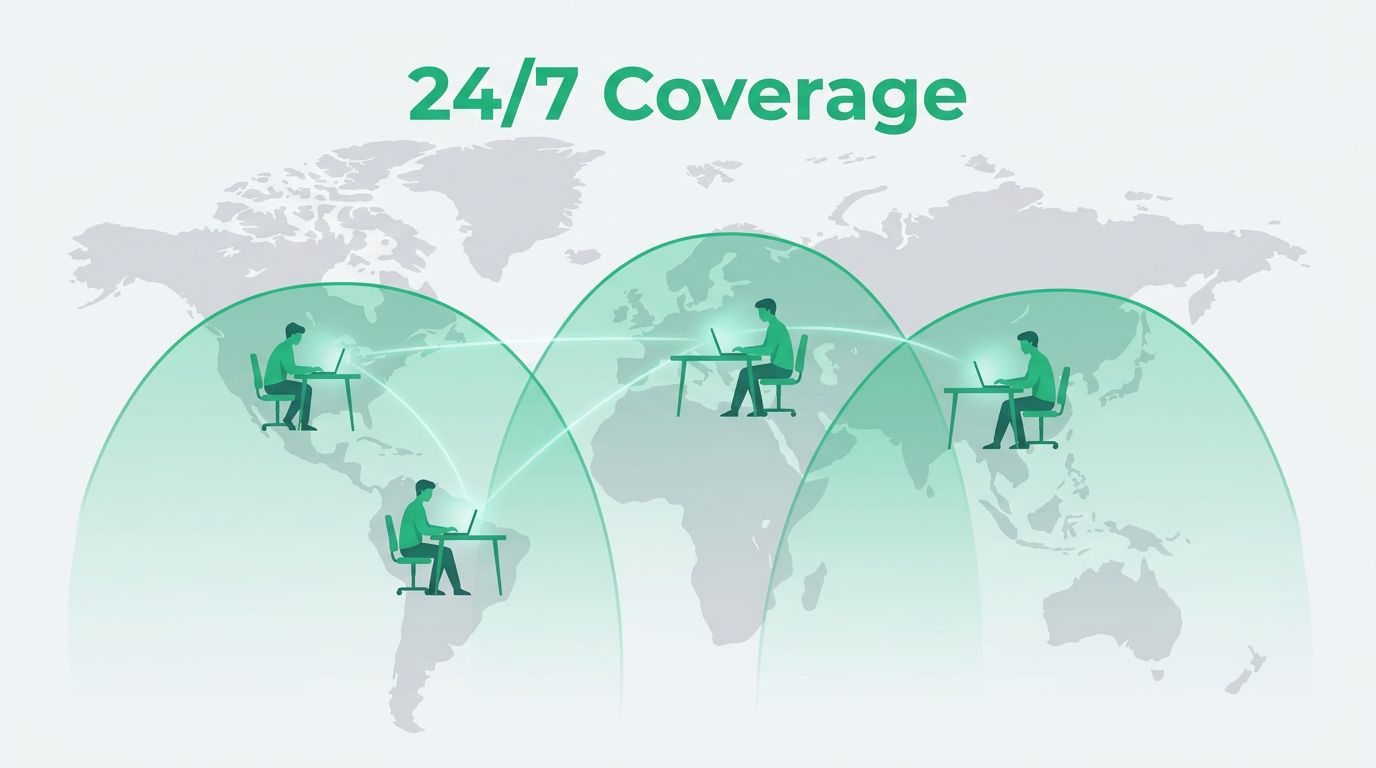
What 24/7 coverage means for remote teams
Around-the-clock coverage is more than alerting. Someone has to see the issue, decide what it means, and take action fast enough to limit damage. That can include incident response, access changes, patching, and escalation.
A useful reference is GitLab’s coverage and scheduling model, which splits coverage into regional blocks so people work close to normal hours.
| Model | Best fit | Strength | Tradeoff |
|---|---|---|---|
| Follow-the-sun | Global team with strong regional staff | Normal hours for most analysts | Needs tight overlap |
| Central on-call | Smaller security team | Simple ownership | Overnight fatigue |
| Managed SOC or MDR | Lean internal team | Constant monitoring | Less internal context |
| Hybrid | Most mid-size teams | Balance of depth and continuity | Needs careful routing |
For many teams, hybrid wins. Local staff handle daytime triage, while a managed service or second region covers the quiet hours. If your team wants a stronger follow-the-sun setup, this support model shows why overlap time matters so much.

Make handoffs boring and repeatable
The handoff window is where most plans leak. A clean shift change sounds simple, but it falls apart when context lives in chat threads and memory.
The best handoff is one the next shift can read in under two minutes.
Build one short handoff packet for every region. It should include active alerts, incident owners, recent changes, open access requests, patch deadlines, and the next escalation contact. Keep it in one shared system, not scattered across Slack, email, and tickets.
You also need clear ownership for broader security work. Vulnerability management should not pause because a team is offline. Access reviews should have a regional owner and a backup. Incident response needs a named lead for each time zone, even if the lead only steps in for major events.
If your coverage gap is really a staffing gap, Book a Discovery Call with Bud Consulting and close it with the right senior hire instead of stretching your current team thinner.
Use tools that reduce midnight work
Round-the-clock monitoring works only when alerts reach someone who can act. That means the tools need to sort signal from noise before a human wakes up.
A good 24/7 stack usually includes EDR on every device, SIEM rules tuned for your real environment, identity alerts for unusual logins, and workflow automation that routes each alert to the right queue. For a practical view of always-on monitoring, see this 24/7 SOC monitoring guide.
Use automation where the action is low risk. For example, auto-isolate a device with clear malware signals. Auto-create a ticket for a medium-severity finding. Auto-escalate privileged access changes. Keep human approval for anything that affects production systems, admin rights, or customer data.
Patch and access work need the same discipline. Critical vulnerabilities should move inside 24 to 48 hours. High-severity issues should not wait a week. Privileged access reviews need a regular cadence, with a backup owner in another region.
A rollout framework your team can use
Start small and map the work before you change the schedule. A rushed shift model often creates more gaps than it closes.
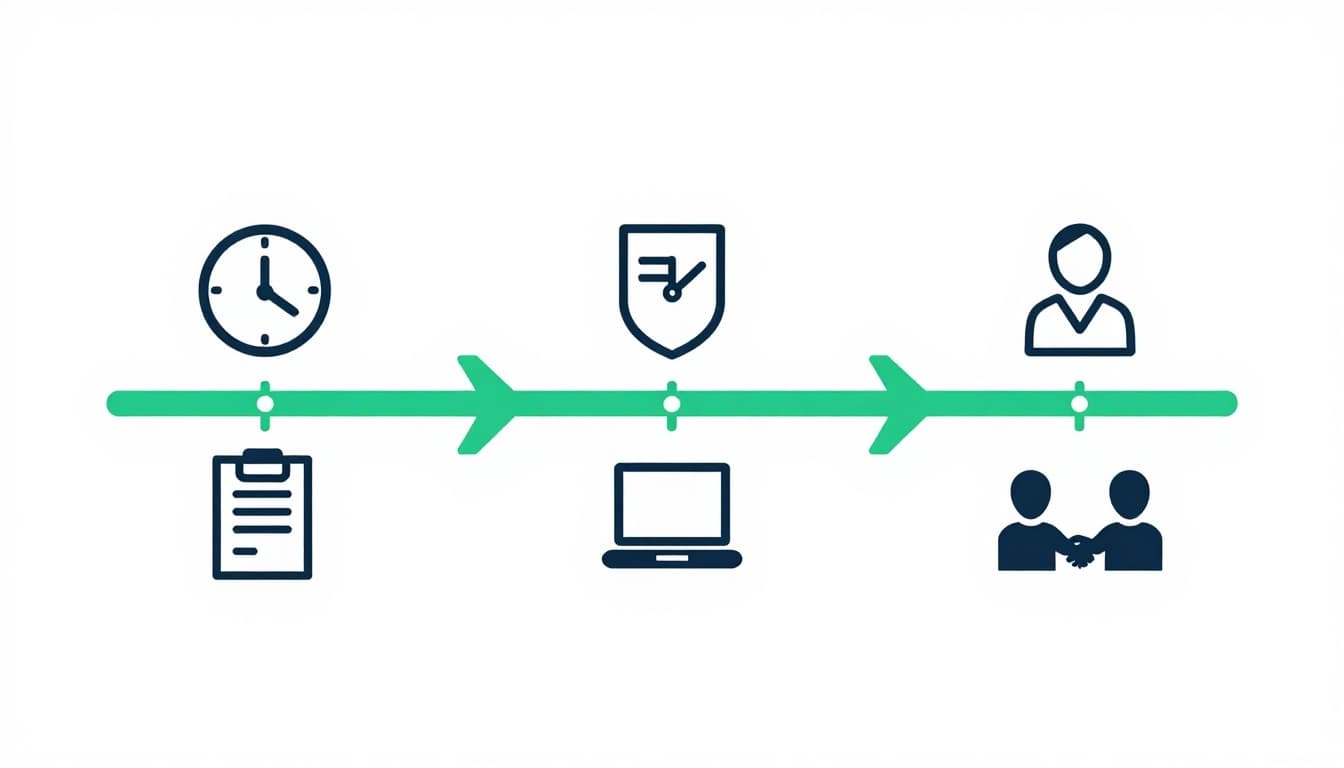
- Map coverage gaps in UTC. List when incidents, access requests, and patch work land with no active owner. Use UTC first, because local calendars hide the overlap problem.
- Sort work by urgency. Decide what needs live response, what can wait until the next region wakes up, and what can be automated. Incident response and privileged access need fast attention. Routine access reviews can usually wait.
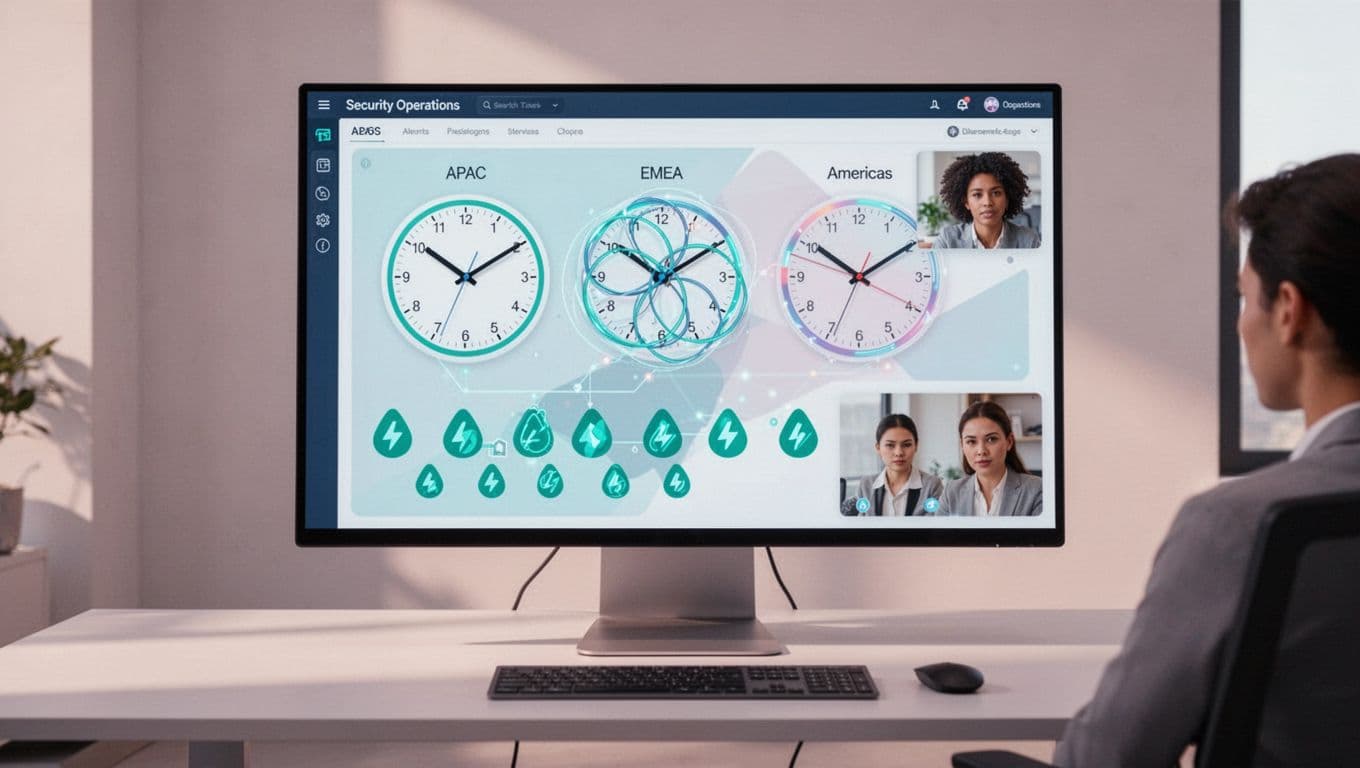
- Set overlap windows and rules. Give each region enough overlap to review alerts, hand off open cases, and flag risky changes. Keep the window consistent, even when daylight saving time shifts.
- Run a drill and measure it. Simulate an incident across two time zones. Track time to acknowledge, time to contain, handoff errors, and how many tickets needed manual rerouting.
After the first drill, fix the slowest handoff, not the loudest complaint. That usually gives the biggest gain with the least disruption.
Common mistakes that leave blind spots
The first mistake is treating 24/7 coverage as a tooling purchase. Tools help, but people still need authority and clear runbooks.
Another common issue is overloading the same few analysts with late shifts. That burns people out fast and makes errors more likely.
Teams also forget about regional differences in access reviews. If one region owns admin approval for everyone, delays and missed checks pile up.
Finally, some groups write playbooks that assume the incident commander is awake. That works fine until the alert hits at 2 a.m. in the wrong region.
Conclusion
Strong remote team security depends on design, not heroics. When you build coverage around time zones, overlap windows, and clean escalation paths, you get faster response without pushing one team into permanent night work.
Start with the gaps, choose the model that fits your footprint, and test the handoff before an incident does it for you. The best coverage plan is the one your people can keep running on a normal week, not just during a crisis.