table of contents
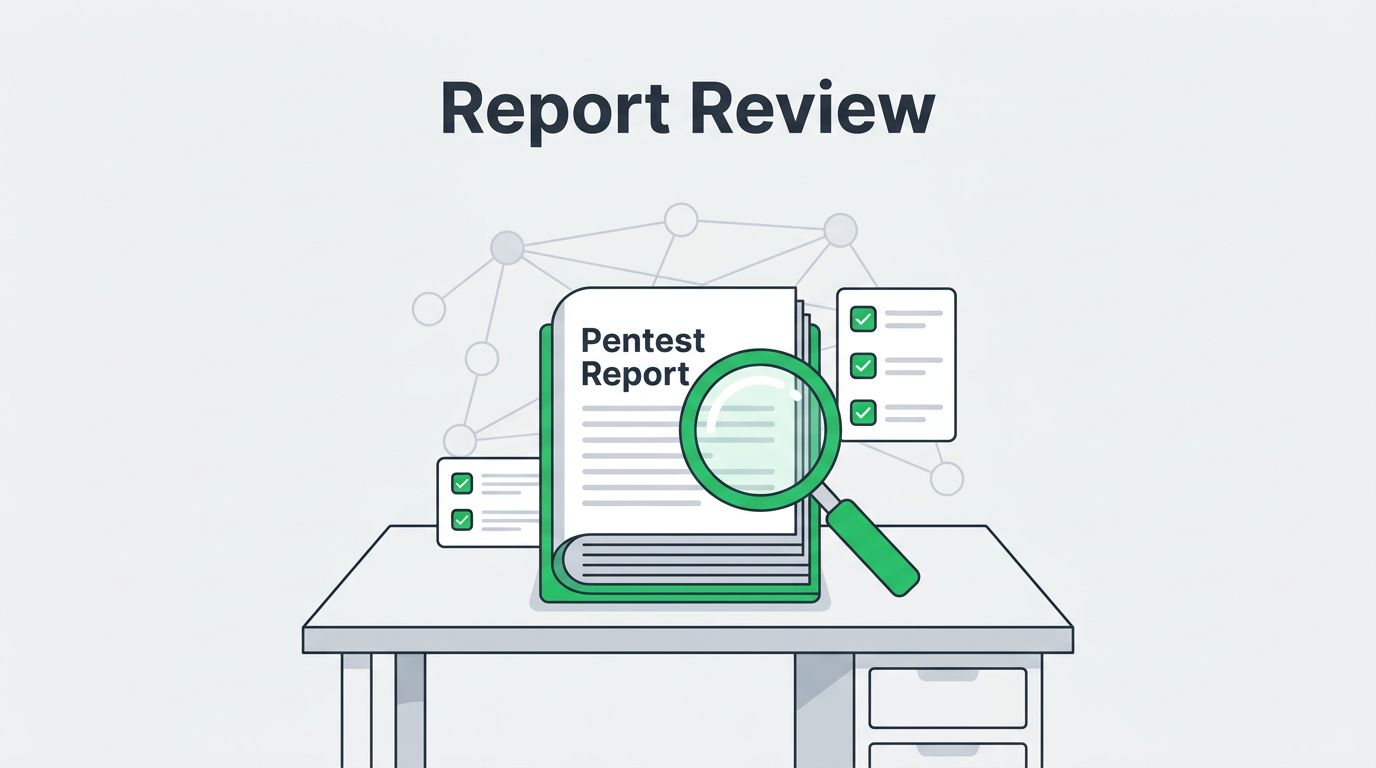
You get a thick PDF from your pentest vendor. It lists vulnerabilities. But does it show real risks or just scanner noise? Many teams waste time fixing low-impact issues because they skip a close review.
Poor reports lead to bad decisions. You might chase ghosts while attackers exploit real paths. Or you overlook gaps in scope that leave systems exposed. This guide walks you through a practical review process. You’ll spot credible work and prioritize fixes that matter.
Start by knowing what sets a solid penetration test report apart from weak ones.
Understand What Makes a Strong Pentest Report
A good report goes beyond a list of CVEs. It tells a story of how attackers could chain flaws into breaches. Look for clear structure first. Strong ones follow standards like the OWASP Penetration Test Reporting Standard. They include an executive summary, detailed findings, evidence, and remediation steps.
Weak reports mix automated scans with manual tests. Automated tools flag known issues fast. True penetration testing adds human ingenuity. Testers craft custom exploits or business logic bypasses that scanners miss. Check if the report separates these. If everything blends together, doubt its depth.
In 2026, expect reports to align with frameworks like NIST SP 800-115 or OWASP Testing Guide. They validate exploitability, not just detect it. Does the report show chained attacks? Real pentests demonstrate impact, like data exfiltration or privilege escalation.

Reports shine with context. They tie findings to your attack surface. Production systems matter more than staging. Customer data raises stakes over internal tools. A strong one rates risks by business impact, not just CVSS scores. CVSS helps, but it ignores your setup.
Skip reports heavy on theory. Credible ones prove execution with timestamps and logs. They also note what stayed out of scope, like third-party services or physical access.
Verify Tester Qualifications and Engagement Scope
Credentials matter. Ask for tester certifications like OSCP or GPEN. These prove hands-on skills. Resumes with bug bounties or conference talks add trust. Vague bios signal trouble.
Scope defines what got tested. Read it early. Does it match your assets? Common pitfalls include outdated IP lists or ignored cloud configs. In 2026, scopes cover dynamic environments. Look for rules of engagement that allow pivoting after initial access.
Check timelines. Short tests miss persistence techniques. A week-long black-box pentest differs from a month with insider access. Reports should recap sessions and tools used. Proprietary scanners alone won’t cut it; expect Burp, Nmap, and custom scripts.
Red flags appear here too. Did testers assume fixes mid-test? Or skip retesting cleared issues? Good vendors validate remediations in follow-ups.
For credibility, see if the report references NIST’s Technical Guide to Information Security Testing and Assessment. It stresses thorough planning. Mismatched scopes lead to false security.
Scrutinize Findings and Supporting Evidence
Findings drive action. Prioritize by severity, but verify claims. Critical labels without proof inflate fears. Demand evidence for each.
Strong evidence includes screenshots, HTTP requests, payloads, and command outputs. Timestamps tie actions to reality. Vague “exploited successfully” won’t do.
Distinguish isolated flaws from chains. One report might list XSS alone. Another shows XSS leading to admin access via CSRF. The second reveals true risk.
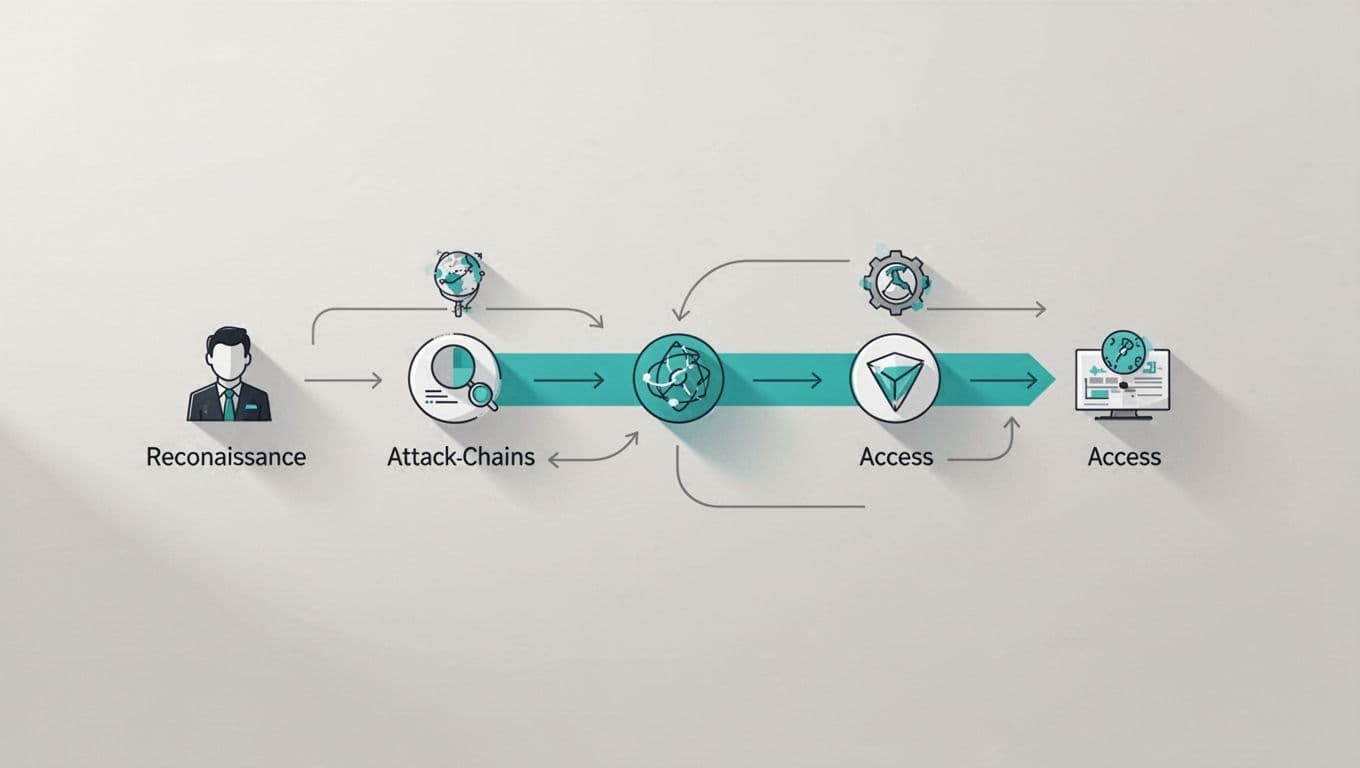
Attack paths matter in 2026. Reports should map reconnaissance to impact. Tools like BloodHound visualize lateral movement. Without this, you fix symptoms, not paths.
For more on reading findings, check this guide to spotting red flags in pentest reports. It highlights chainable issues like SSRF to metadata.
False positives kill trust. Good reports note validation steps. They score confidence levels. Low-confidence items go last.
Review Remediation Guidance and Report Limitations
Remediation turns findings into fixes. Look for specific steps, not “patch your software.” Tie advice to your stack. For a SQL injection, suggest prepared statements with code snippets.
Prioritization helps. Group by fix timeline: now, soon, later. Business context guides this. Customer-facing apps top the list.
Limitations section discloses gaps. No test covers everything. Note untested areas like OT systems or new deploys. In 2026, expect mentions of retesting practices. Vendors often offer validation post-fix.
Weak reports omit this. They pretend completeness. Cross-check against OWASP’s reporting guidelines. Actionable advice appeals to devs and execs alike.
If guidance feels generic, probe the vendor. Ask for a call to clarify.
Your Quick Checklist for Report Reviews
Use this table to scan reports fast. It flags strengths and gaps.
| Check Item | What to Look For | Pass/Fail Criteria |
|---|---|---|
| Executive Summary | Clear risk overview, top findings | Ties to business impact, no jargon |
| Scope and Methodology | Matches contract, separates auto/manual | Includes tools, timelines, limitations |
| Findings Evidence | Screenshots, payloads, attack paths | Proves exploitability, timestamps |
| Severity Ratings | CVSS + context, not all “critical” | Balanced, validated |
| Remediation Steps | Specific, prioritized, code examples | Feasible for your team |
| Retest/Validation | Plan for fixes, 2026 standards alignment | Follow-up offered |

This checklist saves hours. Run it before dev huddles. It ensures you act on real threats.
For a full credibility checklist, see this pen test report evaluation guide.
Key Takeaways for Better Vendor Choices
Solid penetration test reports empower decisions. They prove value beyond compliance checkboxes. Focus on evidence and context to separate signal from noise.
You now spot weak spots in vendor work. Use the checklist next time. It cuts through hype.
Strong reports reduce risk. They guide fixes that stick. Book a Discovery Call with Bud Consulting if you need help building your security team.
(Word count: 1487)