table of contents
New SaaS tools rarely arrive with a formal announcement. They show up as a trial login, a card charge, or a “quick win” from one team. Then IT, security, and finance discover them after data is already moving.
A strong SaaS intake process keeps that from happening. It gives every request one path, one review standard, and one owner. The goal is simple, less shadow IT, less SaaS sprawl, and fewer surprises for everyone involved.
Start with one route for every request
A good intake process begins with a single entry point. That can be a form, a ticket, or a procurement portal, but it has to be the same for every new tool. If people can bypass it, they will.
A public example is Johns Hopkins’ software intake process, which shows how a request can move through review without guesswork. The lesson is useful for any growing company, one front door beats scattered emails and side deals.
Then sort requests by risk, not by urgency alone. A scheduling app for one team should move faster than an AI note-taker that handles customer calls or employee data. Risk tiers give you speed where it is safe, and caution where it matters.
| Risk tier | Example request | Review path | Suggested SLA |
|---|---|---|---|
| Low | Team wiki, light scheduling tool | Manager and IT | 1 to 2 business days |
| Medium | Workflow app with internal data | Manager, IT, security, finance | 3 to 5 business days |
| High | AI tool, HR app, finance system, customer data platform | Security, privacy, legal, procurement, IT | 5 to 10 business days |
The tier matters more than the title on the request. A small tool can still become a big risk if it touches sensitive data or connects to core systems.
If every request feels urgent, nothing is urgent. Clear tiers keep the queue honest.
Decide who owns the decision
Fast intake depends on named roles. If everyone can approve, no one owns the risk. A clean process assigns each stakeholder a specific job.
- The requester explains the problem, the users, and the deadline.
- The business owner confirms value and pays for the tool.
- IT checks identity, integrations, admin access, and support load.
- Security and privacy review data type, retention, logging, and AI use.
- Procurement and finance review price, contract terms, renewals, and exit clauses.
- Legal joins when the tool stores regulated data or moves data across regions.
The key is to name one app owner before approval. That person stays responsible after the purchase. Without that owner, renewals drift and offboarding becomes a mess.
Procurement also needs a complete record of the vendor, the cost, and the contract dates. A precise procurement process for SaaS governance helps keep those details visible, which cuts down on surprise renewals and duplicate tools.
Ask the questions that matter
A short form works better than a long essay. Still, it has to ask the right things. If the form is vague, reviewers end up chasing details later.

Start with these intake questions:
- What problem are you solving, and who needs the tool?
- How many people will use it?
- What data will it store, view, or export?
- Does it touch customer data, employee data, finance data, or source code?
- Does it need SSO, SCIM, or admin logs?
- Which systems will it connect to?
- Does the vendor use prompts, uploads, or outputs to train AI models?
- What happens to the data when the contract ends?
The answers tell you where the risk sits. A request that handles PII, uses AI features, or connects to Slack, CRM, and email should move into a deeper review. A low-risk tool with no data access can move much faster.
That balance matters in 2026. Teams want AI-enabled tools, but they also need clear data privacy rules and vendor risk checks. A strong intake form catches both.
Keep the workflow short and trackable
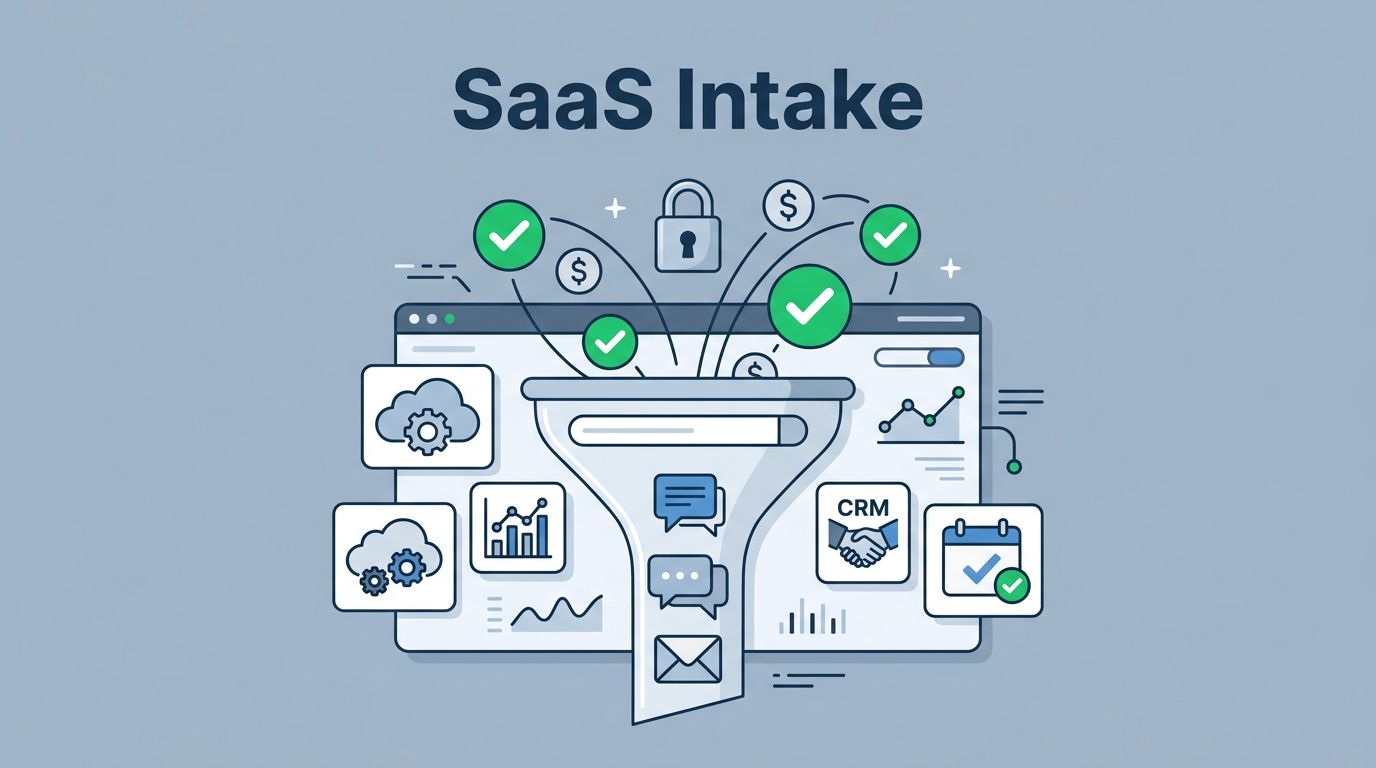
A good workflow feels simple to the requester and clear to reviewers. The best model is one intake path, one risk review, one contract record, and one offboarding plan. That is the same idea behind the governance workflow for tool requests, renewals, and decommissioning.
Use these stages:
- The request comes in through one form.
- A rule assigns a risk tier automatically or with light triage.
- The request routes only to the reviewers it needs.
- Reviewers approve, deny, or approve with conditions.
- The decision, vendor docs, and renewal date go into one record.
- The tool gets checked again at renewal or when its use changes.
Keep the service levels clear. Low-risk tools should not sit for a week. Medium-risk requests need a fast path too, especially when a team has a deadline. High-risk tools can take longer, but only when the form has enough detail to support the review.
A few practical controls help keep the process light:
- Pre-approve a small list of trusted vendors.
- Require SSO for anything with internal or sensitive data.
- Add a standard DPA review for all paid tools.
- Set a renewal reminder 30 days before contract end.
- Block purchases that skip the intake path.
This is where the process pays off. Teams get speed for simple tools, and governance for the risky ones.
Make the approved path the easiest path
The best SaaS intake process is the one people actually use. It does not rely on memory or good intentions. It gives teams a clear route, a short form, and a response time they can trust.
That is how you reduce shadow IT without creating a bureaucracy trap. When the path is simple, people stop working around it. When the review is clear, security, procurement, and department heads all look at the same facts.
If your team wants help tightening vendor risk reviews, data privacy checks, or AI tool approvals, Book a Discovery Call with Bud Consulting.