table of contents
One overly broad permission set can expose more Salesforce data than an entire role hierarchy. If a user can read sensitive objects, export reports, and call the API, one missed setting can become a real exposure path.
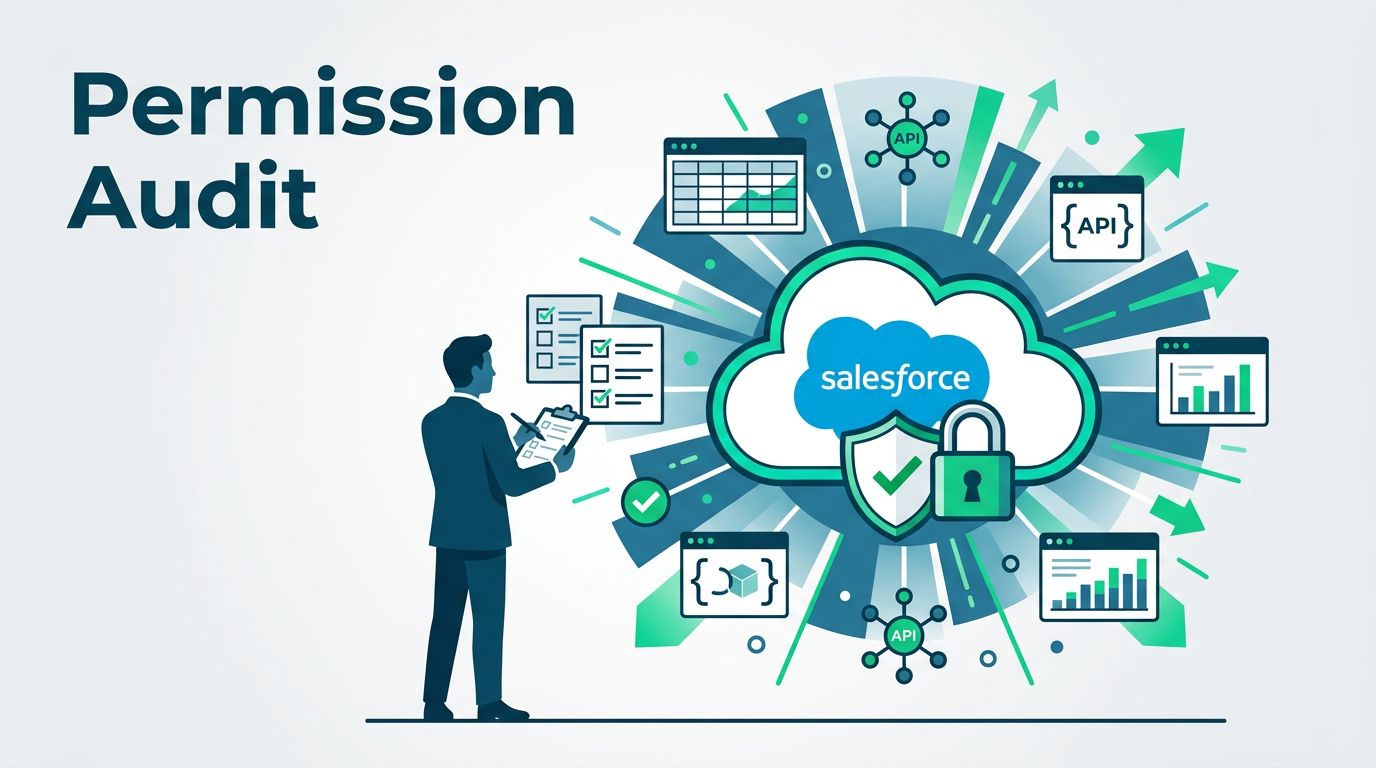
A solid Salesforce permission audit starts with the data you care about most, then traces every way users can reach it. That means permission sets, permission set groups, muting, field-level security, exports, and session controls all need the same review.
The process is manageable when you break it into clear checks. Start with the data map.
Table of contents
- Start with the data that matters most
- Map every access path before you change anything
- Review object permissions and field-level security
- Check permission set groups, muting, and temporary access
- Audit reports, exports, API access, and session controls
- Use Salesforce tools to verify and document the audit
- Keep the audit running
- FAQ
Start with the data that matters most
Begin by listing the objects and fields that would hurt the business if they leaked. Customer PII, payment details, health data, compensation records, and internal notes all belong on that list. So do API keys, integration tokens, and file attachments with private data.
This is the point where many teams drift into guesswork. A better method is to tag data by impact, then tie each tag to an owner and a use case. If an object holds regulated data, mark it for stricter review.
Access control mistakes often look small at first. The OWASP Top 10 treats broken access control as a major risk, and the same pattern shows up in Salesforce when users gain more than their job needs.
A hidden field is not safe if the same user can still read the object, export the report, or call the API.
Map every access path before you change anything
Permission issues rarely come from one place. In Salesforce, access can come from profiles, permission sets, permission set groups, sharing rules, object permissions, field-level security, and integration users. If you only check one layer, you miss the rest.
A quick matrix helps separate the paths.
| Access path | What to inspect | Risk signal |
|---|---|---|
| Profiles | Base object and field access | The profile already gives more than the role needs |
| Permission sets | Extra object, field, and system permissions | One set unlocks export or API access |
| Permission set groups | Combined access across sets | Access appears only after several sets stack up |
| Muting permissions | Permissions removed inside a group | A muted permission still leaks through another path |
| Temporary access | Expiry dates and unused assignments | Old access stays active after the project ends |
That table usually reveals the first problem. If the same user gets access from two or three paths, remove the duplicate grant first. Then retest before moving on.
Salesforce security guidance works best when it stays small and specific. Salesforce data protection controls are easier to manage when each permission set has one clear job, such as case work, sales reporting, or admin support.
Review object permissions and field-level security
Object permissions are the first gate. Check Read, Create, Edit, Delete, View All, and Modify All for each sensitive object. A user may only need Read access to one object, yet a permission set can quietly add Edit or View All.
Next, review field-level security. Salesforce’s Field-Level Security in Salesforce guidance is useful here, because field access often gets missed when teams focus on page layouts. Hidden fields on a page layout are not the same as protected fields. If a user has API access or report access, they may still reach the data.
Open Permission Set Summary for each high-risk set and compare it with the sensitive object list. Then use Field Accessibility to see who can read or edit each field across profiles and permission sets. That view often exposes fields that no one planned to open, especially in old sales or support sets.
A practical check list works well here:
- Compare each sensitive object with the jobs that need it.
- Remove broad rights like View All unless there is a real case.
- Review fields with names like SSN, Tax ID, Salary, Bank, or Notes.
- Test one user from each high-risk team after every change.

Check permission set groups, muting, and temporary access
Permission set groups help reduce admin sprawl, but they can also hide risk. When several sets combine, a user may inherit access that no single set looked dangerous on its own. That is why group review matters.
Muting permissions also needs close attention. A muted group can remove selected permissions, but it does not fix access granted somewhere else. If a user still reaches a sensitive object through another permission set, the mute gives a false sense of safety.
Enterprise teams see this problem during finance close, customer escalations, and seasonal support spikes. A finance user may need invoice data for one month, while a regional sales user only needs summary fields. If one group handles both cases, it is too broad.
Old access is another common issue. Temporary permission sets should expire when the project ends. If they do not, short-term access turns into a permanent exception.
If the audit turns up layers of inherited access or long-standing exceptions, Book a Discovery Call with Bud Consulting to review the model with a security team.
Audit reports, exports, API access, and session controls
Sensitive data exposure often happens after a user gets into Salesforce, not only before. Reports, exports, and API-enabled data need their own review.
Start with report folder access and report subscriptions. Then check who can run reports, export them, and use “Export All” where it exists. A user who cannot edit records may still copy a full data set out of Salesforce through reports.
API access deserves the same scrutiny. Look at users with the API Enabled permission, connected apps, integration accounts, and any service users that sync data into or out of the org. These accounts often have broad rights because they support automation. That makes them easy to overlook.
Session and org-level settings matter too. Review session timeout, login hours, IP ranges, and high-assurance access where appropriate. If a user can sign in from anywhere and keep a long session alive, stolen credentials become more dangerous.
Finally, look at security settings that sit outside permissions but still shape exposure. Weak session controls do not create access by themselves, yet they make every other mistake more expensive.
Use Salesforce tools to verify and document the audit
Good audits leave evidence. They also give you a repeatable way to spot drift later.
Use Setup Audit Trail to see who changed permissions and when. Pair that with Event Monitoring if your org has it, since it can help spot unusual exports, API calls, and login patterns. Health Check is useful for checking the org’s security baseline, especially when you want a quick view of risky settings.
Keep the audit trail simple. Record the object or field, the users who should have access, the access they actually have, and the fix you made. Then test the change and save the result.
For a wider view of controls, Salesforce data protection best practices are a good reference point. They line up well with a review that looks at permissions, monitoring, and access cleanup together.
Keep the audit running
A sensitive data review is not a one-time task. New permission sets get added, teams change roles, and temporary exceptions pile up. That is how quiet exposure starts.
The strongest control is a regular cadence. Review the highest-risk sets every quarter, recheck them after major releases or org changes, and remove any access that no longer matches a real job need. When the review stays current, permission sets stop being a blind spot.
FAQ
How often should Salesforce permission sets be audited?
Quarterly is a good baseline for most teams. High-risk orgs, regulated data, or active change periods may need monthly checks.
Is field-level security enough by itself?
No. Field-level security matters, but object permissions, report access, exports, API access, and permission set groups can still expose the same data.
What is the biggest permission set risk?
The biggest risks are broad rights like View All, Modify All, API Enabled, and export access. Overlapping permission sets can also create access that nobody planned.
Which Salesforce tools help most during the audit?
Permission Set Summary and Field Accessibility show who can access what. Setup Audit Trail, Event Monitoring, and Health Check help confirm changes and spot drift.
Should integrations be part of the review?
Yes. Integration users often have broad access, and they can move sensitive data even when human users are tightly controlled.
Keep the audit running
Sensitive data exposure in Salesforce usually comes from a chain of small access grants. One permission set may look harmless, but combined with a group, export rights, and API access, it can open more data than you expect.
A strong Salesforce permission audit checks the data first, then follows every path that reaches it. When you review object permissions, field-level security, groups, muting, and security settings together, you get a cleaner access model and fewer surprises later.