table of contents
Contractors often need remote access to your systems. One slip can expose sensitive data. You face breaches from weak links all the time.
As an IT manager or compliance lead, you handle third-party risks daily. Poor training leaves gaps. This article shares actionable rules and training methods to lock down access.
You will find clear policies, training tips, and a checklist. Start applying them today to cut risks.
Why Secure Remote Access Matters for Contractors
Contractors boost your projects but add security risks. They connect from outside networks. A single compromised account lets attackers pivot inside.
Data shows third-party breaches rise each year. Attackers target vendors because controls lag. Your company pays the price in downtime and fines.
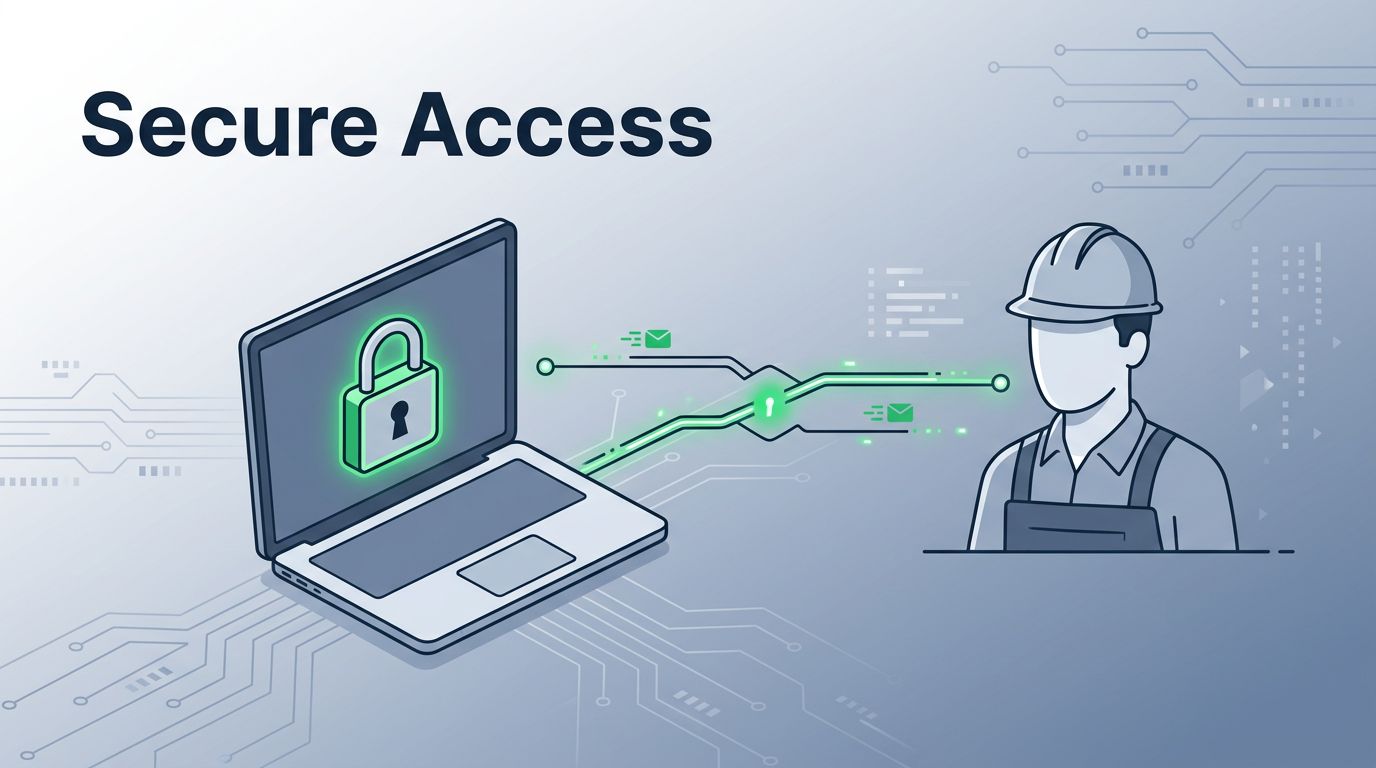
Focus on contractors early. Require secure remote access before granting logins. This step prevents most incidents.
Policies set expectations. They define tools and behaviors. Without them, contractors guess and err.
You build trust with clear rules. Contractors follow when they understand stakes. Regular training reinforces habits.
Consider past incidents. A vendor used personal email for work files. That led to phishing success. Strong access rules stop such errors.
Link vendor contracts to compliance. Make training mandatory for payment. This ties actions to business.
In short, training protects your core assets. It also shows regulators you take risks seriously.
Core Rules Contractors Must Follow
Start with least privilege. Give contractors only the access they need for tasks. No extra permissions.
Role-based access fits here. Assign permissions by job function. A developer gets code repos but not HR data.
Require multifactor authentication (MFA) everywhere. Passwords alone fail against credential theft. MFA adds a second check.
Insist on approved devices. Contractors use company-issued laptops or vetted personal ones. Ban unpatched home PCs.
Limit tools to your stack. No personal VPNs or shadow IT. Use your zero-trust gateway for all sessions.
Enable logging and monitoring. Track every login and action. Review logs weekly for odd patterns.
For onboarding, verify identities first. Run background checks. Issue temporary credentials.
Revoke access on contract end. Automate it with HR systems. No lingering accounts.
These rules form your baseline. Enforce them consistently. Contractors adapt when rules stay simple.
See BeyondTrust’s 10 tips for securing remote access for vendors for more on audits and policies.
Establishing Secure Remote Access Protocols
Build protocols around zero trust. Assume no user or device is safe by default. Verify every time.
Define access tiers. Low-risk tasks get basic VPN. High-risk ones use session brokers with screen sharing.
Set session timeouts. End idle connections after 15 minutes. Force re-auth for long jobs.
Require endpoint protection. Contractors install your agent for antivirus and encryption. Check compliance before login.
Use just-in-time access. Grant permissions for set hours only. This shrinks exposure windows.
Integrate with identity providers. Single sign-on (SSO) cuts shared passwords. Everyone gets unique accounts.
Test protocols quarterly. Simulate contractor logins. Fix gaps fast.

This setup keeps data safe. Contractors focus on work, not worry. You gain visibility into threats.
Policies evolve with threats. Update after incidents. Share changes in refreshers.
Imprivata outlines third-party vendor remote access best practices, including user identification and zero-trust methods.
Practical Training Tips for Contractors
Make training short and hands-on. A 30-minute video plus quiz works best. Cover rules with real examples.
Use scenarios. Show a phishing email during VPN setup. Ask what to do next.
Host live sessions for questions. Record them for on-demand access. New contractors watch before day one.
Gamify quizzes. Reward perfect scores with badges. It boosts completion rates.
Tailor by role. Developers learn code access. Testers cover data handling.
Follow up monthly. Send quick tips via email. Test recall with spot quizzes.
Track progress in your LMS. Flag non-completers for review.

Incorporate tabletop exercises. Discuss breach responses. It builds muscle memory.
These methods stick. Contractors retain 80% more from interactive sessions.
Sample Contractor Training Checklist
Use this checklist for every onboarding. It ensures full coverage.
| Step | Action | Complete? |
|---|---|---|
| 1 | Review access policy document | Yes/No |
| 2 | Complete MFA setup demo | Yes/No |
| 3 | Install approved endpoint agent | Yes/No |
| 4 | Practice least-privilege login | Yes/No |
| 5 | Quiz on logging awareness | Yes/No |
| 6 | Sign offboarding acknowledgment | Yes/No |
Run it before granting access. Signatures prove understanding.
After the table, quiz again at 90 days. Refresh covers changes.
This tool saves time. Teams stay consistent.
Common Mistakes to Avoid in Training
Skip vague overviews. Contractors tune out fast. Stick to must-know rules.
Don’t overload with tech jargon. Explain MFA as “extra lock on your door.”
Avoid one-and-done sessions. Habits fade without reminders. Schedule boosters.
Watch for assumed knowledge. Test basics first. Many skip updates.
Neglect offboarding training. Tell contractors how access ends cleanly.
Overlook device checks. Personal laptops often lack patches.
CyberArk shares best practices for third-party risk management in securing remote access, stressing vendor assessments.
Fix these, and compliance improves.
Conclusion
Secure remote access training protects your network from contractor risks. Least privilege and MFA form the foundation. Consistent rules and hands-on sessions make them stick.
You now have protocols, tips, and a checklist. Apply them to close gaps.
Strong training builds a secure culture. Your team handles threats better.
Book a Discovery Call with Bud Consulting if you need help scaling programs.