
table of contents
Most employee-reported alerts arrive incomplete, urgent, and a little messy. That’s normal. The real problem is slow or inconsistent security alert review, because that’s where small issues turn into wasted time or missed incidents.
A good process does three things well. It acknowledges the report fast, checks context before making a call, and hands the case to the right team without delay.
When the workflow is clear, you reduce false positives without teaching people to stay quiet. That balance matters more than any single tool.
Start with fast acknowledgment and clean intake
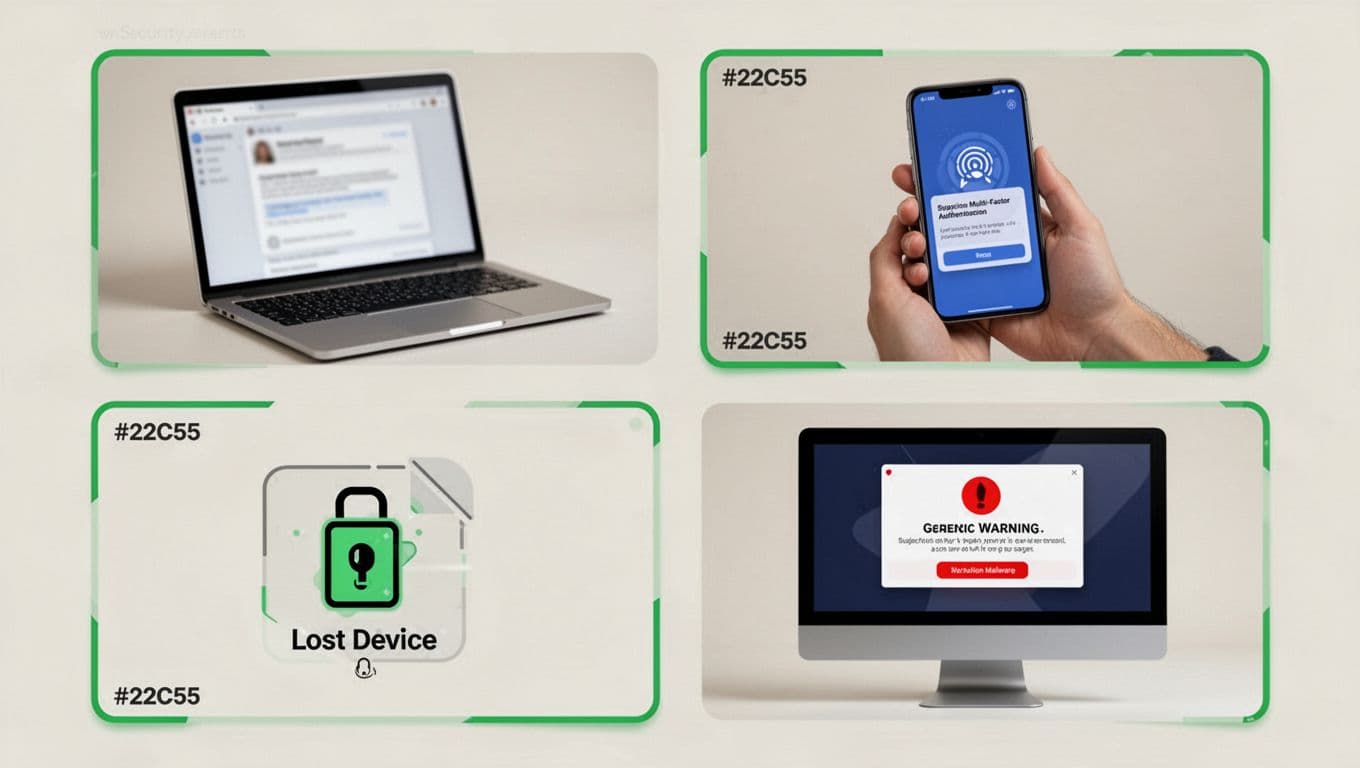
First response sets the tone. When an employee reports a phishing email, strange MFA prompt, lost device, or malware pop-up, answer quickly and tell them what to do next.
Keep the message simple. Ask them not to click anything else, keep the device on if they can, and send screenshots or the original email. If the report came through a shared mailbox or ticket queue, assign one owner right away and tag the case with a severity level.
Your intake should collect a small set of facts every time, who reported it, when it happened, what device or account was involved, what action the user took, and whether any credentials or files were exposed. A consistent form keeps the review fast and easier to compare later.
A simple report path also helps. Oracle’s cybersecurity incident report process shows the value of one clear intake channel.
A fast reply lowers risk, but a calm reply lowers false positives too.
Sort the alert by type and context
After intake, classify the report by signal, not by fear. A suspicious email, a lost laptop, and an unusual login alert each need different checks.
For phishing, look at sender details, reply-to addresses, links, attachments, and whether anyone else received the message. For an MFA prompt, ask whether the user was trying to log in, traveling, or seeing repeated prompts that point to fatigue. A lost device needs asset status, encryption status, and any remote lock or wipe history. Malware pop-ups call for endpoint checks, browser history, and recent downloads.
This is also where false positives get sorted from real problems. For broader triage patterns, alert triage guidance is useful because it shows how to weigh signal, scope, and urgency without overreacting.
| Alert type | What to check first | Common next step |
|---|---|---|
| Phishing email | Sender, links, attachments, mailbox scope | Quarantine, warn others, reset creds if used |
| Suspicious MFA prompt | User activity, location, device, prompt pattern | Deny prompt, review sign-ins, reset factors |
| Lost device | Encryption, passcode, last sync, MDM status | Lock, wipe if needed, open asset ticket |
| Unusual login alert | Geo, IP, device history, impossible travel | Verify with user, step up auth, disable if unknown |
| Malware pop-up | EDR hits, downloads, process activity | Isolate endpoint, preserve evidence, scan |
The pattern is simple. Match the review method to the alert type, then decide whether the event is normal, suspicious, or clearly malicious.
Judge impact before you call it benign
A report can look harmless and still deserve escalation. The real question is how far the issue could spread.
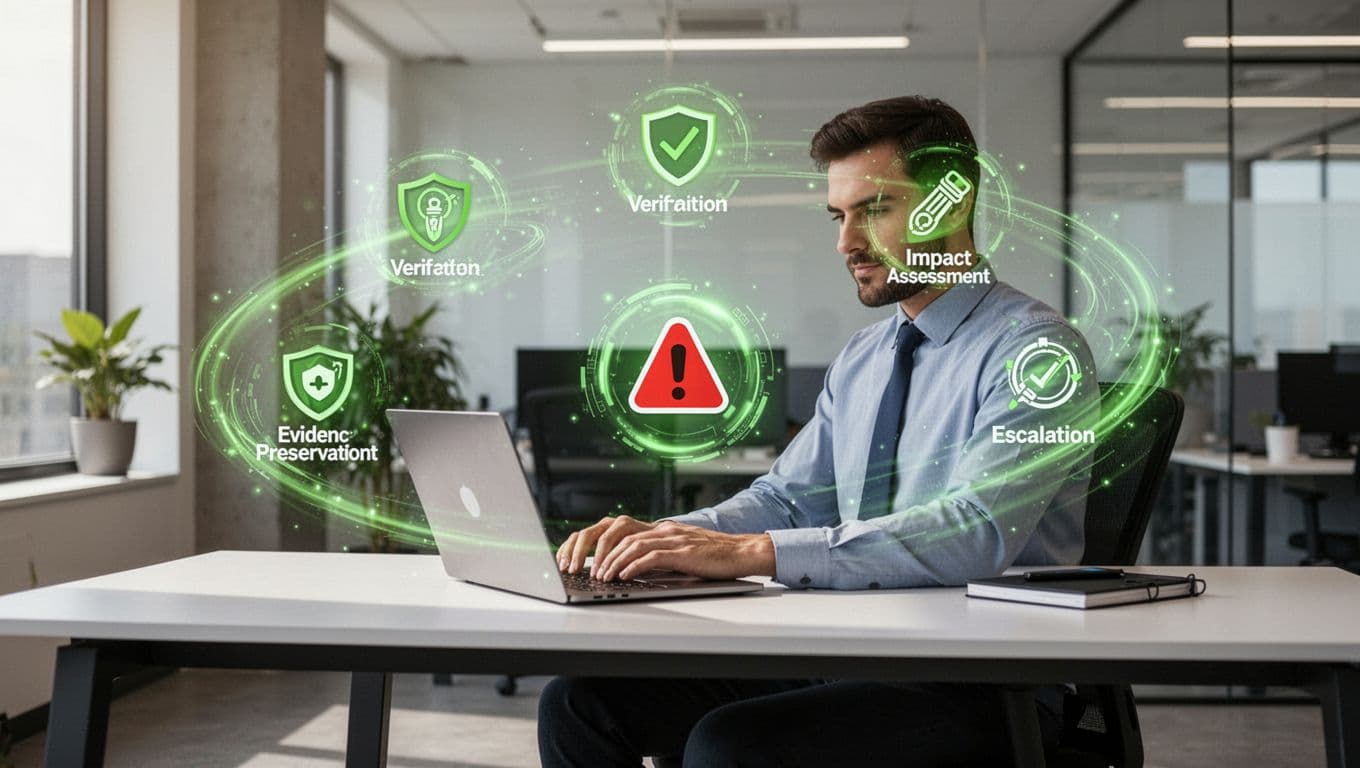
Check business impact early. Ask whether the account is privileged, whether the device touches sensitive data, whether the alert affects one person or a shared system, and whether the user already entered a password or approved an MFA push. A phishing email that was opened and ignored is one thing. The same email after credential entry is a different case. If finance, HR, or an executive mailbox is involved, pull the business owner in early.
Preserve evidence before you clean up. Save headers, screenshots, timestamps, file hashes, and ticket notes. If the team removes a mailbox message or isolates a laptop, record that action too. Later, those details help incident response, legal, and audit teams understand what changed.
Abnormal AI’s user-reported phishing response playbook is a good example of turning employee submissions into useful remediation steps. Likewise, if a finding points to serious operational risk, treat it with the same urgency you would expect from a high-severity management review.
Escalate with the right handoff
Escalation works best when everyone knows their lane. Help desk should handle user support, device checks, and basic account resets. IT should manage endpoint isolation, asset tracking, and access changes. Security should own threat validation, correlation, and incident calls.
That split keeps work moving, but it only helps if the handoff is clean. Send the next team a short summary with the alert type, affected user, time, observed indicators, and what evidence is already preserved. If the case involves identity, endpoint, and email at the same time, join the teams quickly instead of passing the ticket around.
Use clear escalation triggers. Multiple users affected, a privileged account, malware execution, confirmed credential theft, or a lost device without encryption all justify faster action. The same goes for unusual logins paired with inbox rules, forwarding changes, or payment requests.
If your team needs help defining these handoffs, Book a Discovery Call with Bud Consulting.

Close the loop and tune the process
Every alert needs a final status. Document the outcome, the evidence you used, the actions taken, and the owner who closed the case. Use consistent labels such as benign, suspicious, confirmed malicious, or needs monitoring. Track time to acknowledge, time to triage, and time to close so you can spot bottlenecks.
Then close the loop with the employee. Tell them what happened in plain language, without exposing sensitive details. If the alert was a false positive, explain why it fired and what to do next time. That step matters because people report more often when they feel heard, not blamed.
Review trends each month. Look for repeat phishing themes, common MFA abuse, device-loss patterns, and alert types that create noise. Then tune policies, reporting templates, and user guidance. A good review process gets faster because it learns.
A strong security alert review process is part triage, part communication, and part evidence control. When those pieces stay connected, employees keep reporting, and the team spends time on real risk instead of churn.




