

table of contents
A security awareness calendar gives managers a simple way to keep risk reduction visible all year. Without one, training turns into a last-minute task, and employees tune it out.
The good news is that you don’t need a huge program to make progress. You need a clear rhythm, a few useful topics, and a plan people can follow without confusion.
Start with the behavior you want to change
A strong security awareness calendar starts with manager goals, not training topics. Do you want better phishing reporting, cleaner password habits, safer file sharing, or fewer support desk scams? Pick the behaviors first.
That matters because managers set the pace for the team. If the calendar matches daily work, people will pay attention. If it feels random, they won’t.
October still helps as an anchor, especially with CISA’s Cybersecurity Awareness Month and NIST’s Cybersecurity Awareness Month. Still, the rest of the year needs the same attention. A once-a-year push fades fast.
Build the calendar in five practical steps
- Choose three to five core behaviors.
Keep the list short. Managers can support change better when the message stays focused. - Map topics to monthly business moments.
Tax season, travel season, year-end close, and onboarding cycles all create useful timing. - Pick a format that fits the team.
Short talks, email prompts, quizzes, posters, and scenario drills all work. Use a mix. - Assign owners and dates.
Someone needs to send the message, track attendance, and follow up. - Review results every quarter.
A calendar only helps if you adjust it. Rework weak topics and repeat what gets traction.
Monthly repetition beats one long workshop. People remember small, regular reminders better than a single crowded session.
If you want a starting point, a security awareness training plan template can help you organize topics, owners, and timing before you build your own version.
Use a sample annual calendar that fits real work
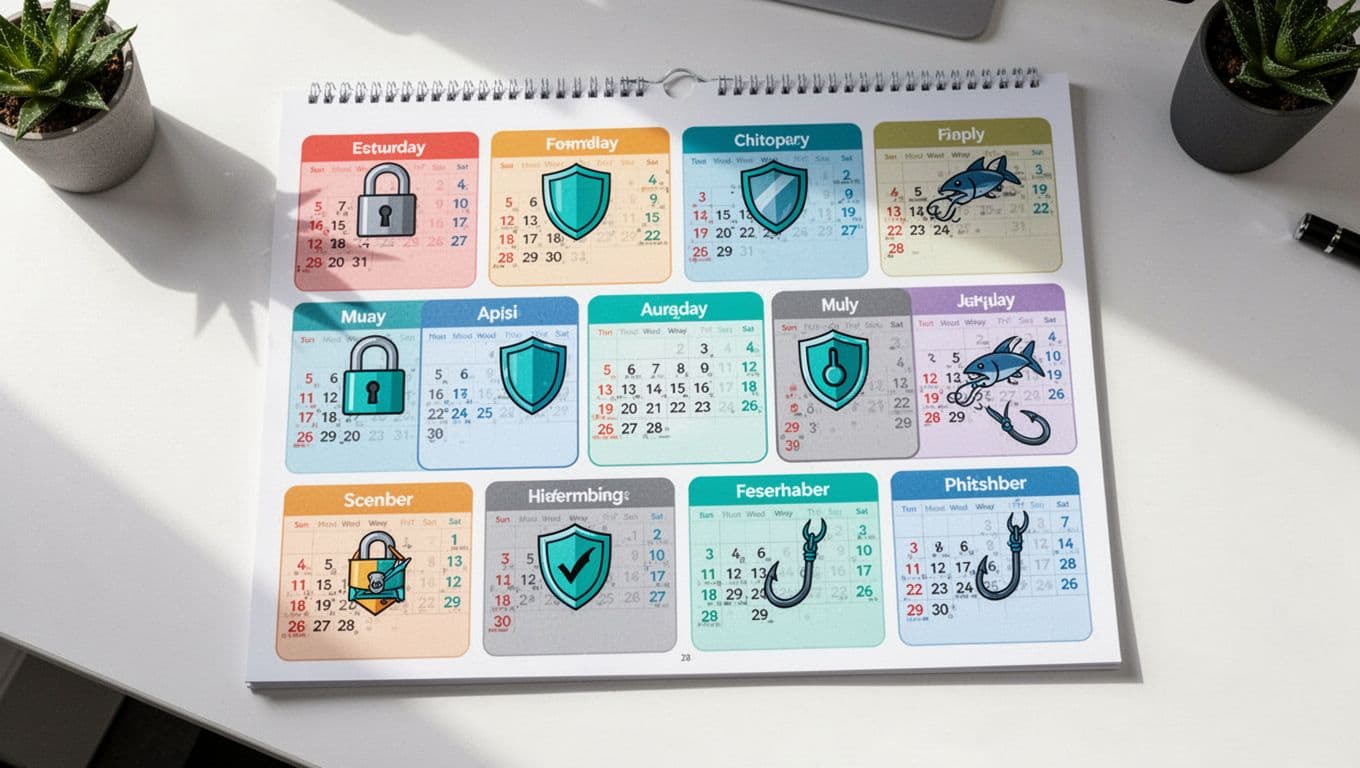
Here is a simple annual structure managers can adapt.
| Month | Theme | Manager action | Format |
|---|---|---|---|
| January | Passwords and MFA | Set account rules for the year | Short team note |
| February | Phishing and text scams | Share real examples | 10-minute huddle |
| March | Data handling | Review file sharing and storage rules | Quick demo |
| April | Device and patch habits | Remind staff about updates and lost devices | Email prompt |
| May | Vendor and partner risk | Revisit sharing rules with outside contacts | Group discussion |
| June | Travel safety | Cover public Wi-Fi and device care | Mini session |
| July | Social engineering | Practice caller verification | Scenario exercise |
| August | Support desk scams | Review reset and escalation steps | Role-play |
| September | Incident reporting | Walk through who to contact | Tabletop drill |
| October | Cybersecurity Awareness Month | Run the main campaign and phishing test | All-hands event |
| November | Privacy and sensitive data | Refresh retention and disclosure rules | Department check-in |
| December | Year-end review | Share results and next steps | Manager recap |
This format keeps the year balanced. It also gives managers a clear reason for each touchpoint.
Adapt the calendar for different teams
Small teams need light, repeatable touches
Small teams don’t need complex campaigns. They need something they can keep doing.
A short monthly message, one quiz, and one live discussion often work better than a big program that never repeats. For smaller organizations, a practical SMB awareness approach usually fits better than a heavy training schedule. One owner can handle most of it.
If the team is tiny, reuse content. Change the example, not the whole lesson.
Hybrid workplaces need one message everywhere
Hybrid teams split attention fast. Some people hear updates in the office, while others miss them at home. That creates gaps.

The fix is simple. Use the same theme across email, chat, and live meetings. Also, make the deadline clear and keep the message short.
For more ideas on mixed-workforce delivery, security awareness training for remote and hybrid teams is a useful reference point. The goal is consistency, not more noise.
Regulated industries need records, not just reminders
Healthcare, finance, legal, and public sector teams need proof. That means attendance logs, quiz results, policy links, and follow-up notes.
Tie each month to a control area or policy topic. Keep the language plain, but keep the records tight. If auditors ask what changed, you should be able to show it.
For these teams, the calendar should line up with internal audits, privacy reviews, and mandatory training dates. That makes the plan easier to defend and easier to run.
Track a few metrics and keep the rhythm
A calendar only works when you measure the basics. You don’t need a dozen dashboards. You need a few numbers that show movement.
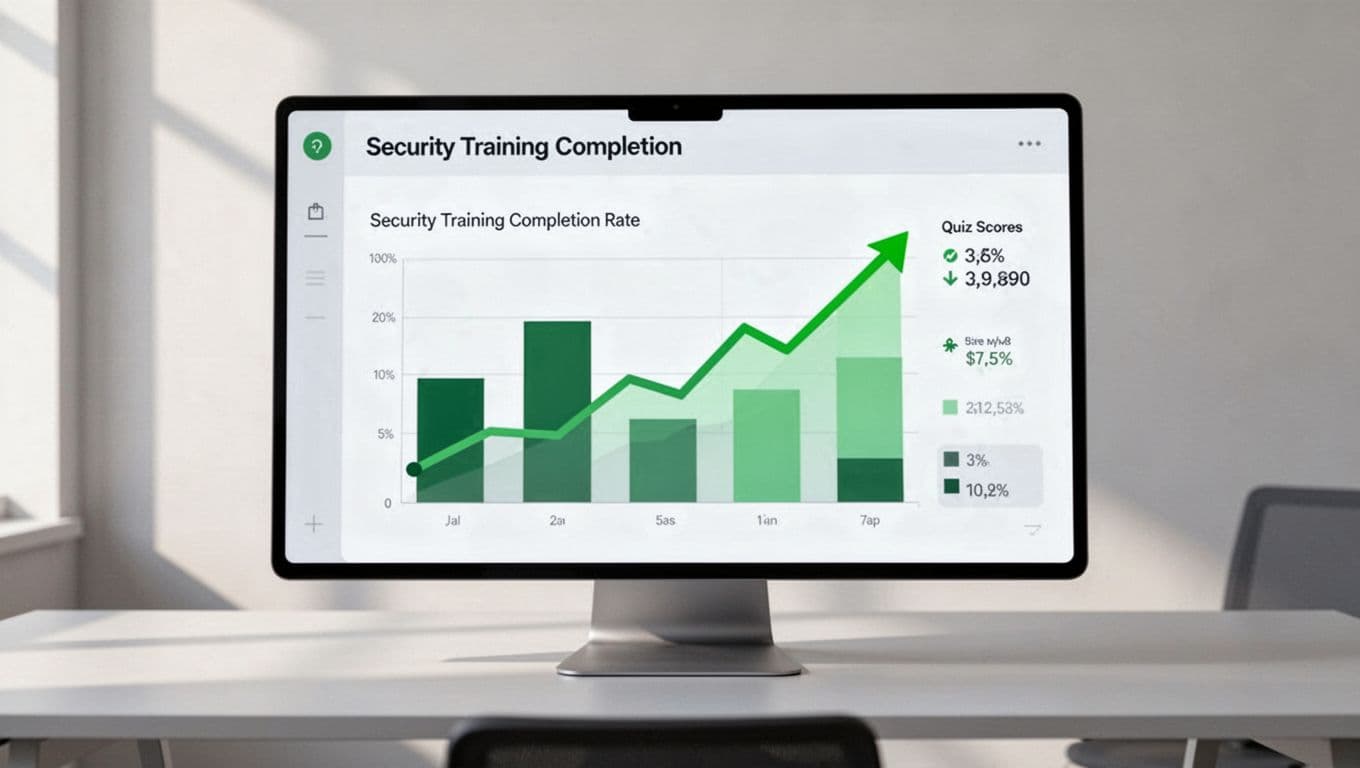
Watch these four signals:
- Completion rate tells you whether people are showing up.
- Quiz scores show what they understand.
- Phishing reports show whether they act on suspicious messages.
- Manager participation shows whether the program is part of team life.
Review the numbers each quarter. If one topic gets ignored, change the format. If reporting improves, keep the same message and timing.
If your calendar needs to align with hiring gaps, culture work, or a broader security program, Book a Discovery Call with Bud Consulting can help shape the plan.
A good security awareness calendar is steady, simple, and easy to repeat. It gives managers a way to talk about risk without turning every message into a crisis.
When the calendar fits the team, people notice the pattern. That pattern is what turns awareness into habit.




