table of contents
Busy teams skip security training. Deadlines pile up, and phishing emails wait for no one. You know the risks, but fitting awareness into packed schedules feels impossible.
A security awareness calendar changes that. It schedules quick hits of content that stick without overwhelming anyone. You’ll build habits that cut breaches and boost compliance.
This guide gives you a ready-to-use 2026 plan. It focuses on simple formats for hybrid setups. Plus, easy ways to check if it’s working.
Why Schedule Security Awareness Now
Teams face more threats each year. Remote work adds weak home Wi-Fi and shared devices. Without regular reminders, clicks on bad links happen.
A calendar keeps topics fresh and timely. January hits passwords right after holidays. October ramps up for awareness month. Employees remember better with repetition.
You save time too. Plan once, reuse yearly. Adjust themes as needed, but the structure stays solid. Small efforts yield big returns, like fewer tickets to IT.
Busy managers love this approach. It fits into tools you already use, such as email or Slack. No big budgets required.
Pick Low-Effort Formats That Fit Any Team
Start with emails. Send a 100-word tip every Monday. Subject lines like “Spot This Phishing Trick Today” get opens.
Intranet posts work next. Add a graphic or carousel slide. Refresh monthly for quick scans during coffee breaks.
Short videos shine for visuals. Record 2-minute clips on your phone. Cover one tip, like “Verify Sender Before Click.” Share via Teams or Zoom.
Posters suit offices. Print quarterly themes for break rooms. Digital versions go on virtual backgrounds.
Lunch-and-learns build community. Pick 15 minutes over pizza. Discuss real incidents from your logs.
Micro-quizzes test recall. Five questions via Google Forms or Microsoft Forms. Run biweekly for fun competition.
These formats take under an hour weekly. They mix well for hybrid groups.
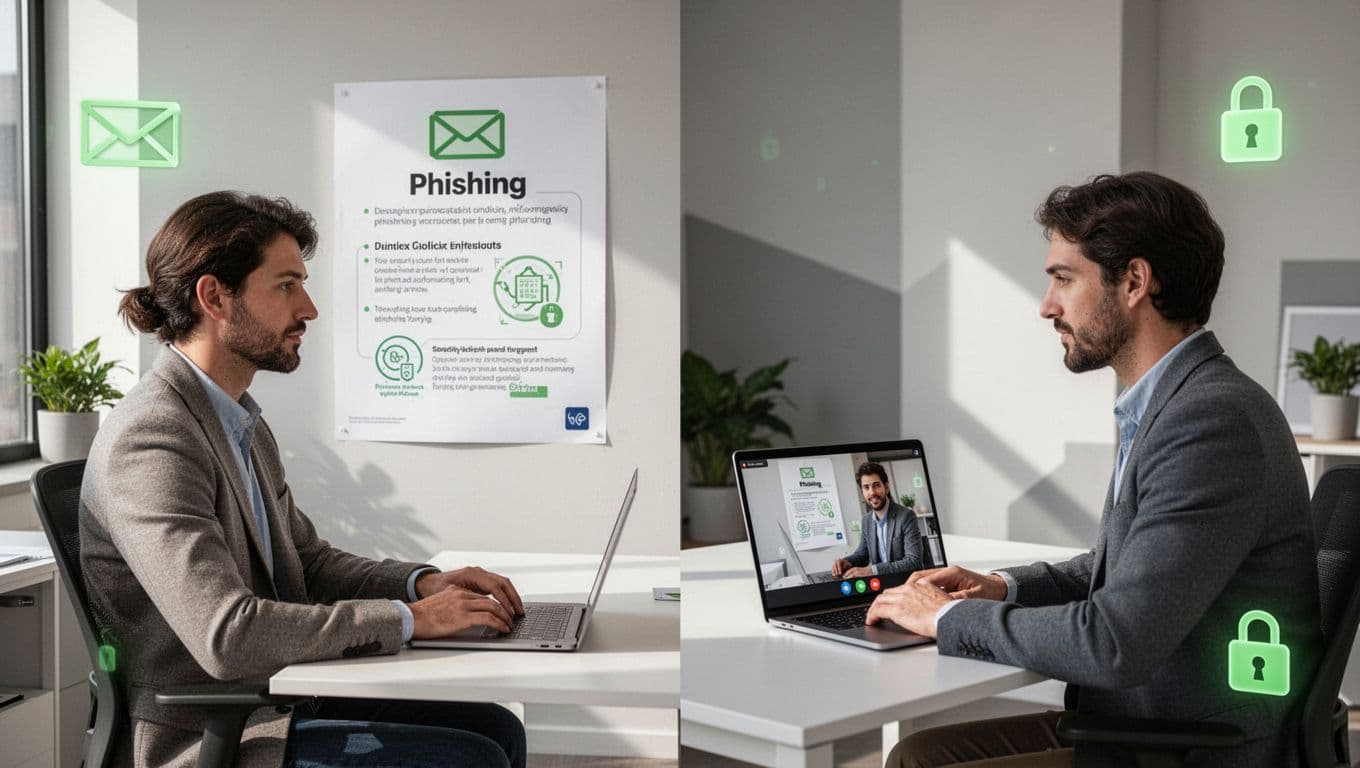
For hybrid teams, smart training adapts to remote needs. Post content in shared drives. Use video calls for live Q&A. Remote folks join async via recordings.
Your 2026 Security Awareness Calendar
Build your calendar around seasons and risks. Tie themes to real events, like tax season scams in April. Keep it evergreen by swapping dates yearly.
Here’s a sample table. Each month lists a focus, formats, and goals. Customize based on your incidents.
| Month | Theme | Formats | Goal |
|---|---|---|---|
| January | Strong Passwords | Email tip, micro-quiz | Reset weak passwords |
| February | Phishing Basics | Video, poster | Spot fake emails |
| March | Safe Browsing | Intranet post, lunch-learn | Block risky sites |
| April | Tax Scams (current) | Email series, quiz | Avoid IRS fakes |
| May | Device Security | Video, poster | Update phones and laptops |
| June | Social Engineering | Lunch-learn, intranet | Question strangers |
| July | Vacation Risks | Email, quiz | Secure while away |
| August | Back-to-Office | Video series, poster | Hybrid setup checks |
| September | Insider Threats | Intranet, lunch-learn | Report odd behavior |
| October | Cyber Awareness Month | All formats, big quiz | Full team rally |
| November | Holiday Shopping | Emails, videos | Safe online buys |
| December | Year-End Review | Quiz recap, poster | Plan for next year |
This plan repeats core ideas without burnout. For more templates, check this Gantt chart example or a full 2026 calendar.
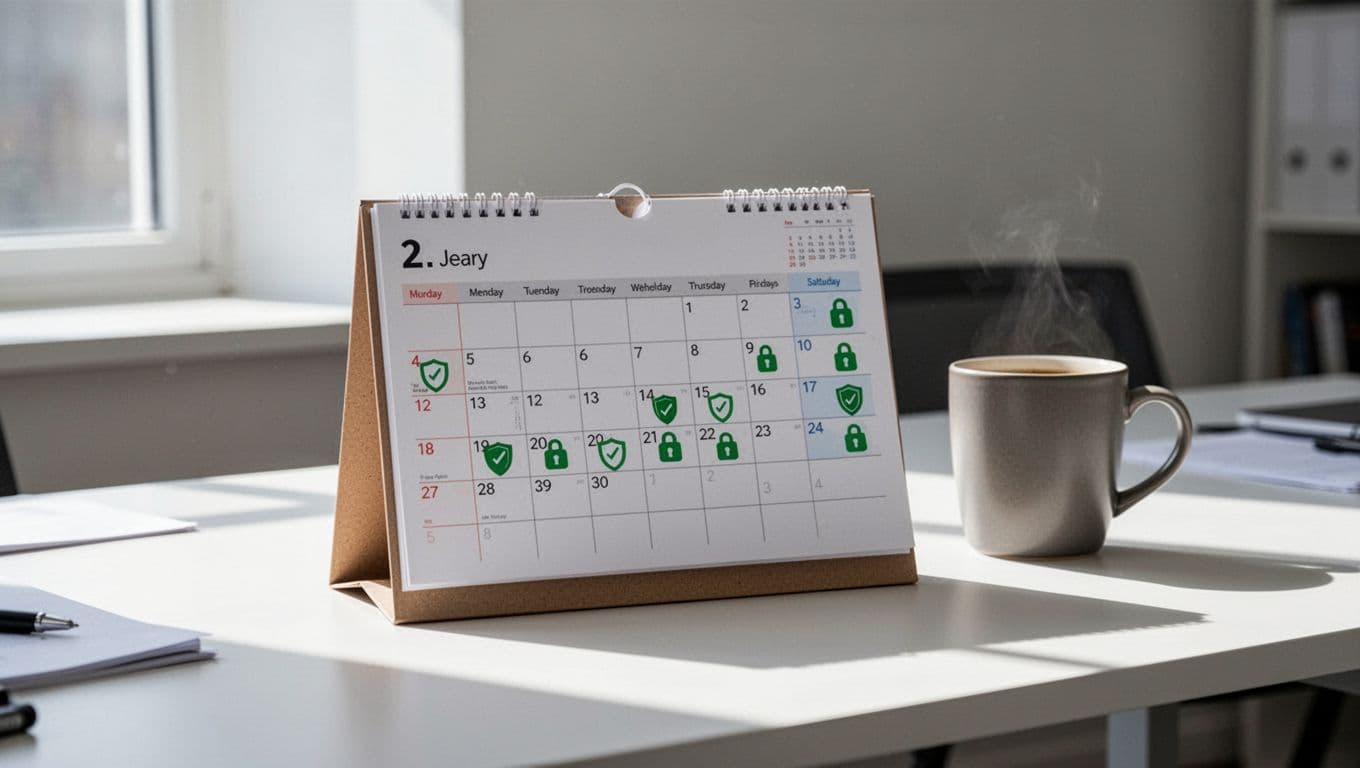
Roll it out in tools like Google Calendar or Outlook. Set reminders for yourself. Share the link team-wide.
Adapt for Hybrid and Remote Workers
Hybrid teams need flexible delivery. Office folks see posters; remote ones get email versions. Record sessions for on-demand access.
Focus on home risks. Cover VPN use and family-shared networks. Use polls in meetings to gauge understanding.
Keepnet’s guide on remote training stresses short, repeated touches. Async quizzes let night owls join anytime.
Post content in one Slack channel. Pin top resources. This keeps everyone looped in without extra meetings.
Track Engagement Without the Hassle
Measure what matters. Skip complex surveys. Watch email open rates and quiz scores instead.
Phishing simulations show real behavior. Track clicks and reports. Tools like Microsoft Defender log this automatically.
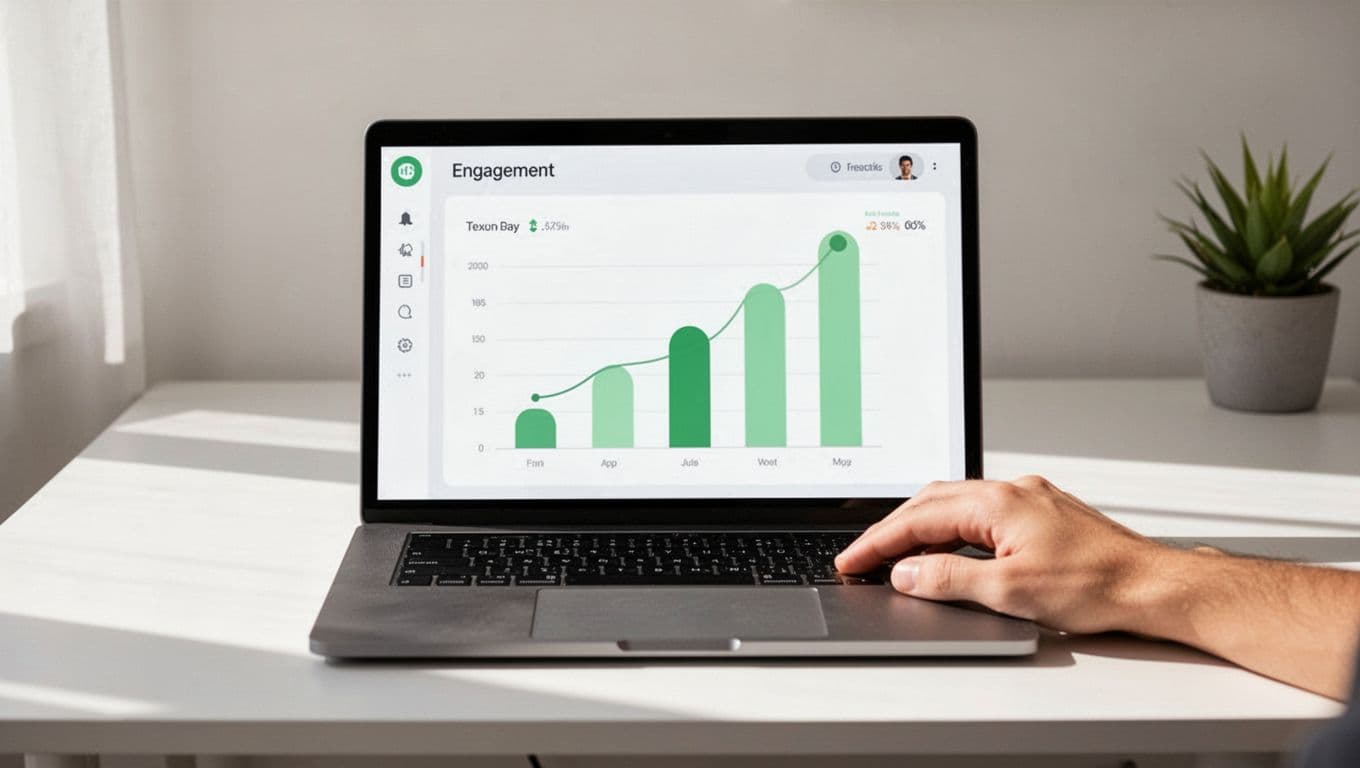
Use built-in analytics. Google Workspace or Office 365 reports views and completions. Set baselines, then aim for 10% gains monthly.
| Metric | Tool | Target Improvement |
|---|---|---|
| Email Opens | Mailchimp/Outlook | 70%+ |
| Quiz Completion | Forms/Quizlet | 80% |
| Phishing Reports | Simulation platform | Up 20% |
| Video Views | YouTube/Vimeo | 50% of team |
Celebrate wins. Share charts in all-hands. This motivates without admin overload.
MSPSecurity outlines simple ROI metrics. Focus on reports over completions.
A solid security awareness calendar turns busy teams into defenders. Use this 2026 plan as your base. Tweak for your risks, track lightly, and watch habits form.
Need help scaling culture? Book a Discovery Call with Bud Consulting. Start small, stay consistent. Your team stays safer.