
table of contents
A product launch can fail long before customers notice a bug. One missed permission, a stale API key, or a risky dependency can turn launch week into incident week.
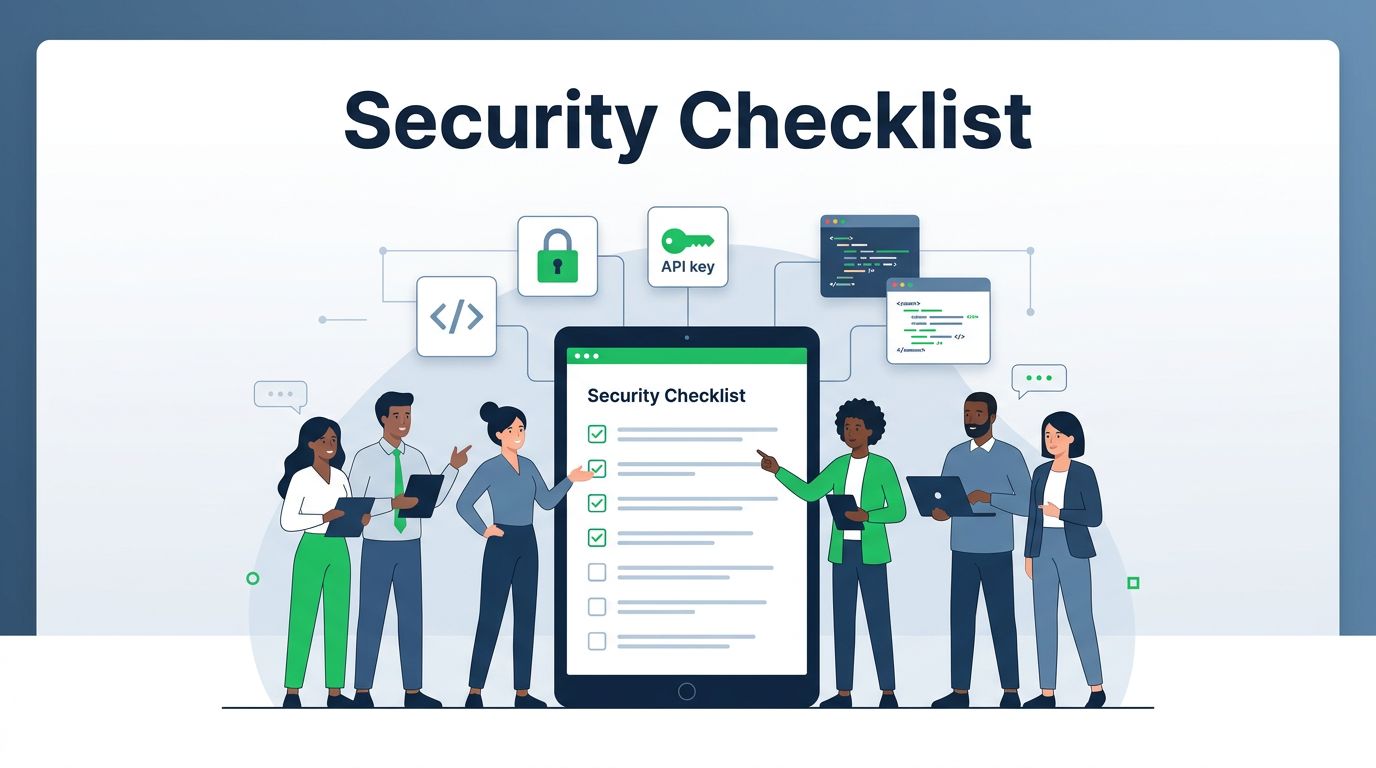
A strong security culture checklist gives product, engineering, security, privacy, and support one shared standard. It turns security from a late gate into part of normal launch work, which is where it belongs.
The best checklists are simple enough to use and sharp enough to catch real risk. They tell teams what to verify, who owns each step, and what must be fixed before launch day.
Why launch security belongs in the room early
When teams treat security as a final review, they create extra pressure at the worst time. Fixing access, data flow, or dependency issues after release is slower, costlier, and more visible.
Culture changes that pattern. When launch owners expect security review from the start, they ask better questions, document decisions, and share responsibility. That is the shift described in building a security culture from people to pipeline.
If the checklist only appears at the end, it becomes a gate. When it starts in planning, it becomes part of the release.
A launch checklist also keeps the work honest. Product wants speed. Security wants control. A good process gives both sides clear rules and less guesswork.
Your security culture checklist
Use this section as a launch-ready review. Mark each item as blocker, follow-up, or done. If a control touches customer data, admin access, or payments, treat it as a blocker until fixed.

Access controls and identity
- Confirm every admin, support, and contractor account has a named owner.
- Require MFA for anyone who can change data, config, or billing.
- Remove shared accounts and stale access before launch.
- Test password resets, invite flows, and role changes with real users.
For example, a support agent should not see customer exports unless the role calls for it. If a temporary admin role exists, give it an expiry date and a review owner.
Secure development and dependency review
- Check that secrets are out of code, logs, tickets, and build files.
- Run secret scans, SAST, and infrastructure checks in CI.
- Review packages, containers, and libraries for known risk.
- Validate security headers, input handling, auth, and session settings against the OWASP Secure Coding Practices checklist.
In 2026, many teams also use signed builds, policy checks in CI, and trusted dependency lists. That helps because manual review still misses edge cases.
Threat modeling and data handling
- Run a lightweight threat model for every high-risk launch feature.
- Map data flow, trust boundaries, and external integrations.
- Flag abuse paths like account takeover, privilege abuse, and data export.
- Classify sensitive data, then decide what must be encrypted, masked, or blocked.
A one-hour review is often enough for an MVP. The goal is not perfect paperwork. The goal is to spot where the launch could be abused before customers do. If your team needs a simple format, compare your draft with this threat modeling in the SDLC guide.
Incident readiness, privacy, compliance, and training
- Name the on-call path and escalation path before release.
- Prepare internal and customer messages for likely incidents.
- Review retention, deletion, consent, and regional rules with privacy and legal teams.
- Confirm launch evidence for audits, contracts, or sector rules.
- Train support and sales on what they can say, share, and escalate.
- Make sure the team knows how to report suspicious activity fast.
A launch is safer when people know where to look and who owns the next move. It is also easier to recover when support teams can route the right issue without delay.
Release approval and exception handling
- Define which issues block launch and which can wait.
- Record every exception with an owner and due date.
- Require sign-off for temporary risk acceptance.
- Keep a short trail of why the team made the choice.
This part matters more than teams expect. Exceptions have a habit of becoming permanent unless someone reviews them later.
Embed the checklist into launch workflows
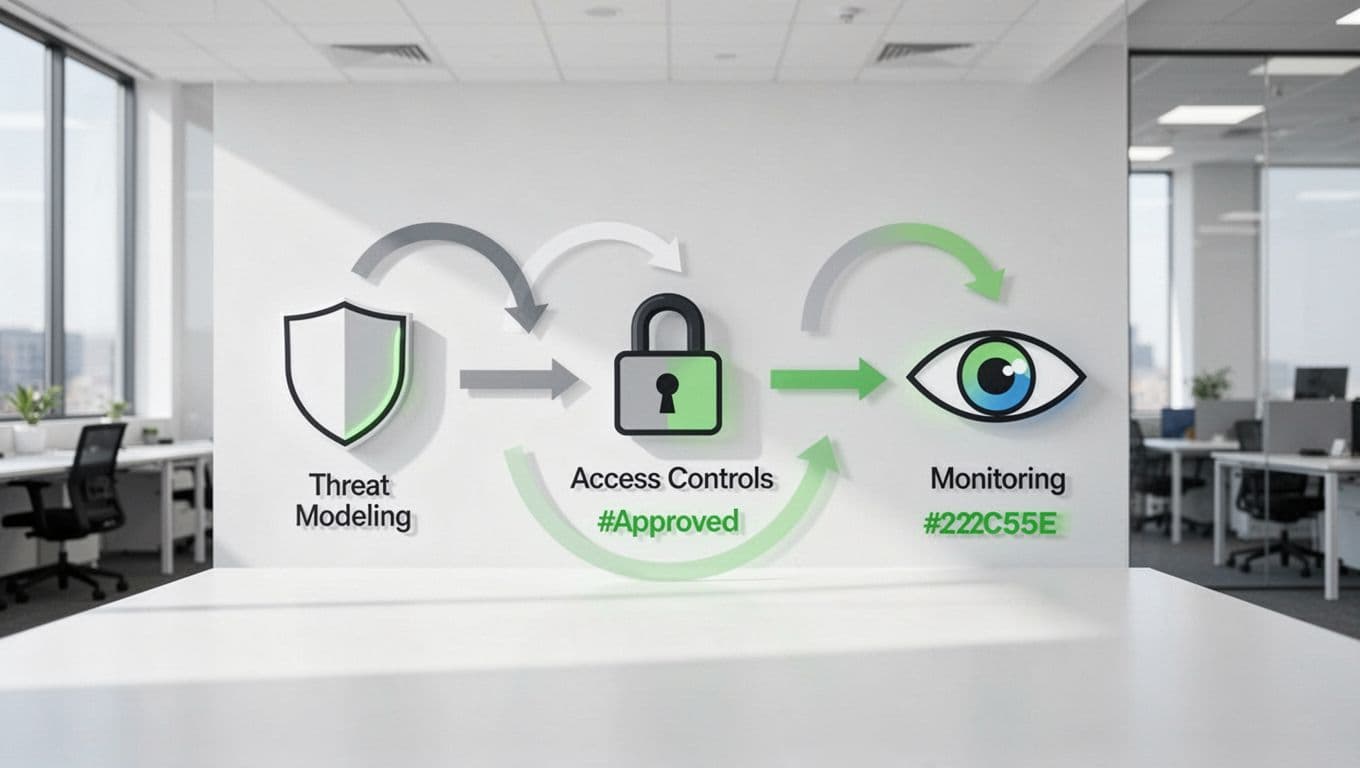
The real test is whether the checklist fits the workflow. If it lives in a separate file, teams will skip it when pressure rises.
Put one security check in planning, one in build, one in release review, and one after launch. Add the checklist to tickets, release notes, and go/no-go docs. Then assign owners and due dates so exceptions do not vanish into chat threads.
A few simple habits go a long way:
- Add a security field to every launch ticket.
- Review risky features before the final demo.
- Track launch exceptions in the same place every time.
- Revisit the checklist in the launch retro.
That is how a security culture checklist becomes part of daily work instead of a last-minute scramble. If your launch needs extra cloud security, IAM, or AppSec support, Book a Discovery Call with Bud Consulting to close the gaps before launch week.
Keep the checklist alive after launch
The first 72 hours tell you a lot. Watch login failures, alert volume, support tickets, privilege changes, and odd data access. Then compare those signals with the checklist. Which control worked? Which step got skipped? Which owner needs a clearer handoff?
After each launch, tighten the checklist. Remove low-value items, add new risks, and update the owners. That keeps the list tied to reality instead of stale process.
A mature launch team does not ask whether security belongs in the process. It treats the security culture checklist as part of how the product ships.
When that habit is in place, launch day feels less like a gamble and more like a controlled handoff.




