table of contents
Security alerts flood your dashboard daily. Many go unassigned, and teams argue over who fixes them. This slows remediation and leaves risks open.
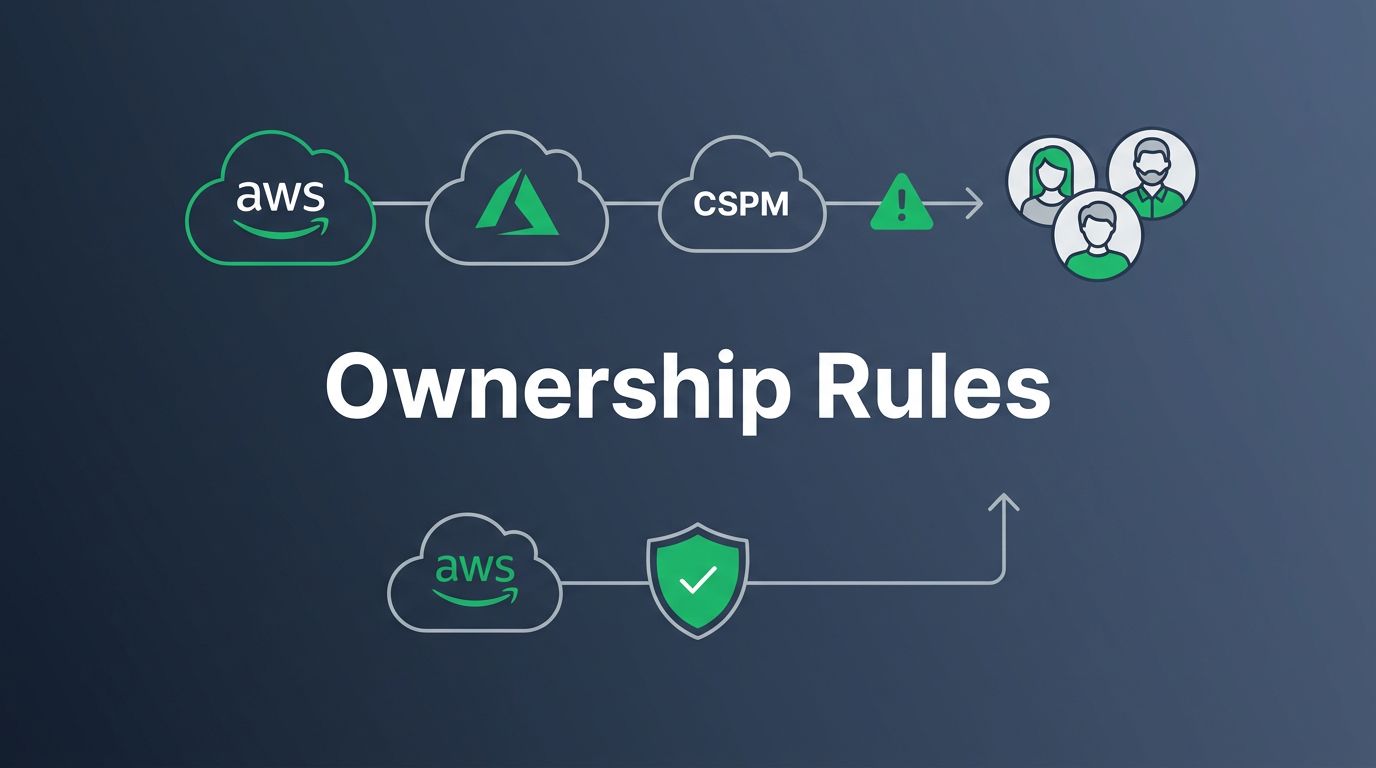
You run a cloud-heavy operation. Findings from scanners pile up across AWS, Azure, and tools like CSPM. Ownership rules fix that. They auto-route issues to the right people based on clear conditions.
Let’s walk through how to build them step by step.
Why Clear Ownership Rules Cut Through Alert Noise
Findings without owners create chaos. SOC teams triage endlessly, but devs ignore “security’s problem.” DevSecOps demands shared fixes.
Start with the shared responsibility model. AWS spells it out: if your team configures a resource, they own its security. Mirror that inside your org. Cloud engineers handle infra misconfigs. App teams own code vulns.
In 2026 trends, multi-cloud setups amplify this. 83% of teams hit incidents from unowned identities. Zero Trust means no auto-trust; assign owners fast.
Rules reduce mean time to remediate (MTTR). They tag findings by resource traits. No more finger-pointing. Teams focus on fixes.
You gain speed because ownership triggers workflows. Slack pings go to the right group. SLAs kick in automatically.
Common Conditions for Assigning Ownership
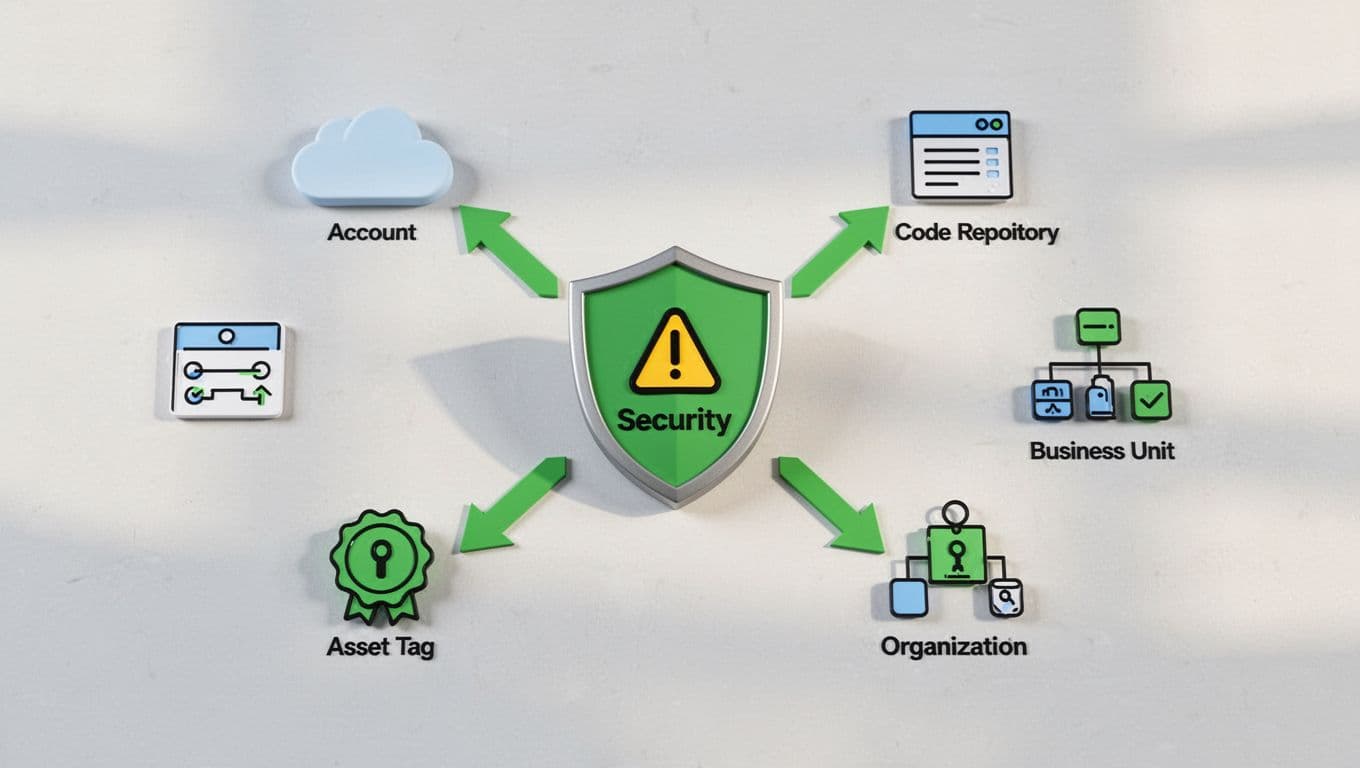
Pick conditions that match your setup. Base rules on resource metadata. This maps findings to owners without manual work.
Cloud account works first. Route AWS account 123456789012 findings to the payments team. Azure subscriptions follow suit.
Repository tags shine for code issues. A finding in github.com/myorg/payment-service goes to DevOps. GitLab repos do the same.
Asset tags add precision. Tag EC2 instances with “owner:team-finance” or “business-unit:retail.” Scanners pull these; rules match them.
Team metadata or business unit layers on top. Use “team:security-ops” in IAM policies. Or “bu:marketing” for app services.
Severity refines it. Criticals hit SOC. Mediums go to owners.
Google Cloud’s Security Command Center uses similar marks for findings. Test rules in staging. Run 100 sample alerts. Tweak until 95% assign right.
Order matters. Check account first, then repo, then tags. First match wins.
Tackle Edge Cases in Ownership Rules
Not all findings fit neatly. Shared services cross teams. Orphaned assets lack tags. Third-party scans mix signals.
For shared services like central auth, default to a platform team. Add escalation if no one claims in 24 hours.
Orphaned assets? Flag them to cloud governance. Auto-archive after review. Scan for “owner:none” weekly.
Third-party findings, say from SaaS scanners, use vendor tags. Or route by domain: okta.com issues to IAM team.
Conflicting signals trip you up. Account says finance, tag says marketing. Prioritize: tags over accounts. Document it.
Azure Defender stresses involving workload owners for cross-cloud fixes. Build fallback rules. “Unknown” bucket for SOC triage.
Review edges quarterly. Log conflicts. Adjust based on real data.
Automation helps. Tools query APIs for latest tags. Rules stay current.
Implementing and Governing Your Rules
Code your rules in tools like AWS Security Hub or custom scripts. YAML configs shine for readability.
Example rule set:
- If resource.account == “prod-finance”, assign “finance-devops@company.com“
- Else if tag.business-unit == “sales”, assign “sales-eng@company.com“
- Else if severity == “critical”, assign “soc@company.com“
- Else unassigned
Push to Git. CI/CD deploys them. Test with synthetic findings.
Govern with reviews. Monthly audits check assignment rates. Teams vote on changes.
Periodic cleanup: mute stale rules. Align with org shifts, like new business units.
DevSecOps fits here. Shift-left means devs own early scans. Rules enforce that.
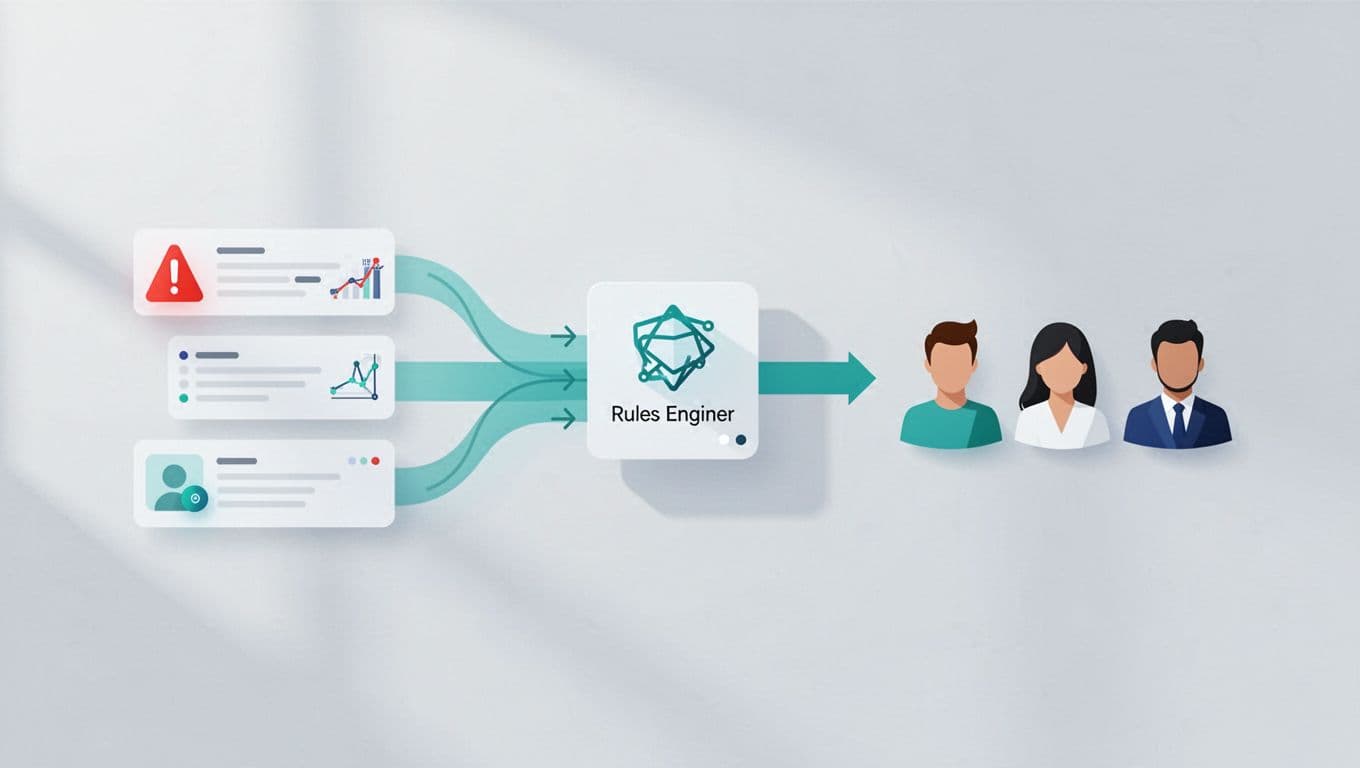
Build a Cloud Security CoE. They own the rules engine. Train teams on it.
For complex multi-cloud, check AWS guidance on distributing ownership.
Measuring Success with Key Metrics
Track what matters. MTTR drops first. Measure time from alert to fix. Aim for under 7 days.
SLA adherence tracks on-time closes. Set 90% target for mediums.
Unassigned findings rate should hit zero. Before rules, it hovered at 20%. After, under 5%.
Other wins: assignment speed under 5 minutes. False positive reduces because owners triage better.
| Metric | Target | Why Track It |
|---|---|---|
| MTTR | <7 days | Speeds risk closure |
| SLA % | >90% | Ensures accountability |
| Unassigned % | <5% | Cuts triage backlog |
Pull from dashboards. Review monthly.
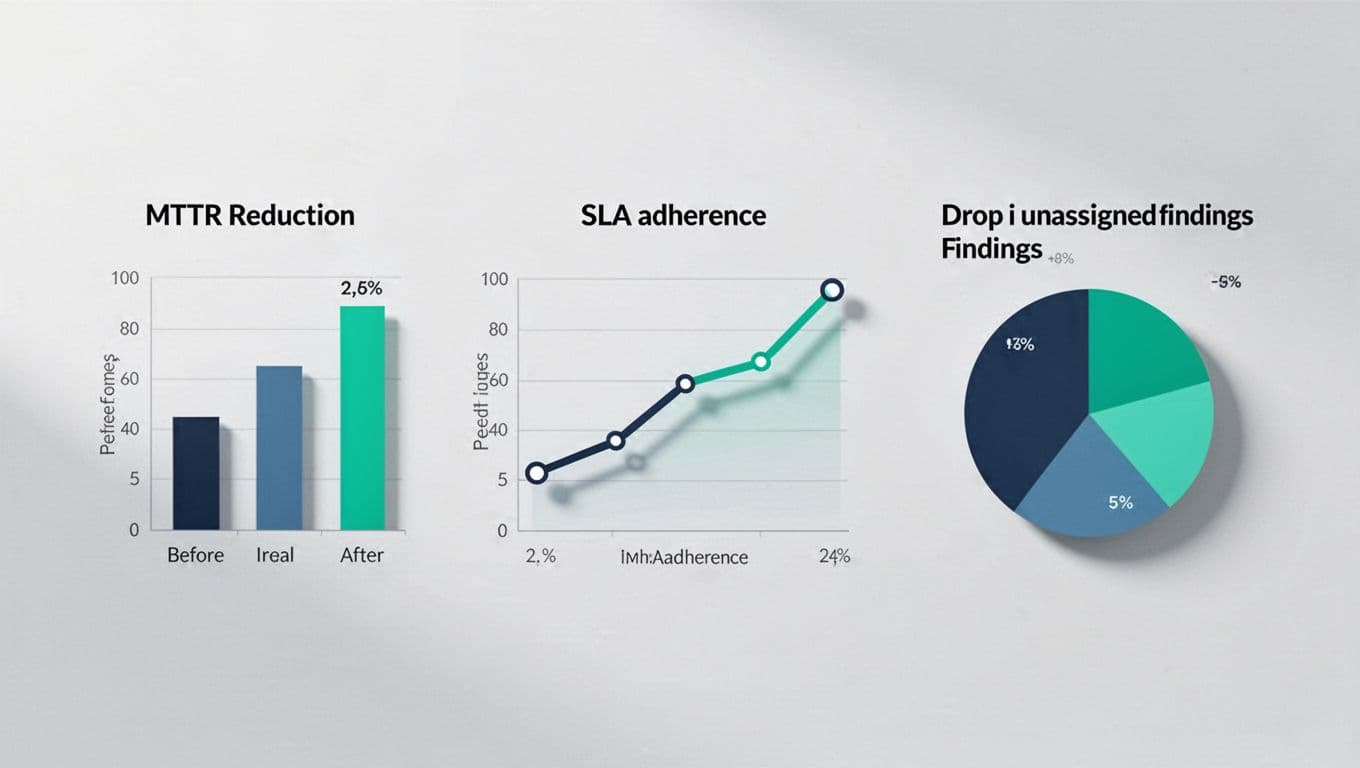
Celebrate drops. Share wins in all-hands.
Wrapping Up
Ownership rules turn alert floods into fast fixes. You assign by account, tags, and severity. Handle edges with fallbacks. Measure MTTR and unassigned rates to prove it works.
Teams remediate quicker. Risks shrink. Your security posture strengthens.
If gaps persist in your setup, book a discovery call with Bud Consulting. They help close skills holes in cloud security.
(Word count: 982)