table of contents
Your team shares project updates in a Slack channel. An external partner joins. Someone posts a file with customer data by mistake. Now that info sits visible to outsiders. These slips happen often in Slack Connect setups.
Slack Connect audits reveal these gaps before they turn into breaches. You spot risky shares and fix them fast. This guide walks you through practical steps. It covers checks for external users, files, apps, and more. You’ll end up with a secure setup that fits 2026 compliance needs.
Map Out Your Slack Connect Inventory
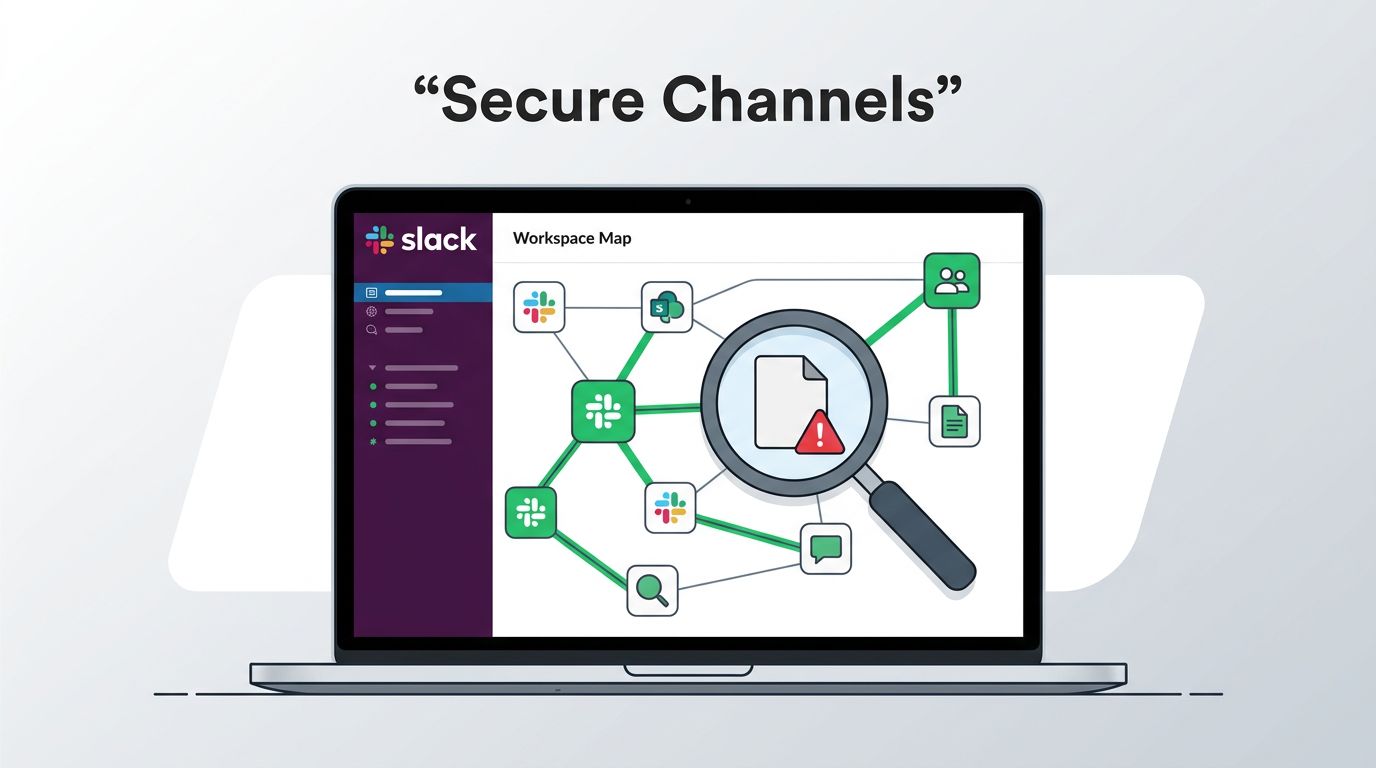
First, list every Slack Connect channel. Go to your workspace settings. Use the admin dashboard to filter for shared channels. Note the channel name, creation date, and connected organizations.
Why start here? You can’t audit what you don’t know. In 2026, Slack Connect use has grown, but so have exposures. Accidental posts in mixed channels top the risks. Employees confuse internal and shared spaces.
Pull a report from Slack’s discovery API. It shows all shared channels and DMs. Export the list to a spreadsheet. Add columns for risk level and last audit date.
Check active connections. Slack lets you see approved invites and disconnections. Run conversations.list with the shared channel filter. This pulls public and private shared channels.
Assign owners early. Each channel needs a point person. They track who joins or leaves. Without this, accountability fades.
Do this quarterly. One-time scans miss new invites. Tools like Slack’s audit logs API help automate the pull.
Review External Participants Closely
External users bring collaboration. They also bring risks. Start your Slack Connect audit by listing everyone outside your org.
In each channel, click the member count. Filter for external accounts. Note their roles, join dates, and last activity. Look for dormant users. They might hold access longer than needed.
Flag high-risk profiles. Does the external user see sensitive threads? Check message history. Search for keywords like “API key” or “password”. External eyes on these spell trouble.
Revoke access where possible. Use Slack’s admin.conversations.disconnect for full org cuts. For individuals, remove them directly. Confirm they lose history access based on your plan.
Set approval workflows. Require admins to greenlight new externals. Slack Connect now supports pre-invite reviews via API events like shared_channel_invited.
For deeper checks, see Slack’s security features for Connect. They cover audit logs and DLP basics.
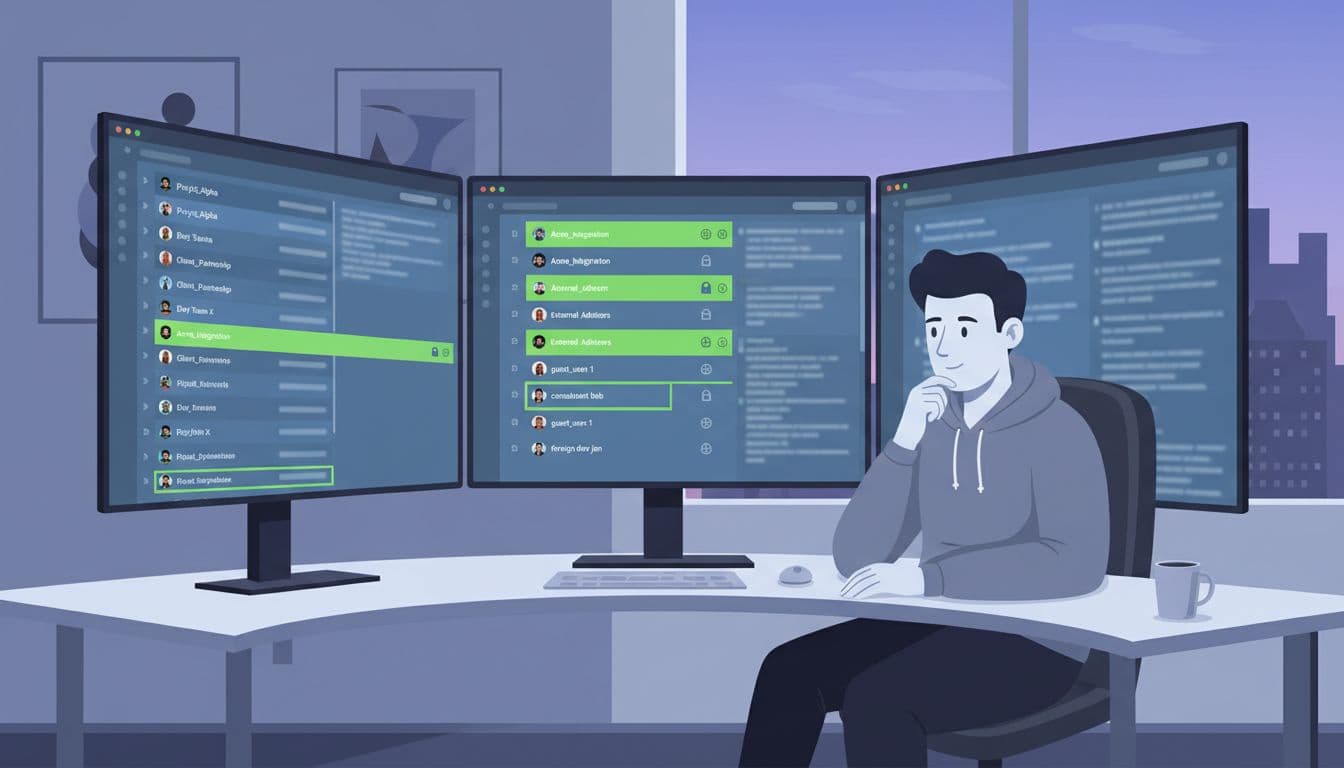
This step cuts exposure fast. One overlooked external caused a leak in a recent case. Repeat it monthly.
Examine Retention Policies and Exports
Data sticks around in shared channels. Retention settings control how long. Mismatch them, and you expose info forever.
Check workspace-wide policies first. Go to Settings > Data Controls. Shared channels follow the host org’s rules. Guests see your retention, but exports pull everything.
Audit private shared channels. On Enterprise plans, owners export DMs and privates with externals. Test an export. See what files and emails surface.
External orgs store copies too. Messages land in their logs. No control there. Use DLP scans to block sensitive uploads upfront.
Review compliance needs. HIPAA or SOX? Shared channels complicate audits. Prove controls with logs.
Set channel-specific retention. Shorten it for high-risk ones. Delete after 90 days if possible.
Exports include external emails via Discovery API. Block that if needed.
Handle ownership. Channel creators often leave. Reassign to active admins.
This check prevents leaks post-project. Do it after every disconnect.
Assess App Integrations and File Shares
Apps and files amplify risks in Slack Connect. An integration pulls data across orgs. Files get downloaded unchecked.
List installed apps per channel. Use the Apps dashboard. Filter for those with files:read or channels:read scopes. High-risk ones need review.
Test app behavior. Post a dummy sensitive file. Does the app access it externally? Slack limits file metadata in Connect, but apps might bypass.
Block uploads in risky channels. Admins set no-file policies. Enforce via settings.
Scan existing files. Search channel history for PDFs or docs. Download and inspect. Tools like Nightfall help filter Connect-specific policies, as in their Slack Connect guide.
Watch for over-privileged apps. Quarterly reviews catch them.
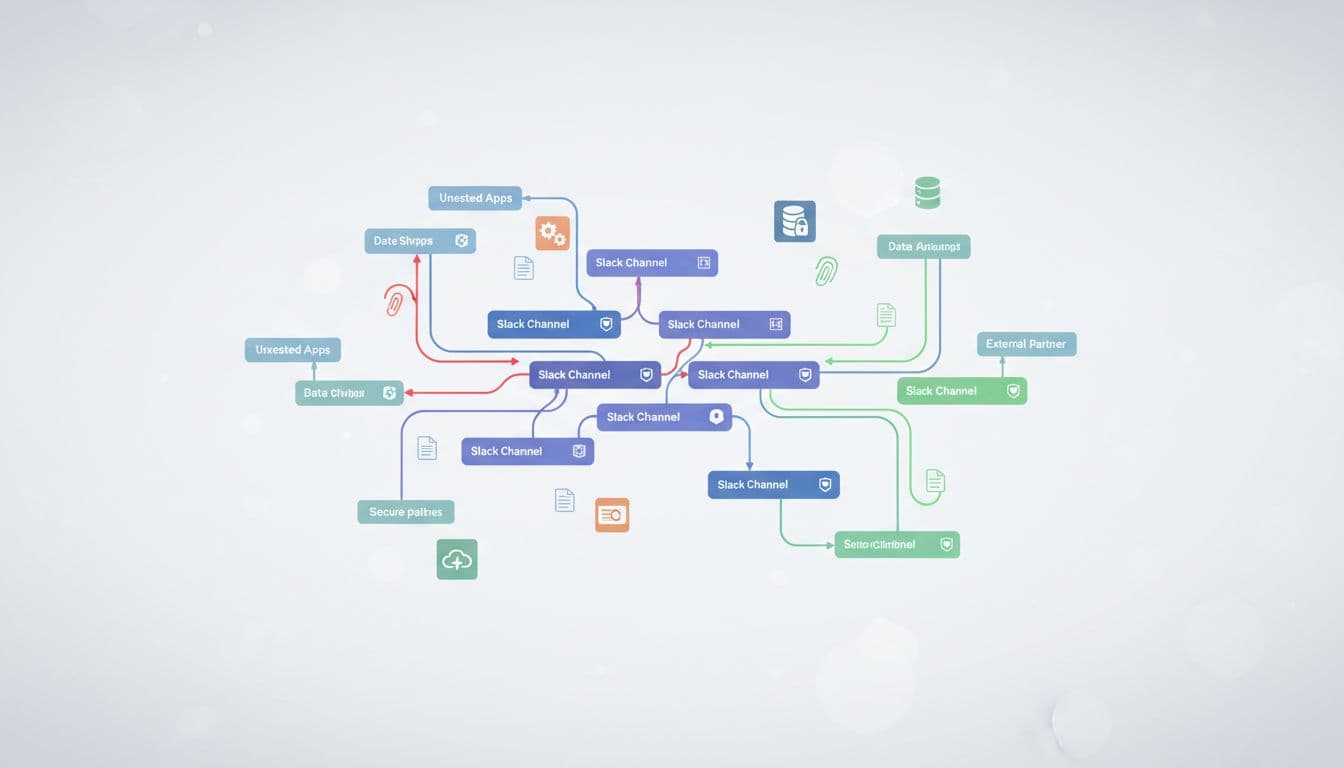
In 2026, DLP integrations like Slack’s native tools scan outbound shares. Enable them. They flag PII before externals see it.
Fix by revoking bad apps. Limit scopes to read-only where possible.
Handle Guest Access and Accountability
Guests differ from full Connect users. They join as limited members. Still, audit them.
Find guests in your member list. They show as “guest” badges. Check their channel access. Guests see public history unless restricted.
Limit guest powers. No app installs or invites for them. Confirm in settings.
Track accountability. Log who approved each guest. Use audit logs for actions like guest promotes.
For Connect, blend with external reviews. Guests from partners count as externals.
Set policies. Guests can’t export data. But they screenshot. Train teams on this.
Ownership ties it together. Name channel stewards. They own audits and cleanups.
Do guest sweeps bi-annually. Remove expired ones.
Set Up Continuous Monitoring Beyond One-Off Audits
One-time Slack Connect audits start you off. Continuous tools keep it secure.
Integrate Slack’s audit logs with your SIEM. Track joins, posts, file shares. Set alerts for sensitive keywords.
Use third-party DLP. They scan real-time for exposures. Enterprise Key Management adds your keys for encryption control.
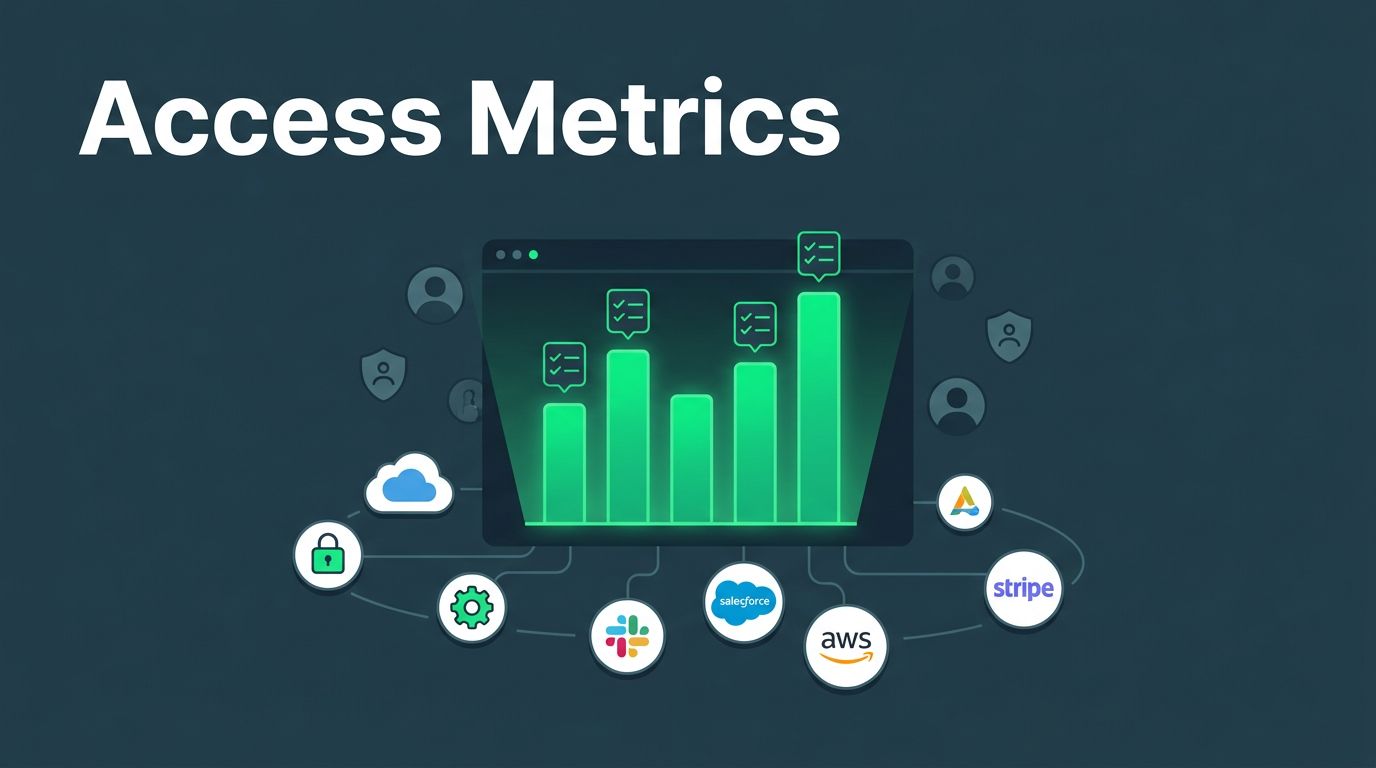
Build dashboards. Graph channel counts over time. Spike in externals? Investigate.
Automate via API. Schedule conversations.list pulls weekly. Flag unapproved shares.
In 2026, risks persist without this. Accidental shares top breaches.

For complex setups, book a discovery call with Bud Consulting. They vet security pros for ongoing management.
Shift to always-on checks. It scales with your growth.
Key Takeaways from Your Slack Connect Audit
You now have steps to inventory channels, review externals, tune retentions, check apps and files, manage guests, and monitor ongoing. Regular audits block most exposures.
Focus on externals and files first. They cause quick damage. Continuous tools handle the rest.
Secure collaboration pays off. Fewer breaches mean smoother work. Run your first audit this week.