table of contents
Your marketing team lives on social media. They post content, engage fans, and chase leads. But that constant activity makes them prime targets for phishing scams.
In May 2026, social media phishing accounts for 35% of attacks through messaging apps like Instagram DMs and WhatsApp. Scammers exploit trust in platforms where marketers spend their days. One wrong click can hand over brand accounts or customer data.
This guide shows you how to train your team. You’ll learn real tactics attackers use and steps to build habits that stop threats cold.
Why Marketers Face Rising Social Media Phishing Risks
Marketing pros handle high-value accounts. They manage shared profiles on Instagram, LinkedIn, and TikTok. Attackers know this. They craft messages that mimic daily work.
Recent data shows 19% of breaches start with these social lures. Platforms report surges in fake support DMs and AI-generated executive impersonations. For example, scammers pose as influencers offering collabs. Or they send urgent “account verification” alerts from cloned brand pages.
Why your team? They get bombarded with outreach. A LinkedIn DM from a “recruiter” or Instagram note about a “copyright strike” feels normal. But hidden links lead to credential theft sites.
In 2026, AI tools make fakes look perfect. Deepfake profiles use stolen photos and chat like real people. Brands lose control fast. One study notes phishing costs average $4.8 million per breach.
Train now. It cuts risks before they hit.
Common Social Media Phishing Tactics Targeting Marketers
Attackers blend in. They study your posts and target pain points like ad campaigns or partnerships.
Fake influencer deals top the list. A DM promises a big collab but urges quick login via a shady link. Or pretend Meta support warns of a Business Manager issue, pushing for credentials.
On LinkedIn, scammers reply to posts as “platform support.” They claim policy violations and link to appeal pages that steal logins. TikTok for Business saw this in 2026: fake “Login with Google” pages hijack ad accounts.
Compromised follower accounts spread scams too. A trusted contact messages about a “urgent payment” for promo work.
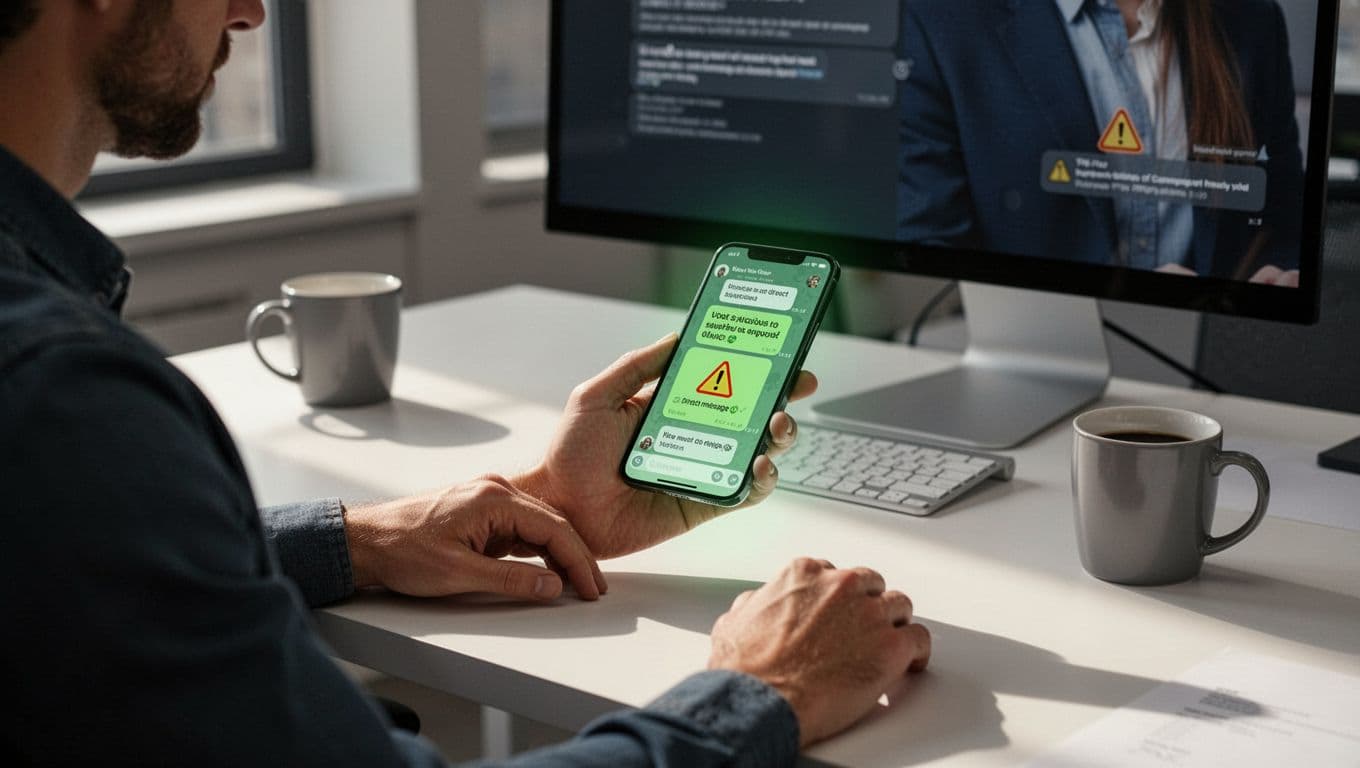
Red flags include urgency, odd URLs, and requests to switch apps. Always hover links. They often reveal non-official domains.
For more on impersonation threats, check Cisco’s take on social media brand risks.
These tactics evolve. Your training must match.
Building an Effective Training Program
Start with short sessions. Marketers lack time, so keep it to 20 minutes monthly.
Use real examples. Show Instagram scams hitting creators with fake verification offers. Play videos of LinkedIn comment phishing. Teams retain more when it mirrors their feed.
Simulations work best. Send fake DMs via tools that mimic platforms. Track who spots them. Follow up with feedback, not blame.
Make it team-wide. Include social managers, content creators, and leads. Role-play responses to “CEO asks for wire transfer” via WhatsApp.

Tailor to 2026 threats like AI deepfakes. Quiz on spotting off voices or profiles.
Quarterly refreshers beat one-off classes. Measure success by report rates, not completion ticks.
Programs like those from Adaptive Security offer scenario-based drills. They build instincts fast.
Key Best Practices to Teach Your Team
Habits beat rules. Drill these into daily routines.
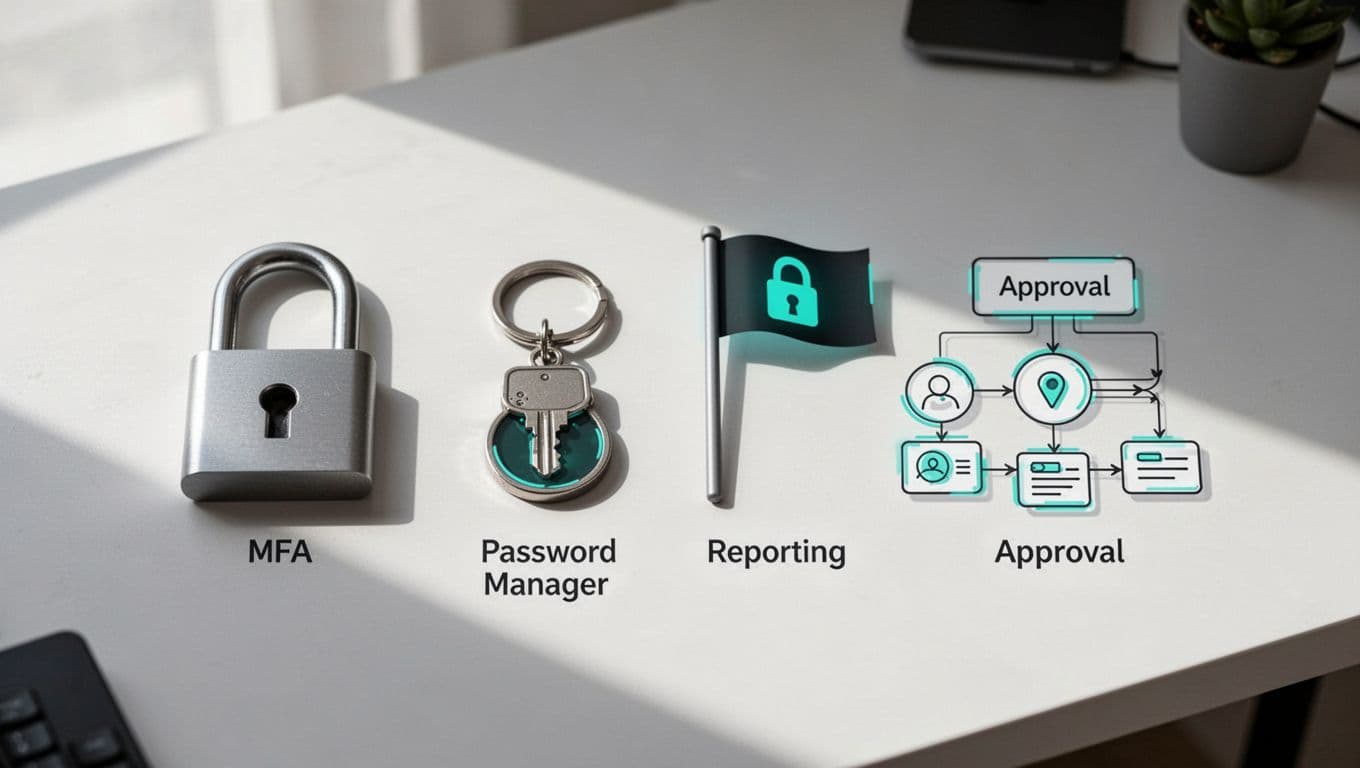
Focus on account security first. Enable MFA everywhere. Use app-based codes, not SMS. Pair with a password manager for unique, strong passphrases per platform.
For shared accounts, set role-based access. Social managers get post rights only. Leads approve sensitive changes.
Always verify before acting. DMs claiming “ad account suspended”? Log in directly, don’t click links.
- Pause and check sender: Blue check? Mutual connections? Recent posts?
- Route through approvals: Brand deal outreach goes to a shared inbox first.
- Report fast: Use platform tools. Flag as phishing.
Build a workflow chart. Post it in Slack or your team dashboard.
Password hygiene matters. Change them after suspicious activity. Audit permissions monthly.
See CybelAngel on 2026 brand protection for monitoring tips.
These steps reduce clicks by 80% in trained teams.
Setting Up Incident Response and Reporting
One slip happens. Plan ahead.
Create a clear report chain. “See phishing? Screenshot and ping #security-alerts.” No questions asked.
Response steps keep damage low:
- Isolate the account. Log out everywhere.
- Change passwords and scan for malware.
- Notify IT for full checks.
- Review logs for takeovers.
Test this in training. Time how fast teams report.
For shared profiles, lock access during probes. Use tools that alert on logins from new devices.
In 2026, account takeovers hit brands hard. Quick reports stop spread.
Tie training to culture. Praise reporters. It encourages vigilance.
Conclusion
Social media phishing preys on your team’s daily grind. But targeted training changes that. Real examples, simulations, and habits like MFA stop most attacks.
Your brand stays safe when everyone spots fakes. Start sessions now. Track reports. Watch risks drop.
Ready to strengthen your security culture? Book a Discovery Call with Bud Consulting for custom awareness programs.
(Word count: 1487)