table of contents
SSO coverage often looks better on paper than it does in practice. An app may support SSO, yet users still sign in with passwords, shared admin logins, or free-tier accounts outside IT control.
That gap matters because identity teams usually lose visibility in small pieces. One SaaS tool, one contractor account, and one forgotten admin login can break the picture. A useful review shows where SSO is enabled, where it’s enforced, and where bypass paths still exist.
Inventory Your SaaS Apps First
Start with a full app list, not the apps already in your IdP. Pull data from your SSO portal, procurement records, expense reports, SaaS management tools, browser discovery, and cloud app logs.
That mix catches shadow IT and free-tier tools that never went through approval. It also finds apps bought by a department manager with a card and a short trial.

If an app never appears in identity logs, treat that as a lead, not proof it is gone. For a practical view of setup patterns, SSO best practices for SaaS authentication is a useful reference point.
Separate Supported SSO From Enforced SSO
This is where many reviews get fuzzy. A vendor can support SSO, your tenant can use SSO, and yet local logins can still work.
“A supported app is not the same as a secured app. If SSO is optional, someone will use the easier path.”
Track Three States for Each App
Track three states for every app, because they tell different stories.
| State | What it means | What to record |
|---|---|---|
| Supports SSO | The vendor offers SAML or OIDC, but local login may still exist | Protocols, plan tier, and contract terms |
| Configured for SSO | Your tenant uses SSO, but some users or paths may still bypass it | User scope, fallback login, and exceptions |
| Mandatory SSO | All human users must sign in through your IdP | Enforcement rule, admin path, and break-glass access |
That difference matters. An app may offer SSO only on an enterprise plan, so “support” does not mean your current contract includes it. A simple check of vendor docs and your license level often saves a false clean bill. For a deeper look at bypass paths, how to find identities that bypass SSO entirely is worth comparing against your own list.
Spot the Blind Spots That Inflate Coverage
Some of the worst gaps hide in plain sight. They show up as “just one account” and then spread across the stack.
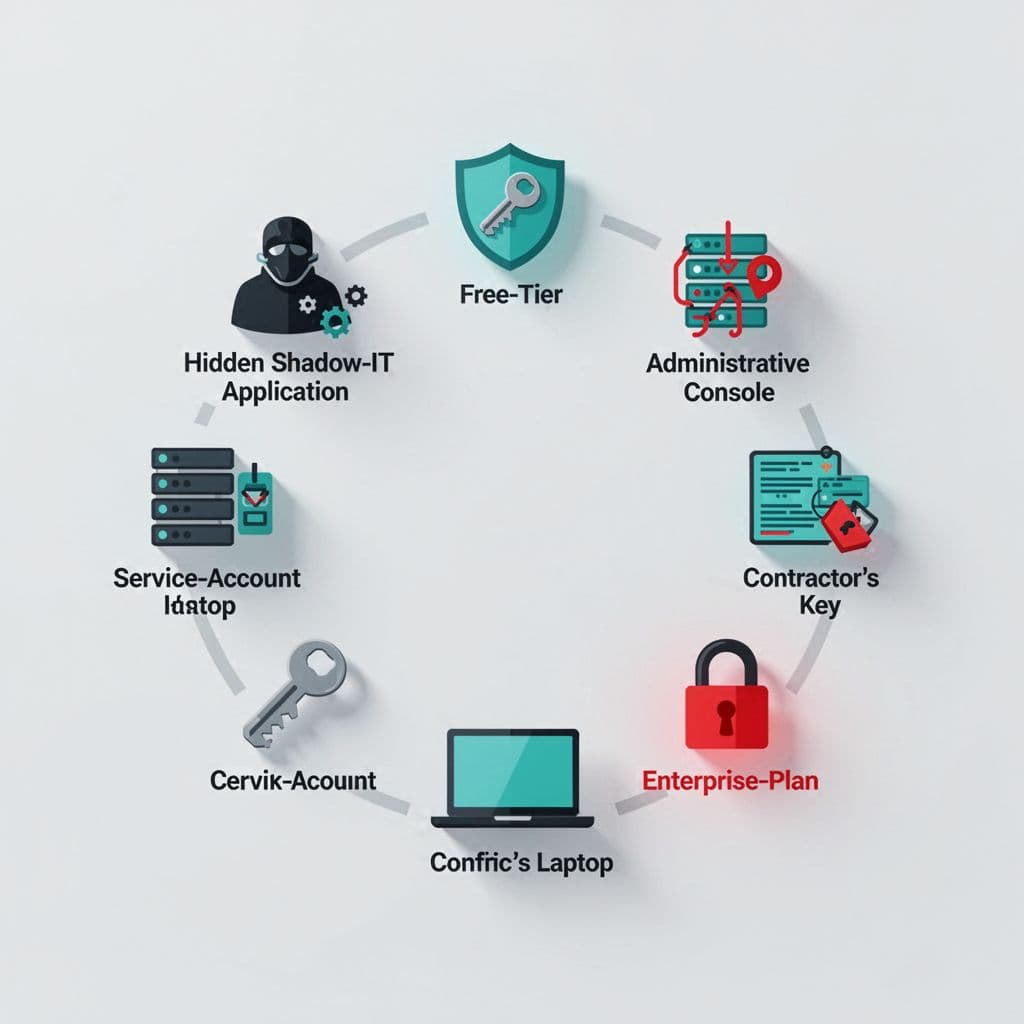
Watch for these cases:
- Shadow IT. Teams sign up for tools during a project, then keep them after launch.
- Free-tier tools. Many start without SSO and stay that way until someone upgrades.
- Admin accounts. Vendor admins, super admins, and shared console logins often sit outside user SSO rules.
- Service accounts. Bots, scripts, and integrations may still use static credentials.
- Contractor access. Temporary users often get local passwords or reused logins.
- Enterprise-plan features. The app may support SSO, but your plan may not.
Each one can inflate the coverage number if you only count employee logins. The real question is whether every active identity, human or machine, passes through the same control. That includes the accounts most teams forget during offboarding.
Document Gaps and Prioritize by Risk
Once the inventory is clean, write each gap the same way. Consistent records make follow-up much easier.

For each app, capture the app owner, user count, auth state, bypass path, and data sensitivity. Then add a risk score based on access level, business impact, and how fast the app changes hands.
High-priority gaps usually sit in finance, HR, engineering, admin consoles, or customer data tools. Lower-risk apps can wait if they hold little data and no privileged access.
When you turn the list into work, give every gap a due date and an owner. If the app stays on passwords for now, record the exception and the reason. That keeps the gap visible during reviews and audits.
A short rubric helps:
- Fix apps with admin access or sensitive data first.
- Close local login paths on apps already configured for SSO.
- Remove or replace apps that only support SSO on a higher tier.
- Set expiry dates for contractor and service-account exceptions.
Report SSO Coverage in a Way Leaders Use
Leaders don’t need the full spreadsheet. They need a clean view of exposure, progress, and blocked work.
Report four numbers: percent of SaaS apps with mandatory SSO, percent of users and admins behind SSO, count of high-risk exceptions, and count of apps still using passwords. Then add the top three gaps and the owners assigned to each one.
If the report needs to stand up in an audit packet, a SaaS compliance audit checklist can help shape the evidence trail. If the review keeps stalling because no one owns the cleanup, Book a Discovery Call with Bud Consulting and turn the gap list into a fix plan.
SSO Coverage Is a Control, Not a Checkbox
SSO coverage gets messy when teams count support as control. The clean view comes from separating support, setup, and enforcement, then chasing the accounts that slip outside the policy.
When you track shadow IT, free-tier apps, admins, service accounts, and contractor logins, the metric becomes useful. It shows where identity is truly covered and where the next breach path still hides.