table of contents
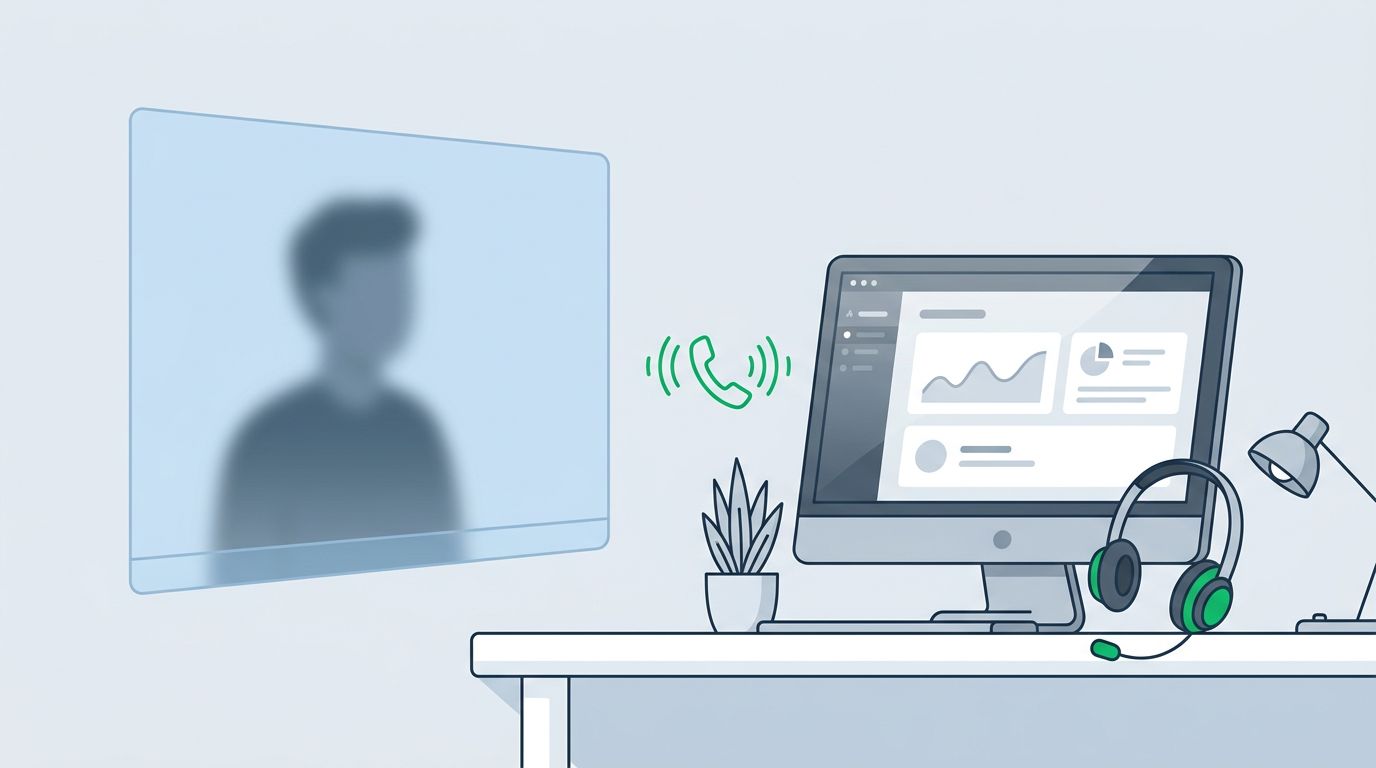
One believable phone call can undo a year of awareness training. For help desk teams, that risk is higher because their job is to solve access problems fast.
That mix of trust, speed, and user pressure is why vishing defense training can’t stay generic. Analysts need words to say, steps to follow, and clear lines for escalation. Start with the desk, because that’s where attackers often ask for the keys.
Why vishing defense training starts at the help desk
Help desks are built to open locked doors. Attackers know that, so they impersonate employees, vendors, and even security staff. A smooth voice can sound safer than a suspicious email.
Recent 2026 reporting shows more attacks using Microsoft Teams calls and remote support tools. In a recent Microsoft incident write-up, a fake support caller pushed a user toward Quick Assist and credential theft. That’s the pattern to train for: urgency, trust, and a shortcut around process.
Basic awareness isn’t enough. Teams should know how vishing works, but they also need help desk-specific practice. Common traps include VIP password resets, contractor VPN activation, MFA changes, and requests to disable controls “for a minute.”
For MSPs and shared service desks, the stakes are even higher. One bad call can affect many users or clients at once. If you already run human risk advisory work, feed those lessons into desk scripts and ticket rules.
Scenario-based vishing defense training that sticks
The best training uses calls your team already gets. Think flight simulator, not slide deck. Analysts remember pressure when they hear it.
Run short role-play drills during team huddles. One person plays the caller. One analyst follows the script. A lead scores the call on verification, refusal, escalation, and notes. That approach lines up well with CISA’s phishing guidance, which focuses on stopping the attack early.
These examples work well in training labs:
| Scenario | Attacker says | Safe response |
|---|---|---|
| VIP MFA reset | “I’m boarding now, reset MFA for me” | Refuse the inbound reset, then call back using the number on file |
| Fake security call | “Open Quick Assist so I can fix sync” | End the call, verify with security, no remote session from the inbound request |
| New contractor access | “Procurement approved me, activate VPN now” | Validate in HR, vendor, or ticket system before any change |
The goal isn’t to memorize scam lines. The goal is to make the safe path automatic.
Role clarity matters too. Analysts verify and document. Team leads approve exceptions and coach in real time. Security reviews logs, related alerts, and repeat attempts across shifts.
Caller verification scripts that remove guesswork
Analysts fail when they improvise. Give them fixed language that sounds polite and firm.
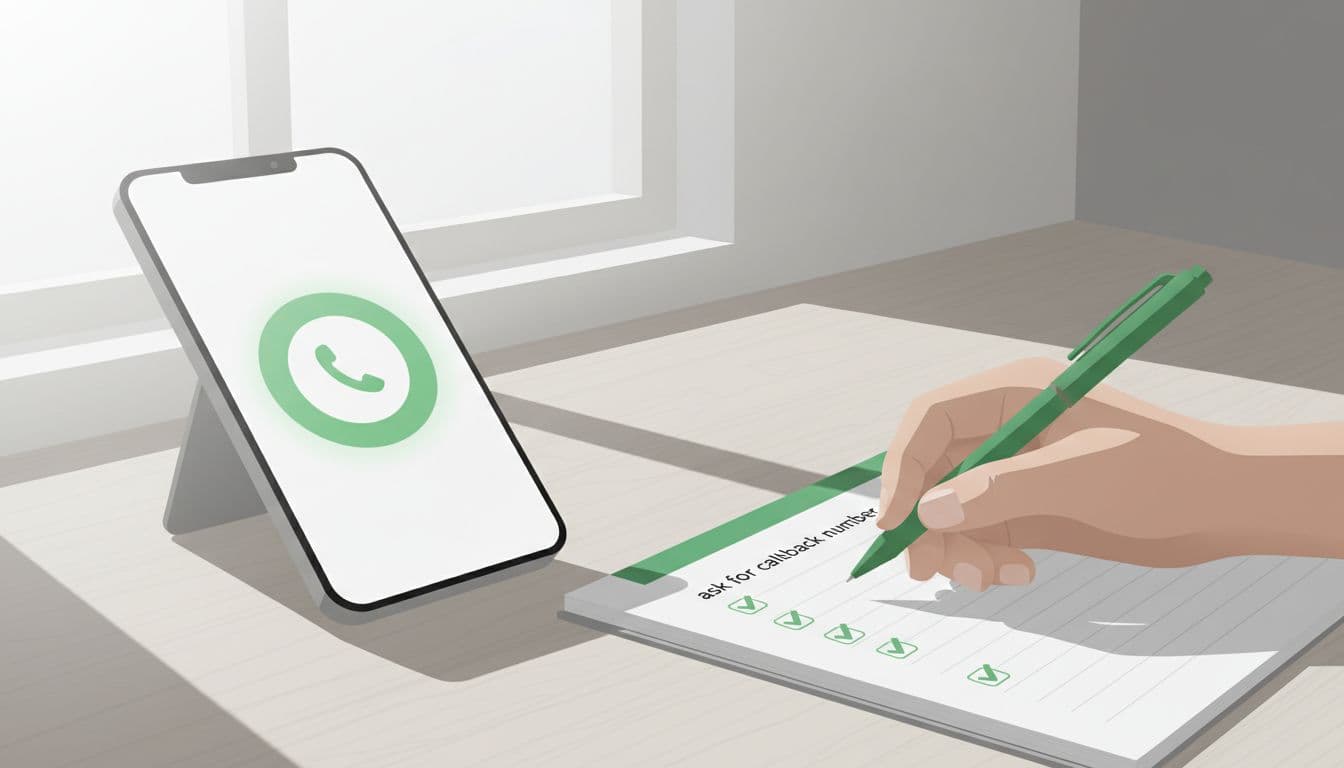
Use a script like this for any high-risk request:
“I can help once I verify you through our approved process. I won’t change passwords, MFA, or remote access from an unverified inbound call. I’ll call you back using the number on file.”
That script slows the call down, states policy, and removes debate. It also helps newer analysts sound calm, even when the caller sounds angry.
No inbound-only exceptions should exist for password resets, MFA changes, mailbox forwarding, remote support, or privileged access. If the caller resists a callback or pushes for secrecy, treat that as a red flag, not a customer service problem.
For more help desk-focused examples, see this guide on safeguarding the help desk from vishing. The big lesson is simple: be helpful, but never be rushed.
Escalation playbooks and reporting steps that work on live calls
Your playbook should fit on one page. If it needs a meeting to explain, it won’t help during a live call.
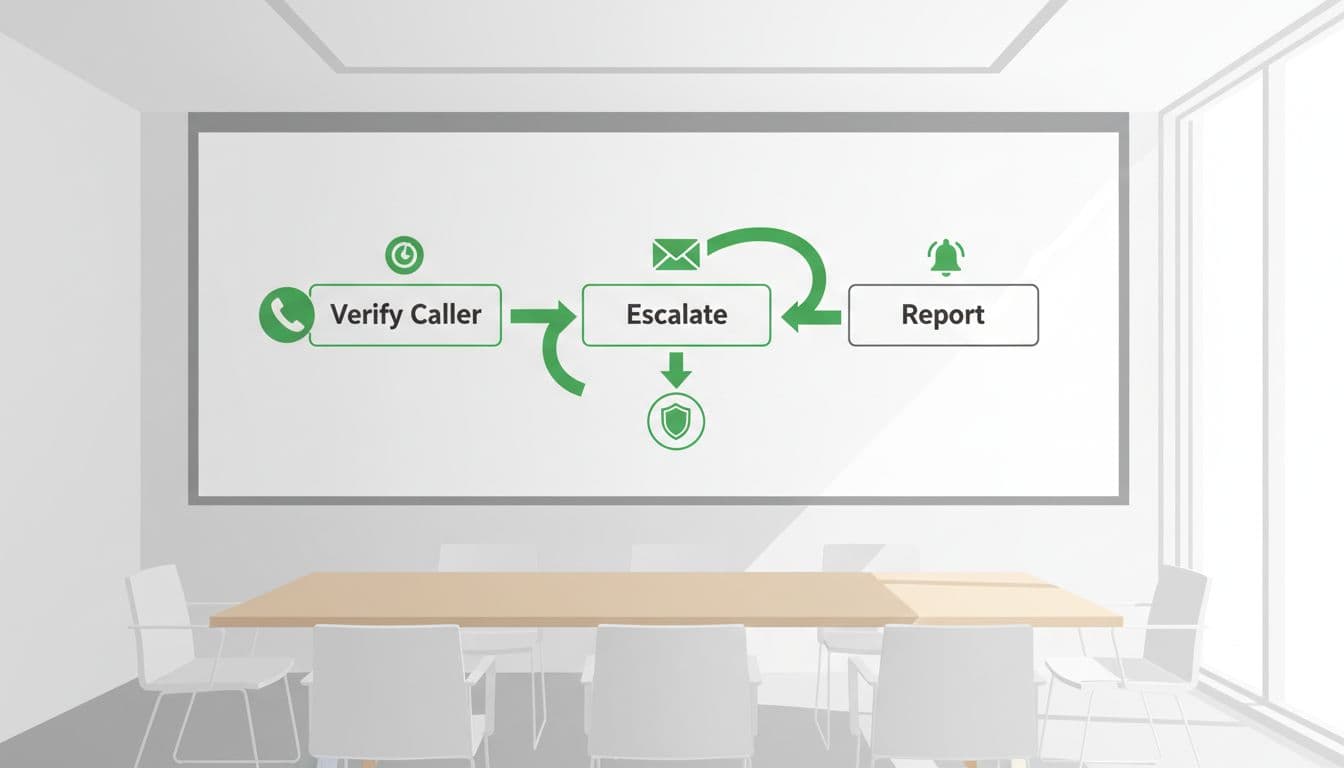
Use this flow:
- Pause the request: Don’t reset, unlock, enroll, or start remote support.
- Validate off-call: End the call and call back using the HR, IAM, or directory number on file.
- Escalate by role: The analyst opens a suspicious-call ticket, the lead reviews it, and security checks identity logs, caller patterns, and collaboration tools.
- Preserve and report: Save the phone number, call time, recording or voicemail, ticket ID, and any linked email, SMS, or Teams message.
Report failed attempts too. One odd call may seem harmless. Three similar calls across two shifts may signal an active campaign.
This is also where broader security work helps. If your team runs continuous threat exposure management, use those findings to tighten remote support settings, callback rules, and collaboration app controls.
A short suspicious-call checklist for every analyst
Keep this near every desk and inside the ticketing workflow:
- Slow the call down
- Verify with two approved data points
- Call back on a known number
- Refuse passwords, MFA codes, and remote tool requests
- Capture artifacts and escalate
- Report the attempt, even if nothing changed
Calm process beats caller pressure.
A convincing voice only wins when the desk starts guessing. Help desks don’t need perfect instinct. They need repeatable habits that hold up under pressure.
Run one live scenario this week. Then tune the script and tie it to your broader vishing defense training, human risk program, and reporting process. The phone stays dangerous only when the desk improvises.