table of contents
A single weak spot in your Wi-Fi setup can let attackers in. They sniff traffic or plant malware before you notice. You manage networks daily, but do you check for common gaps?
Weak wireless network security leaves doors open to man-in-the-middle attacks and rogue devices. Recent threats from groups like Salt Typhoon target telecom and routers. This guide shows you how to spot issues and fix them fast.
Start with your basics. Look at encryption first.
Check Your Encryption Standards
Old protocols like WEP or WPA2 invite trouble. Attackers crack them with brute force. WPA3 fixes that with stronger handshakes.
Examine your access points. Log in to the admin panel. Note the security mode. If it shows WPA2 or mixed WPA2/WPA3, that’s a red flag. Transition modes let devices drop to weaker WPA2.
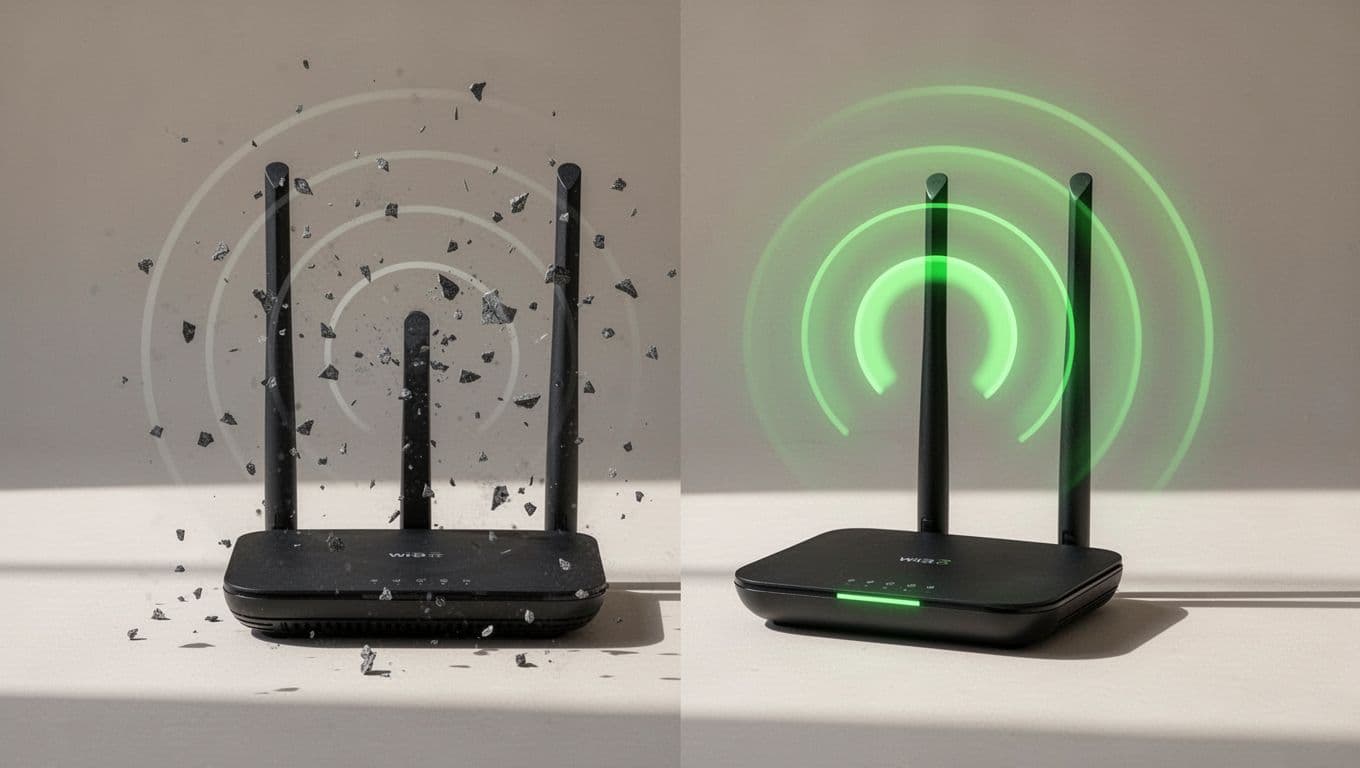
WPA3 uses SAE to block offline attacks. It adds forward secrecy too. Wi-Fi 7 demands WPA3 certification. Check NexTool’s 2026 WiFi best practices for setup tips.
Insecure example: Router runs WPA2-PSK with “password123”. Anyone nearby guesses it.
Secure example: WPA3-Personal or Enterprise with 20+ character passphrase.
Test it. Use tools like Wireshark on a client. Scan for unencrypted frames. If you see them, upgrade firmware. Many devices now support WPA3 after 2026 updates.
Disable WPS. It leaks PINs. Force WPA3-only if all clients handle it. Otherwise, phase out old gear.
Evaluate Network Segmentation
One flat network equals easy spread. A hacked guest phone reaches your servers.
Split traffic with VLANs or SSIDs. Corporate on one, guests on another. Firewalls sit between.
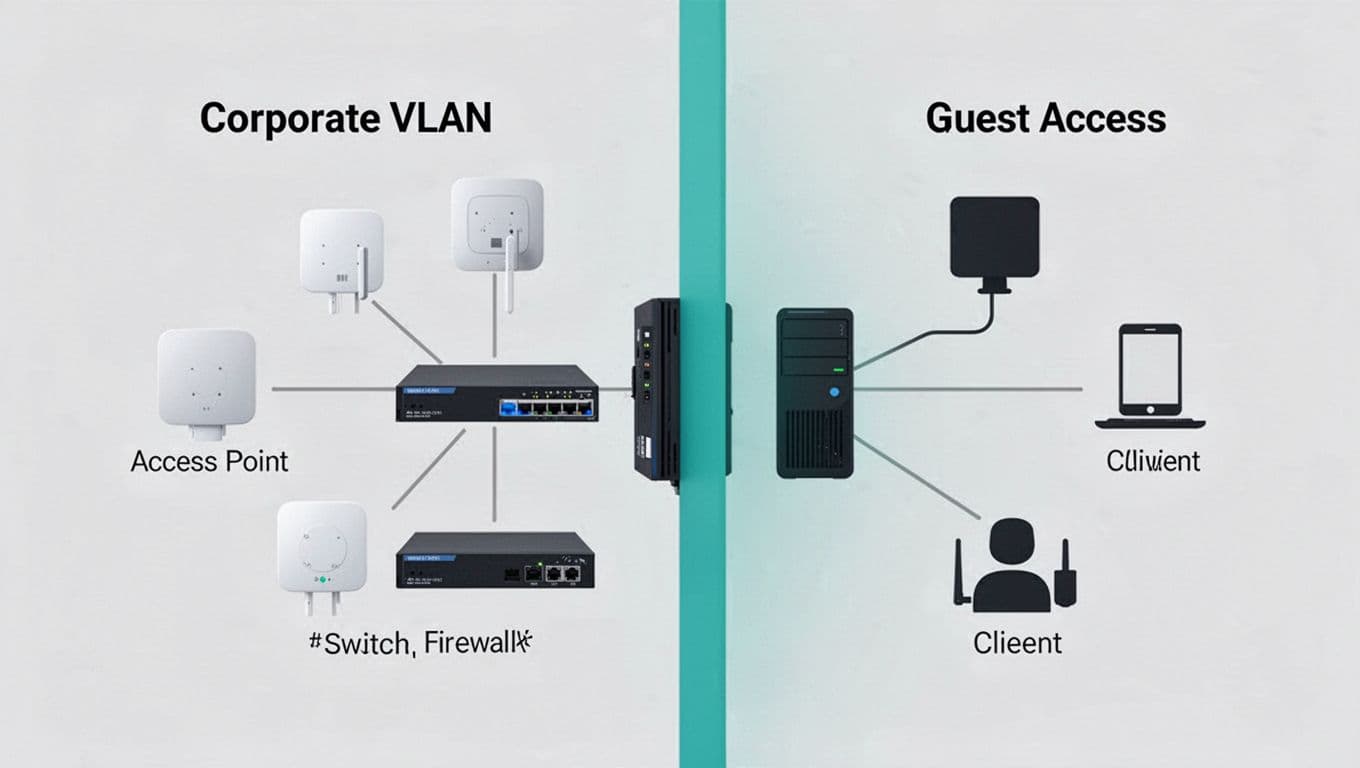
ITU Online outlines wireless segmentation practices. Isolate IoT too. They run weak code.
Quick audit:
- List SSIDs. More than one? Good.
- Check firewall rules. Guests get internet only?
- Ping test across segments. Blocks confirm isolation.
No segmentation? Attackers pivot fast. Recent Iranian hacks hit factories via unsegmented wireless PLCs.
Use NAC for dynamic VLANs. It checks devices before full access. Start simple. Create guest VLAN 10, corporate VLAN 20. Apply ACLs.
Assess Authentication and Access Controls
PSK works for homes. Enterprises need better.
Look for 802.1X. It ties access to user credentials. Pair with RADIUS server like Cisco ISE.
Weak sign: Open networks or shared PSK. Anyone joins.
Strong: EAP-TLS certificates or PEAP-MSCHAPv2. Clients prove identity first.
Review guest access. Captive portals help, but add time limits. No shared passwords.
NAC enforces policies. Unknown devices go to quarantine VLAN.
From real-time data, telecom breaches exploit weak auth. Mandate 802.1X where possible. Test with a supplicant. Does it prompt certs?
Disable legacy modes. Force strong EAP. Log failures to spot probes.
Review Firmware and Updates
Outdated code tops vulnerability lists. Cisco and Fortinet patches fix wireless flaws monthly.
Check vendor sites. Note last update date.
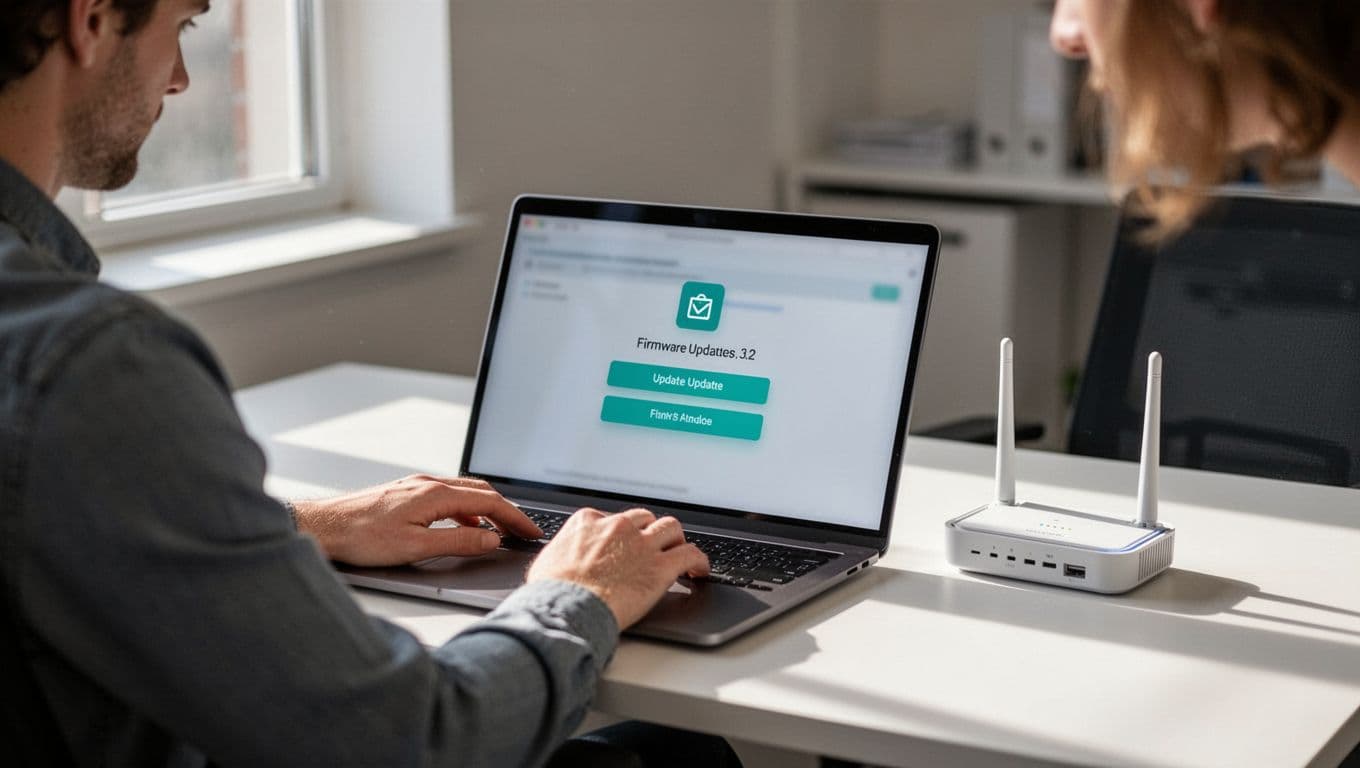
Schedule auto-checks. Tools like Ansible push updates.
Remediation table:
| Issue | Risk | Fix |
|---|---|---|
| Firmware >6 months old | Zero-day exploits | Update now; enable auto |
| Default admin password | Remote takeover | Change to 16+ chars |
| No signed firmware | Tamper attacks | Verify hashes before apply |
Wireless Broadband Alliance’s 2026 guidelines stress encrypted AP-controller links.
Audit logs. Enable syslog to SIEM. Spot failed logins.
Monitor for Intrusions and Logs
Blind spots hide rogues. Use WIDS scans.
Tools like Aruba or Cisco detect evil twins. Check for unknown APs.
Enable management frame protection (802.11w). Blocks deauth floods.
Review logs weekly. Look for high auth fails or channel hops.
Add continuous scanning. NAC profiles block unknowns.
| Log Event | Meaning | Action |
|---|---|---|
| Deauth storm | DoS attempt | Check 802.11w status |
| Rogue AP detected | Evil twin | Locate and remove |
| Weak cipher use | Old client | Update or quarantine |
These steps catch 80% of issues.
Key Takeaways for Stronger Wireless Security
Spot gaps in encryption, segments, auth, firmware, and monitoring. Fix with WPA3, VLANs, 802.1X, updates, and logs.
Your network stays safe when you audit often. Test changes in labs first.
Small businesses face same threats as big ones. If gaps overwhelm you, Book a Discovery Call with Bud Consulting. They help close skills shortfalls.
Act today. Secure setups block real attacks.