
table of contents
You’ve seen it happen. A feature launches with fanfare, but users struggle. Support tickets pile up. Churn spikes. All because product managers missed early signs of poor design.
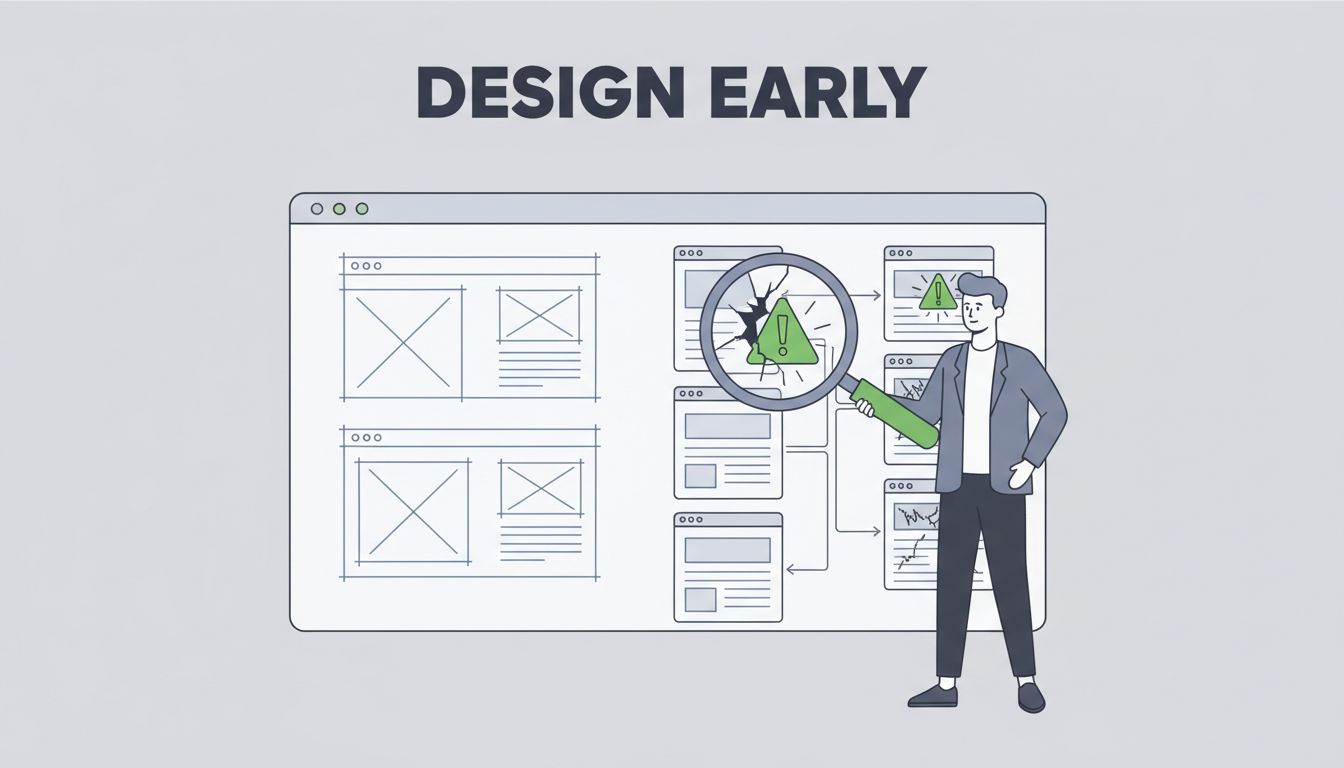
These issues don’t start at launch. They hide in wireframes and prototypes. Product managers who catch design flaws during discovery save time and money. They also build better products that users actually love.
This guide shows you how. You’ll learn spots to check and ways to train your team. Let’s start with the basics.
Why Early Detection Saves Your Product
Design flaws cost more the later you find them. A fix in wireframes takes minutes. In code, it takes days. Product managers sit at the center. You own the user goals. You see the big picture.
PMs aren’t designers. But you must spot when a flow breaks user expectations. Think about B2B SaaS tools. Admins need quick access to reports. If the dashboard buries them, frustration builds.
Early checks align designs with business outcomes. Users complete tasks faster. Retention improves. Teams waste less time on rewrites.
For example, in feature reviews, ask if the design matches the PRD. Does it solve the core problem? Spot mismatches now. ProductPlan explains how flaws in competitors become your opportunities.
Common Design Flaws PMs Catch in Reviews
Product managers review wireframes, prototypes, PRDs, and specs daily. Look for patterns that trip users.
Poor information hierarchy tops the list. Key actions hide under fluff. Users scan and leave confused.
Workflow friction comes next. Extra clicks slow pros who know the tool. In a SaaS dashboard, force users through five steps for a simple export? That’s a flaw.
Edge cases matter too. What happens with zero data? Or 10,000 rows? Empty states without guidance frustrate new users.
Accessibility slips often. Low contrast or no keyboard nav excludes teams. Check if labels make sense for screen readers.
In prototypes, test real flows. Does it match user goals from discovery? Prototypes reveal if assumptions hold.

Here’s a real case. A PRD called for quick team invites. The wireframe used a buried modal. PM flagged it. Team simplified to one-click. Users adopted faster.
Dr. Joshua Read shares fundamentals every PM needs for these calls. Focus on usability over looks.
Focus Areas for Every Design Check
Target these spots every time. They cover most issues.
Usability first. Can users complete goals without help? Watch for confusing labels or hidden options.
Accessibility ensures everyone joins. Test color contrast. Verify alt text plans.
Information hierarchy guides eyes right. Primary tasks stand out. Secondary info supports.
Workflow checks reduce steps. Map user paths. Cut anything extra.
Edge cases test limits. Simulate failures. Plan clear error messages.
Alignment with goals ties it back. Does this feature deliver discovery insights?
In B2B SaaS, pros multitask. Designs must respect that. No overwhelming modals mid-flow.
Good Side lists SaaS pitfalls like inconsistent patterns PMs avoid.
Your Go-To Checklist for Design Reviews
Make reviews consistent. Use this rubric in every meeting. Score quick yes/no. Discuss fails.
| Check | Question | Pass Example |
|---|---|---|
| Usability | Does every flow match user goals? | Export button on top row. |
| Accessibility | High contrast? Keyboard friendly? | Buttons focus on tab. |
| Hierarchy | Key info first? | Dashboard prioritizes metrics. |
| Workflow | Fewest steps possible? | Three clicks max to complete. |
| Edge Cases | Handles empty/full states? | Clear message for no data. |
| Alignment | Solves PRD problem? | Feature delivers exact value prop. |
Run it on wireframes first. Then prototypes. Tweak as your team learns.
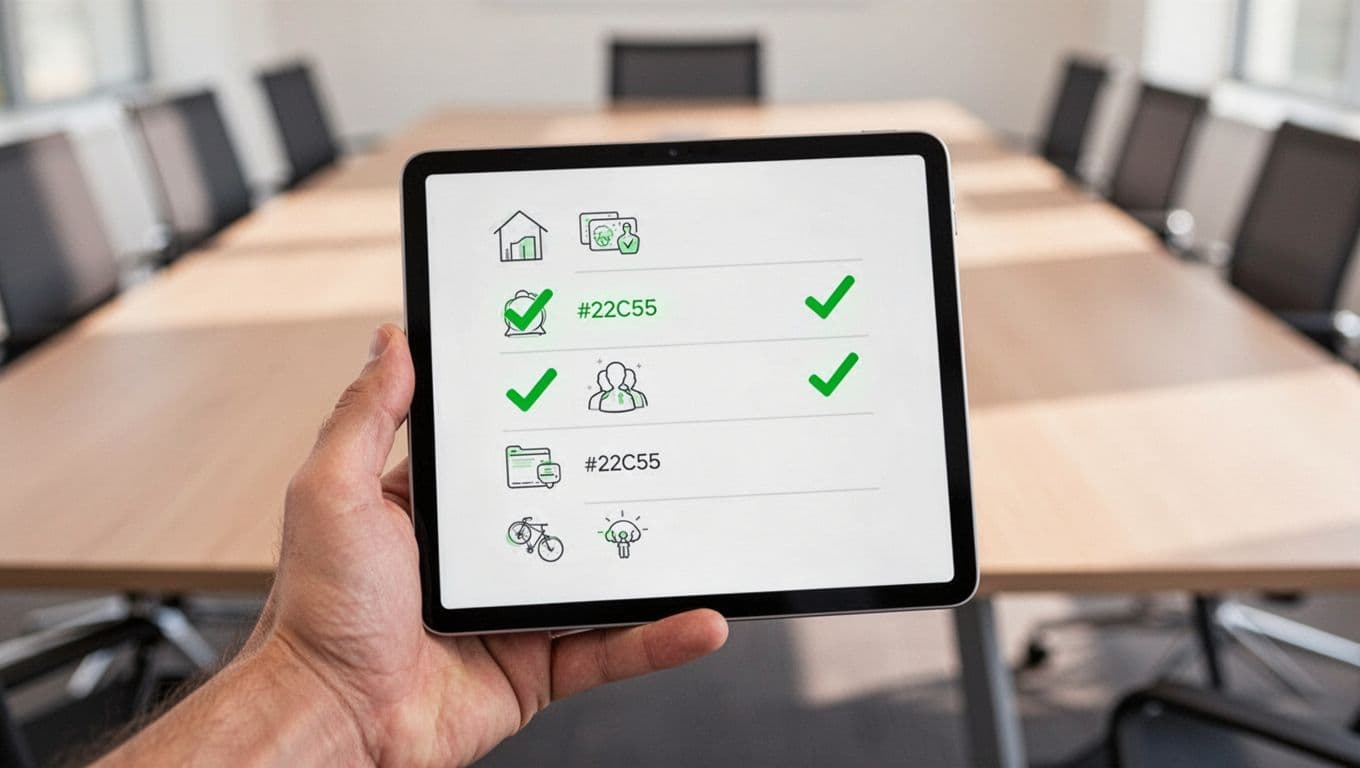
Chetan Channa’s guide offers navigation checks to add. Teams using checklists ship 30% fewer bugs.
Train Your Team with Hands-On Methods
Build skills through practice. Don’t lecture. Do teardowns.
Pick a competitor app. Walk through as users. Note flaws. Why does onboarding overwhelm? Discuss fixes.
Observe usability sessions. Watch real customers. PMs learn what confuses fast.
Run pre-mortems. Assume launch failed. List design causes. Brainstorm prevents.
Build design review habits. Pair junior PMs with seniors. Review one wireframe weekly.
For groups, host workshops. Use your checklist. Rotate leads.

These methods work in B2B SaaS. PMs gain confidence. Collaboration with UX strengthens.
Key Takeaways
Spotting design flaws early keeps products on track. Use the checklist in reviews. Train with teardowns and observations.
Your team will catch issues before they grow. Users stay happy. Launches succeed.
Start today. Pick one wireframe. Run the rubric. See what you find.




