table of contents
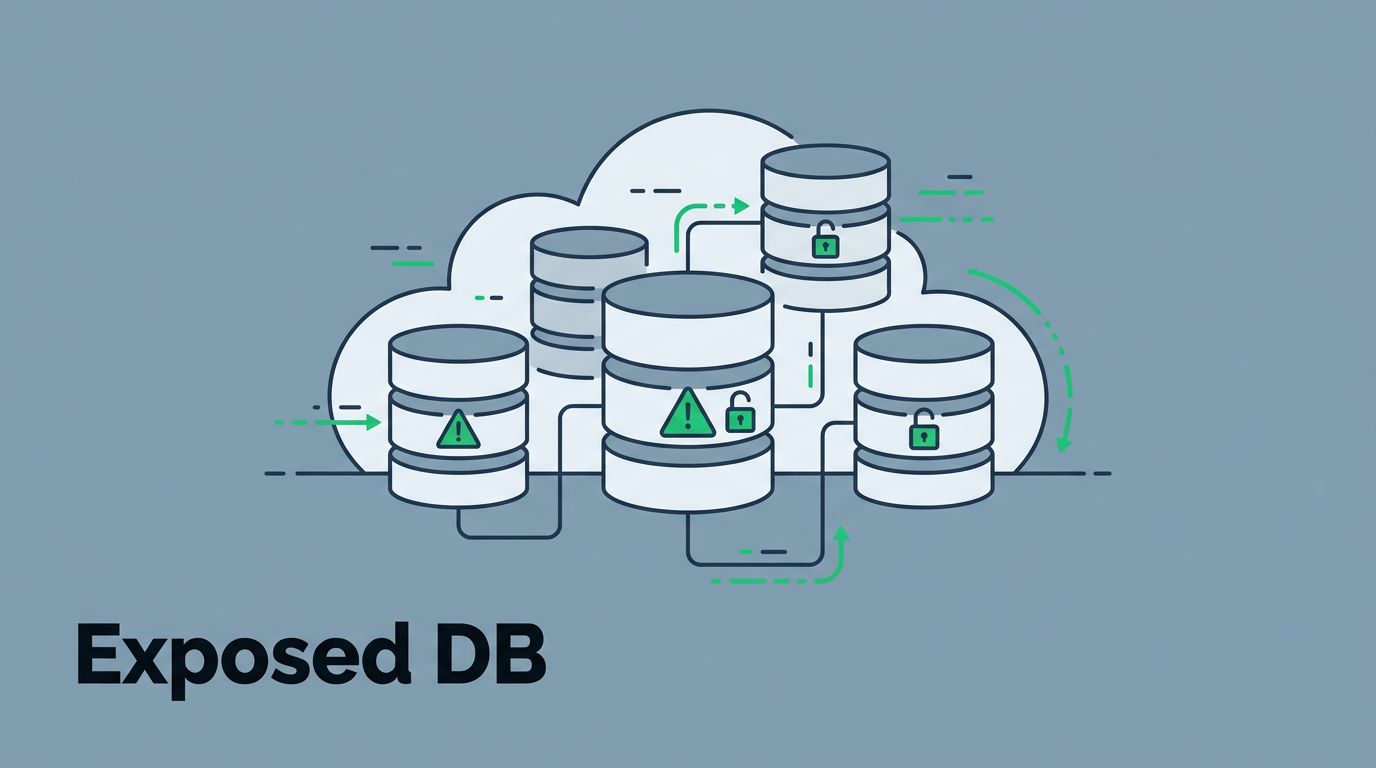
Exposed databases hit headlines again this May. Kenlo Imob lost over 6 million user records from a cloud leak, and ADT exposed 10 million Salesforce entries. Attackers grabbed names, emails, and docs because public access stayed open too long.
You face the same risks in AWS, Azure, or GCP. Misconfigs like wide-open ports or default creds leave customer data hanging out. CTEM playbooks turn chaos into control. They follow a clear cycle to find, fix, and prevent these issues.
Start with discovery to spot problems early.
Discovery: Spotting Exposed Database Instances
Cloud scans reveal hidden gems. Tools ping public IPs for open ports like 3306 on MySQL or 5432 on Postgres. You find RDS instances or Azure SQL servers reachable from anywhere.
Attackers love internet-facing databases. They scan for weak auth or public snapshots. Recent breaches show 30% of cloud assets stay unknown for months.
Focus on risk factors first. Check for no firewalls, default passwords, or shared snapshots. Use external attack surface tools to map everything outside your perimeter.

Build an inventory fast. Query DNS, cloud APIs, and cert transparency logs. Cross-check with your asset list. This catches dangling records that lead to takeovers.
For example, a GCP Cloud SQL with 0.0.0.0/0 authorized networks pops up. It’s compliant on paper but wide open. Prioritize these over internal ones.
Validation: Confirm the Database Threat
Not every alert means doom. Validate exposures with safe tests. Run proof-of-concept exploits to see if controls hold.
Probe for real access. Does the database respond to queries? Can you dump schemas without creds? Tools simulate attacker moves without harm.
Tag assets by owner and role. A dev test DB might score low, but production with PII demands action. Use CTEM.org’s getting started guide for validation steps.
Consider attacker paths. Compromise leads to lateral moves into storage or other instances. Test reachability from the internet.
False positives drop when you match scans to business context. For instance, validate if that exposed Redis cache ties to a live app.
Prioritization: Rank Database Exposures by Risk
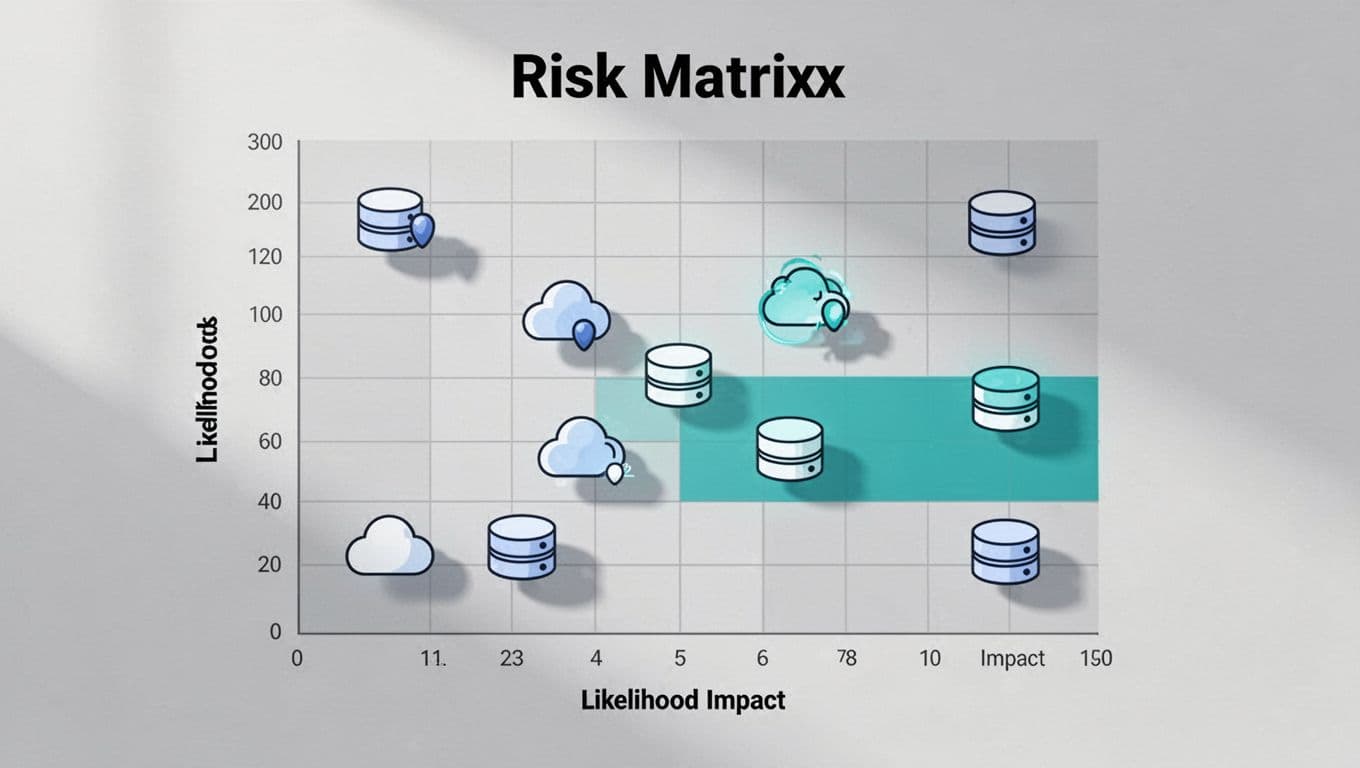
Sort exposures like attackers do. Plot them on a matrix of likelihood and impact.
High risk means easy reach plus big damage. Public RDS with customer data tops the list. Low risk covers test servers behind proxies.
Factor in weak auth, no encryption, or leaked creds. Recent incidents like ShinyHunters hits on cloud configs show patterns.
Use threat intel for context. Active exploits targeting unpatched Postgres? Bump it up. Ignore noise from unused snapshots.
Teams fix 80% more when priorities match real threats. Track metrics like exposure time to refine scores.
Mobilization: Rally Teams to Act
Alert owners with context. Don’t just say “exposed DB.” Share the path, impact, and owner tags.
Integrate with ticketing and Slack. Auto-notify devs for their RDS instance. Set SLAs like 24 hours for criticals.
Build playbooks for response. Pre-defined workflows cut mean time to respond. FireCompass outlines multi-stage hunting for attack surfaces.
Cross-team handoffs work best. Cloud engineers lock ports; DBAs rotate creds. Measure mobilization with fix rates.
In hybrid setups, loop in SOC analysts. They watch for brute-force attempts on validated exposures.
Remediation: Secure Exposed Databases
Fix starts with network controls. Add security groups to block 0.0.0.0/0 on RDS ports.
Enforce strong auth. Enable MFA, rotate keys, and use IAM roles over static creds.
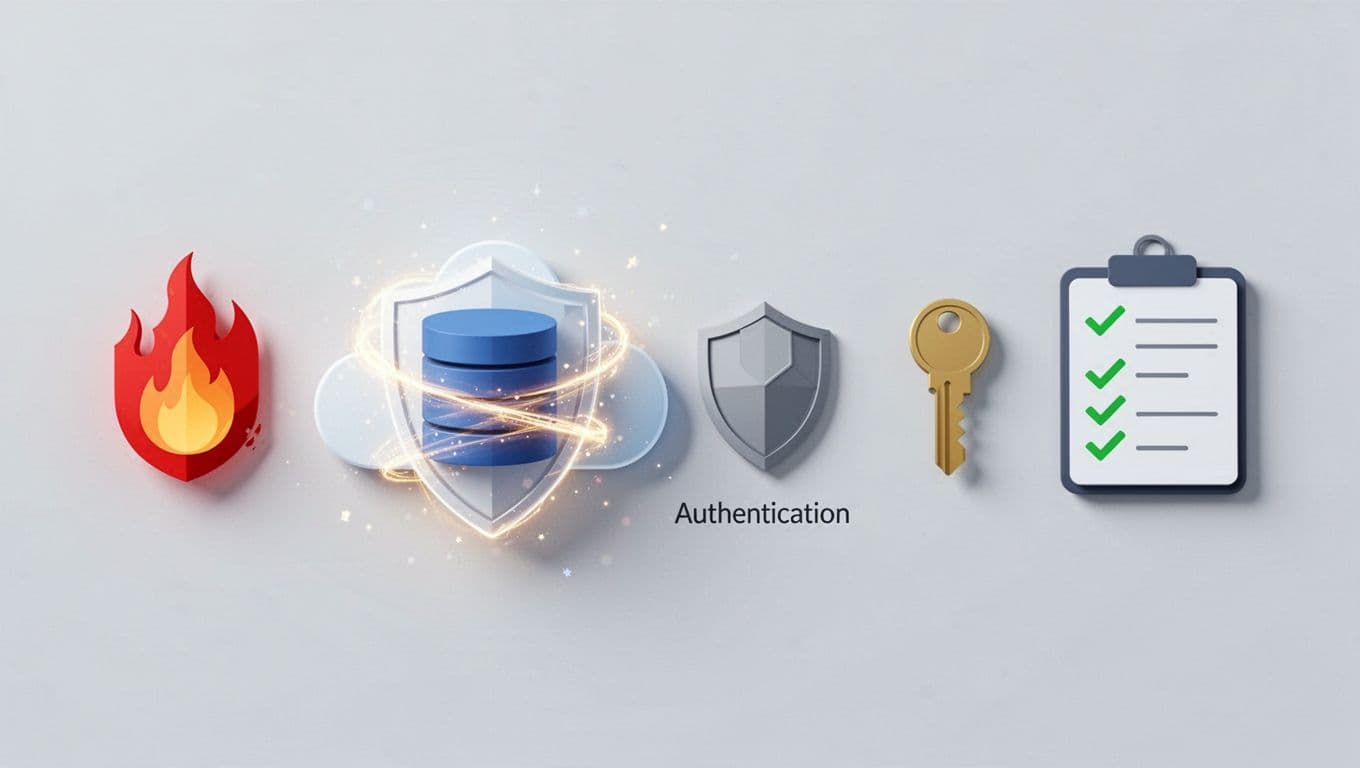
Encrypt at rest and in transit. AWS docs detail RDS remediation steps. Azure needs private endpoints; GCP drops broad IP ranges per their recommender.
Steps for a public Azure SQL:
- Review authorized networks.
- Switch to private link.
- Audit access logs.
- Test connectivity post-fix.
Delete unneeded snapshots. Tools like CloudQuery help detect across providers.
Verify fixes with re-scans. Close the loop before marking done.
Continuous Improvement: Refine Your CTEM Cycle
Run the workflow weekly. Feedback loops sharpen discovery and prioritization.
Review metrics: exposure count down? Fix time under 48 hours? Adjust scopes based on new cloud deploys.
Integrate with EASM for ongoing scans. Strobes playbook covers scoping to mobilization.
Train teams on common pitfalls like public snapshots. Automate where possible, but keep human oversight for edge cases.
Conclusion
Exposed database security boils down to steady CTEM cycles. Discovery spots issues; validation and prioritization focus efforts; mobilization and remediation close gaps fast.
You cut breach odds when playbooks match real threats like those May leaks. Keep scanning your cloud attack surface.
Ready to strengthen your program? Book a Discovery Call with Bud Consulting for tailored advice.