table of contents
Product designers shape user experiences every day. Yet many overlook how poor security choices lead to breaches. Users lose trust fast when apps expose data or frustrate with clunky logins.
You create intuitive flows. Now add security from the start. This approach boosts usability and cuts risks. Let’s explore practical steps to train your team.
Grasp the Basics of Security by Design
Security by design means you build protection into products early. It prevents issues instead of patching them later. Designers play a key role because users interact with your interfaces first.
Think of it this way. A weak login screen invites attacks. A strong one feels smooth and safe. OWASP outlines principles like least privilege and defense in depth to guide this work. Their security by design principles stress secure defaults from day one.
NIST echoes this in their software supply chain guide. They push for risk assessment during design. As a result, products resist threats better. You don’t need code skills. Focus on flows that minimize exposure.
Start training with these ideas. Share real breaches tied to bad UX. For instance, confusing permission prompts let attackers steal data. Teams grasp concepts faster through stories.
Why Product Designers Must Prioritize This
Users expect seamless apps. They also demand privacy. In 2026, privacy-first patterns top trends for UX pros. Clear consent screens build loyalty.
Poor UX fuels risks. Confusing layouts hide warnings. People click phishing links or skip MFA. No fresh stats pin exact 2026 breaches on UX alone. Still, experts link bad designs to skipped protections.
Security enhances trust. Strong flows reduce drop-offs. A secure reset process keeps users happy. It also meets regs like GDPR. Designers who ignore this face rework.
Train to show benefits. Secure designs improve retention. They make products stand out. Your role shifts security from blocker to feature.
Core Principles Every Designer Should Know
Focus on a few key ideas. Least privilege gives users only needed access. Defense in depth layers protections. Fail securely so errors don’t expose data.
OWASP’s secure product design cheat sheet lists these clearly. Use them in wireframes. For example, default to private settings.
NIST SP 800-218A stresses early risk checks. Evaluate threats in sketches. Justify any skips. This keeps designs robust.
Apply in daily work. Map user journeys with security checkpoints. Ask: Does this flow leak data? Can attackers trick users?
These principles fit UX tools. Tools like Figma support threat modeling plugins. Teams adopt them quick.
Design Secure Login Flows That Users Love
Logins set the tone. Bad ones drive users away. Good ones protect without hassle.
Start with strong passwords. Prompt for length and complexity. Avoid security questions; they fail often. Push MFA next. Apps like those from AWS recommend it for all humans.
Make MFA smooth. Use app codes or biometrics. Clear instructions help. WorkOS shares MFA best practices like short timers and autofill.

Test flows end-to-end. Simulate attacks. Does the screen mask inputs? Does it lock after fails? Smashing Magazine’s authentication UX guidelines offer patterns.
Password resets need care. Email links expire fast. Add user verification. This cuts hijacks. Train designers to prototype these first.
Handle User Permissions Without Overwhelm
Permissions confuse users most. Granular controls beat all-or-nothing.
Show clear toggles. Explain each in plain words. Group related ones. Use visuals like sliders for levels.
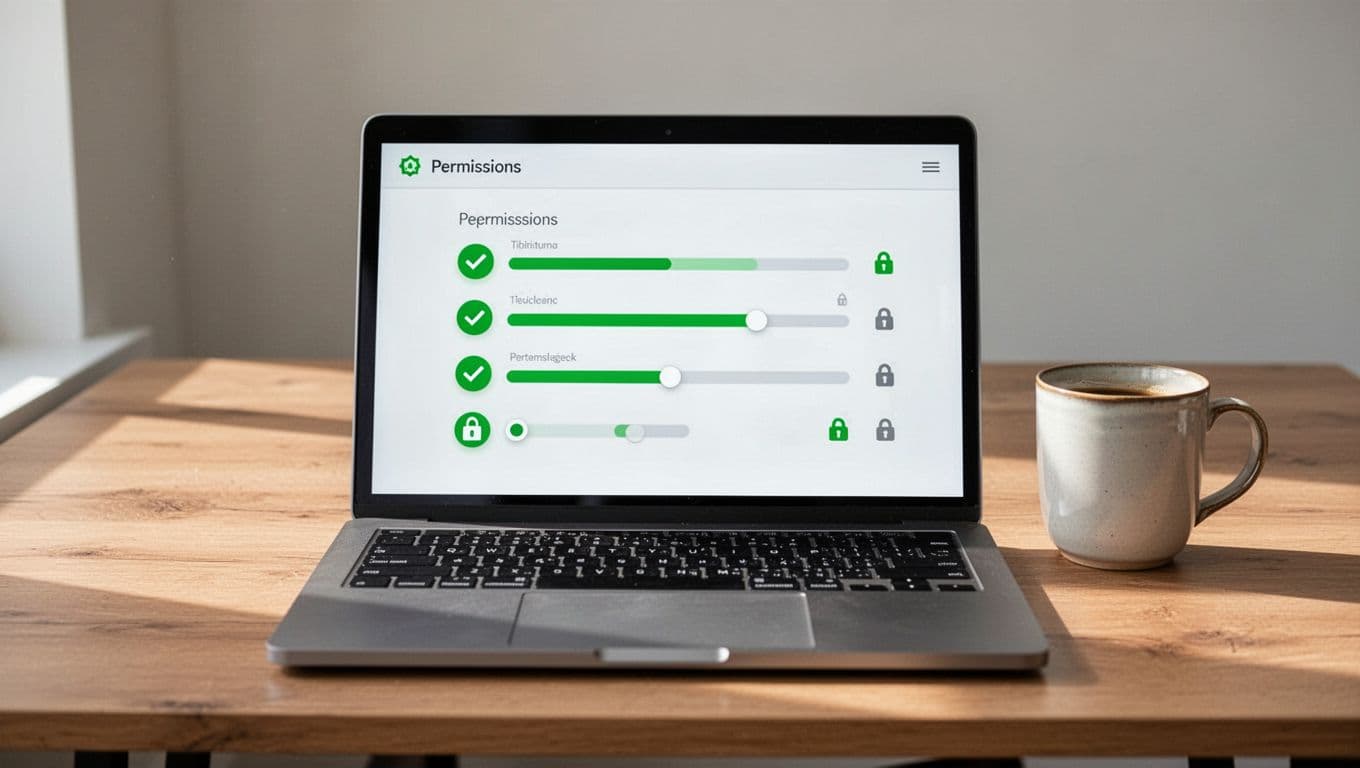
Role-based access works well. Admins see more; viewers see less. OWASP’s product security guide covers this.
Avoid dark patterns. No pre-checked shares. Let users revoke easy. Test with real people. Do they understand impacts?
Account recovery ties in. Require multi-steps. Balance security and ease. Microsoft Design’s secure by design toolkit evaluates these spots.
Cover Data Exposure and Consent in Training
User consent matters. Show data use upfront. Granular options win.
For admin features, hide power tools. Confirm deletes. Mask sensitive views.
Password managers help. Promote them in flows. Data exposure drops.
In 2026, ethical AI trends push transparency. Label AI decisions. Check for bias in designs.
Train on these via examples. Walk through a consent screen. Revise live.
Run Hands-On Workshops for Your Team
Workshops stick best. Gather designers for sessions.
Use whiteboards for threat modeling. Sketch flows. Spot gaps.

Pull from OWASP or SafeStack’s security requirements course. Role-play attacks.
Keep sessions short. One hour per topic. Assign homework: Redesign a login.
Measure success. Review prototypes post-training. Feedback loops improve skills.
Quick Checklist for Security by Design
Use this daily:
- Map risks early: List threats per screen.
- Default secure: Private settings first.
- Test user flows: Simulate fails and attacks.
- Clear consents: Explain data use simply.
- Layer protections: MFA, permissions, masks.
- Review with team: Share sketches for input.
Adopt these habits. Products get safer and more trusted.
Security by design pays off. Users stay longer. Breaches drop. Start training today. Book a Discovery Call with Bud Consulting to build your team’s skills.
Putting It All Together
Designers lead secure experiences. Apply principles now. Teams build better products.
Privacy trends grow. Meet them head-on. Your work creates trust that lasts.