table of contents
Ransomware groups like Qilin and Akira hit on-prem file shares hard this year. They steal gigabytes of data before encrypting it all. You run Windows servers with SMB shares, so attackers scan port 445, grab creds, and roam freely.
These attacks cost downtime and leaks. Groups exfil 743GB on average per hit, per BlackFog’s Q1 data. Your shares hold PII and client files that fuel extortion.
This playbook gives you steps to lock down shares now. Start with basics like SMB hardening, then build layers.
Assess Current Risks to Your File Shares
You need a clear picture of threats first. On-prem shares face ransomware, insiders, and lateral moves. Groups use stolen admin creds to dump shares undetected for weeks.
Run a quick audit. Use BloodHound to map Active Directory paths to shares. It shows over-privileged paths attackers exploit.
Check exposure. Scan for open SMB ports with Nmap: nmap -p 445 your_subnet. Block internet-facing 445 at firewalls. Groups like DragonForce tunnel in via RDP first.
List your shares. Run net share on servers. Delete unused ones. Nested shares confuse perms and widen attack paths.
Test for CVEs. Patch CVE-2026-24294, an SMB escalation bug. Local low-priv users gain admin rights. Install January 2026 rollups.
Make a risk table like this one to prioritize.
| Risk Factor | Check Command/Tool | Fix Priority |
|---|---|---|
| Open SMB ports | nmap -p445 | High |
| Over-priv groups | BloodHound | High |
| Unpatched SMB | Windows Update | High |
| No encryption | Get-SmbServerConfiguration | Medium |
Fix high items first. This cuts 80% of easy wins. Repeat quarterly.
Insiders pose risks too. Disgruntled staff or gig workers leak data. Monitor HR offboards for share access.
Hybrid setups add complexity. If you sync to Microsoft 365, extend NTFS perms via Entra ID sync. But keep on-prem core secure.
Harden SMB Protocols Against Exploits
SMB flaws let attackers escalate and relay. Windows Server 2025 defaults help, but tune them.
Require signing and encryption. In Group Policy, go to Computer Config > Policies > Network > Lanman Server. Set “Digitally sign communications (always)” to Enabled. Do the same for clients.
Force SMB 3.1.1. Disable SMBv1: Disable-WindowsOptionalFeature -Online -FeatureName SMB1Protocol. Block v2 if possible.
New in 2026: SMB Server EPA blocks relay attacks like CVE-2025-55234. Enable audit first via policy: “Audit SMB client SPN support.” Test, then enforce.
For details on these settings, see Microsoft’s SMB security hardening guide.
Segment traffic. Put shares on VLANs. Firewall rules allow SMB only from app servers, not workstations. This stops lateral moves.
Rate-limit auth. New SMB limiter in Server 2025 throttles brute-force. Set via registry: HKLMSYSTEMCurrentControlSetServicesLanmanServerParametersSMBServerAuthenticationRateLimit.
Test changes. Map drives from clients. Fix breaks before enforcing.
QUIC helps hybrid. SMB over QUIC tunnels secure shares to cloud without VPN. Enable on Server 2022+.
Patch monthly. April 2026 KB5082142 fixed compression issues.
These steps block most SMB exploits. Groups can’t relay or escalate easily.
Enforce Least Privilege Access Controls
Domain Admins touch everything. That’s a problem. Use groups for granular control.
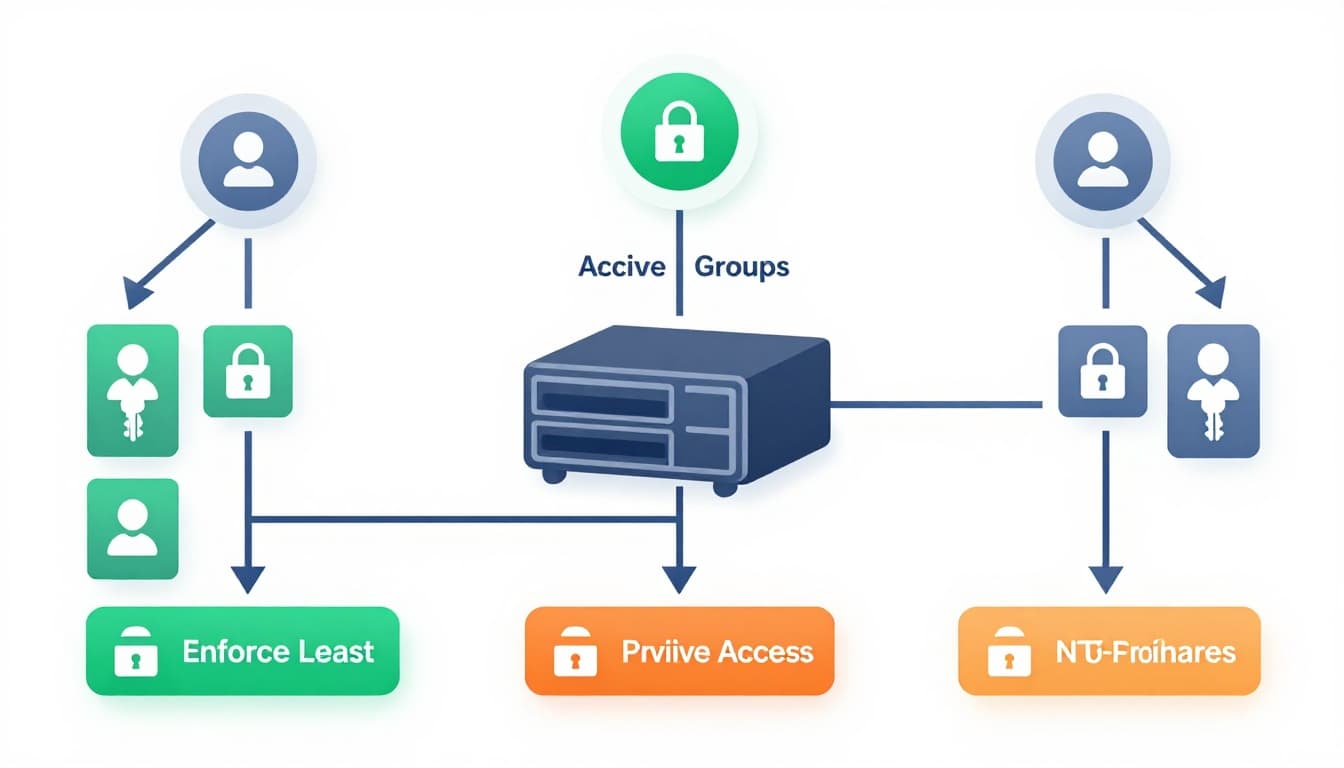
Create AD security groups per role: Finance-Read, HR-Modify. Add users to global groups, nest into local access groups.
Set share perms broad: Authenticated Users Full Control. Lock NTFS tight. Right-click folder > Properties > Security. Deny inheritance where needed.
Avoid Everyone. Use Authenticated Users. Principle: users get only read/write they need.
Follow Netwrix NTFS permissions best practices for no nested shares.
MFA for admins. Enforce via AD or Duo. No exceptions.
Run icacls /save to export ACLs. Audit changes weekly.
Limit service accounts. They run backups; give read-only to data, no delete.
For insiders, add expiration: Set-Acl with time-bound perms via PowerShell.
Tier 0 protects AD. No file admins in Domain Admins.
Scan with tools like PingCastle. Fix protected_users group empties.
This setup stops lateral moves. Compromised user stays contained.
Combat Ransomware Targeting File Shares
Ransomware exfils first, encrypts second. Qilin kills EDR with BYOVD drivers, then hits shares.
Block known IOCs. Deny rwdrv.sys, hlpdrv.sys via WDAC.
Use FSRM screening. Block .exe, .js in shares: Install FSRM, set rules per folder.
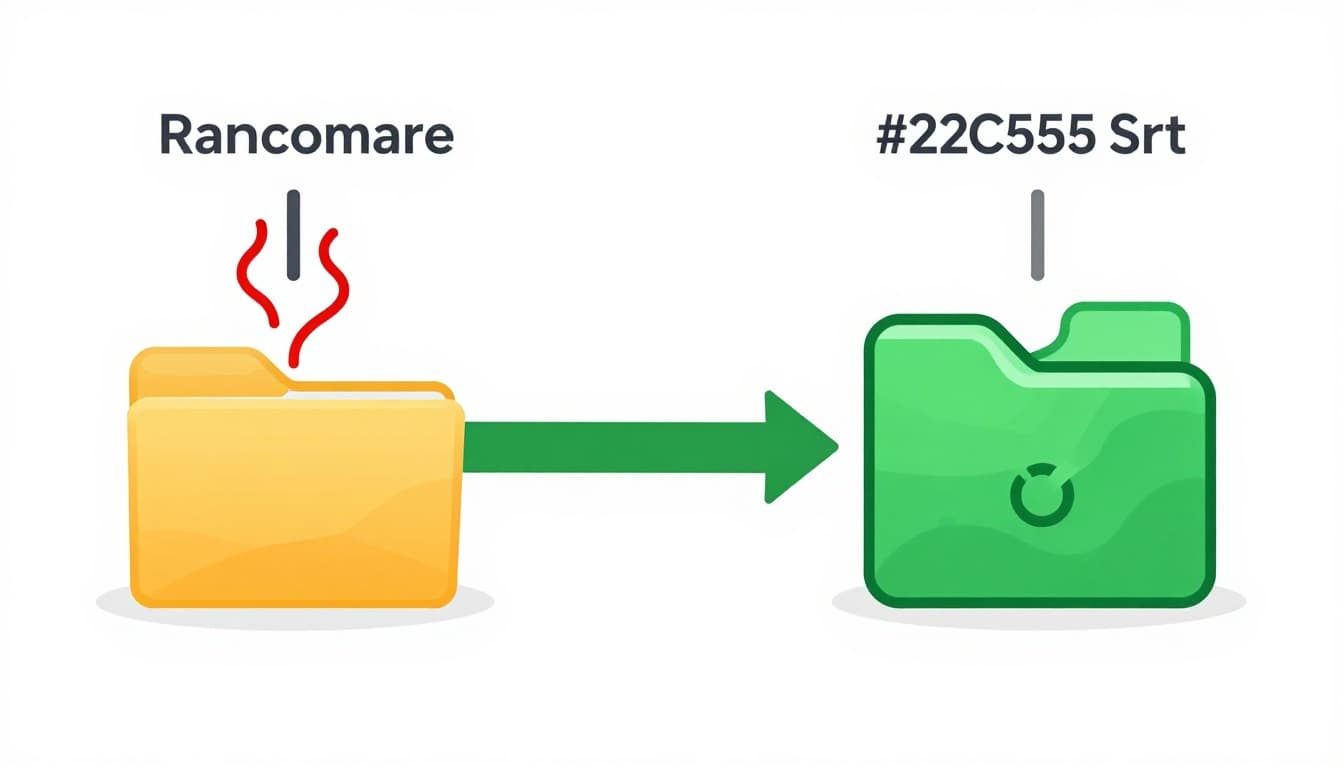
See MyWorkDrive’s ransomware prevention for SMB shares on perimeter blocks.
Detect bursts. Alert on mass deletes: FSRM or SIEM rules for 100+ file changes/min.
Hunt anomalies. Tools like Microsoft Defender scan shares real-time.
For healthcare/legal, tag sensitive data. Use Data Classification Toolkit. Quarantine PII folders.
Rotate creds. Passwordless via certs where possible.
Immutable snapshots help. Veeam sets WORM on shares.
Test red team. Simulate exfil to baselines.
These block 96% exfil rates seen in attacks.
Audit and Monitor File Share Activity
Blind shares invite trouble. Log everything.
Enable object access audit: GPO > Computer Config > Security > Advanced Audit > Object Access > Success/Failure.
Filter Event 4663 for file opens. Pipe to SIEM.
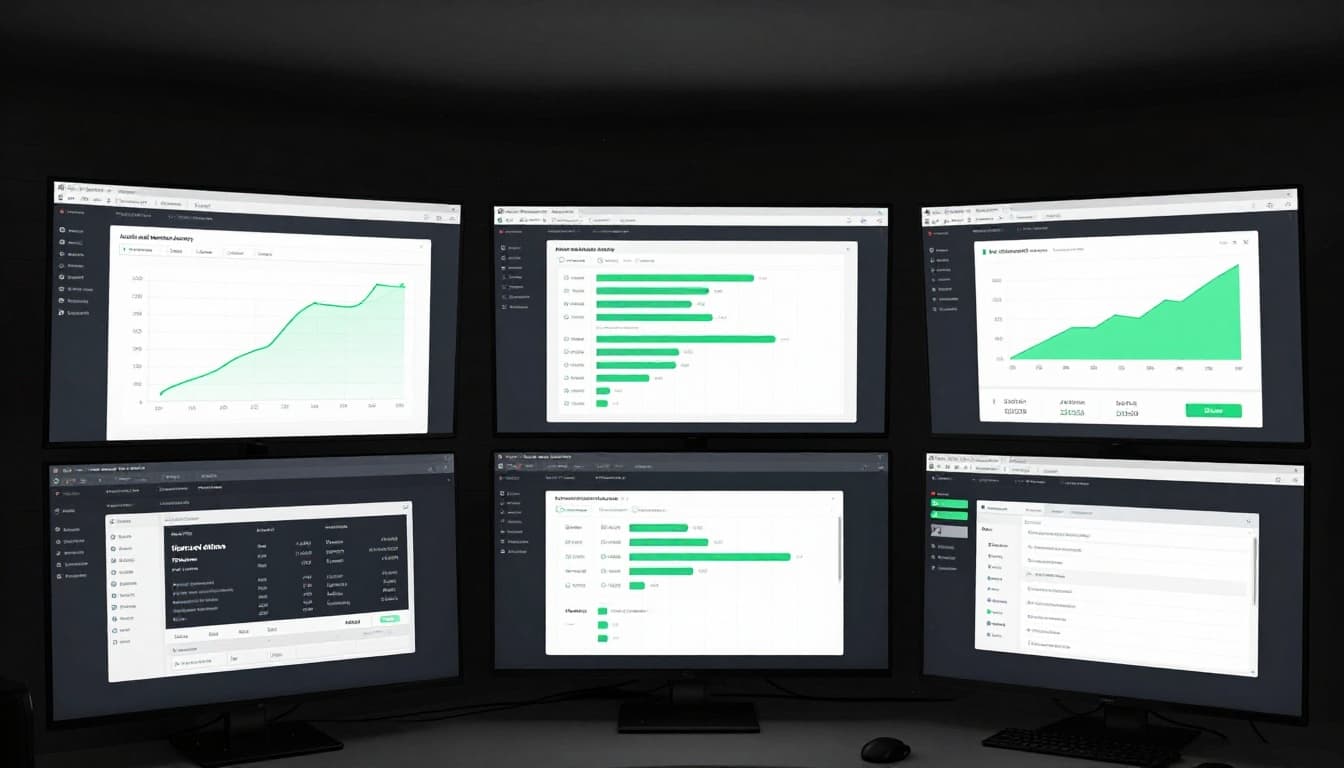
Set baselines. Normal access: 9-5, known IPs. Alert outsiders.
Use Sysmon. Config for file creates/deletes on shares.
Discover sensitive data. PowerShell: Get-ChildItem -Recurse | Select Name, Length | Export-Csv.
Weekly reviews. Hunt failed logons (Event 4625).
Hybrid: Sync logs to Entra ID for unified view.
Tools like NinjaOne add alerts. Their file server security methods cover bursts.
Respond fast. Auto-quarantine on anomalies.
Logs catch insiders too. Track bulk downloads.
Secure Backups and Data Recovery
Ransomware deletes backups. Go immutable and offline.
Use Veeam or Windows Backup with air-gaps. Tape or disconnected NAS.
Test monthly. Restore a folder, verify integrity.
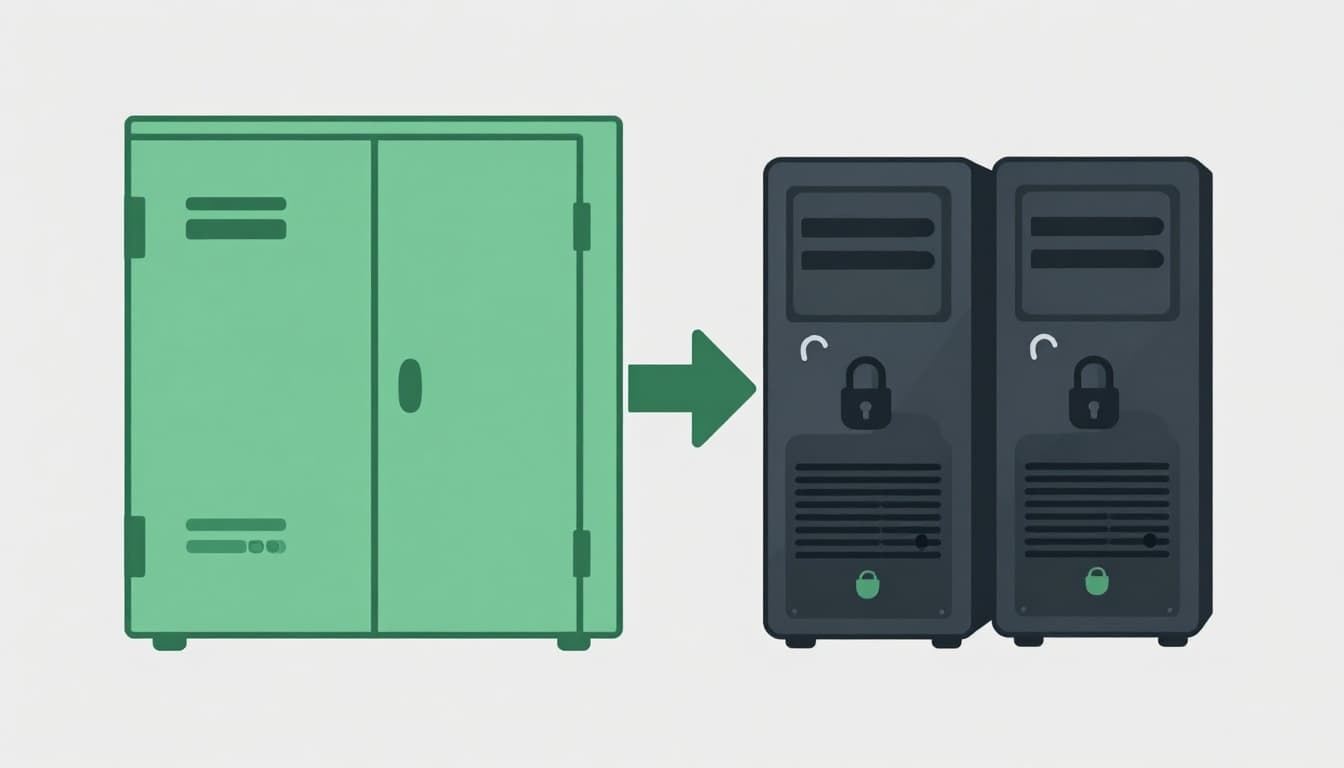
One share per group cuts blast radius.
Cloud hybrid: Azure Backup immutable vaults. Sync non-critical.
Retention: 3-2-1 rule. 3 copies, 2 media, 1 offsite.
Encrypt backups. BitLocker full drives.
For outages, stage recovery servers.
This ensures you recover without paying.
Build Incident Response for File Share Breaches
Playbooks save hours. Document steps.
- Isolate: Unplug shares, firewall block 445.
- Contain: Revoke creds, MFA reset.
- Eradicate: Full AV scan, change all AD passwords.
- Recover: From backups, monitor re-entry.
Table for roles:
| Role | Actions |
|---|---|
| Tier 1 | Triage alerts |
| IR Lead | Coordinate isolate |
| Backup Admin | Validate restores |
| Comms | Notify stakeholders |
Practice quarterly tabletop.
Hybrid IR: Include M365 holds.
Microsoft’s least-privilege admin models guide delegation.
Stockpile tools: Volatility for memory, Wireshark for traffic.
Key Takeaways for On-Prem File Share Security
Lock SMB first, then perms and backups. These steps counter 2026 threats like Qilin exfils.
Patch CVEs, audit logs, test restores. You cut risks by layers.
Start today. Your shares hold the keys to operations.
Book a Discovery Call with Bud Consulting to audit your setup.