
table of contents
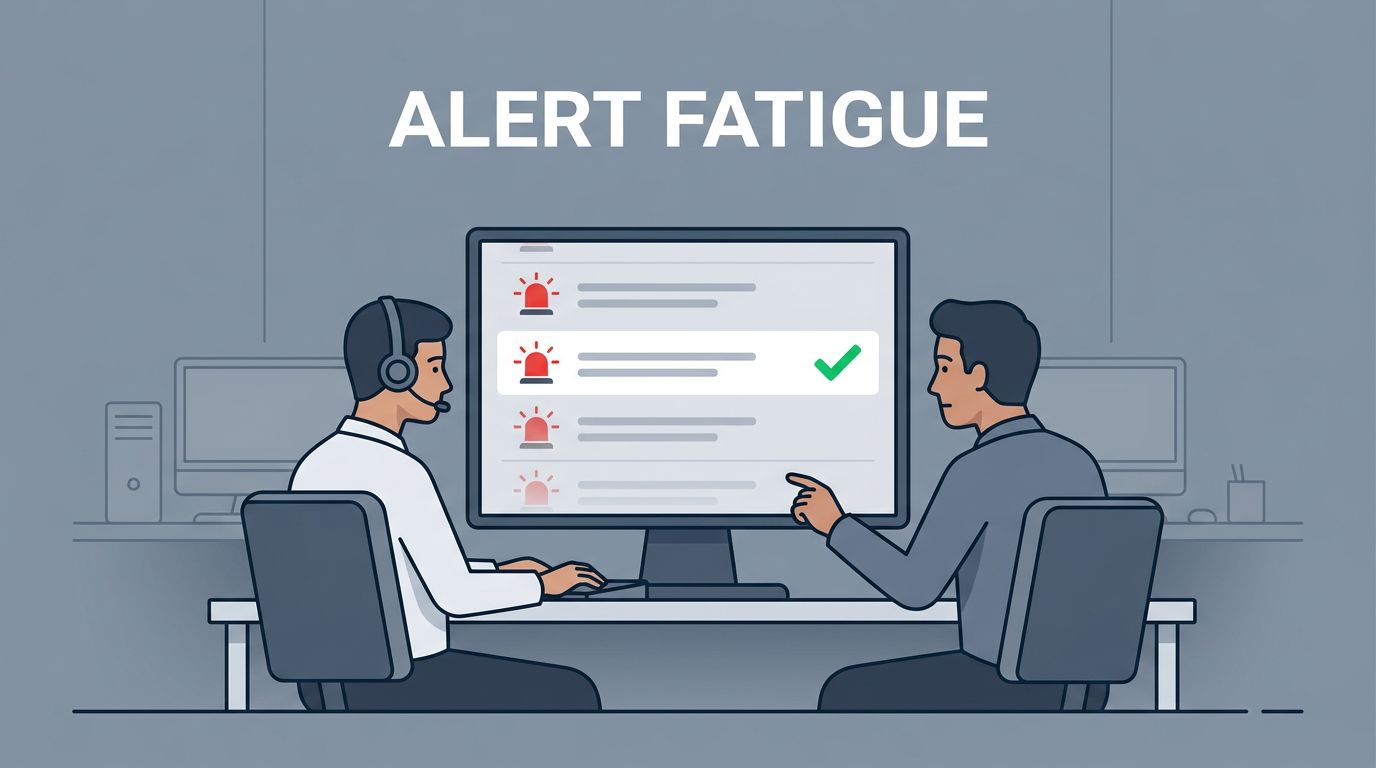
When every alert looks urgent, real problems hide in plain sight. Small teams feel that pain fast because one noisy rule can eat half a day.
Reducing alert fatigue security teams face starts with better choices at the source. If your queue is full, the fix is usually tuning, context, and a little automation, not more people staring at the same screen.
Start with the alerts you already have, then make each one earn its place.
Tune detections before you add more tools
The fastest way to cut noise is to find the rules that fire most often and ask a simple question, “Does this alert tell us something new?” If the answer is no, tighten the rule or suppress the known-good pattern.
That matters in every common stack. Microsoft 365 can get noisy around sign-ins, mailbox rules, and consent grants. EDR tools often repeat the same detection across the same host. SIEM rules can spam your queue when the same event lands ten times. Cloud alerts also blow up when they include routine admin work, service accounts, or scheduled jobs.
Use the table below as a quick tuning map.
| Environment | Good tuning move | What it cuts |
|---|---|---|
| Microsoft 365 | Require two or more risk signals before paging on sign-in issues | One-off travel, familiar device changes |
| EDR | Merge repeated detections from the same host into one case | Duplicate tickets |
| SIEM | Add thresholds and suppression windows for recurring events | Alert storms from known behavior |
| Cloud alerts | Whitelist approved automation and maintenance windows | Expected admin noise |
The pattern is simple. Do not alert on a harmless event when the same rule can wait for a stronger pattern.
Add context before an analyst opens the case
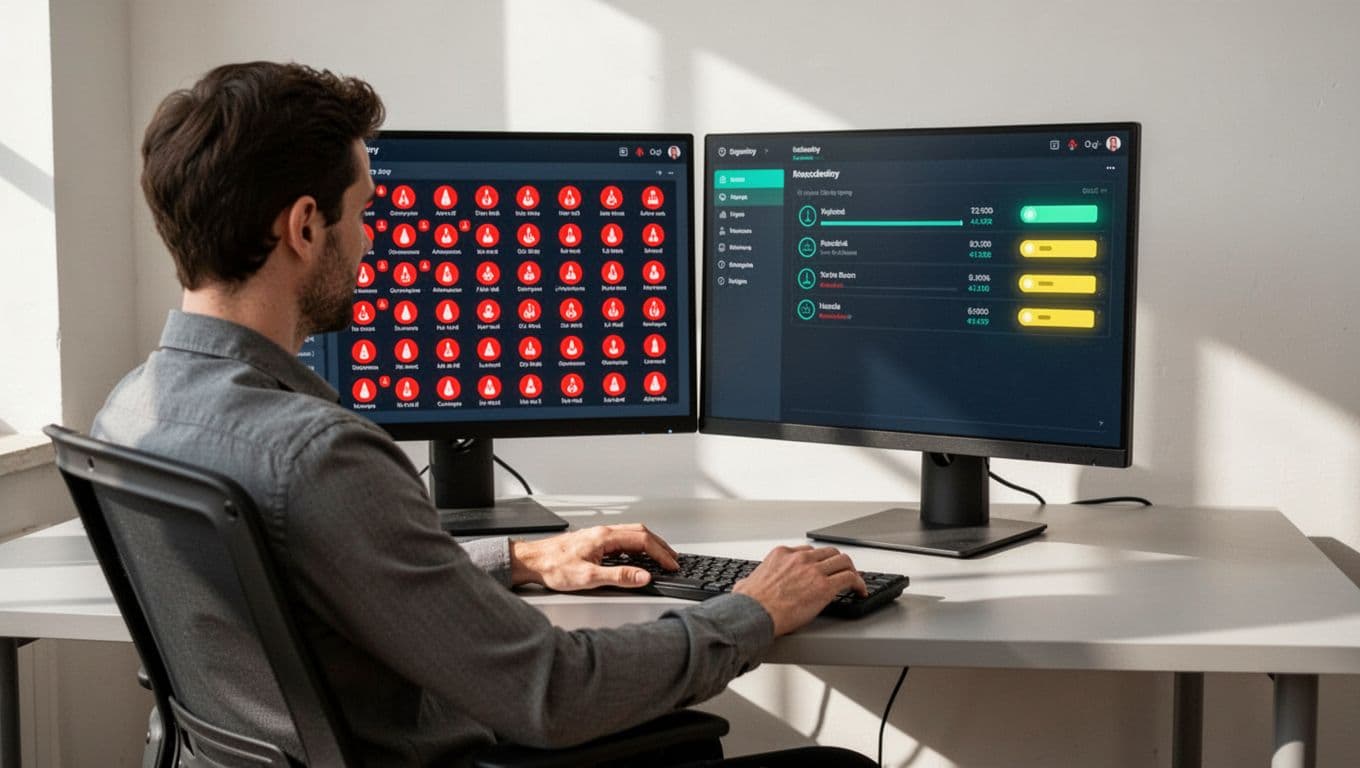
A raw alert is a signal. An enriched alert is a decision.
A failed login on a finance admin account matters more than the same event on a kiosk. A suspicious PowerShell run on a jump box deserves more attention than the same command on a test laptop. That is why asset criticality and user criticality should shape priority before the alert reaches a human.
A raw alert is a signal. An enriched alert is a decision.
Add the fields that change the story: asset owner, user role, last login, device health, recent change tickets, and related alerts. Then correlate simple events into one case. One failed login is noise. Twenty failed logins, a password reset, and a mailbox rule change are a story.
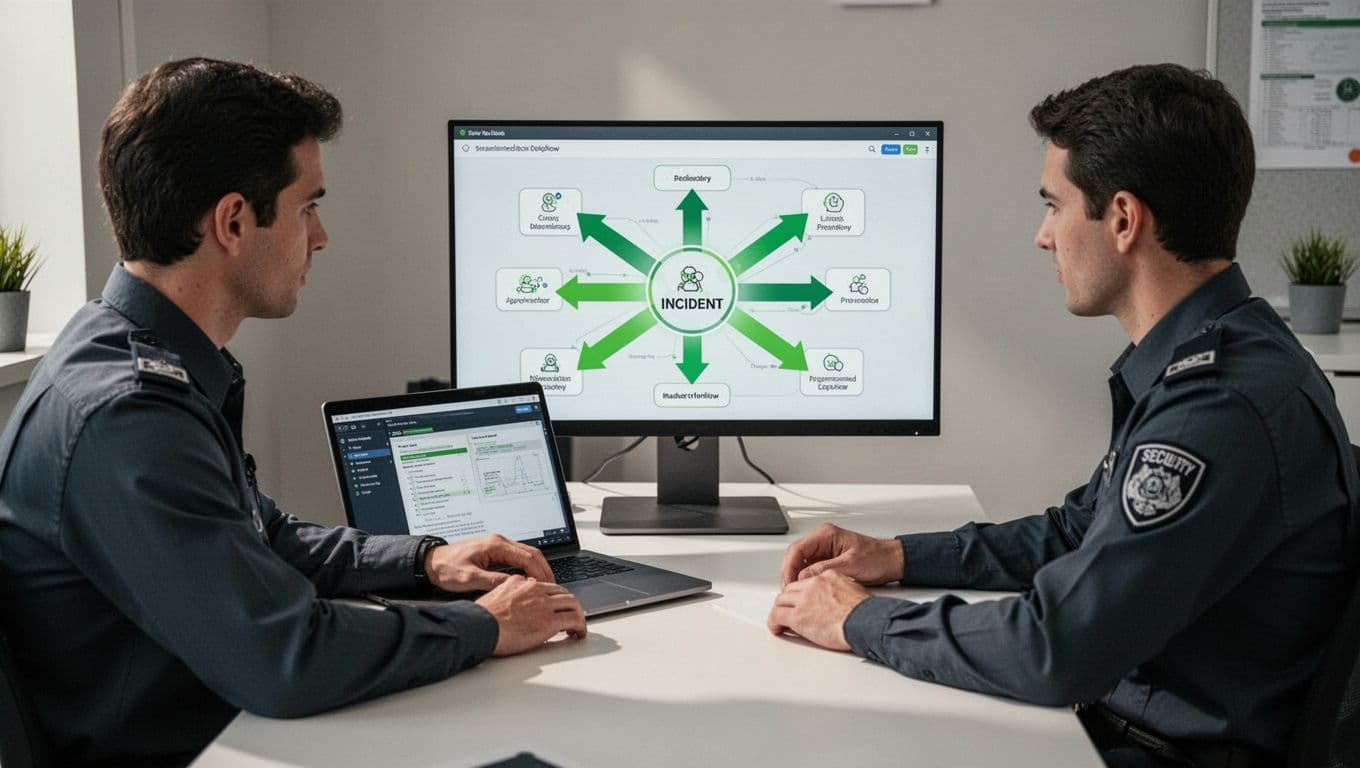
This is also where modern SOC practice has shifted in 2026. Many small teams now use AI to group similar alerts and surface context, not to make the final call. A useful read on AI alert triage shows why that matters. The human should see one clear incident, not ten disconnected notifications.
Use lightweight automation for repeat triage
You do not need a big SOAR platform to save time. A few rules, webhooks, and ticket actions can remove a lot of manual work.
Start with the boring steps that happen every day:
- Enrich alerts automatically with host name, user role, owner, and recent activity.
- Route alerts by asset criticality, so important systems land in the right queue first.
- Group duplicate EDR hits into one incident when they share the same host and time window.
- Auto-close only the most obvious benign cases after strict checks, such as known duplicate detections tied to an open ticket.
- Auto-contain only high-confidence threats, such as confirmed malware or credential dumping on a high-value endpoint.
For small teams, the best automation is narrow and predictable. In Microsoft 365, that might mean pulling sign-in history and risk data into the ticket. In endpoint protection, it might mean attaching process trees and parent-child context before anyone clicks open. In cloud security, it can be as simple as adding the affected resource owner and last change record to the alert.
The goal is not to replace judgment. The goal is to spend judgment where it matters.
Keep the queue clean with a weekly noise review
Noise comes back unless you give it a place to go. A short weekly review keeps rules from drifting and helps the team spot patterns early.
Use this simple loop:
- Review the top 10 loudest alerts from the week.
- Decide whether each one needs tuning, suppression, correlation, or removal.
- Check three numbers, alert-to-incident ratio, median triage time, and reopened cases.
- Revisit every suppression after a patch cycle, cloud change, or incident.
That review does not need to take long. Thirty minutes is enough if the team writes down decisions and owns them. If a rule never leads to action, demote it or delete it. If it keeps waking someone up at night, it needs to earn that privilege.
For teams running around the clock, 24/7 SOC guidance for small teams makes the same point well, page only on alerts that deserve an interruption. Everything else can wait for the next work block.
If you want help sorting the first batch of noisy rules, Book a Discovery Call with Bud Consulting.
Conclusion
Small security teams do not need more alerts. They need fewer, better ones. That starts with tuning noisy detections, then adding context that tells you what matters, then using light automation to clear the repeat work.
If an alert cannot explain why it matters, it is not ready for a human. If it keeps firing without leading to action, it should be tuned, grouped, or removed.
The cleanest queue is the one that only holds the signals worth your attention.




