table of contents
Small security teams often juggle too many alerts with too few people. You spot vulnerabilities, but fixing the real threats takes forever. CTEM tools change that. They run a continuous cycle to scope your attack surface, discover issues, prioritize risks, validate threats, and push fixes.
These platforms fit tight budgets because they automate what used to need experts. In 2026, with attack surfaces growing fast, small teams use them to cut breach risks by up to three times. Let’s break down how to pick the right one.
What CTEM Does Differently from Other Tools
CTEM stands for Continuous Threat Exposure Management. It goes beyond basic scans. Traditional vulnerability management finds CVEs and pushes patches. But it assumes every issue matters. CTEM adds context.
For example, it checks if a flaw leads to your crown jewel assets. ASM, or Attack Surface Management, discovers external assets like forgotten cloud buckets. BAS, Breach and Attack Simulation, tests if controls block exploits. Exposure validation confirms real risks. CTEM ties them into one loop.
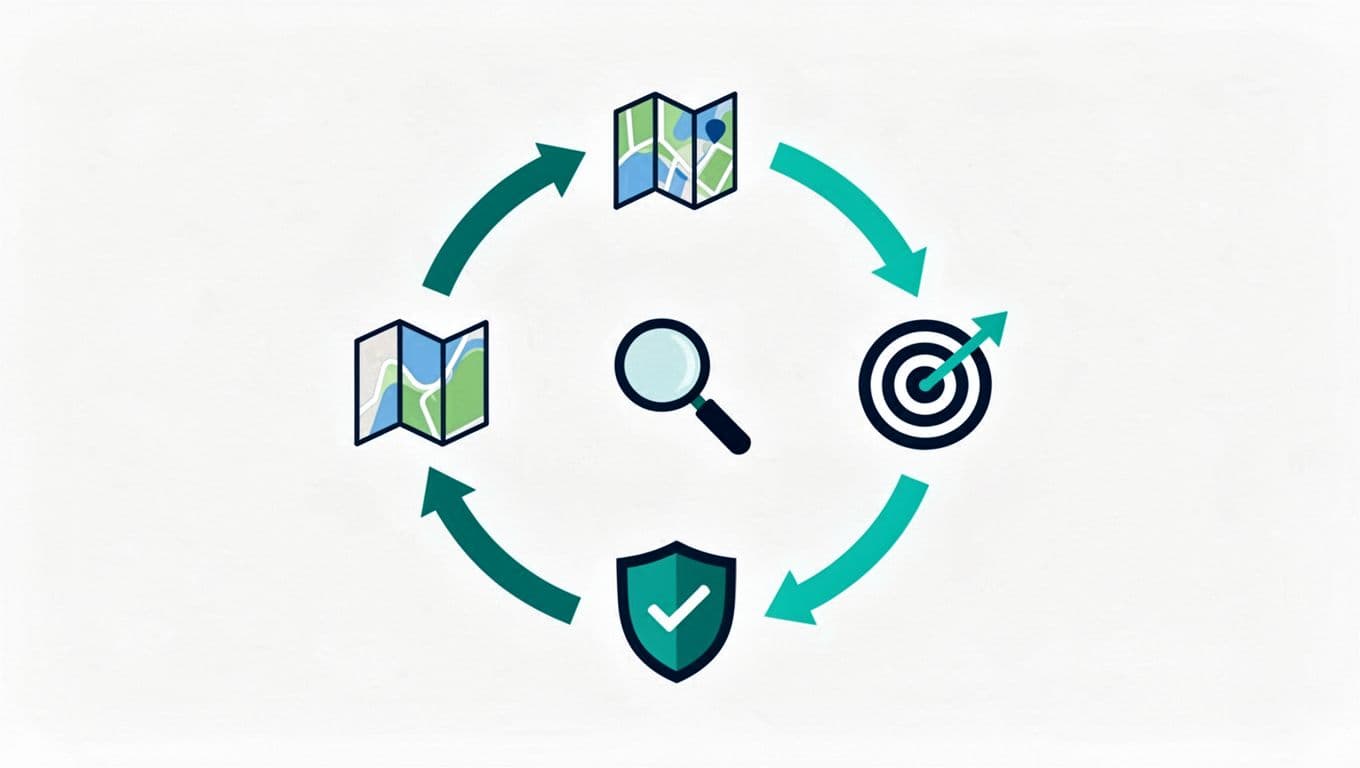
This cycle runs daily, not quarterly. See how it stacks up in this CTEM vs. vulnerability management comparison. Small teams gain because it cuts noise. You focus on exploitable paths, not every ping.
Gartner notes CTEM needs full coverage, including SaaS and supply chains. Without it, you’re blind to half your risks. Platforms now consolidate these steps, so one tool handles the work of three.
Key Features Small Teams Need Most
Your team has limited staff, so pick CTEM tools that automate and integrate. First, look for full-cycle support. It should map assets automatically, score risks by business impact, simulate attacks, and route fixes to tickets.
Automation tops the list in 2026. AI prioritizes based on exploitability scores like EPSS. It runs validations without manual tests. Integrations matter too. The tool must plug into your SIEM, XDR, or ITSM like Jira. This shares data and speeds remediation.

Ease of setup counts for small groups. Cloud-native deployment means no heavy installs. Dashboards should show clear metrics, like mean time to remediate. Free trials with guided onboarding help you test fast.
Pricing fits budgets around $10K to $50K yearly for small setups. Avoid per-asset fees that scale badly. Check Tonic Security’s CTEM page for an example of context-driven prioritization that slashes false positives.
Questions to Ask Every Vendor
Demos reveal true fit. Start with scoping. “How does it define my attack surface, including shadow IT?” Good answers mention agentless discovery across cloud, on-prem, and APIs.
On prioritization, ask: “How do you score risks? Does it use threat intel and asset criticality?” Push for EPSS integration or attack path mapping.
Validation is key. “What simulations do you run? Can it prove exploitability without pentesters?” Look for BAS-like features built in.
For mobilization: “How do workflows integrate with our tools? Show auto-ticketing.” Test if it assigns tasks by SLA.
Finally, “What’s your uptime SLA? How do you handle support for small teams?” In 2026, expect AI agents for autonomous fixes. This CISO guide stresses unified views for lean operations.
Watch for Common Buying Mistakes and Red Flags
Small teams rush into shiny demos. Don’t. Mistake one: Ignoring total cost. Setup fees or training can double prices. Always calculate three-year ownership.
Overlooking integrations wastes time. If it doesn’t connect to your stack, pass. Another pitfall: Chasing breadth over depth. A tool that scans everything but validates nothing leaves you exposed.
Red flags include vague prioritization, like “CVSS only.” Demand business context. Poor demos without your data scream generic sales. No pilot option? Walk away.
Platform lock-in hurts too. Check API openness. In 2026, consolidation trends favor flexible tools, per recent reports.
Build Your CTEM Scorecard
Create a simple scorecard for demos. Rate each criterion 1-5. Use it during pilots.
| Category | Criteria | Score (1-5) | Notes |
|---|---|---|---|
| Scoping/Discovery | Auto asset mapping, full surface | ||
| Prioritization | Business context, EPSS scoring | ||
| Validation | Attack sims, exploit proof | ||
| Mobilization | Integrations, workflows | ||
| Ease/Cost | Setup time, pricing transparency | ||
| Support | Onboarding, SLAs for small teams |
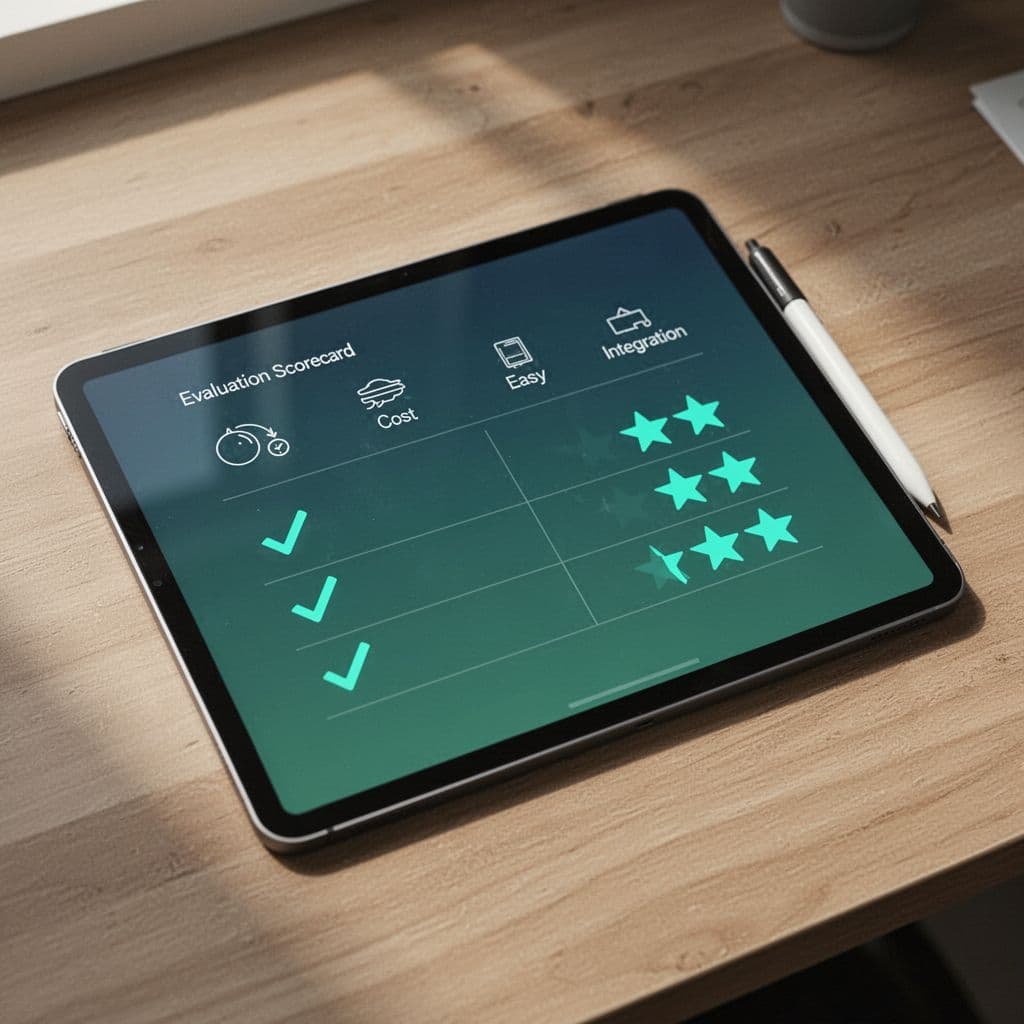
Tally scores over 30 for green lights. Test with real data. This keeps evaluations objective.
Key Takeaways
CTEM tools give small teams a fighting chance against growing threats. They automate the full cycle, prioritize smart, and integrate smoothly. Use your scorecard, ask tough questions, and dodge common traps.
Start with a pilot on critical assets. You’ll cut remediation time and sleep better. If staffing gaps slow you, Book a Discovery Call with Bud Consulting for expert guidance.
(Word count: 982)