
table of contents
Attackers scan the internet daily for open doors. You might run RDP, VNC, or TeamViewer servers without realizing they’re visible to everyone. Exposed remote access tools top the list of easy targets. In April 2026, 75% of organizations with internet-facing RDP faced incidents, even after basic fixes.
These tools let admins control systems from afar. But weak configs turn them into risks. Attackers exploit them for breaches. You need to find your own exposures first.
This post covers high-level ways to detect them. It focuses on defense and legal steps. Let’s start with discovery methods.
What Counts as an Exposed Remote Access Tool
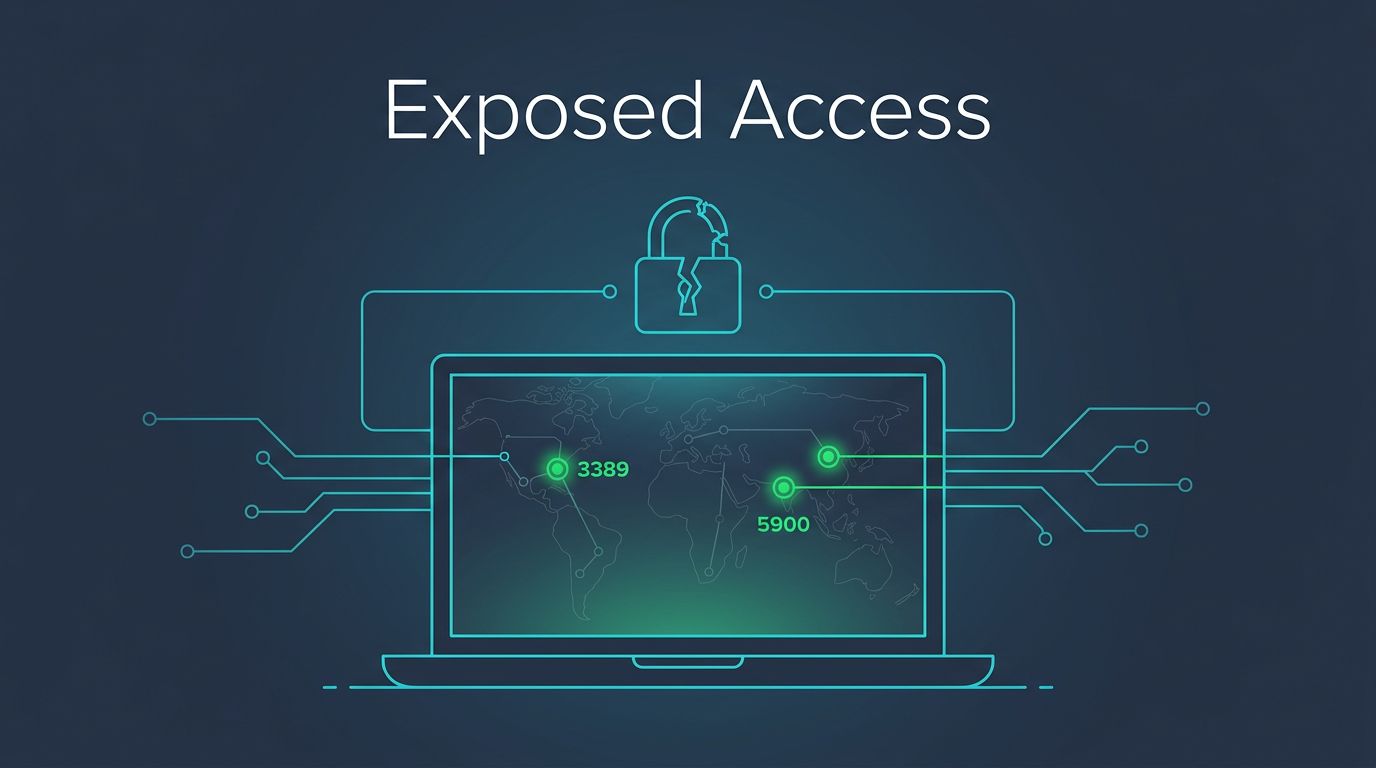
Remote access tools include RDP on port 3389, VNC on 5900, and apps like RustDesk or AnyDesk. They’re exposed when reachable from the public internet without controls.
Think of your network edge. A forgotten server with default creds sits there. Scanners spot it fast. Recent data shows open RDP draws constant brute-force hits.
RustDesk fixed critical flaws in March 2026, like weak crypto in versions up to 1.4.5. TeamViewer patched CVE-2026-23572 in February, which skipped session confirmations.
You check your setup because attackers do. Inventory all tools first. Match them against public scans. This spots gaps before trouble hits.
High-Level Methods to Spot Exposed Remote Access Tools
Security teams use attack surface management platforms. These map your public assets automatically. They flag RDP or VNC without authorization checks.
Internet-wide scans provide datasets. Tools crawl the web for open ports. For example, Censys tracks RustDesk servers abused by threat actors, as detailed in their protocol scanners report.
Certificate transparency logs help too. New certs for remote tools signal fresh exposures. Search them for your domains.
Asset inventory correlation ties it together. Compare internal lists to scan data. Mismatches mean leaks.
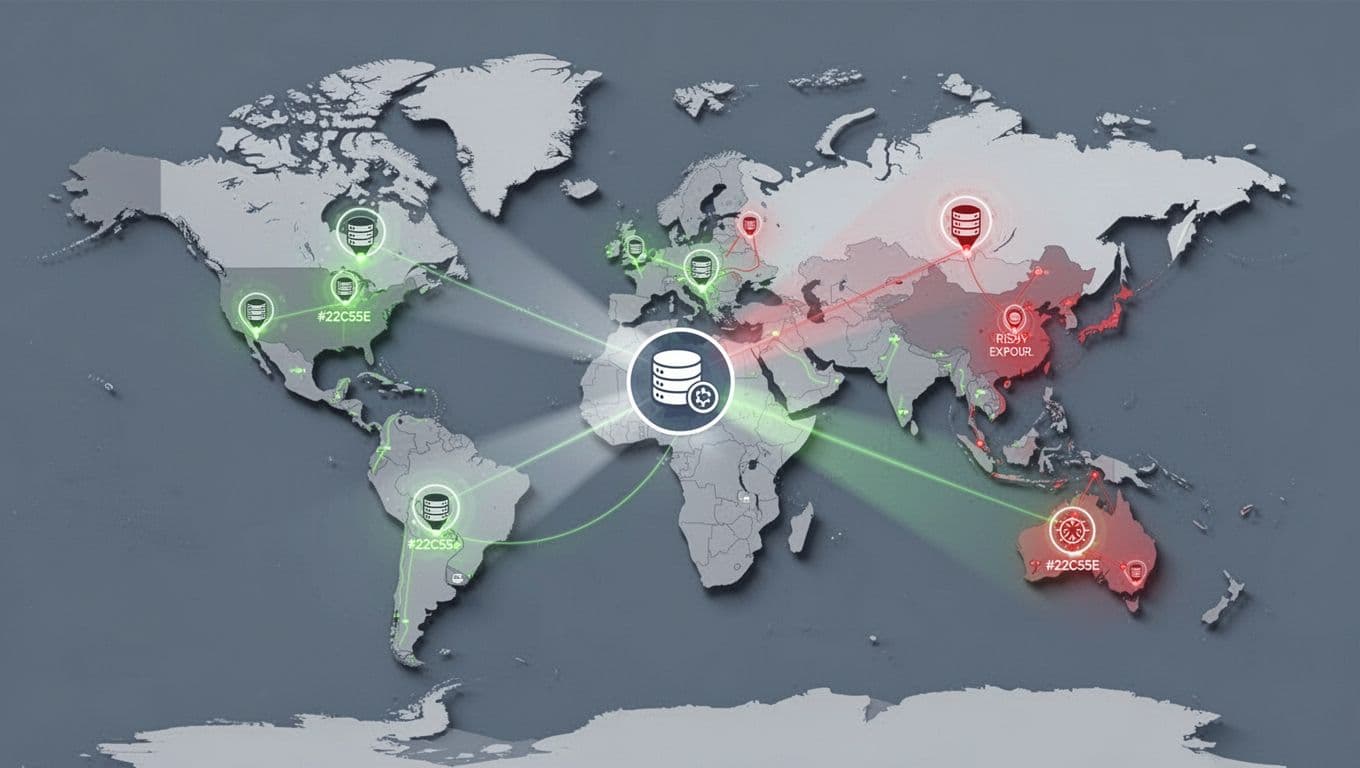
Scans reveal scale. Censys found over 5,000 exposed PLCs vulnerable to Iranian APTs, many in the US. Similar risks hit remote access.
Always get authorization. Use these for your assets only. Report findings through proper channels.
Key Tools and Datasets for Discovery
Search engines like Shodan index devices. Query “port:3389” for RDP. Add filters for your IP ranges.
Censys offers similar views. Their searches caught unauthenticated management interfaces on thousands of hosts, including FTP and SNMP alongside remote tools, per a CISA BOD 23-02 analysis.
Combine with Google dorks. Try “inurl:teamviewer” or “intitle:VNC”. A study on hacking exposed services notes Shodan’s role in spotting IoT and SCADA.
Free tiers work for basics. Paid access gives history and alerts.
Internet scans show remote tools abused often. Threat actors target them for initial access.
Check responsibly. Focus on your perimeter. Cross-reference with logs for confirmation.
Practical Steps to Secure Your Remote Access
Fix exposures fast. First, pull tools off the public net. Route through VPNs or zero-trust gateways.
Enforce MFA everywhere. TeamViewer integrates it natively; enable for all sessions, as their 2025 best practices outline.
Restrict by IP. Firewalls block outsiders. SentinelOne recommends VPN before RDP, per their remote access guide.
Monitor logs closely. Alert on odd logins or failures. Rotate creds often.
Review third-parties. Scan for forgotten TeamViewer installs. Use tools like RDP gateways for added checks.

Layer defenses. No single fix stops all threats. Recent patches like BeyondTrust’s CVE-2026-1731 show updates matter.
If gaps persist, book a discovery call with Bud Consulting. They help map attack surfaces.
Conclusion
Exposed remote access tools invite attacks. Scans and datasets make discovery straightforward for defenders.
Prioritize hiding them behind controls. Add MFA, VPNs, and monitoring. Stay updated on patches.
You control your surface. Act now to shrink it. Secure systems beat finding breaches later.




