
table of contents
Attackers love password reset features. They often spot weak spots that let them hijack accounts without stealing credentials. You test these flows to block that path.
One recent example hit Appsmith in 2026. A flaw let attackers tweak headers and snag reset tokens for full control. Proper password reset testing catches issues like this before they bite.
Follow these steps to evaluate your systems. You’ll uncover gaps and confirm fixes.
Map Out Standard Password Reset Flows
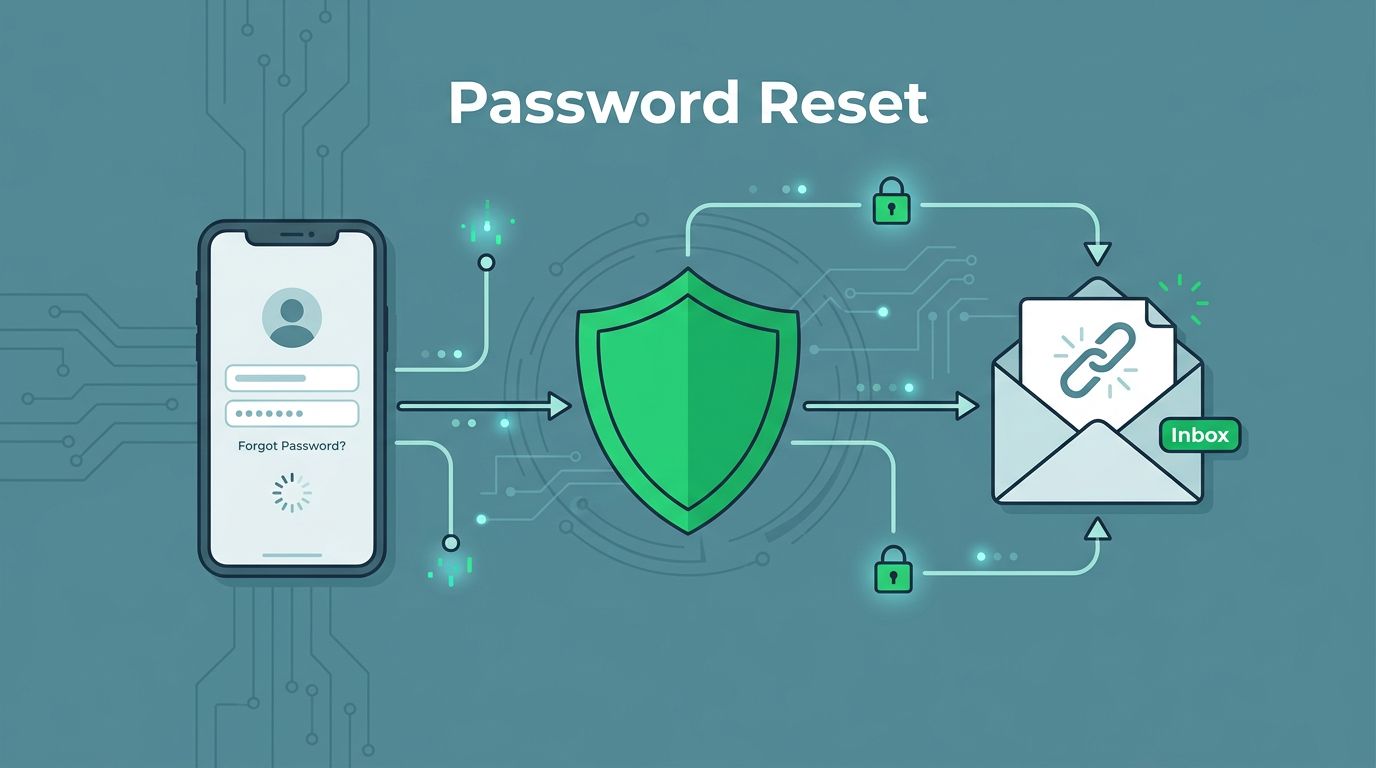
Password resets start simple. Users enter an email. The server checks if it matches a registered account, then sends a link or code.
Secure flows bind tokens to the right user. They expire fast, work once, and require fresh logins after changes. Check the OWASP Forgot Password Cheat Sheet for details on token rules.
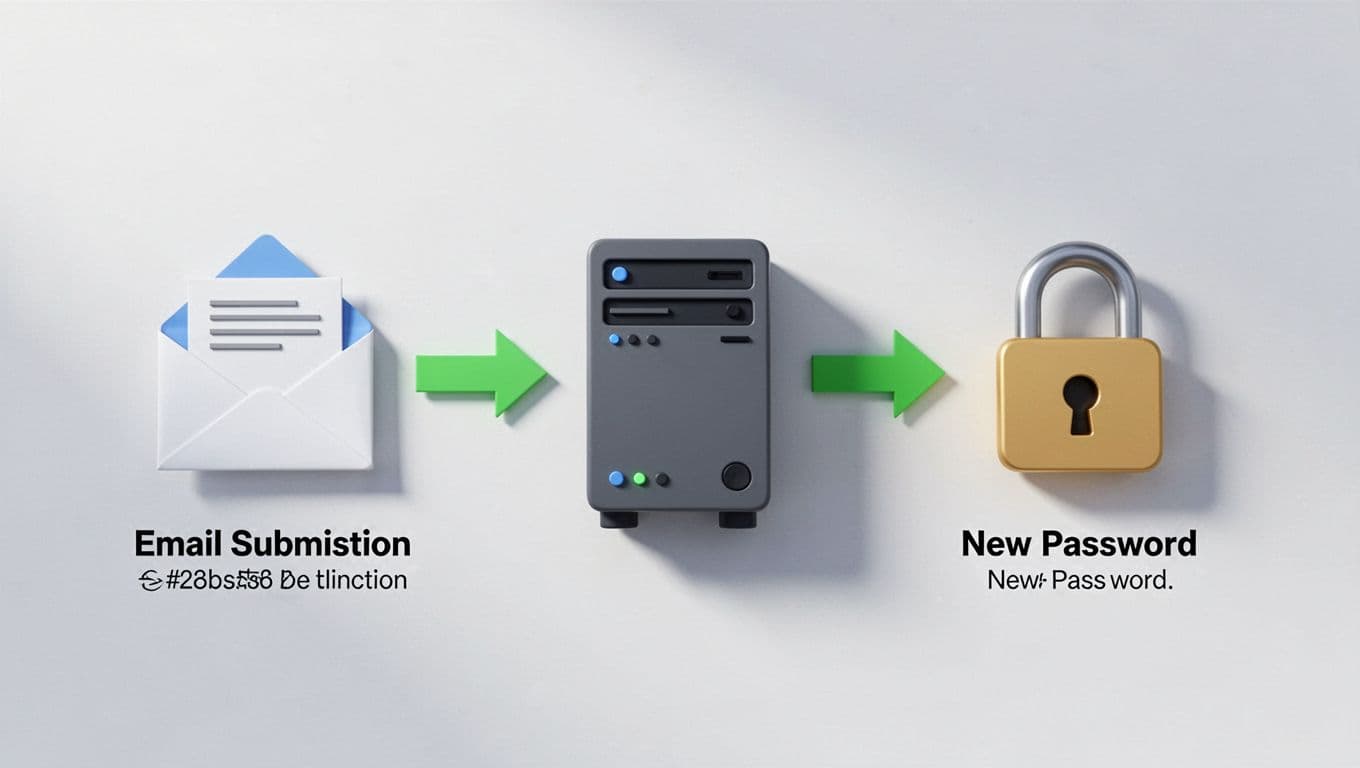
This diagram outlines a basic secure process. Emails go out only after validation. Links point back to your domain. No leaks along the way.
First, document your flow. Note endpoints like /forgot-password or /api/reset. Test web forms, mobile apps, and APIs the same way. Differences across platforms create blind spots.
Spot Common Account Takeover Vulnerabilities
Weak tokens top the list. If they guess easily or last too long, attackers reuse them. Always test for short lives, like under 1 hour, and single use.
Leaked links hurt too. Emails with plain tokens let anyone click through. Hash them server-side instead.

This split highlights interception risks. Attackers grab links from shared inboxes or logs.
User enumeration shows next. Different responses for valid versus invalid emails tip off attackers. Expect the same message every time: “Check your email if an account matches.”
Rate limits matter. Without them, bots spam resets. Aim for blocks after 5-10 tries per IP or email.
MFA bypasses sneak in via resets. New passwords should trigger MFA re-enrollment. Test if resets skip it.
Insecure sessions persist problems. Old cookies stay valid post-reset. Force logouts on all devices.
Real-world cases prove it. In Appsmith’s CVE-2026-22794, origin header tricks stole tokens during resets. See the full breakdown.
Run Hands-On Password Reset Testing Steps
Start with tools like Burp Suite. Intercept requests at the reset endpoint.

Set up like this tester. Proxy traffic and tweak parameters.
- Submit resets for known and fake emails. Compare timings and messages. Delays or specifics reveal enumeration.
- Capture the token or link. Try it from another browser or IP. It should fail if bound properly.
- Check reusability. Use the link twice. Success on round two means trouble.
- Test expiration. Wait past the limit and retry. Tokens must die.
- Probe MFA paths. Reset a protected account. Does it demand MFA setup after?
- Hammer with rates. Send 20 requests fast. Blocks should kick in.
For APIs, hit POST /forgot-password with varied headers. Mobile apps need proxy tweaks like Frida.
The OWASP Web Security Testing Guide covers these checks.
Log everything. Screenshots of failures build your report.
Test Password Resets on Web, Mobile, and APIs
Web apps expose forms easily. F12 tools reveal endpoints. Automate with Selenium for scale.
Mobile differs. Apps use custom SDKs. Reverse with apktool or use Objection. Test deep links that trigger resets.
APIs demand auth headers sometimes. GraphQL mutations hide reset logic. Query introspection for clues.
Cross-platform gaps appear. Web might rate-limit, but API skips it. Align them all.
Device persistence tests both. Reset on phone, check web session. It should invalidate.
Expected fixes: Uniform tokens, global rate limits, device logout signals.
Confirm Fixes with Validation Tests
After patches, retest everything. Use the same cases.
Secure behavior includes:
- Tokens hash-stored, not plain.
- Binds to user ID and IP where possible.
- Post-reset: Invalidate sessions, notify via push or email.
Run automated scans with ZAP or Nuclei. Custom rules flag weak tokens.
Reference OWASP ASVS for Authentication to verify compliance.
If gaps persist, your team might need specialists. Book a Discovery Call with Bud Consulting to bridge skills.
Key Takeaways
Test resets like attackers do. Focus on tokens, rates, and sessions to stop takeovers.
You’ve got the steps now. Run them soon. Weak flows invite breaches, but solid tests keep accounts safe.
One fix at a time builds stronger defenses. Start today.




