
table of contents
Team restructures hit fast. Layoffs, promotions, or department shifts leave behind forgotten admin accounts. One overlooked superuser role can expose your entire SaaS stack to breaches. 85% of SaaS users hold more permissions than their jobs demand, turning small oversights into big risks.
You manage IT or security. After changes, you need to spot and revoke excess access quick. This guide walks you through a repeatable SaaS admin access audit process. It covers steps, pitfalls, and a checklist so you enforce least privilege every time.
Start with the basics to build a strong foundation.
Why Audit SaaS Admin Access After Restructures
Restructures create chaos in access controls. Departed employees keep admin rights in tools like Slack or Salesforce. New hires inherit old roles without review. Hackers love this; they pivot from one account to your whole environment.
Real incidents prove the point. In Verkada’s 2021 breach, interns held super admin access to cameras in jails and hospitals. A leaked password let attackers watch feeds for over a day. Similar issues pop up post-layoffs. A 2026 SaaS misconfig exposed customer data because admins from restructured teams retained database keys.

Ghost accounts act like open doors. They violate least privilege principles. Plus, compliance audits fail without proof of cleanup. Trigger reviews right after changes. Tie them to JML workflows: joiners get minimal access, movers update roles, leavers lose everything.
Automation helps here. Tools flag unused privileges or HR-triggered deprovisioning. For details on scalable workflows, check Torii’s guide to SaaS access reviews. Act fast because delays compound risks.
Gather Your Team and Inventory Apps First
Assemble a small group before you dive in. Pull in IT ops, security, and a HR rep for context on changes. Assign one lead to track progress. Meet weekly during audits.
List all SaaS apps. Start with high-risk ones: Google Workspace, Microsoft 365, Slack, Salesforce, GitHub, AWS, and your HRIS. Export admin lists from each console. Use SSO dashboards for a central view if you provision via SCIM.
Prioritize by impact. Admins in AWS or Salesforce control data and billing. Check RBAC settings too. Roles like “Global Admin” in M365 need eyes first.
Document everything in a shared sheet. Columns for app name, admin users, last login, and owner. Cross-reference with HR data on active employees. This baseline reveals orphans quick.
Set a timeline. Aim for one week per major restructure. Tools like Wing Security automate parts of this; their user access review automation shows how to handle org changes.
Follow These Steps to Audit Admin Access
Now run the audit. Make it repeatable so you use it after every shift.
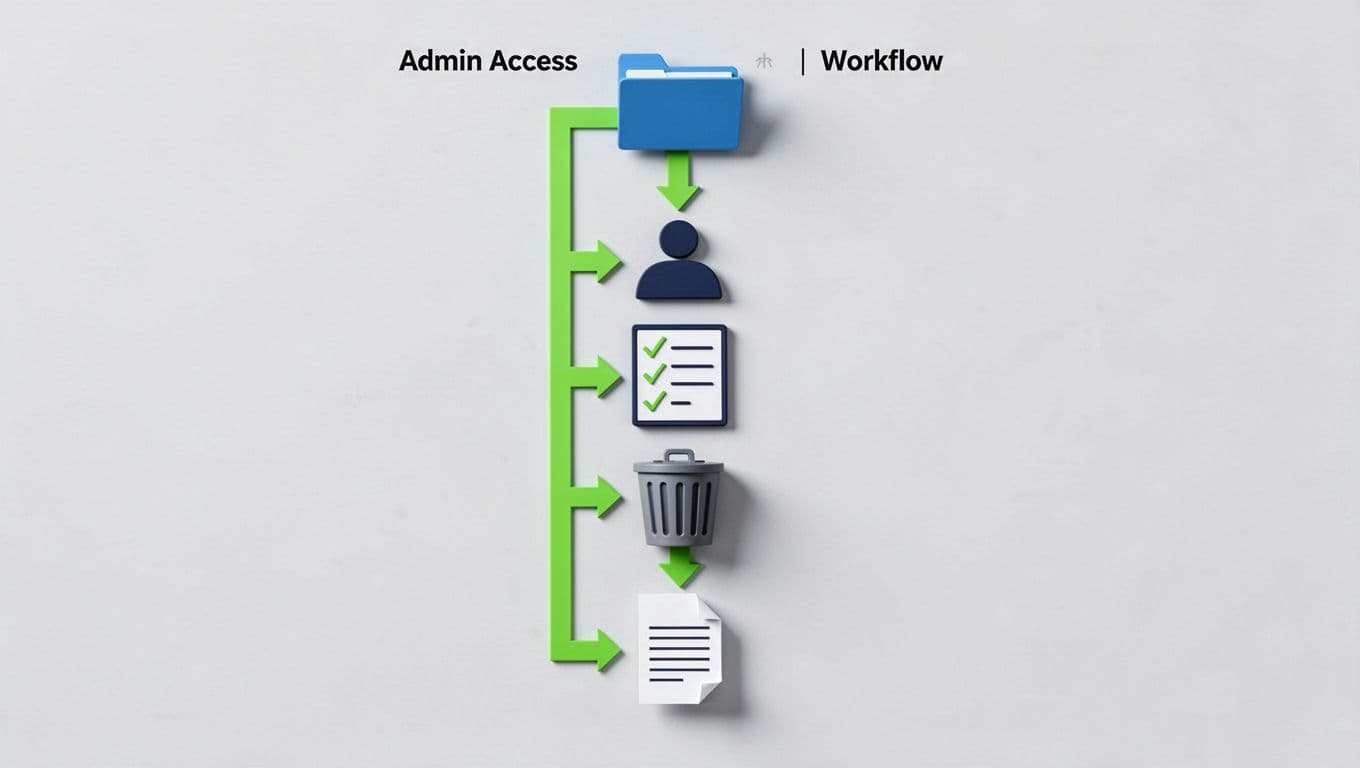
First, verify current admins. Log into each app. Download user lists. Match against your employee roster. Flag anyone gone over 30 days.
Next, review roles. Ask managers: Does this person still need admin? Enforce least privilege. Downgrade where possible. For example, in GitHub, switch from owner to write access.
Then, handle JML gaps. Check joiners for overprovisioning. Movers need role swaps via SCIM. Leavers: revoke SSO, API tokens, and local accounts. In Slack, remove from admin channels.
Clean up next. Bulk revoke via console or scripts. Log each change with timestamps and approvers. Test access post-revoke to confirm.
Finally, generate a report. Summarize findings: X accounts removed, Y roles adjusted. Share with leadership.
Repeat quarterly or after events. Integrate with privileged access management for ongoing checks.
Watch for These Common Failure Points
Audits fail in predictable ways. Managers ignore requests because lists overwhelm. Solution: send targeted asks, three apps max per email.
Shadow admins hide in groups. In Google Workspace, check nested memberships. Use audit logs for recent changes.
Offboarding slips on tokens. Revoke OAuth apps in Salesforce; they persist post-SSO disable. HRIS syncs help, but verify manually.
No follow-up dooms efforts. Schedule 30-day rechecks. Automate alerts for reconfirmed access.
Drift happens post-audit. Restructures trigger it, as DoControl notes on misconfig workflows. Build circular reviews: freeze changes until tickets close.
Quick-Start Checklist for SaaS Admin Audits
Use this list to kick off your next review. Print it or pin it.
- Inventory apps and export admin lists.
- Cross-check users against HR data.
- Get manager sign-off on active needs.
- Revoke access for leavers and movers.
- Downgrade roles to least privilege.
- Log all changes with evidence.
- Test and report findings.
- Schedule follow-up in 30 days.
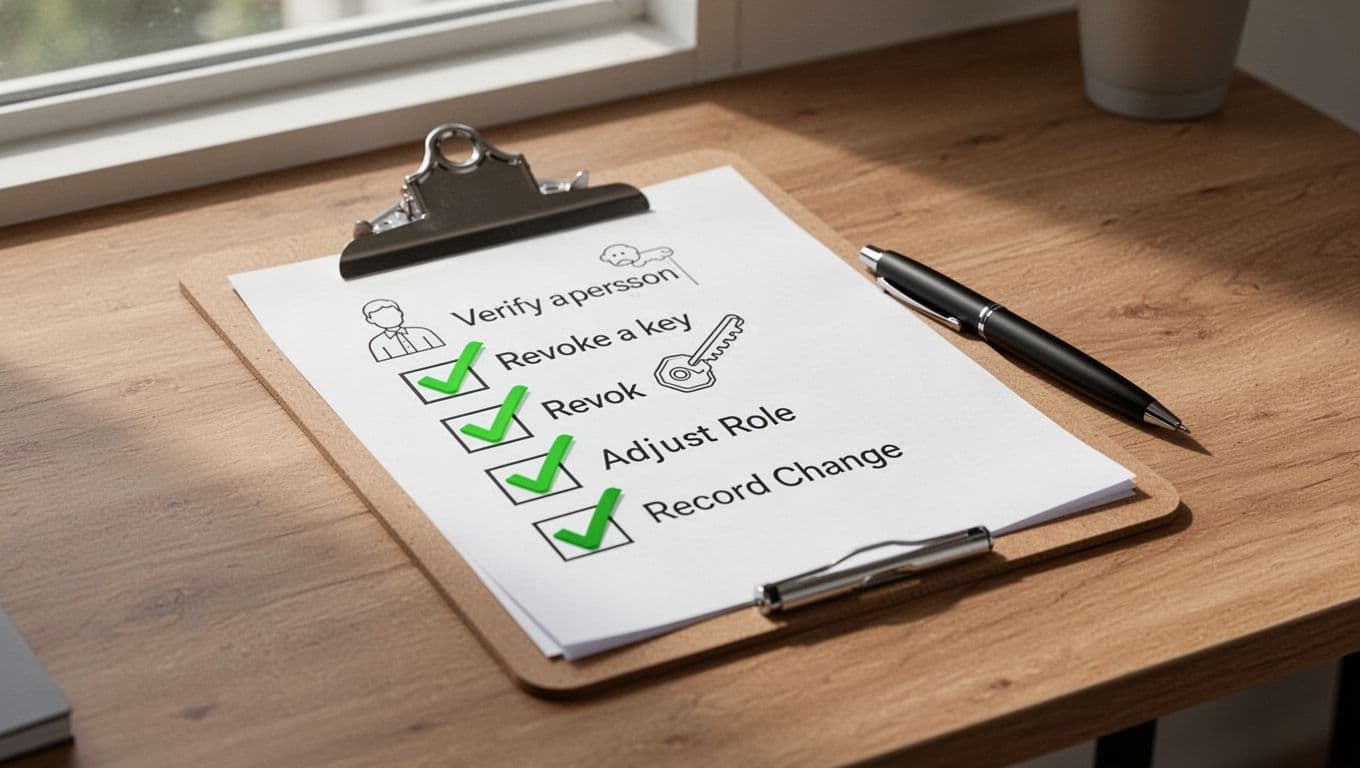
Tick off as you go. It keeps teams aligned.
Key Takeaways
Restructures demand immediate SaaS admin access audits. Leftover privileges invite breaches, but a structured process fixes that. Focus on high-risk apps, enforce least privilege, and log everything for compliance.
You now have steps and a checklist to repeat. Run one today after your next change. Strong access controls protect your stack long-term.
If gaps persist, book a discovery call with Bud Consulting for IAM expertise.




