table of contents
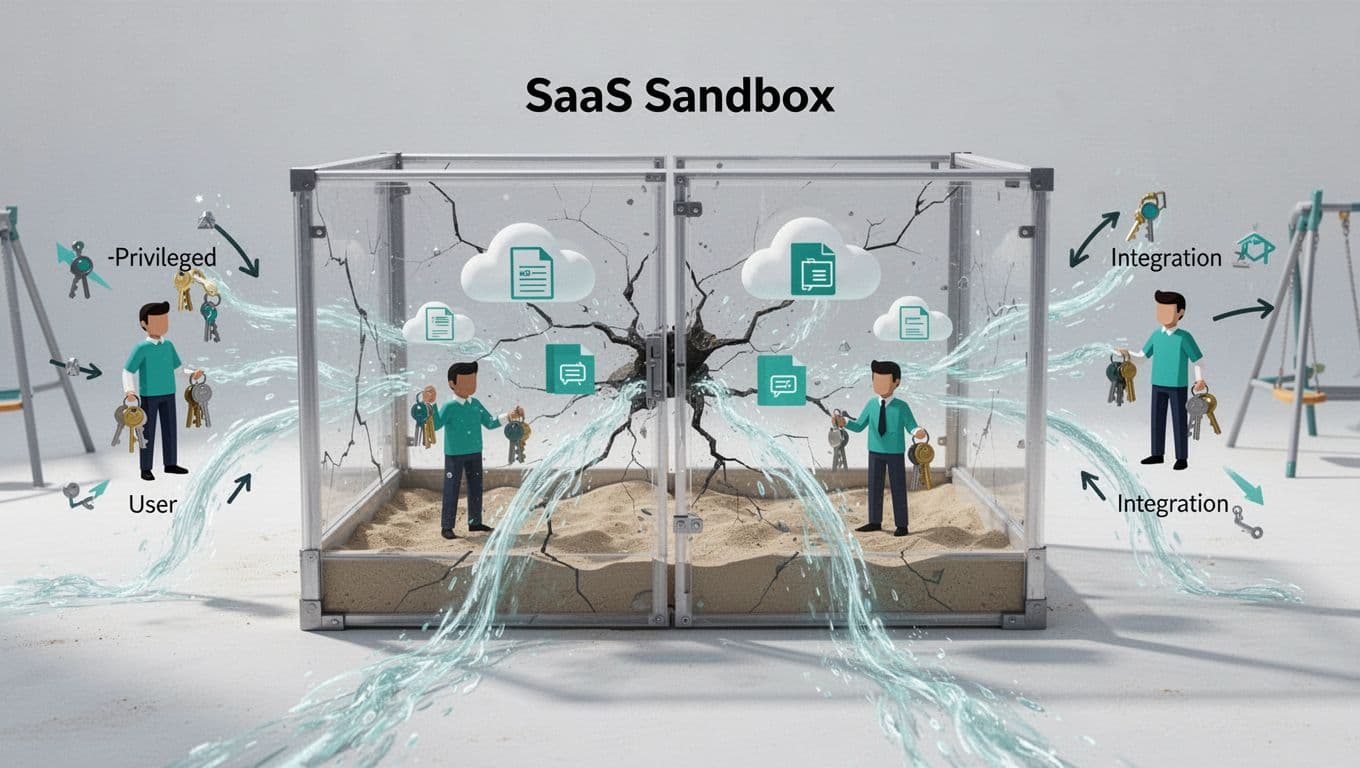
SaaS sandboxes often look harmless, but they can hold real data, real tokens, and broad access. That mix makes them a quiet path to exposure.
Security teams miss them because sandboxes sit outside the usual production review cycle. Yet attackers look for weak places that teams treat as temporary.
A strong SaaS sandbox security audit focuses on identity, data, integrations, and monitoring. The goal is simple, find the shortcuts before they become incidents.
Why sandboxes turn into blind spots
Sandboxes are built for speed. Teams copy production records, grant broad admin roles, and connect tools without much review. In 2026, that risk is sharper because organizations use more SaaS apps, more OAuth links, and more AI helpers in test work.
The Cloud Security Alliance’s sandbox guidance makes one point that still holds up, a sandbox is still part of the attack surface. If it can send email, sync files, or trigger workflows, it needs real controls.
A sandbox is only temporary when its data, access, and links are temporary too.
Recent 2026 reporting points to hidden SaaS apps, token abuse, and over-permissioned accounts as common gaps. That lines up with what many teams find during reviews. The same issues show up again and again, production-like data, stale credentials, unmanaged integrations, and relaxed monitoring.
Start with an inventory you can trust
Before you change any settings, map every sandbox, owner, data source, and connected app. If you don’t know what exists, you can’t measure the risk.
Ask these questions during the first pass:
- Which sandbox instances still exist?
- Who owns each one?
- What data is loaded, and how often is it refreshed?
- Which people, service accounts, and integrations can log in?
Collect evidence, not opinions. Export admin lists, OAuth app inventories, secret manager records, audit logs, and lifecycle policies. If a team cannot name an owner or explain why the sandbox still exists, that is already a finding.
A second red flag is drift. A sandbox that was meant for one sprint but stayed open for six months usually has more access than it should. Automated environment lifecycle controls help here because they expire old environments before they become forgotten assets.

Check identity, roles, and secrets first
Access flaws cause the most damage because they turn a sandbox into a bridge. Review SSO enforcement, MFA, and role design before you look at anything else. Admin access should be rare, time-bound, and tied to named users.
A useful baseline is best practices for securing SaaS applications, because the same identity rules that protect production should protect sandboxes too. Least privilege matters here just as much.
Look for dormant accounts that still work, contractors who never left, and shared logins on test teams. Then check secrets management. Sandboxes often store API keys in config files, CI variables, or shared vault paths. That is a weak pattern.
Audit questions that help:
- Can every account sign in through SSO?
- Are MFA rules enforced for all users, including admins?
- Which service accounts have no named owner?
- Which secrets were copied from production and never rotated?
If a sandbox relies on a “temporary” exception from last quarter, treat that as a live risk. Stale credentials and generic admin roles are easy ways in. They also make incident response harder because nobody knows what the account can do.
Trace the data and integration paths
Sandbox exposure usually starts with convenience. A team copies production records for testing, then leaves names, emails, tickets, or payment tokens behind. The safer pattern is data minimization. Load only what testers need, mask the rest, and expire copies fast.
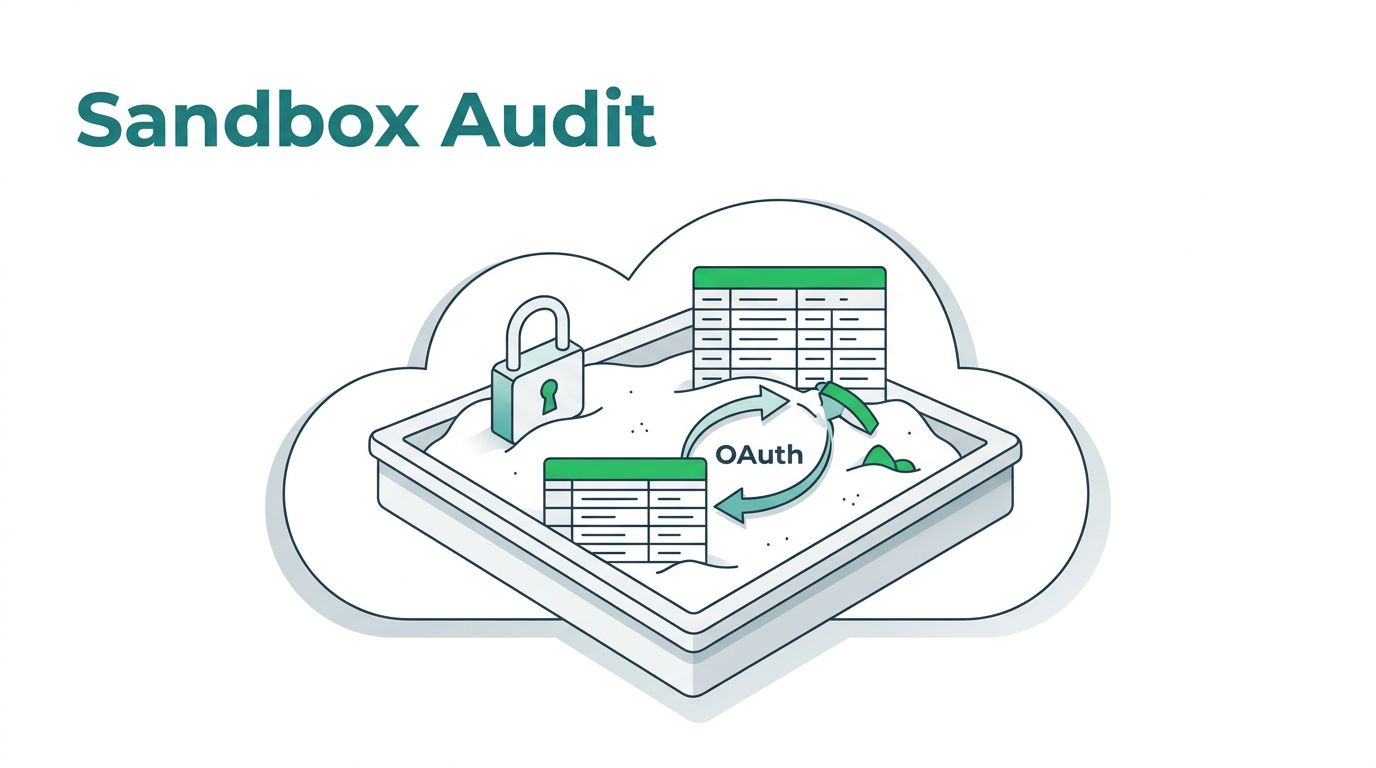
This is also where unmanaged integrations show up. OAuth apps, webhooks, CI jobs, and AI helpers often connect to sandbox tenants with more trust than they deserve. In 2026, those links are a common route for hidden access.
The fix starts with scope. Ask whether each integration still has a business need. Then confirm who approved it, what token it uses, and when that token last rotated. If a test app can post to Slack, create tickets, or sync files, its permissions should be narrow and logged.
Monitoring matters too. Sandboxes often get lighter alerting than production, which makes abuse easier to miss. Check whether logs capture logins, admin changes, exports, token grants, and integration updates. If they don’t, the environment is running with one eye closed.
A short audit checklist for busy teams
If you need a fast review path, use a simple domain-by-domain check. A broader reference like Josys’s SaaS security audit guide can help you compare notes.
| Audit domain | Main risk | Control to verify |
|---|---|---|
| Identity and access | Over-permissioned accounts, stale logins | SSO, MFA, least privilege, quarterly access review |
| Data handling | Production-like data exposure | Masking, data minimization, short data refresh windows |
| Secrets and credentials | Leaked API keys, old tokens | Secrets manager, rotation, no shared credentials |
| Integrations | Unmanaged OAuth apps and webhooks | Approved app list, scoped access, token inventory |
| Monitoring and lifecycle | Silent abuse and orphaned sandboxes | Audit logs, alerting, expiry dates, auto-deprovisioning |
The table is simple on purpose. Most failures show up in these five areas, and most fixes are routine. If a sandbox fails two or more rows, it needs a tighter control plan.
Keep the audit alive after the first review
A sandbox review should not end with a one-time report. Sandboxes change quickly, and risk returns when teams add new data, new users, or new integrations without review. That is why continuous SaaS security posture management matters in 2026.
Set a review rhythm for access, tokens, and data refreshes. Then tie sandbox creation and deletion to the same governance flow as other environments. When monitoring stays on, stale access gets caught faster. When lifecycle controls stay enforced, forgotten sandboxes disappear before they turn into liabilities.
If your review finds no owner, no expiry, no MFA, no masking, or no logs, the environment is already too loose. The fix is usually straightforward, but it has to be deliberate.
If you need help turning findings into a working control plan, Book a Discovery Call with Bud Consulting.