
table of contents
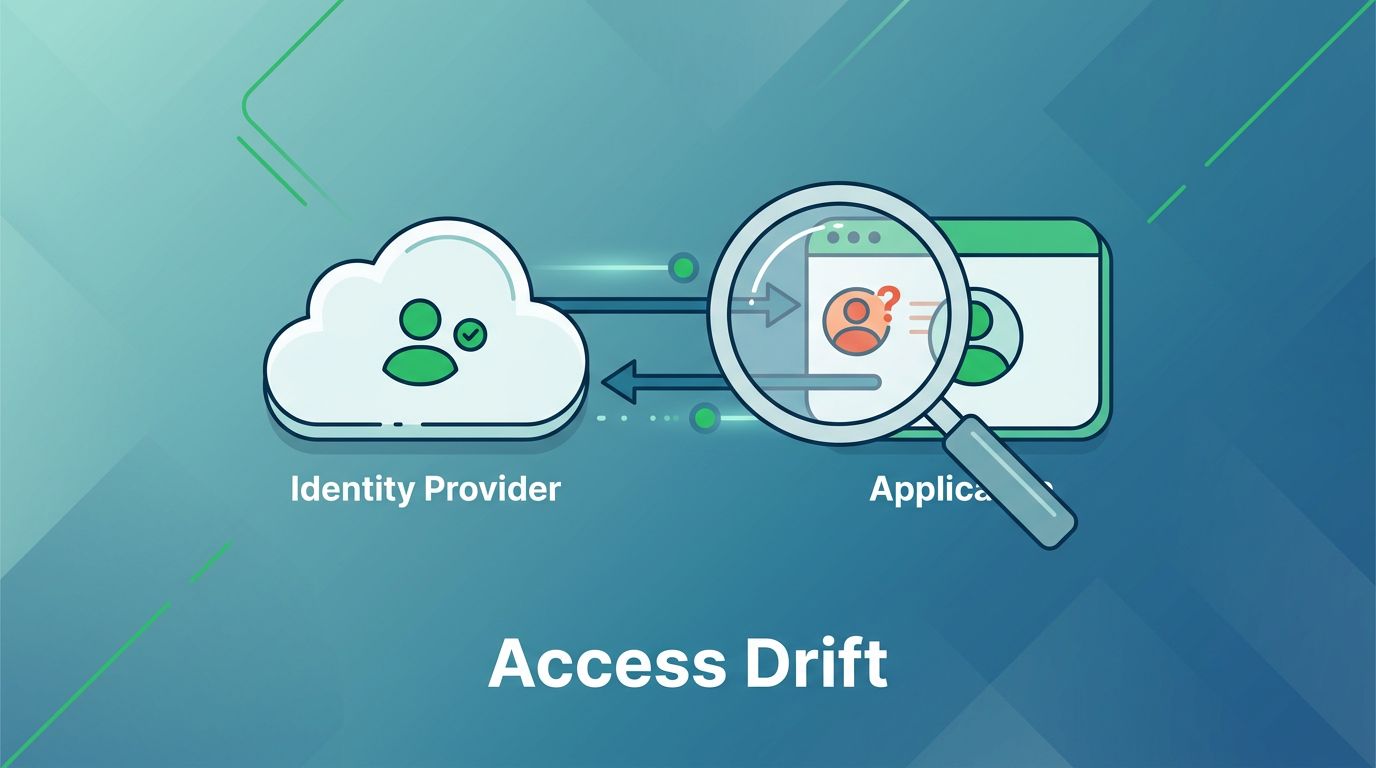
You set up SCIM provisioning to automate user access across apps. But over time, small mismatches creep in. Users keep permissions they no longer need. That’s access drift, and it opens security gaps.
These issues often stem from failed updates or deprovisioning. Your identity provider sends signals, but the app ignores them. Result? Orphaned accounts with excess rights. You can fix this with targeted tests.
This guide walks you through validation steps. Start with basics, then check groups and drift detection. Follow along to secure your flows.
Spot Common Causes of Access Drift
Access drift builds when SCIM signals fail to sync changes. A user leaves a group in your IdP, but the app holds onto old entitlements. Or updates skip because of mapping errors.
IdPs like Okta or Microsoft Entra ID push lifecycle events: create, update, deactivate. Apps must process them right. Failures happen from bad attributes, rate limits, or schema mismatches.
Check audit logs first. Look for 400 errors on invalid data or 429s from throttling. Tools like Microsoft’s SCIM validator test endpoints before production.
Real-world mode: Partial syncs. An update hits, but groups lag. Users get base access without roles. Always apply least privilege. Default to no entitlements until confirmed.
Test in staging. Send synthetic events for edge cases, like concurrent changes. This catches drift before it hits live users.
Test Provisioning from Your Identity Provider
Start validation at the source. Your IdP handles outbound SCIM calls. Trigger a user create and watch the flow.
Assign a test user to your IdP. Push the provisioning event. Check the app received it via its logs. Confirm the user appears with correct basics: email, name, active status.
Next, update the user. Change department or title. Verify the app pulls the delta. No full resync needed; SCIM PATCHes save bandwidth.
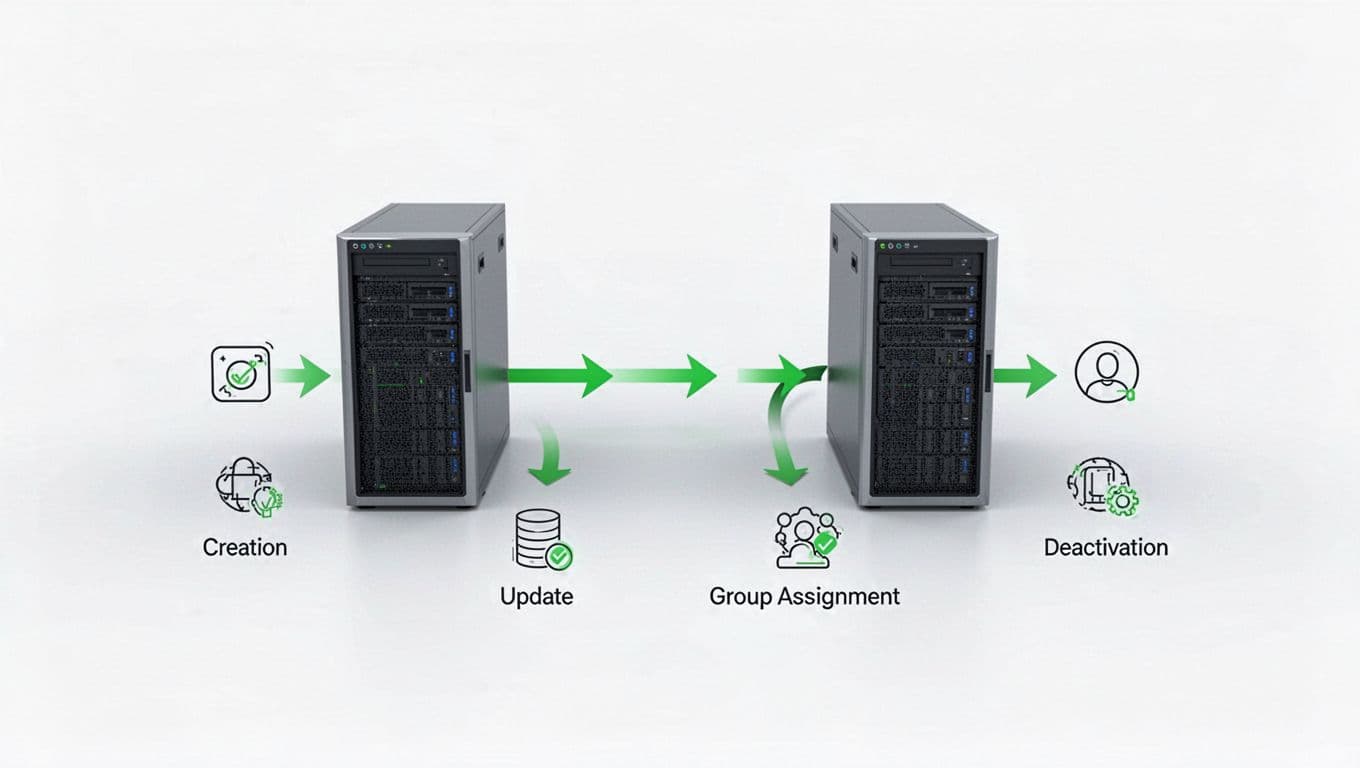
Deprovisioning is critical. Disable the user in IdP. The app should set inactive or delete. Poll the app after 5 minutes. If access lingers, check retry logic.
Troubleshoot failures. IdP logs show HTTP responses. A 409 conflict means duplicate externalId. Fix mappings there.
Use IdP previews. Okta offers simulation mode. Run full cycles without live impact. This confirms signals before enabling auto-provision.
Confirm Deprovisioning Works Every Time
Deprovisioning breaks most often. Users offboard, but apps keep them active. That’s prime drift territory.
Test suspend first. IdP sends active=false. App must revoke sessions and entitlements. Log in as the test user post-event. Access denied? Good.
Then delete. IdP pushes DELETE /Users/{id}. App confirms 204 No Content, then purges data. Check app admin panel; user gone.
Failure modes include ignored deletes. Apps without delete support return 405; IdP queues retries. Monitor queue depth.
For groups, remove from IdP group. App strips roles. Test login; reduced privileges only.
Always validate downstream. Query app APIs for user state. Match against IdP records.
Validate Group and Role Mappings
Groups drive entitlements. Wrong mappings grant excess access.
Map IdP groups to app roles. Test user joins IdP group “admins”. App assigns matching role.
Push the change. Confirm via app audit logs. User gets admin rights immediately.
Common pitfall: Nested groups. IdP expands them; app must too. Or partial syncs leave stale memberships.
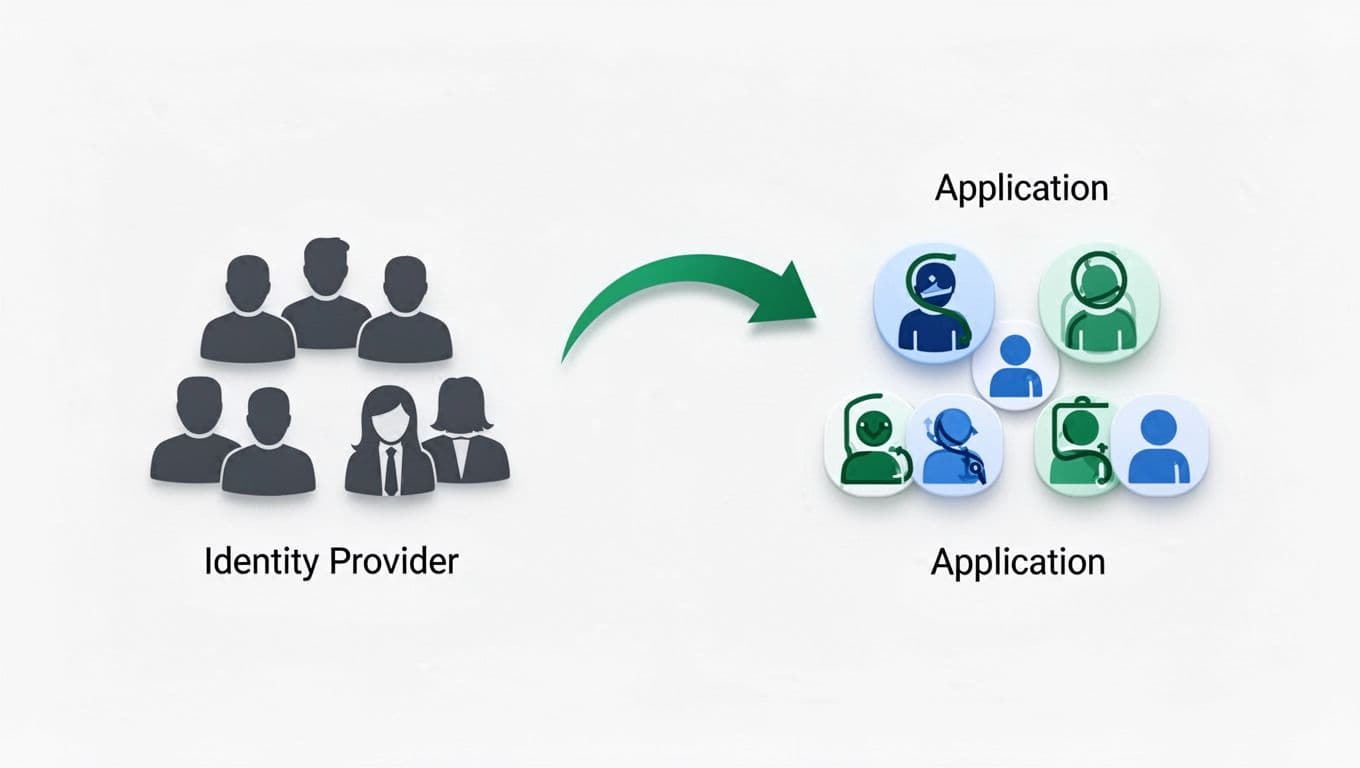
Test removals. Eject from group. Roles revoke fast. No lingering access.
Use filters in SCIM queries. IdP pulls /Groups?filter=… Verify population matches.
For custom schemas, extend user resource. Map entitlements array. Test adds/removes.
Hoop’s QA guide stresses concurrent tests. Run parallel updates; check consistency.
Check the Downstream App Side
Apps receive SCIM; validate they act.
Expose SCIM endpoints securely. Use OAuth bearer tokens. Test with curl: POST /Users.
Handle payloads right. Required: userName, active. Optional: groups, entitlements.
Errors must respond per RFC 7644. 400 for bad data; include details.
Idempotency matters. Repeated creates use externalId; return existing user.
Test scale. Flood with 100 PATCHes. No data loss.
Audit every event. Log incoming JSON, response, downstream changes. Query for drift: users active in app but not IdP.
AppMaster’s testing tips recommend least-privilege defaults. No groups? Zero access.
Monitor for Access Drift Over Time
Validation ends at go-live. Monitoring catches ongoing drift.
Set alerts on sync lags. User count mismatch >5%? Investigate.
Query both sides daily. Script compares active users, groups.
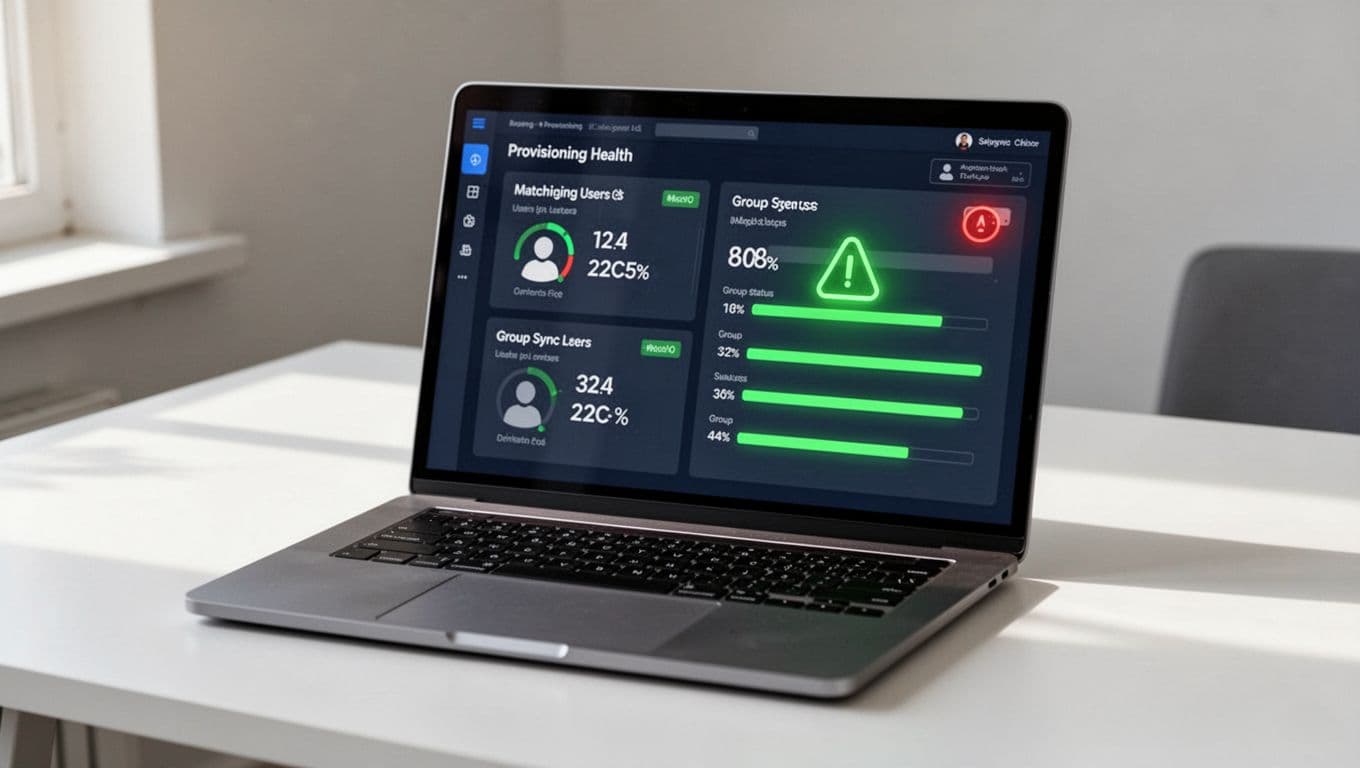
Review entitlements quarterly. Managers attest access needs.
Tools track reconciliation. IdP reports failed events; aggregate by app.
Drift signs: Login spikes from ghosts. Or 403s on legit users.
Automate reports. SLOs: 99% provisioning <5min.
If issues persist, check this Zero Trust runbook for recovery.
For complex setups, book a discovery call with Bud Consulting. They vet IAM talent and advise on drift fixes.
Key Takeaways
Strong SCIM validation stops access drift cold. Test full lifecycles, mappings, and deprovisioning upfront. Monitor daily to catch slips.
You now have steps to secure flows. Apply least privilege always. Your users stay safe, compliant.
Access drift shrinks risks. Start testing today.




