
table of contents
Auditors rarely fail a team because one service account exists. They fail teams because nobody can explain why it exists, who owns it, or how it stays under control.
That gap shows up in SOX, SOC 2, ISO 27001, PCI DSS, and HIPAA reviews. The fix is a service account access review that starts before fieldwork, not during it.
The work is practical. If you can inventory the account, prove its purpose, and show clean evidence, you’ll be in a much stronger position when questions start.
Start with a complete service account inventory
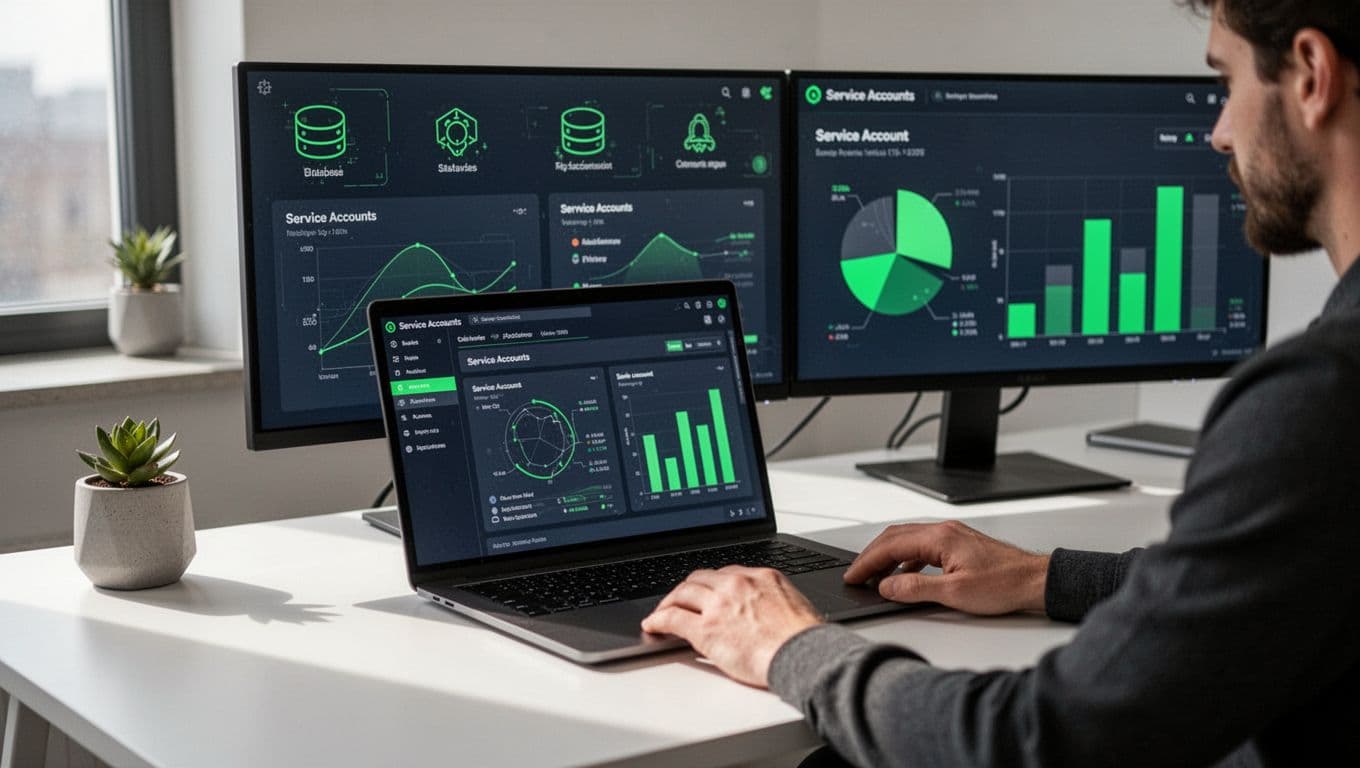
Service accounts hide in more places than most teams expect, including batch jobs, API integrations, cloud roles, CI/CD pipelines, RPA scripts, schedulers, and database jobs. Pull them from IAM, PAM, cloud consoles, application configs, and ticket history, then reconcile the lists.
The goal is one register, not five partial exports. For each account, capture the name, system, environment, owner, business purpose, privilege level, authentication method, last-used date, and review date. If one account supports several systems, list every dependency.
For ISO 27001 context, the ISO 27001 user access review guide is a useful reference for mapping recurring reviews to access rights controls.
Audit teams do not trust partial lists. They trust inventories that match real systems.
Verify ownership and business purpose
Every account needs a named owner, not just a team label. The owner should be able to answer three things: why the account exists, what process it supports, and when it should be removed. If no one can answer, the account is either orphaned or overdue for retirement.
Compare the stated purpose to current operations. A payroll feed that moved platforms, a vendor integration that was retired, or a test account left in production all need action. If the purpose still exists, document the process owner and approver. If it does not, start removal.
If you need SOC 2 context for evidence and scope, the Why access reviews matter for SOC 2 article gives a helpful view of what reviewers expect to see.
If nobody owns the account, nobody owns the risk.
Review privileges and authentication methods
Now compare what each account can do against what it should do. Look for admin rights, database write access, cloud role sprawl, broad network permissions, and old entitlements that no one uses anymore. Least-privilege is the standard here, and zero-trust thinking means no account gets a pass because it has always been trusted.
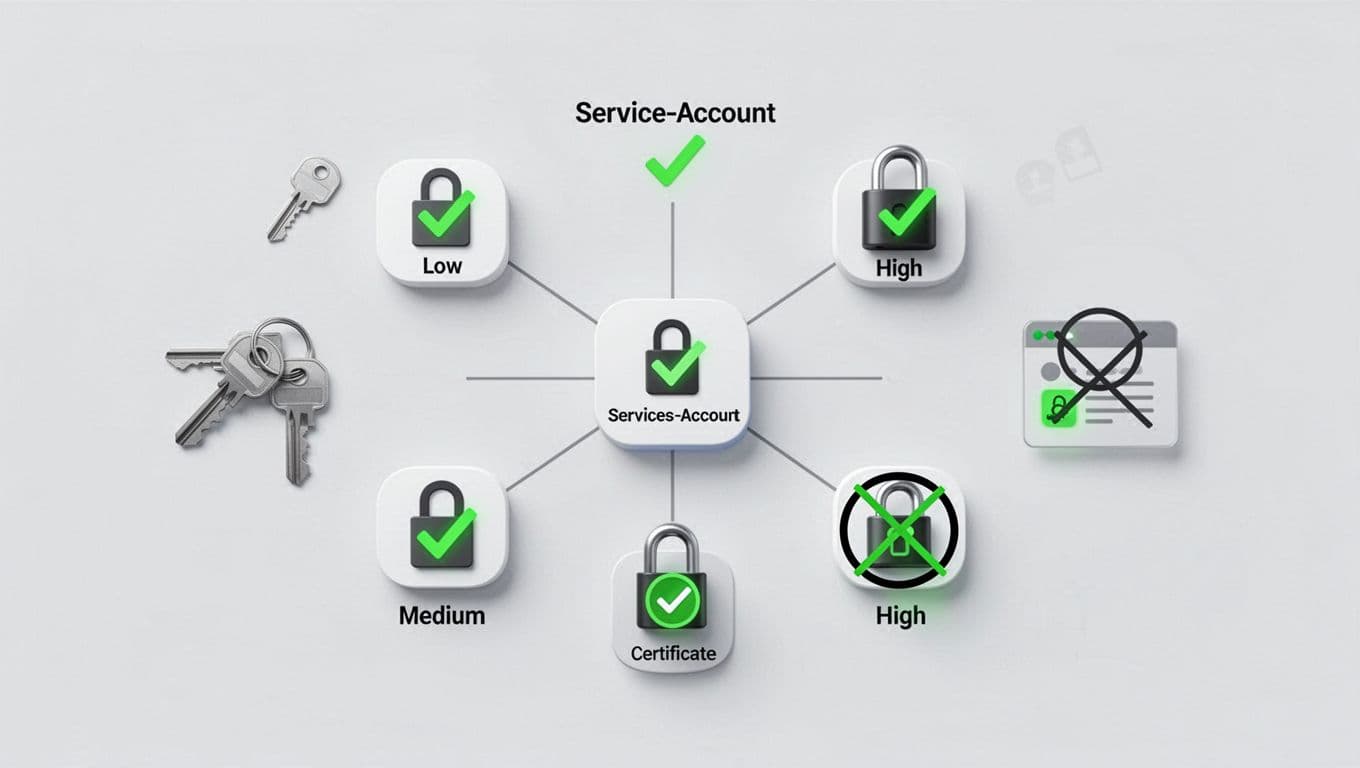
Then check how the account authenticates. Strong controls usually mean a unique secret, certificate, managed identity, or workload token with a short lifetime. Weak controls include shared passwords, hard-coded keys, long-lived API keys, and secrets stored in plain text. If the platform supports MFA or certificate-based auth, make sure it is turned on.
If an account can reach finance data or payment systems, treat it like a privileged human account. That mindset fits SOX, PCI DSS, and HIPAA reviews well.
For a broader control-by-control view across ISO 27001 and SOC 2, User Access Reviews – A Practical Step-by-Step Guide for ISO 27001 and SOC 2 is a useful cross-check.
Find dormant and orphaned accounts before they do
Orphaned accounts usually come from staff changes, app retirements, or failed decommissioning. Dormant accounts are easier to miss because they still exist and still look valid. Review last login, last job run, token use, and secret age. Some service accounts never log in interactively, so check application logs or scheduler records too.
Watch for service accounts that cannot be traced to a current owner. Those are the ones auditors flag fast. Also check for duplicate accounts that support the same function. Consolidation lowers review effort and cuts the chance of a stale exception.
Manual spreadsheets can catch small sets, but they lose pace as the account list grows. By 2026, many teams automate the first pass and reserve manual review for exceptions and high-risk accounts.
Document compensating controls and evidence
Some accounts cannot meet the ideal standard. A legacy ERP may require a shared technical account. A vendor may not support certificate auth. In those cases, document the compensating control and the risk acceptance.
Good evidence includes the inventory, owner sign-off, review date, privilege changes, secret rotation history, and removal tickets. Keep timestamps clear. Auditors want to follow the story without chasing people for context.
When a control needs an exception, write down the reason, the risk, the control that reduces that risk, and the date for re-review. That record is often what keeps a finding from turning into a repeat finding.
A pre-audit checklist that keeps reviews tight
Before fieldwork, run one last pass. This is the fastest way to catch gaps while there is still time to fix them.

Use this short checklist to test each service account in scope.
| Check | What to confirm | Evidence to save |
|---|---|---|
| Inventory complete | Every account is listed once, including cloud, app, and database accounts | Export, reconciliation notes |
| Ownership verified | A named owner and backup owner exist | Ticket, approval, org chart |
| Business purpose valid | The account still supports a live process | Process note, change record |
| Privileges fit least-privilege | Rights match the job, no broad admin access without reason | Role diff, exception note |
| Authentication is current | Unique secret, certificate, or managed identity is in use | Config screenshot, policy |
| Dormant accounts removed | Old or unused accounts are disabled or deleted | Disable ticket, closure note |
| Secrets rotated | Keys and passwords meet policy | Rotation log, vault record |
| Compensating controls documented | Exceptions have risk sign-off and review date | Exception memo, approval |
If a row lacks evidence, fix it before auditors ask. That is much easier than rebuilding the trail later.
Keep governance running after the audit
A one-time review is not enough. Put service accounts on the same cadence as user access reviews, with tighter timing for privileged accounts and critical systems. Quarterly works well for higher-risk environments, while lower-risk cases should follow your policy and framework requirements.
Track three things over time: new accounts, changed privileges, and expiring secrets. Pair identity review with change management so every new integration gets an owner on day one. When a team retires an app, the service account should leave with it.
If you need help pressure-testing the process before the audit window opens, Book a Discovery Call with Bud Consulting.
Conclusion
Auditors are not looking for perfection. They are looking for clear ownership, real controls, and proof that the controls work. A strong service account access review catches the gaps while you still have time to fix them.
Start with the inventory, then confirm purpose, privileges, authentication, and secret rotation. When a control cannot be ideal, document the compensating control and keep the evidence tidy. That habit does more for audit readiness than last-minute cleanup ever will.




