
table of contents
VPNs still sit on the front line of remote access, so weak paths get noticed fast. Attackers rarely need to break encryption first. They look for exposed portals, old protocols, weak MFA coverage, and stale trust rules.
A solid VPN access audit helps you see those gaps before they become incident reports. It also gives SOC, network, and IAM teams one shared view of who can connect, how they connect, and what they can reach.
Map Every VPN Entry Point and Trust Path
Start with the full picture, not just the main concentrator. Many audits fail because they miss vendor portals, cloud-connected gateways, IKEv2 or IPsec endpoints, remote desktop jump paths, and legacy appliances that still answer on the internet.
That matters more in April 2026 than it did a year ago. Windows IKEv2 fixes, including CVE-2026-33824, and Cisco VPN issues are part of the current patch cycle, so exposed remote access services deserve close review.
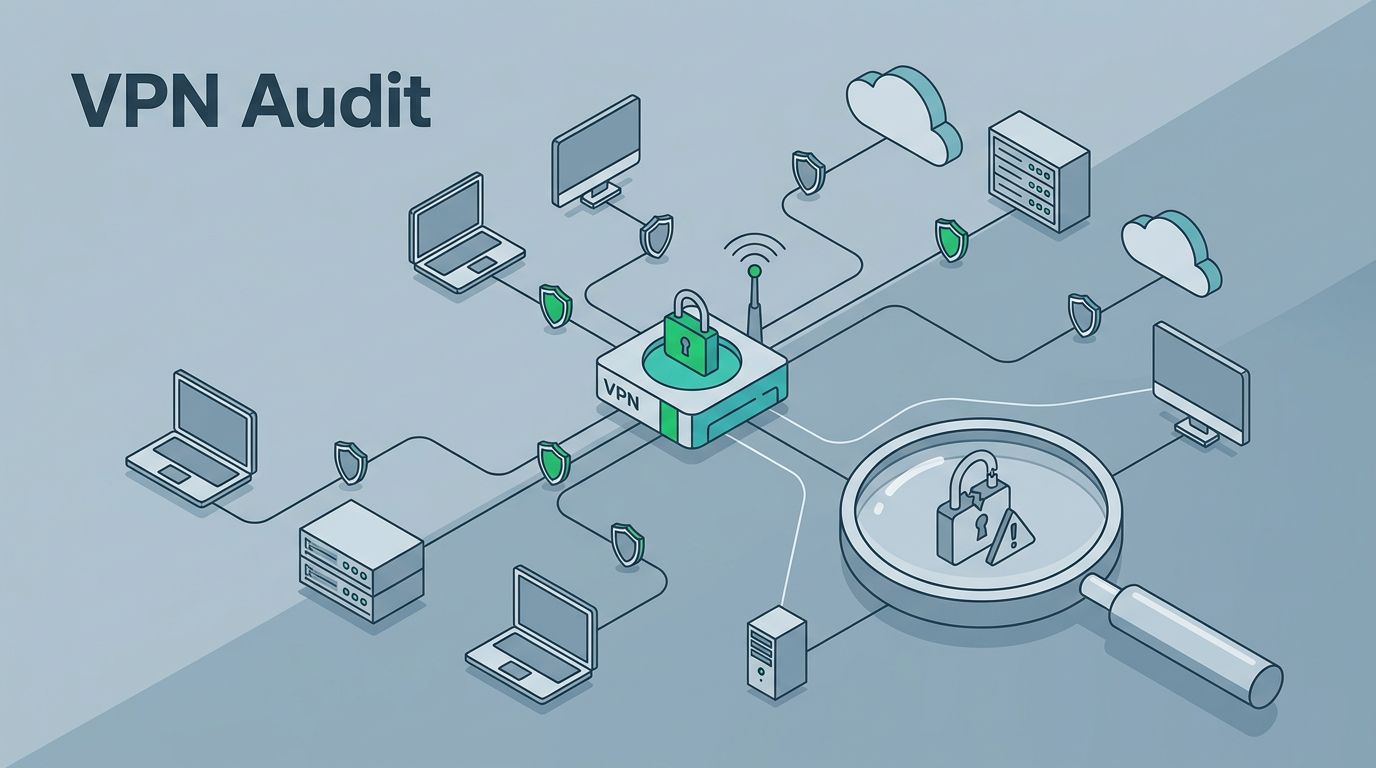
Use your asset inventory, external exposure scans, and firewall rules to build a simple map:
- Internet-facing VPN portals and listener ports
- User and contractor groups tied to each portal
- Vendor tunnels and partner exceptions
- Internal subnets reachable after login
- Admin interfaces that share the same path
Cross-check that map with what your team believes is in scope. If the diagram and the reality don’t match, the audit should stop there and fix the inventory first.
For a useful logging baseline, VPN connection audit guidance gives a practical view of what should be visible in remote access records.

If you cannot draw the access path in one pass, an attacker can usually find the same blind spot faster.
Review Configurations That Create Weak Access Paths
Once the paths are mapped, inspect the configuration that makes them safe or unsafe. This is where many environments drift. A clean design from two years ago can now hide weak MFA, broad group membership, or old protocol support.
Focus on the controls that change risk the most:
- MFA coverage: Confirm it applies to every user, every app, and every vendor account. Break-glass accounts should be tightly controlled and reviewed often.
- Legacy protocols: Remove PPTP and other outdated methods. If IKEv2 or IPsec is in use, confirm patch status and watch the current exposure closely.
- Split tunneling: Review who needs it. Broad split tunneling increases exposure if endpoints are unmanaged.
- Certificates and secrets: Check lifetime, rotation, and revocation. Dormant certs and forgotten service accounts create quiet backdoors.
- Trust relationships: Review domain trust, group mapping, and any path that lets a VPN user reach more than they should.
- Vendor access: Limit partner accounts to named users, time windows, and narrow destinations.
A good review also compares current settings with the last approved baseline. That includes encryption changes, group edits, route updates, and admin role changes. VPN compliance checklist for UK businesses is a useful reference when you need a plain-language view of evidence and control checks.
The goal is simple, shrink the number of decisions a remote user can make after login.

Validate Access Without Breaking Anything
Safe validation matters. You want proof, not disruption. Use approved test accounts, change windows, and clear scoping so you can verify the path without creating noise.
A practical validation pass should answer these questions:
- Can a disabled or departed user still connect?
- Does MFA trigger on every path, including vendor logins?
- Can a stale account still reach internal subnets?
- Do allowed users get only the routes they need?
- Are there exposed portals that do not appear in the inventory?
- Do legacy endpoints still accept weak auth or older client versions?
Keep the testing method simple. Use authorized external checks, configuration review, identity logs, and sample logins. Avoid brute-force attempts or intrusive probing. The point is to verify controls, not to stress the service.
You should also validate trust boundaries. If one vendor account can reach file servers, admin tools, and production systems, the path is too wide. If a remote user can pivot into more networks than their role requires, the audit should mark that as a high-priority fix.
Make Remote Access Logs Worth Reading
Logs are only useful when they answer real questions. For VPN access, those questions are about identity, source, timing, and change. Poor visibility here lets weak paths stay hidden for months.
At minimum, log and review:
- Successful and failed authentications
- MFA method used, plus failures and skips
- Source IP, geo, and device context
- Session start, end, and unexpected drop events
- Assigned internal IP and routed subnets
- Admin changes to policy, groups, routes, and encryption settings
- Vendor sessions and approval records
Then connect those events to alerting. Look for repeated MFA prompts, logins from dormant accounts, access outside business hours, and first-time sign-ins from new countries or unusual ASNs. Also watch for changes that widen trust, such as new split-tunnel rules or fresh exceptions for a vendor group.
If your logs do not tell you who connected, from where, and what changed, the audit is incomplete. The right data turns VPN review from a static checklist into an early warning system.
Final VPN Access Audit Checklist
Use this as a quick closeout pass before you sign off:
- Confirm every VPN portal, listener, and vendor path is inventoried.
- Verify MFA is enforced for all users, admins, and third parties.
- Remove legacy protocols and obsolete client support.
- Review dormant accounts, disabled users, and stale certificates.
- Check trust relationships and route access against least privilege.
- Validate vendor access windows, approvals, and subnet limits.
- Compare current configs to the last approved baseline.
- Review remote access logs for failures, anomalies, and config changes.
- Confirm alerts exist for suspicious logins and privilege expansion.
- Document the highest-risk paths first, then assign owners and dates.
If the audit finds broad vendor access, weak MFA coverage, or gaps in log review, treat those as urgent. They are the same weak points attackers look for first.
Conclusion
A strong VPN access audit is less about proving the tunnel works and more about proving the path is tight. When you map exposure, review configuration drift, validate access safely, and make the logs useful, you cut off the easy routes in front of an attacker.
That is the real goal, know which paths exist, which ones should not, and which ones need fixing now. If your review exposes gaps that need deeper identity or remote-access cleanup, Book a Discovery Call with Bud Consulting.




