table of contents
Contractors need access to your systems. But in 2026, breaches through remote tools hit hard. Akira ransomware groups exploited RMM software this year, stealing data from companies like Match Group.
You face real risks. Eighty-one percent of leaders report remote access incidents in the last two years. Yet only professional setups with layered controls see zero breaches.
These playbooks give you steps to lock it down. Start with identity checks and build from there.
Assess Risks Before Granting Contractor Remote Access
Contractors bring fresh skills. They also expand your attack surface. Hackers target their logins because companies often skip checks.
First, map what access they need. List apps, servers, and data. A developer contractor might touch code repos but not HR files.
Next, review past incidents. In 2026, unpatched RMM tools let attackers run commands as contractors did. Use that data to spot gaps.
Create a risk checklist:
- Does the contractor use unmanaged devices?
- Have you vetted their past employers for breaches?
- Can you revoke access in minutes?
Document it all. This baseline guides your playbook.
Policies matter here. Ban VPNs for contractors. They expose too much network. Switch to app-specific gateways.
For context on third-party risks, check Zscaler’s guide to zero trust for contractors. It shows how to limit privileges per task.
Assign owners. Let security review requests before IT approves. This stops rushed grants.
Test your setup. Run red team exercises where a fake contractor tries entry. Fix weak spots fast.
By now, you see the stakes. Next, onboard them right.
Onboard Contractors with Strong Identity Checks
New contractors start with basics. But identity-based attacks rose in 2026. Verify who they are from day one.
Require proof documents. Scan IDs, run background checks. Use services that flag watchlists.
Set up accounts in your IAM system. Assign temporary credentials only. No permanent logins.
Demand phishing-resistant MFA. Skip SMS. Use FIDO2 keys or authenticator apps. Microsoft’s playbook details phishing-resistant MFA steps, including time-bound passes for onboarding.
Check devices too. Scan for malware, enforce updates, confirm encryption. Block if it fails.
Here’s a quick onboarding checklist:
- Verify identity with video call.
- Issue managed credentials.
- Test MFA on first login.
- Log the session start.

This image shows an admin confirming details. It keeps the process visual and simple.
Train them. Send a one-page guide on your rules. Quiz them before access.
Offboard plans start here. Note contract end dates in your system. Automate alerts 30 days out.
Solid onboarding cuts risks by half. Now handle their daily needs.
Implement Just-in-Time Access for Temporary Needs
Contractors rarely need always-on access. Give it just when required. This is just-in-time, or JIT, access.
Build a request portal. Contractors submit tickets with task details. Approvers check in real time.
Set time limits. Four hours max for routine work. Auto-expire after.
Use PAM tools for elevated rights. They create short-lived sessions. No standing privileges.
For example, a sysadmin contractor needs server tweaks. Approve JIT for that window. Revoke at end.
Twingate explains why ZTNA fits third-party JIT. It grants app-level access without network exposure.
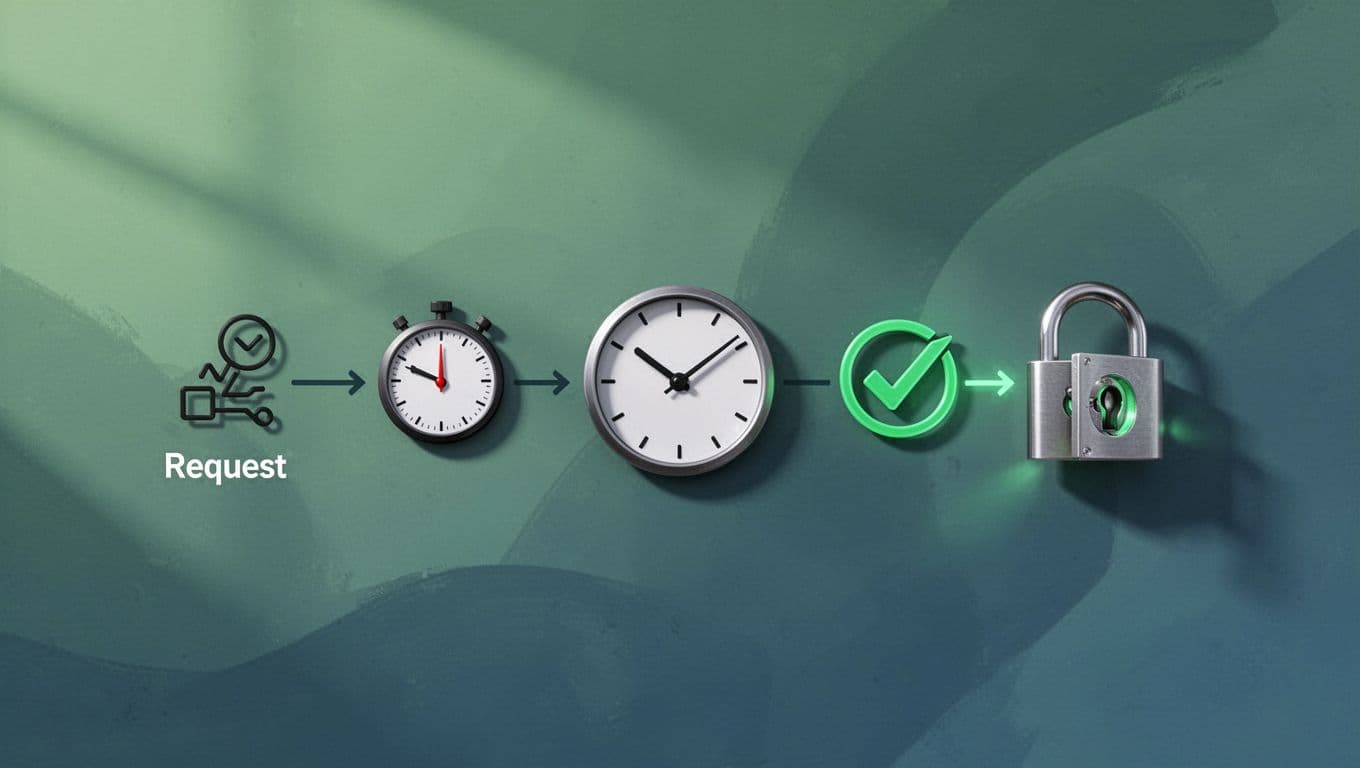
The diagram above outlines the flow. Requests go in, timers tick, locks open briefly.
Audit approvals. Log who, what, why. Review weekly for patterns.
Exceptions happen. Define them in policy. Need two approvers for over 24 hours.
This method stops lingering access. It fits zero trust perfectly.
Enforce Phishing-Resistant MFA and Device Trust
MFA blocks most attacks. But phishable types fail against 2026 threats. Go resistant.
Prioritize hardware keys, Windows Hello, or passkeys. They tie to devices, resist man-in-the-middle.
Policies first. Mandate it for all contractor remote access. No exceptions.
Device trust adds layers. Check posture on every login. OS version? Antivirus? Jailbreak status?
If low trust, deny or step-up auth. Beyond Identity covers secure contractor access basics.
Build a table for common checks:
| Check Type | Pass Criteria | Fail Action |
|---|---|---|
| OS Updates | Latest patches applied | Quarantine |
| Encryption | Full disk enabled | Block access |
| Endpoint Agent | Active and reporting | Require install |
This setup caught 65% more threats in recent stats.
Test logins. Simulate phishing. Retrain failures.
Combine with JIT. Strong auth gates temporary grants.
Your contractors stay safe. Monitoring comes next.
Adopt Zero Trust Network Access Over Traditional VPNs
VPNs give broad entry. Contractors roam your whole net. Bad idea in 2026.
ZTNA verifies per session. Users hit apps direct, no lateral moves.
Roll it out. Pick a vendor-agnostic platform. Broker connections via cloud.
Policies control it. Identity first, then device, location, behavior.
For contractors, segment tight. Devs get Git only. Auditors see reports.
Zentera’s page on VPN-free contractor access highlights role-based isolation.
Start small. Pilot with one team. Measure breach attempts before and after.
Expect pushback. Contractors hate agents. Go agentless where possible.
Benefits stack up. No network maps needed. Scales to enterprises.
Layer PAM on top. JIT plus ZTNA equals tight control.
Monitor Access and Conduct Regular Reviews
Access granted is not forgotten. Watch it live.
Dashboards show sessions. Flag anomalies like odd hours or data spikes.
Record everything. Video replays for audits.
Reviews quarterly. Check active accounts against contracts. Revoke extras.
Use automation. Scripts flag stale JIT grants.
Here’s how:
- Daily log scans.
- Weekly manager sign-off.
- Quarterly full audit.

This dashboard view spots issues fast. Green means healthy.
Involve contractors. Share their access report monthly. Builds trust.
Tie to compliance. NIST or SOC2 audits love this.
Breaches drop when you review often. Offboarding seals it.
Handle Offboarding and Quick Revocations
Contracts end. Access must too. Automate where you can.
Calendar triggers. System revokes on end date.
Suspicion arises? Revoke now. One-click from mobile.
Steps for emergencies:
- Verify incident.
- Suspend account.
- Kill sessions.
- Change related keys.
Pomerium details scoped access revocation. Time-based rules help.
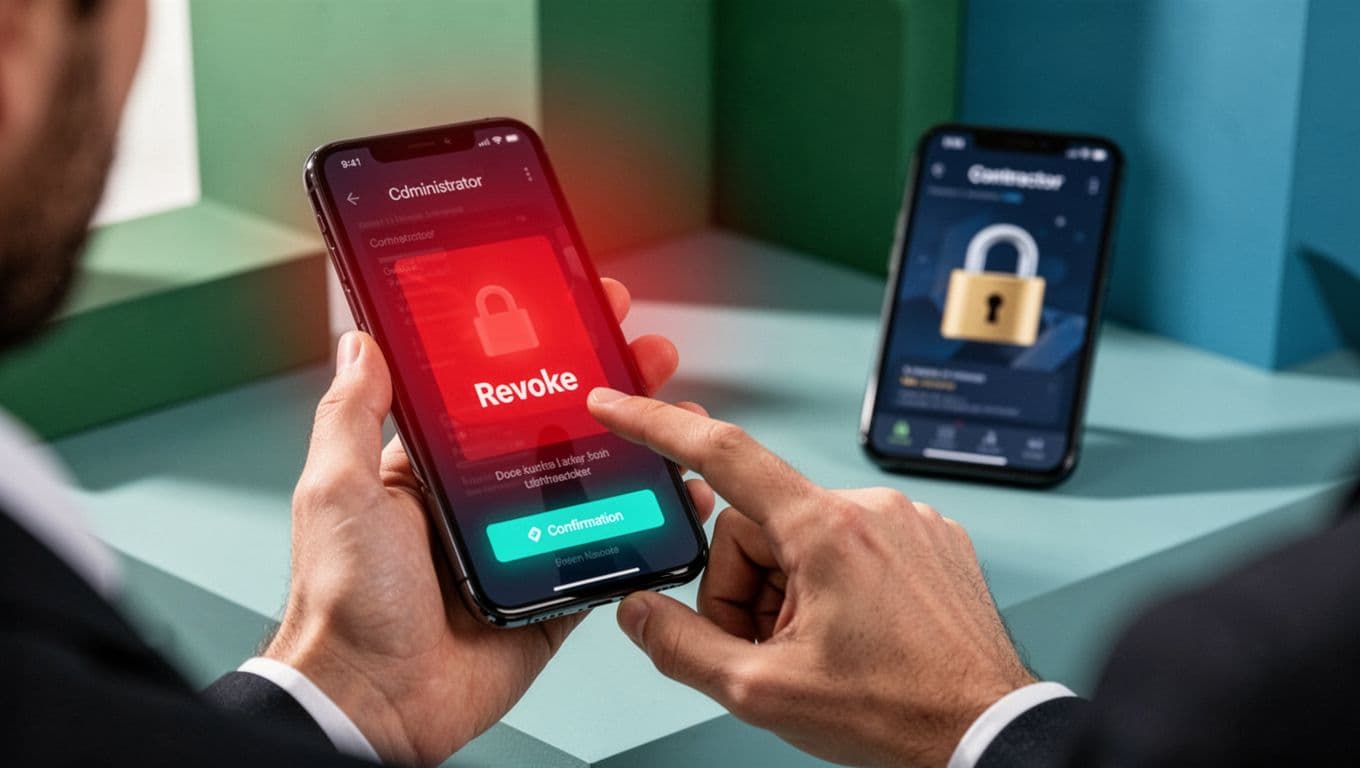
The scene captures quick action. Alerts fade as locks engage.
Post-revoke, scan for damage. Alert teams.
Document lessons. Update playbooks.
Full lifecycle covered.
Build Overarching Policies and Checklists
Policies tie playbooks together. Write clear ones.
Cover onboarding to offboard. Define roles: who approves what.
Checklists for audits. Share with teams.
Train yearly. Quiz on changes.
For talent gaps in IAM or PAM, book a discovery call with Bud Consulting. They vet specialists.
Test yearly. Tabletop exercises simulate breaches.
Stay current. Follow CISA zero trust roadmaps.
This framework scales.
Key Takeaways for Contractor Remote Access
You now have playbooks from risk assessment to revocation. Layered controls like JIT, ZTNA, and phishing-resistant MFA stop most threats.
Breaches like Match Group’s remind us: trust no one fully. Verify always.
Implement one section weekly. Track incidents. They will fall.
Your systems stay secure. Contractors deliver value safely.