table of contents
Picture this: your email alerts you to unusual login attempts from halfway around the world. Employees can’t access files. Customers call in confused. Chaos hits fast for small businesses without a plan.
You run a tight ship with limited staff and budget. A cyber incident can shut you down in hours. That’s why an incident response checklist saves the day. It gives clear steps so you act fast and smart.
This guide walks you through checklists tailored for your team. You’ll learn phases, build your own, and see a ready-to-adapt sample. Let’s get your business ready.
Why Small Businesses Need Incident Response Checklists
Small teams face big risks. Hackers target you because defenses seem easy. In 2026, attacks rose 20% on businesses under 50 employees, per recent reports.
Without a checklist, panic sets in. You waste time guessing next moves. Costs skyrocket from downtime and fixes. A solid plan cuts response time by half.
Checklists assign roles. Your bookkeeper knows who calls the bank. Your IT person isolates systems first. Everyone stays calm.
They also meet legal needs. Laws require quick breach notices. Tailor yours to your industry, like HIPAA for health shops or PCI for retailers.
Best practices stress planning ahead. For example, Valydex’s small business cybersecurity checklist highlights roles and quarterly tests. It matches what small ops need.
Backups and multi-factor authentication pair well. Test them often. Your checklist reminds the team.
In short, checklists turn fear into control. You protect revenue and reputation.
Core Phases in Every Incident Response Plan
Incidents follow predictable stages. Follow them in order to limit damage. NIST outlines preparation, identification, containment, eradication, recovery, and lessons learned.
Start with preparation. Define your team. List contacts. Document key assets like customer databases.
Identification spots trouble. Watch for slow networks or odd emails. Use tools like antivirus alerts.
Containment stops spread. Disconnect devices. Change passwords. Act in the first hour.
Eradication removes threats. Scan for malware. Patch holes.
Recovery brings systems back. Restore from backups. Test before full go-live.
Lessons learned reviews what happened. Update your plan.
Here’s a quick phase overview:
| Phase | Goal | Key Action Example |
|---|---|---|
| Preparation | Build readiness | Assign roles, test backups |
| Identification | Detect issue | Review logs, classify severity |
| Containment | Limit damage | Isolate affected machines |
| Eradication | Eliminate threat | Run full scans, delete malware |
| Recovery | Restore operations | Verify data, monitor closely |
| Lessons | Improve future response | Document fixes, retrain staff |
This table simplifies flow. Use it as a starting point. DigitalOcean’s security incident response guide adds SMB tips like quick isolation.
Practice these phases. Speed matters most.
Building Your Own Incident Response Checklist
Start simple. Gather your team for 30 minutes. List what matters to your business.
First, identify roles. Pick an incident lead, often the owner or IT manager. Add backups like a trusted advisor.
Next, map assets. Note servers, cloud apps, email. Prioritize customer data.
Include contacts. Internal numbers. External like police, lawyers, insurers.
Outline steps per phase. Add decision points: Is it ransomware? Call experts.
Make it visual. Print copies. Store offline.
Tailor to you. A retail shop adds payment gateway checks. A clinic lists patient notify rules.
Test quarterly. Run drills. Time your response.

Your team reviews a draft checklist here. Collaboration builds confidence.
Craig Peterson’s SMB cyber checklist suggests verifying IT provider capabilities first. Smart if you outsource.
Keep it to one page. Update yearly or after changes.
Sample Incident Response Checklist for Small Businesses
Here’s a ready sample. Copy, tweak, print. It covers basics for most ops.
Immediate Actions (First 15 Minutes):
- Confirm alert: Check multiple sources.
- Notify lead: Text or call incident owner.
- Triage: Low (scan), medium (contain), high (isolate all).
Containment (Next 45 Minutes):
- Disconnect affected devices from network.
- Change all admin passwords.
- Block suspicious IPs.
Investigation and Eradication:
- Preserve evidence: Screenshot logs.
- Run full scans with antivirus.
- Identify root cause.
Recovery:
- Restore from clean backups.
- Patch vulnerabilities.
- Test systems.
Communication and Closeout:
- Notify customers if required.
- File reports (FTC within 30 days if personal data hit).
- Review: What worked? Update checklist.

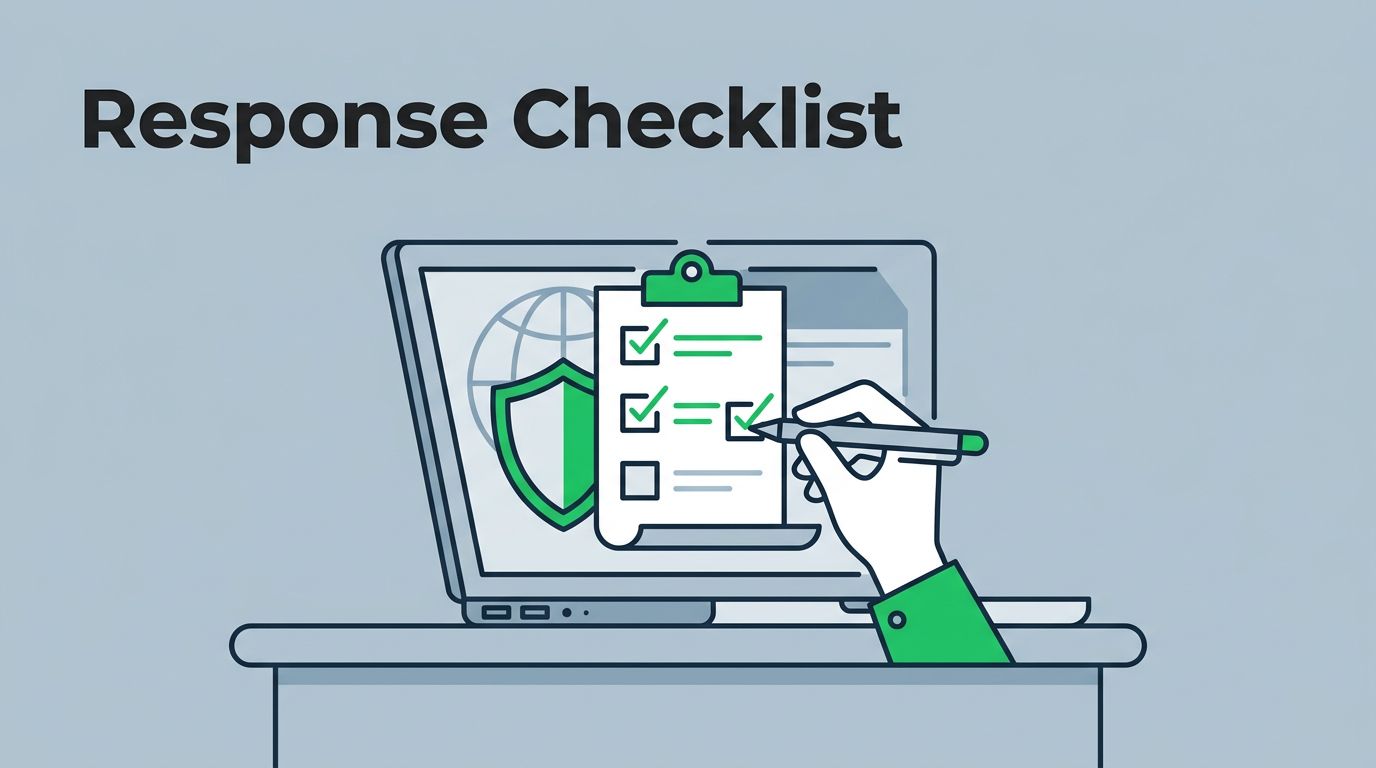
One manager checks off steps during an alert. Stay focused.
This draws from Defend ID’s post-breach playbook, which stresses offline backups and team activation. Add your insurer contact.
Print multiples. Train staff. It works.
Testing and Refining Your Incident Response Checklist
Plans fail without practice. Run tabletop exercises. Simulate a phishing hit.
Pick a scenario. Walk through steps. Note gaps.
Time it. Aim under two hours for full response.
Involve outsiders if possible. MSPs help.
After real events, debrief fast. Within a week.
Common fixes: Better backups. Clearer roles.
2026 best practices push annual drills plus MFA everywhere. Combine with monitoring tools.
Valydex’s incident response plan guide covers first-hour runbooks. Use that for detail.
Refine often. Your checklist evolves with threats.
Key Takeaways
Strong checklists prepare you for cyber hits. They guide quick actions through phases like containment and recovery.
Build yours with roles, steps, and tests. Use the sample as a base. Practice keeps it sharp.
Small businesses thrive with these tools. Protect what you’ve built.
Need expert input? Book a Discovery Call with Bud Consulting to strengthen your security team.